
The Ghost blog setup relies on their custom ghost-cli to install everything that’s needed. We’re going to use the Red Hat OpenShift Source-to-Image (S2I) build process to encapsulate everything needed for the install, and then package the whole deployment into an easily shared and reproduced OpenShift Template.
Video sped up for the sake of brevity. Full install process takes ~3 minutes to build and deploy the application.
Installing the Ghost Template
Using the ghost template from a community provided repository, we can have an easily reproducible Ghost blog via a one-click install. First install the template into your project
<span>oc create -f https://raw.githubusercontent.com/openshift-cs/ghost-example/master/ghost_template.yaml</span>
Now you can continue on the command line with oc new-app --template=ghost-template or you can deploy this through the web console
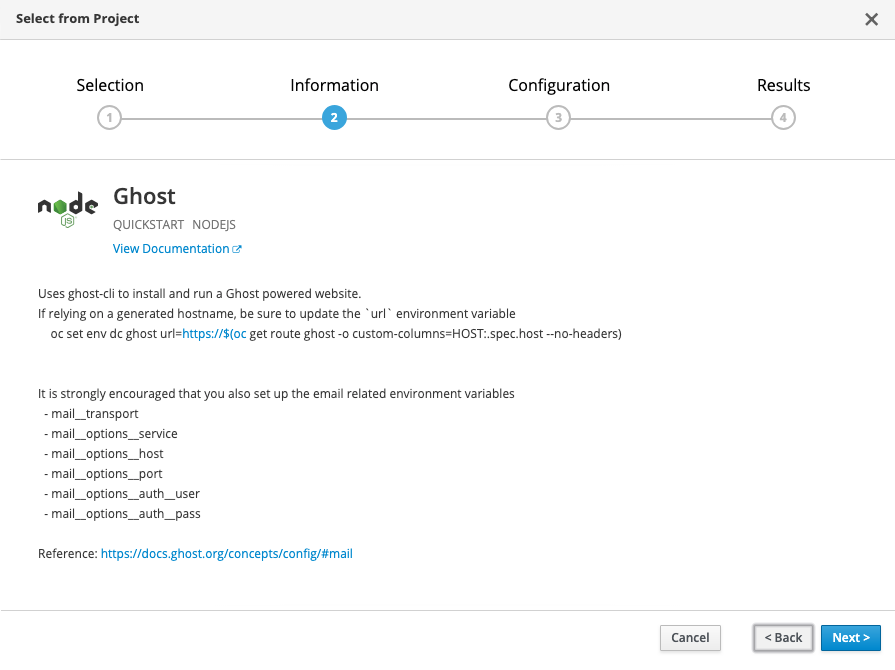
Configuring your Ghost Blog
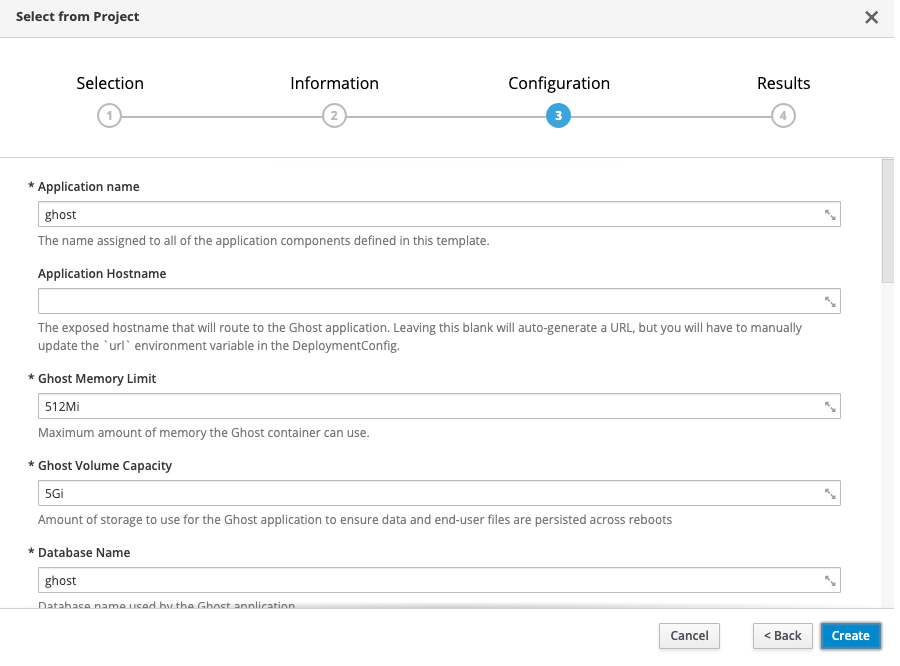
If you don’t want to change any settings, all of the defaults are set up for you to just hit create and go. Using the defaults, this will create the following:
- 1 persistent volume for your MySQL database (1Gi)
- 1 persistent volume for your Ghost blog content (5Gi)
- 1 secret for the MySQL database credentials
- A MySQL deployment
- A Ghost build (using the ghost-cli)
- A Ghost deployment
- A Ghost route
If using a platform like Red Hat OpenShift Online, a default route will be created for you, e.g., https://ghost-ghost-example.b9ad.pro-us-east-1.openshiftapps.com/. Be sure that you update your deployment with this URL by running
<span> </span><span>oc set env dc ghost url=https://$(oc get route ghost -o custom-columns=HOST:.spec.host --no-headers)</span>
If you’re not using a default route, simply provide your custom URL in the “Application Hostname” template parameter, and this will be filled in for you.
That’s it! The OpenShift S2I build system has some amazing capabilities in taking nothing more than a Git repository and deploying a full application. This is simply one use case of that.


