
A few months ago, my colleague Rich Lucente wrote a nice post about how to use Apache Guacamole on OpenShift to access Red Hat JBoss Developer Studio.
I really liked the approach, but, coming from a "sysadmin" background, I was interested to see how the basic functionality of Guacamole could provide a way to access remote machines only using a browser, quite handy during "night's watch".
Prepare OpenShift Container Platform
I won't cover OpenShift deployment, and will assume you use something like the following to quickly set up a testing cluster:
export IP=`ip a l  eth0 | grep 'inet ' | cut -d' ' -f6 | awk -F'/' '{ print $1}'`

oc cluster up --public-hostname $IP.xip.io --routing-suffix $IP.xip.io
Deploying Guacamole
The following commands are used to:
- Create a project holding Guacamole components.
- Allow access as root for the Guacamole containers. Note:This is bad, but at least limited to this specific project and allows you to use images provided by Guacamole folks.
- Provisions a MySQL instance to hold Guacamole data.
- Initialize MySQL.
- Launch a Guacamole pod and connect to the MySQL instance. Note:This pod actually "contains" two containers.
- Expose the Guacamole UI with a route.
oc new-project guacamole

oadm policy add-scc-to-user anyuid -z default -n guacamole

oc new-app mysql MYSQL_USER=guacamole MYSQL_PASSWORD=guacamole MYSQL_DATABASE=guacamole

oc volume dc/mysql --add --name=mysql-volume-1 -t pvc --claim-name=mysql-claim --claim-size=1G --overwrite

oc run guacamole --image=guacamole/guacamole --restart=Never --command -- /opt/guacamole/bin/initdb.sh --mysql

oc logs guacamole > initdb.sql

oc delete pod guacamole

export MYSQLPOD=`oc get pod -o jsonpath='{.items[*].metadata.name}' | grep mysql`

oc rsh $MYSQLPOD /opt/rh/rh-mysql57/root/bin/mysql -h 127.0.0.1 -P 3306 -u guacamole -pguacamole guacamole < initdb.sql

oc new-app guacamole/guacamole+guacamole/guacd --name=guacamole -e GUACAMOLE_HOME=/tmp -e GUACD_HOSTNAME=127.0.0.1 -e GUACD_PORT=4822 -e  MYSQL_HOSTNAME=mysql.guacamole.svc.cluster.local -e MYSQL_PORT=3306 -e MYSQL_DATABASE=guacamole -e MYSQL_USER=guacamole -e MYSQL_PASSWORD=guacamole

oc expose service guacamole --port=8080 --path=/guacamole
Check Guacamole Is Up
You can use the following to see if pods are properly running:
oc get pod

NAME                READY     STATUS    RESTARTS   AGE

guacamole-1-5wvw4   2/2       Running   4          5d

mysql-2-cld6t       1/1       Running   2          5d
To grab the route of the Guacamole UI:
oc get route guacamole -o jsonpath='{.spec.host}'
Use the App
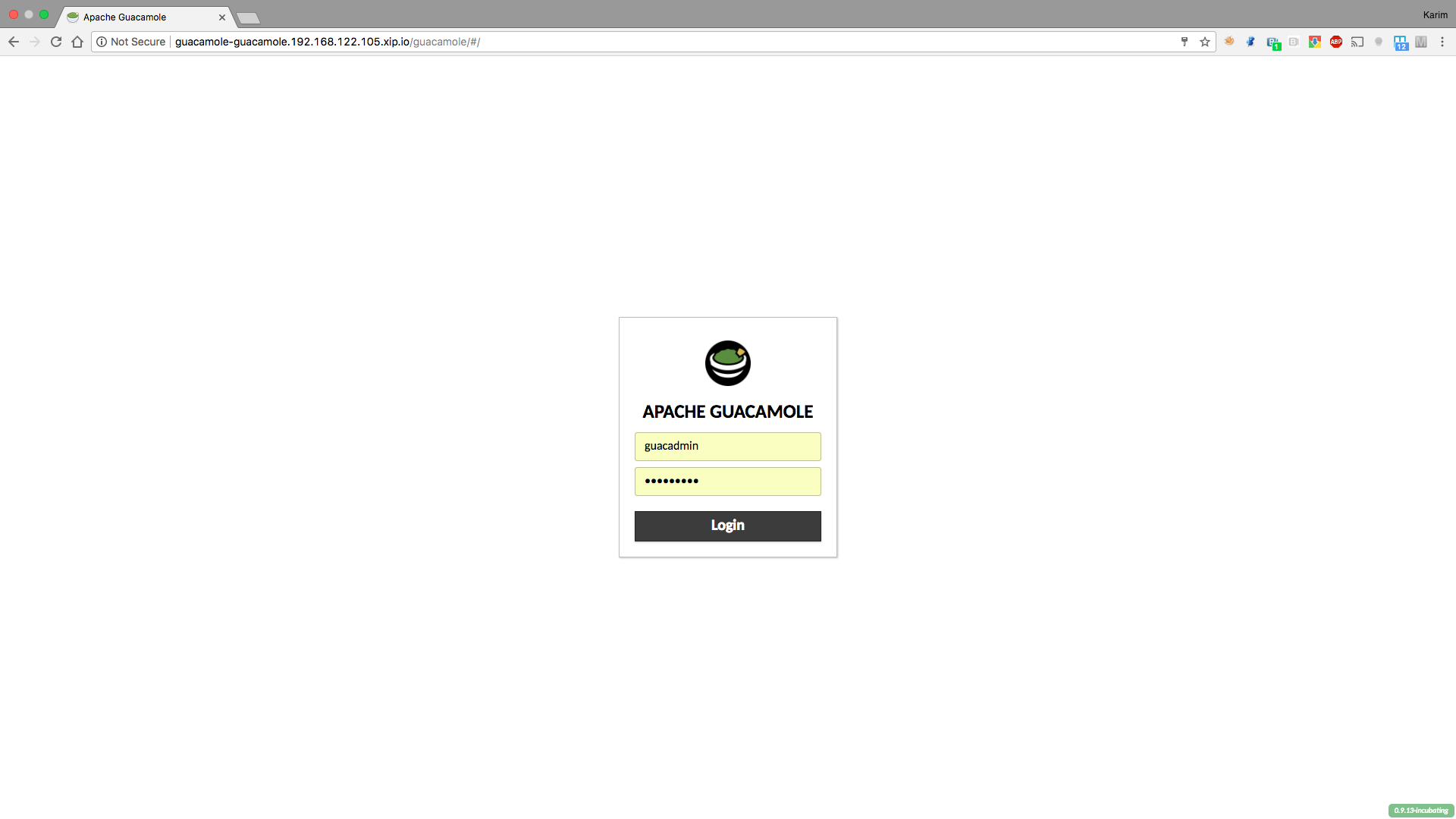
Now we can access Guacamole application using the existing route. The login page for Guacamole will appear. Use the default username and password of guacadmin/guacadmin.
The application is pretty straightforward to use, so feel free to add extra users (and optionally allow them to change their own password).
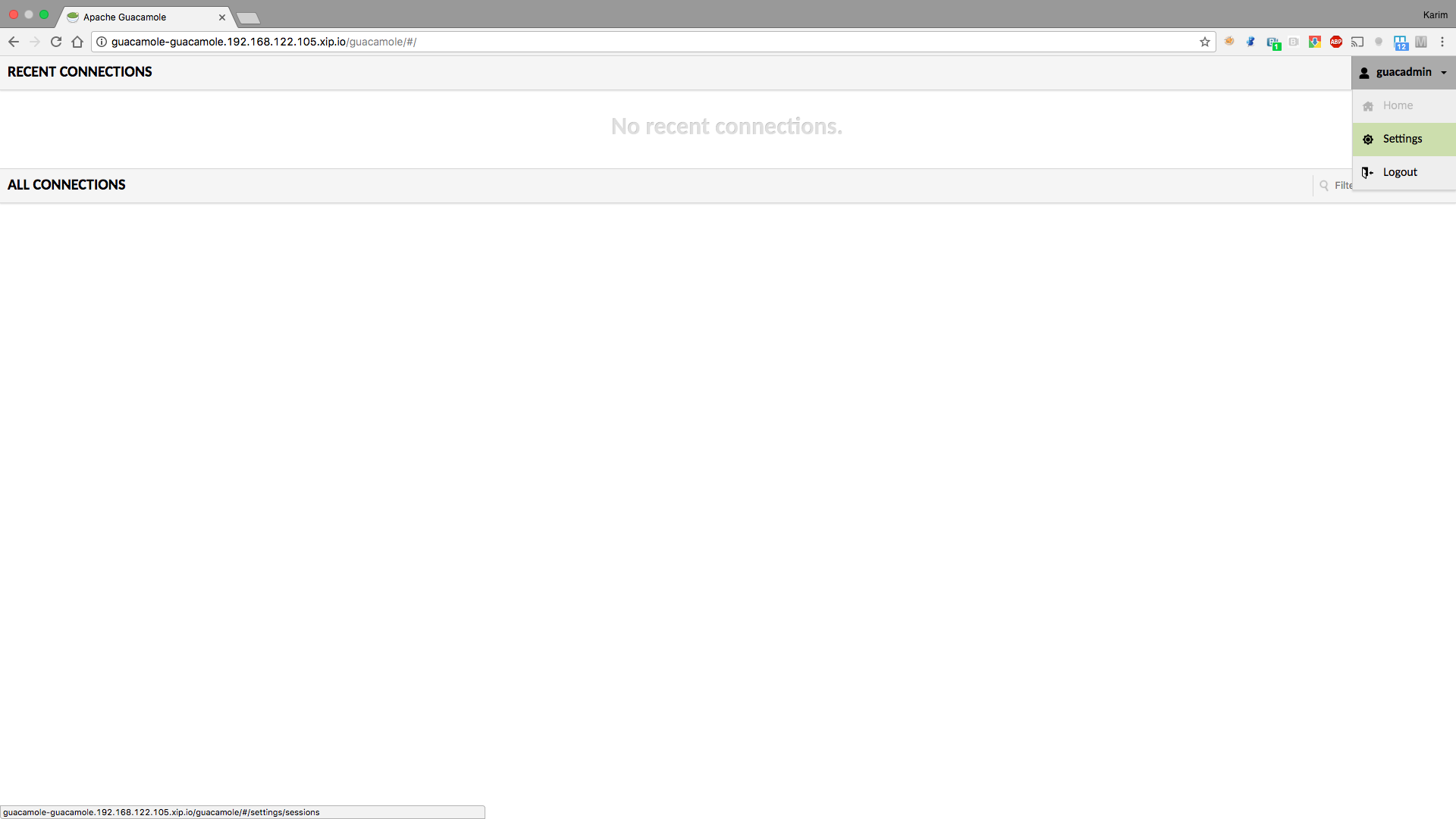
To add new connections, go to the settings screen using the upper right button:
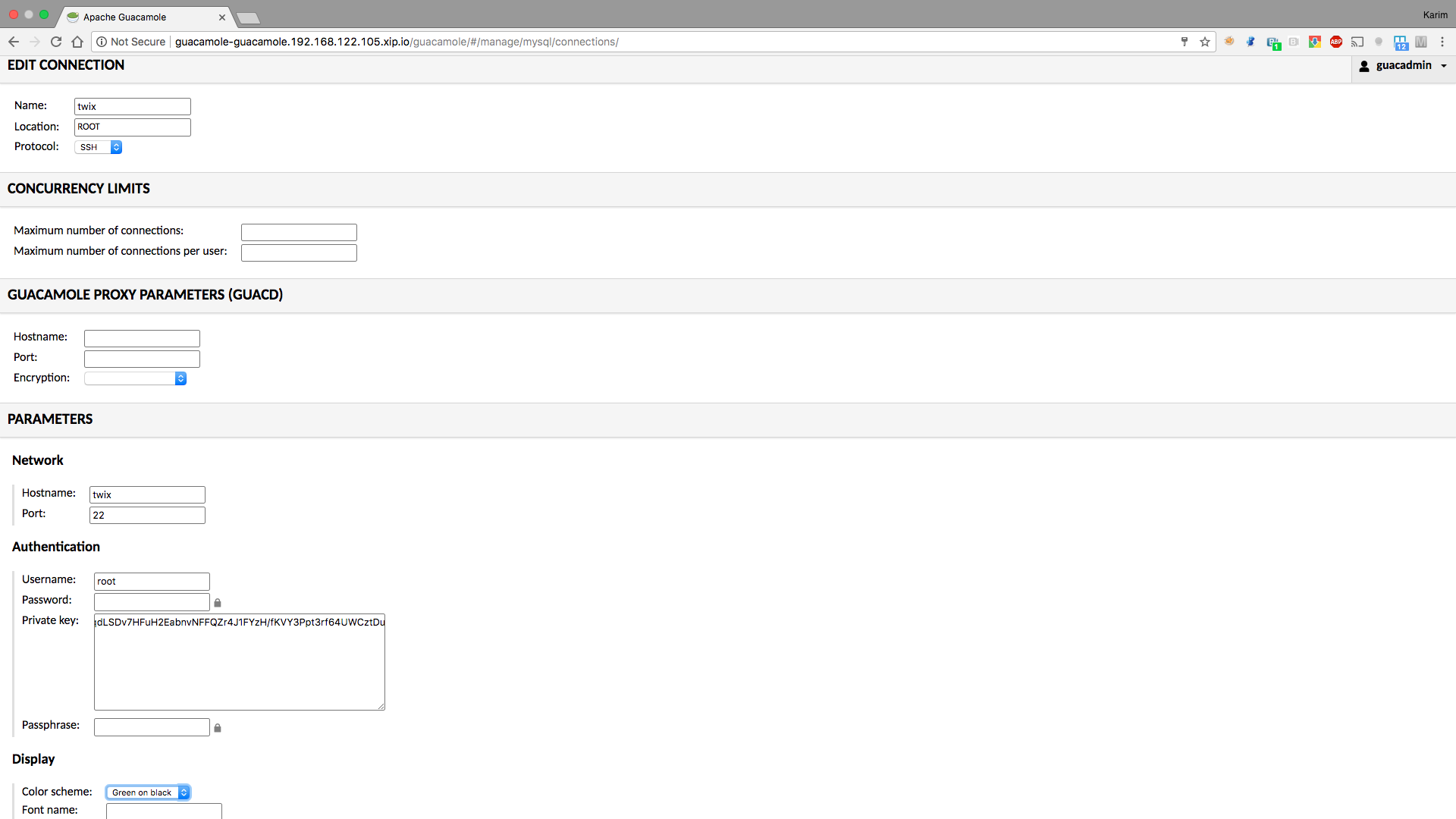
From there, set a ssh or a vnc connection (you will need a vncserver running on the end machine):
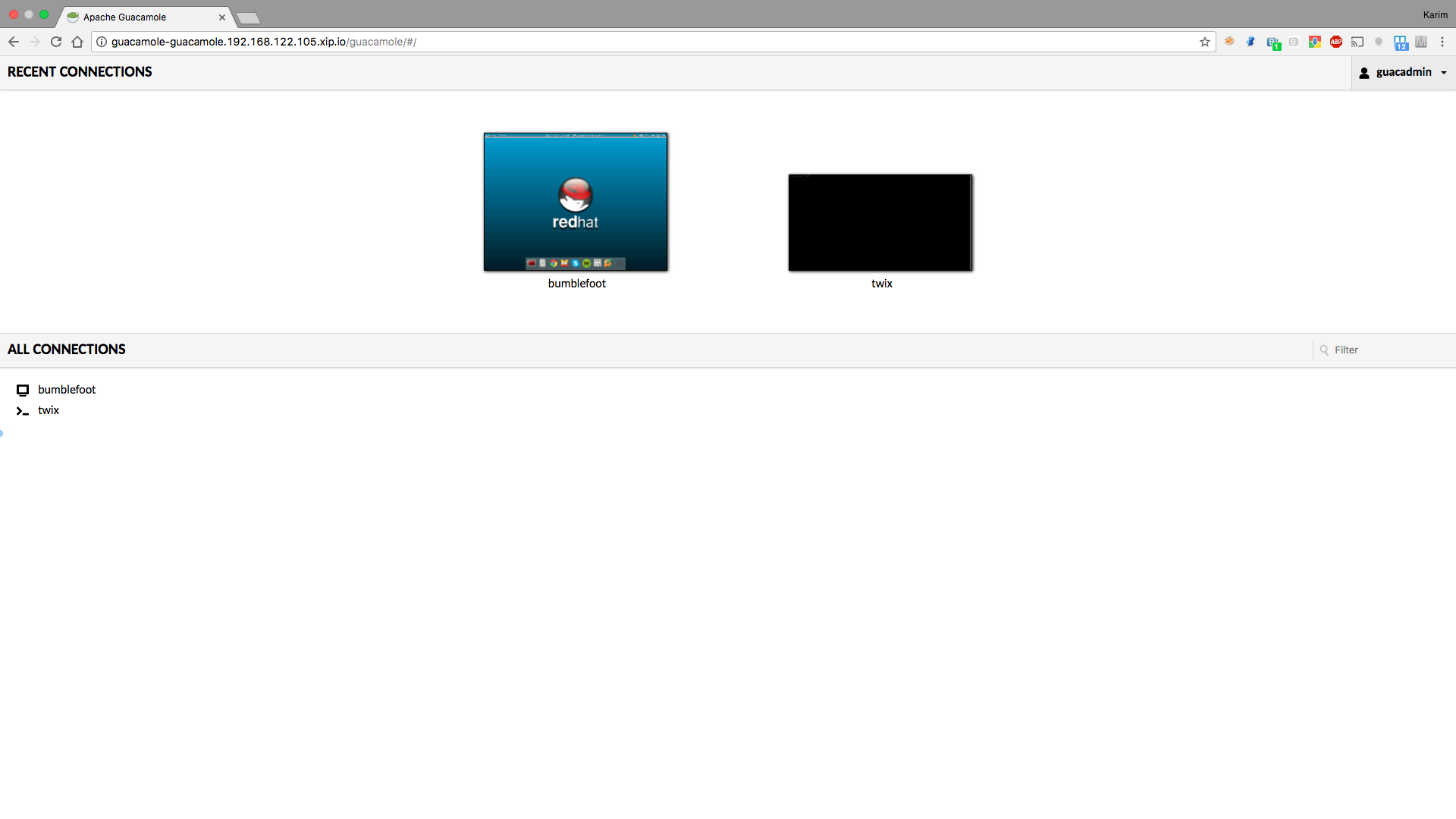
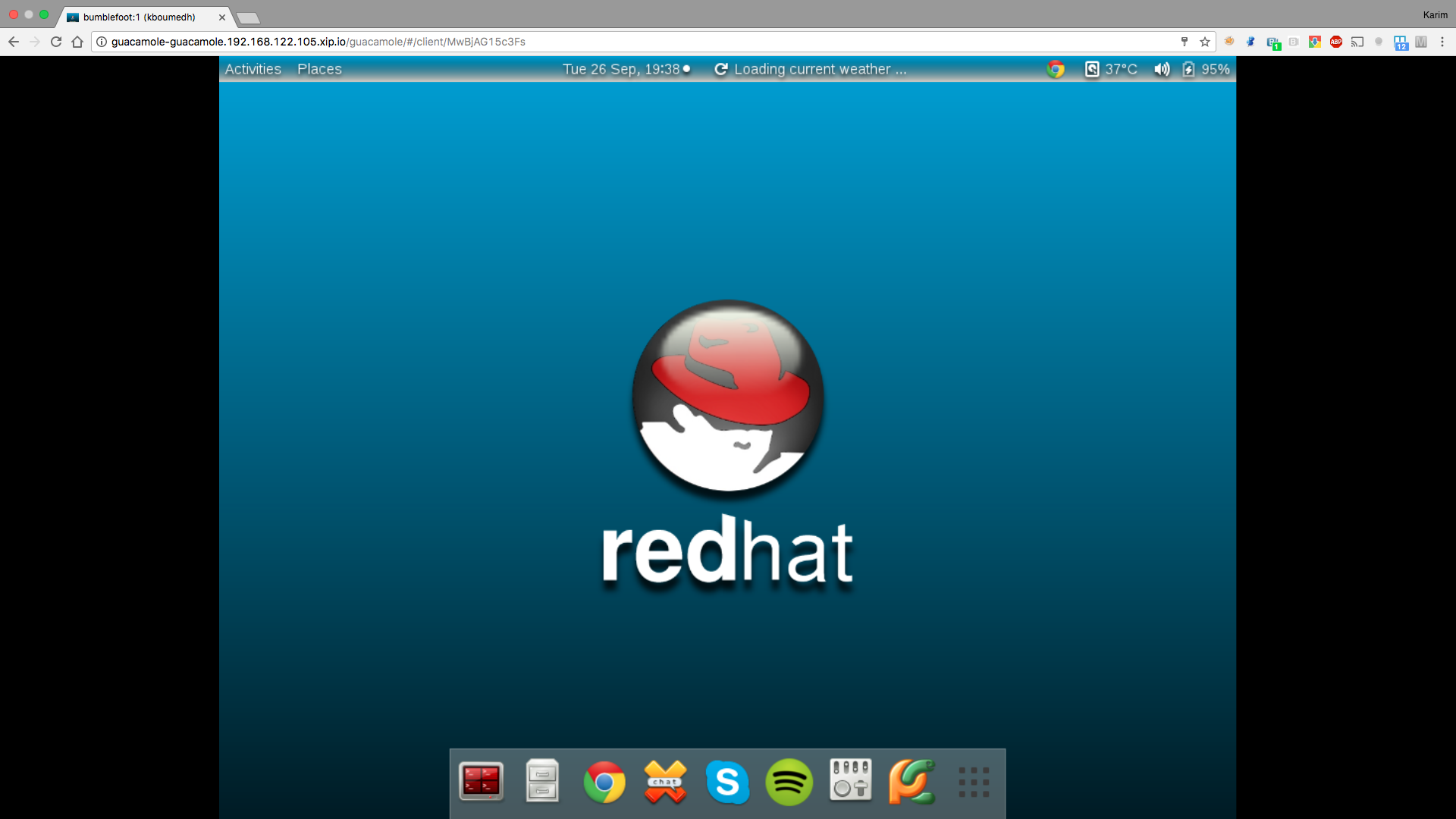
Once your connections are set, you are ready!
Conclusion
By using this procedure, we quickly obtain a platform enabling us to connect to our end machines with a browser, in a secured way and by only exposing the Guacamole URL in OpenShift. OpenShift and container technology gives us an easy way to make use of such applications, without having to go into details of the installation process. There is much more that can be done using Guacamole, like access from a mobile device or scp, so check documentation for more information.
저자 소개
유사한 검색 결과
GPU 작업 시간의 가치 최대화: Red Hat OpenShift AI의 진행 상황 추적 기능
글로벌 선도 기업들이 AI에 대한 비전을 비즈니스 가치로 실현하는 방법
How Red Hat cleared IT debt for scalable AI
Virtualization Is (Still) King | Compiler
채널별 검색

오토메이션
기술, 팀, 인프라를 위한 IT 자동화 최신 동향

인공지능
고객이 어디서나 AI 워크로드를 실행할 수 있도록 지원하는 플랫폼 업데이트

오픈 하이브리드 클라우드
하이브리드 클라우드로 더욱 유연한 미래를 구축하는 방법을 알아보세요

보안
환경과 기술 전반에 걸쳐 리스크를 감소하는 방법에 대한 최신 정보

엣지 컴퓨팅
엣지에서의 운영을 단순화하는 플랫폼 업데이트

인프라
세계적으로 인정받은 기업용 Linux 플랫폼에 대한 최신 정보

애플리케이션
복잡한 애플리케이션에 대한 솔루션 더 보기

가상화
온프레미스와 클라우드 환경에서 워크로드를 유연하게 운영하기 위한 엔터프라이즈 가상화의 미래
