
I'm testing and developing in an OpenShift All-in-One cluster in a VM. I needed my local working branch of a git repository cloned in my VM. I compiled bits and pieces of my web search into this post, so hopefully when the next developer searches the title of this blog they'll find this!
Substitute in the commands below:
  REPO=repoToClone

  WORKING_BRANCH=workingBranchName

  BARE_REPO="$REPO-bare"

  PATH_TO_REPOS=/path/to/your/repo

  REPO_PATH=/path/to/your/repo/$REPO

  BARE_REPO_PATH=/path/to/your/repo/$BARE_REPO

  PUBLIC_DNS_OF_VM

  VM_USER=output of 'echo ${USER}' from VM
Run these commands while ssh'd into the VM. I recommend putting these in a script so you can easily sync your local repositories to your VM whenever necessary:
sudo mkdir -p $PATH_TO_REPOS

sudo chown -R $USER:$USER $PATH_TO_REPOS

cd $PATH_TO_REPOS

git init --bare $BARE_REPO

git clone $BARE_REPO_PATH $REPO_PATH

cd $REPO

touch file.txt && git add . && git commit -m 'added a file so I could create a working branch'

git push origin master
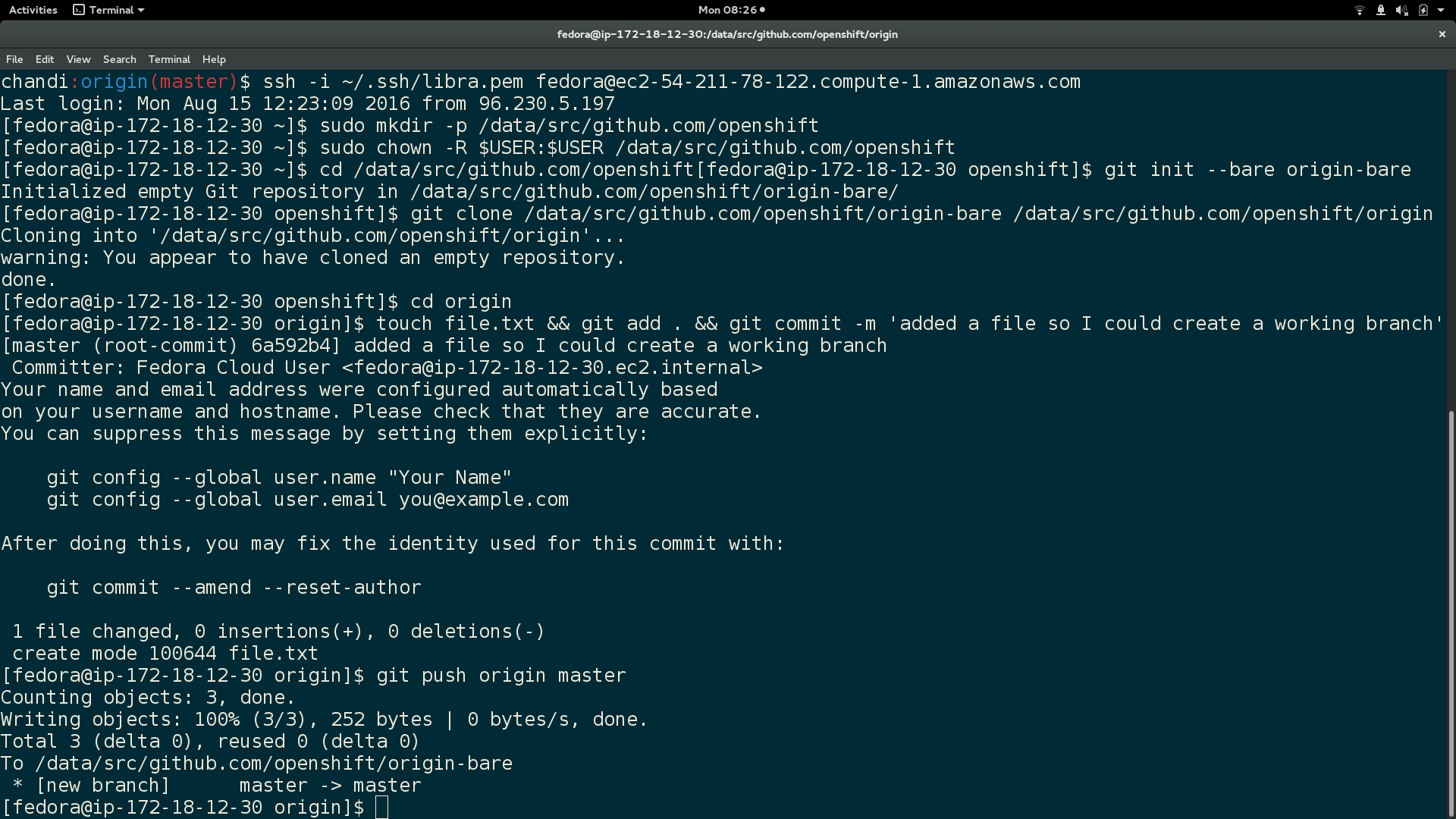
Here is output of the above commands:
In local machine, clone your git repository to the VM $BARE_REPO:
  cd $REPO_PATH

  git push -q ssh://$VM_USER@$PUBLIC_DNS_OF_VM$BARE_REPO_PATH --force --verbose
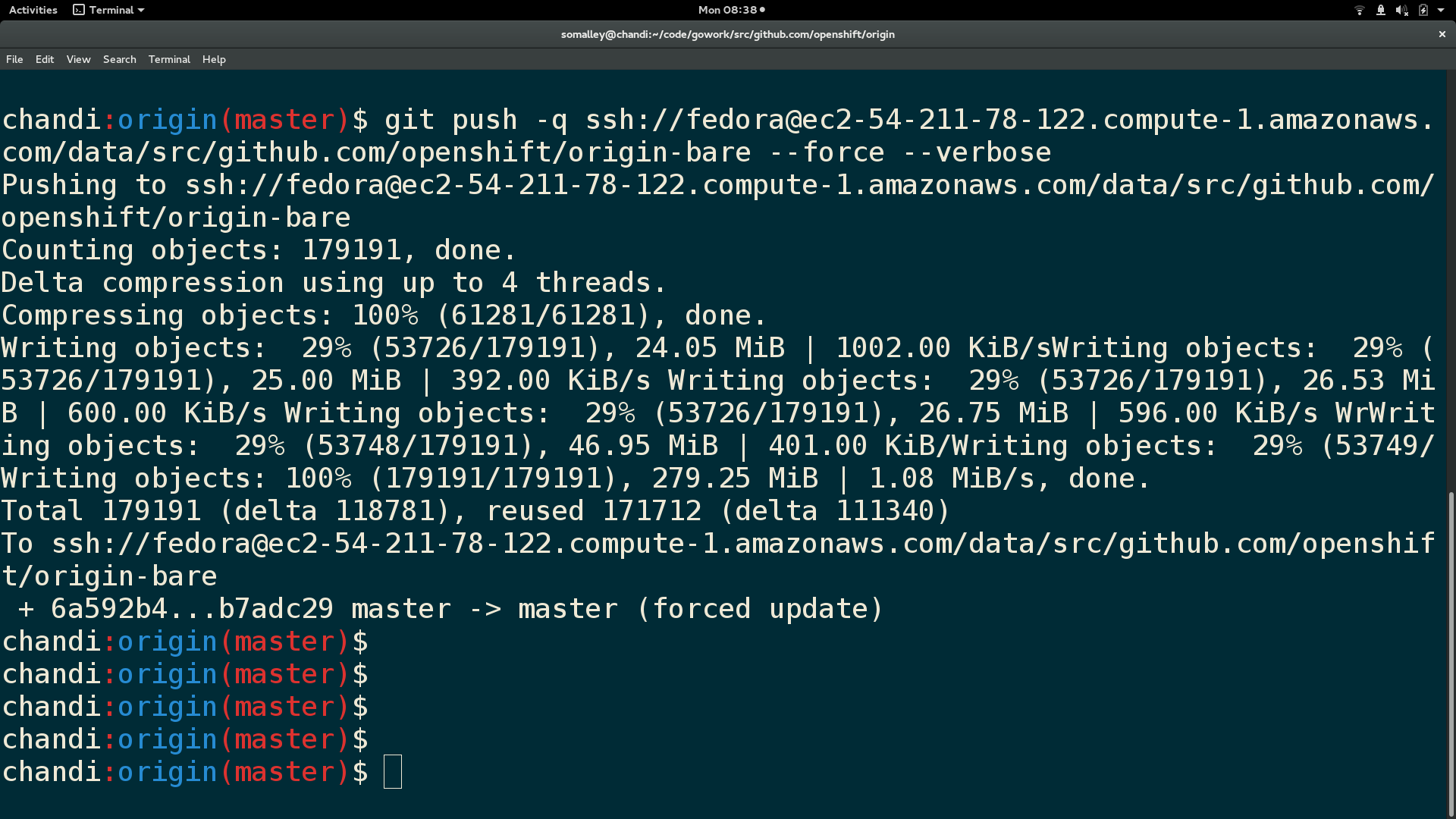
Here is output from the git push:
SSH back into VM and run these:
  cd $REPO_PATH

  git pull (this will open a git vim window, enter 'wq' to continue merge)

  git checkout $WORKING_BRANCH
Finally, here is a screenshot of the repository contents and branch name in the VM:

You now have your current local working branch of a git repository cloned to your VM :)
저자 소개
Sally Ann O'Malley is a Principal Software Engineer, Emerging Technologies, Office of the CTO at Red Hat. She uses her talent for sparking excitement around new tools and ideas to integrate innovative solutions into Red Hat's portfolio. Sally is an organizer for DevConf.US, an annual open source conference, and an instructor within Boston University's Faculty of Computing and Data Sciences.
유사한 검색 결과
Red Hat OpenShift에서 데이터베이스 워크로드 현대화
귀사의 애플리케이션 플랫폼은 미래에 대비되어 있나요?
Talking to Machines: LISP and the Origins of AI | Command Line Heroes
Compiler: Re:Role | The Designer And The Blueprint
채널별 검색

오토메이션
기술, 팀, 인프라를 위한 IT 자동화 최신 동향

인공지능
고객이 어디서나 AI 워크로드를 실행할 수 있도록 지원하는 플랫폼 업데이트

오픈 하이브리드 클라우드
하이브리드 클라우드로 더욱 유연한 미래를 구축하는 방법을 알아보세요

보안
환경과 기술 전반에 걸쳐 리스크를 감소하는 방법에 대한 최신 정보

엣지 컴퓨팅
엣지에서의 운영을 단순화하는 플랫폼 업데이트

인프라
세계적으로 인정받은 기업용 Linux 플랫폼에 대한 최신 정보

애플리케이션
복잡한 애플리케이션에 대한 솔루션 더 보기

가상화
온프레미스와 클라우드 환경에서 워크로드를 유연하게 운영하기 위한 엔터프라이즈 가상화의 미래
