

It is well known that the Red Hat OpenShift Platform is the best choice for enterprises to manage container workloads. In this blog, you will find how to use OpenShift Virtualization to deploy Virtual Machines and containers side by side to run your hybrid workloads.
Red Hat OpenShift Platform uses Kubernetes in its core and brings benefits in several areas of your enterprises, including:
- Consolidation of workloads
- Ease of management
- High availability
- Accelerated development processes
With the GA of OpenShift Virtualization in OpenShift 4.5, enterprises can benefit from running virtual machines next to your containers without overly complicating your application architecture. With OpenShift's declarative language, deploying a cloud-scale mixed architecture is easy.
You might wonder why do I need this? If you look at the market, new software architectures are designed and produced with microservices. Can't I keep OpenShift just for containers, you wonder? In the past, enterprises have invested heavily in virtual machine architectures and still have lots of legacy applications--for example, a windows .net application or an RDMBS-- that depend on them. Even many new applications may rely on these legacy VMs, sountil applications are modernized, they still need to be run in VMs. Legacy applications may also need to be divided into multiple functions and move to microservices gradually. To achieve this and progressively and incrementally move to more modern architecture, you need to run containers and virtual machines side by side.
With the Red Hat OpenShift platform, you get a single pane of glass to manage your container and virtual machine workloads. OpenShift provides you with a unified set of tools and processes, including CI/CD pipeline in a full-scale cloud platform, both on and off-premises, to run both workloads.
In a production environment, you will need a bare-metal deployment of OpenShift to experience OpenShift Virtualization. If you are experimenting in your lab, you may consider nested virtualization, but please keep in mind the performance impact of such deployment.
The installation of OpenShift Virtualization is quite easy and done entirely using operators. All you need is a Red Hat OpenShift Platform subscription. Operators handle the rest of the installation for you. Please follow the link below for detailed installation instructions:
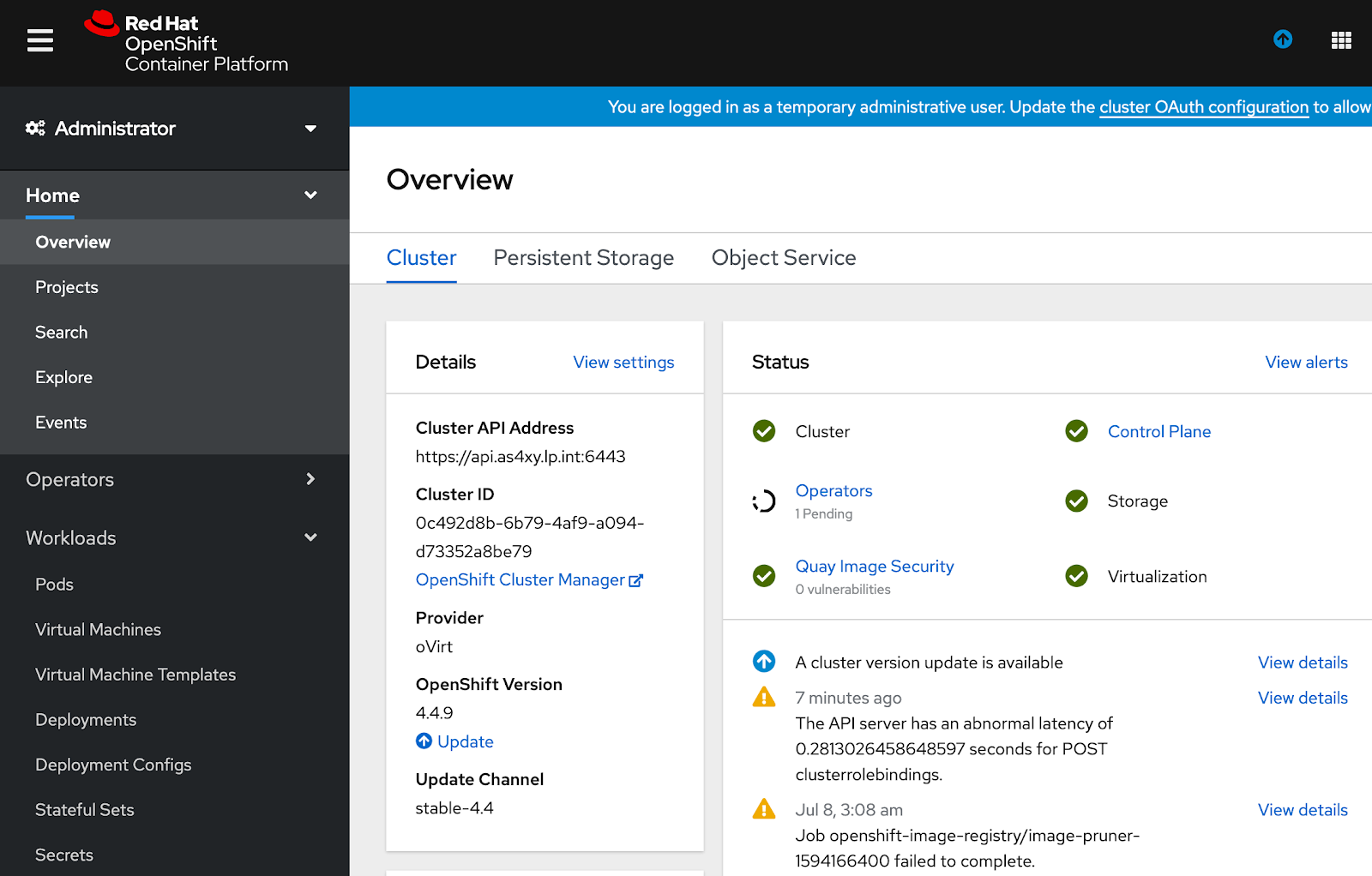
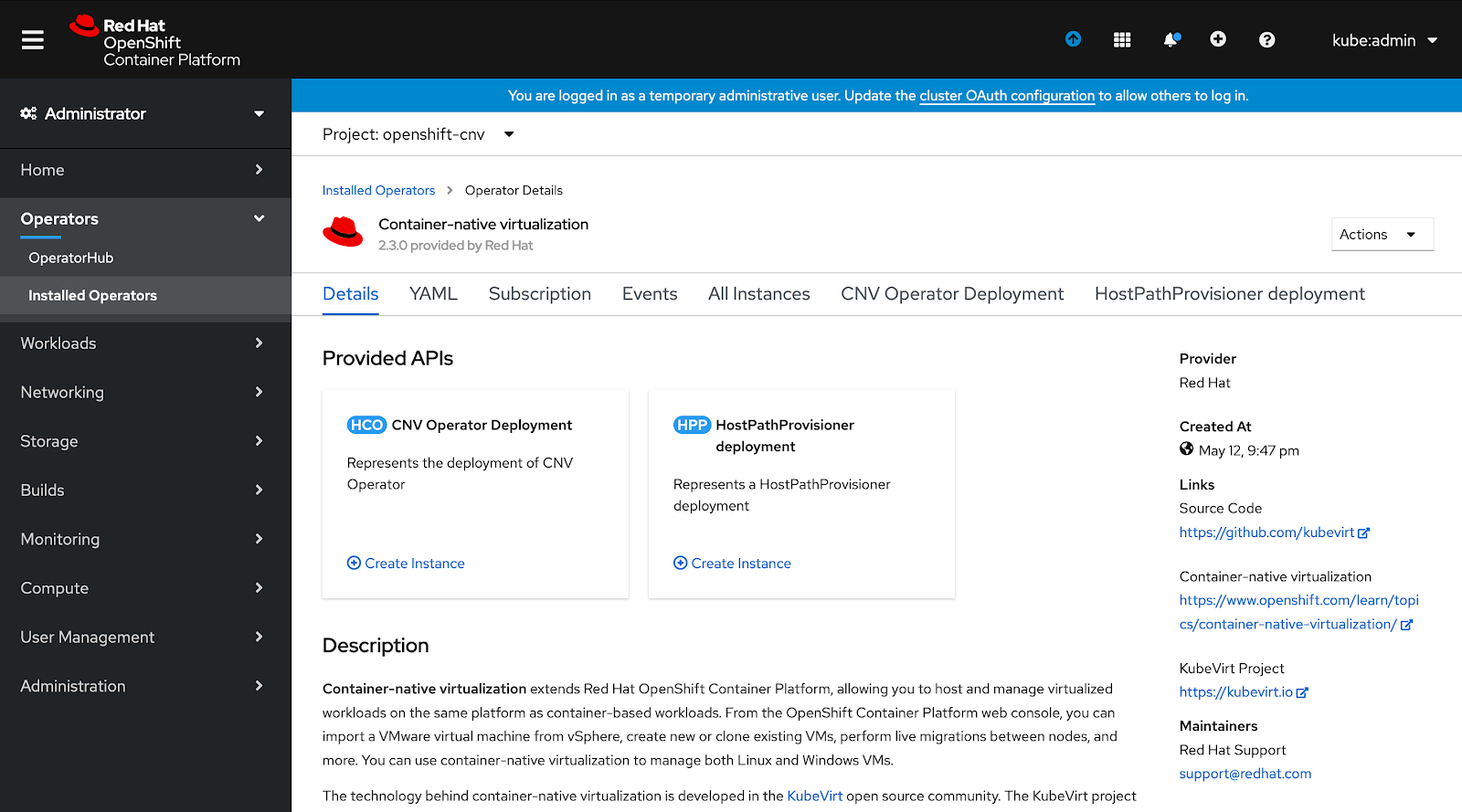
After installation, you will see Virtualization enabled for your cluster.
You might wonder how this works in a container platform. To summarize, if you have used a Linux-based virtual machine platform, you would have seen one or more "qemu-kvm" processes running with the virtual machine name and a long list of parameters defining the machine's hardware resources. With the OpenShift Container Platform, we put this single process in a container with all its bells and whistles to provide you with the VM experience you are looking for.
KVM is a widely used virtualization technology and well matured for production environments. It is being deployed in many critical environments in all types of verticals.
Demo Time
Here in this demo, you will be deploying the well-known Guestbook application, but with a slight change. The master Redis node will be a virtual machine. The rest of the application components, specifically Redis Slaves (two counts) and frontend (three counts), will run as containers. It will also use the network, IP addresses, storage, and load-balancer from the OpenShift platform itself.
First, you need to upload the Operating System qcow image to the Red Hat OpenShift Platform. It will help quickly deploy virtual machines. You will upload it to a ReadWriteMany storage backend provided by the Red Hat OpenShift Container Storage.
Before you begin, you should have installed the OpenShift Virtualization operator on the platform and logged into your cluster with appropriate permissions.
Deploying this lab is easy, and you can find yaml files at: https://github.com/ansonmez/openshiftvirtualization
Please follow the link below to install “virtctl,” which is the command used to upload virtual machine images to OpenShift:
https://docs.openshift.com/container-platform/4.4/cnv/cnv_install/cnv-installing-virtctl.html
Follow the commands below to get started.
Create a new project for guestbook:
# oc new-project guestbook
Download the centos cloud image from cloud.centos.org:
# curl -OLJ https://cloud.centos.org/centos/8/x86_64/images/CentOS-8-GenericCloud-8.1.1911-20200113.3.x86_64.qcow2
Upload the downloaded image to OpenShift. Use the already defined ReadWriteMany storage with 11G disk space and with Persistent Volume Claim name of “centos8”:
# virtctl  image-upload \
 --image-path=CentOS-8-GenericCloud-8.1.1911-20200113.3.x86_64.qcow2 \
 --pvc-name=centos8 \
 --access-mode=ReadOnlyMany \
 --pvc-size=11G \
 --wait-secs=1800  \
 --insecure
Create a new data volume using the command below. Please inspect the “centosdv.yaml” file to ensure the parameters you want:
# oc create -f centosdv.yaml
Finally, create the Template to be used by users. Please go through the template to ensure you have all required parameters set:
# oc create -f guestbooktemplate.yaml
If you take a look at the template below, you can see that we define a route, a couple of services, a virtual machine, and a couple of containers using ReplicationControllers. You might have some idea by now, and yes, you could keep your virtual machine definitions along with your container definition in a source code repository and maintain it just like any other container workload.

Run the Newly Created Template
Now it is time to run the template. From the Red Hat OpenShift Platform web interface, you can click on Developer → Add → From Catalog → Search Then after you type “guestbook” in the search box, you will see the screen below:

Go ahead and order “Guestbook Demo - Multi tier with CNV” application. It will ask you to provide the namespace and Name of the application. Provide them according to your environment requirement. For example, Namespace = guestbook , NAME=testguest. See below:

Once launched, you can observe the pods and servers running from the OpenShift console or from the CLI as shown below. As you can see, “virt-launcer-redis-master-*” pod is the pod containing the Redis master virtual machine:

Make sure that Redis replicas are in sync with Redis master. Check the logs of Redis replica pods:

Finally, If everything is on track, you can get the URL of the guestbook application using “oc get route” command as shown below:

Type it in or copy and paste the URL in a web browser. and you will get access to the shiny new Guestbook application with a VM based Redis master:

Wrapping Up
This was only a sample application to get you started. But the potential for running a VM along with your containers are much more. As stated, it gives even greater flexibility to the application designers and developers. For the infrastructure operation team, it gives reduced complexity around managing the VMs and connectivity between different infrastructure platforms, including the security nightmare that you might encounter setting up such an infrastructure.
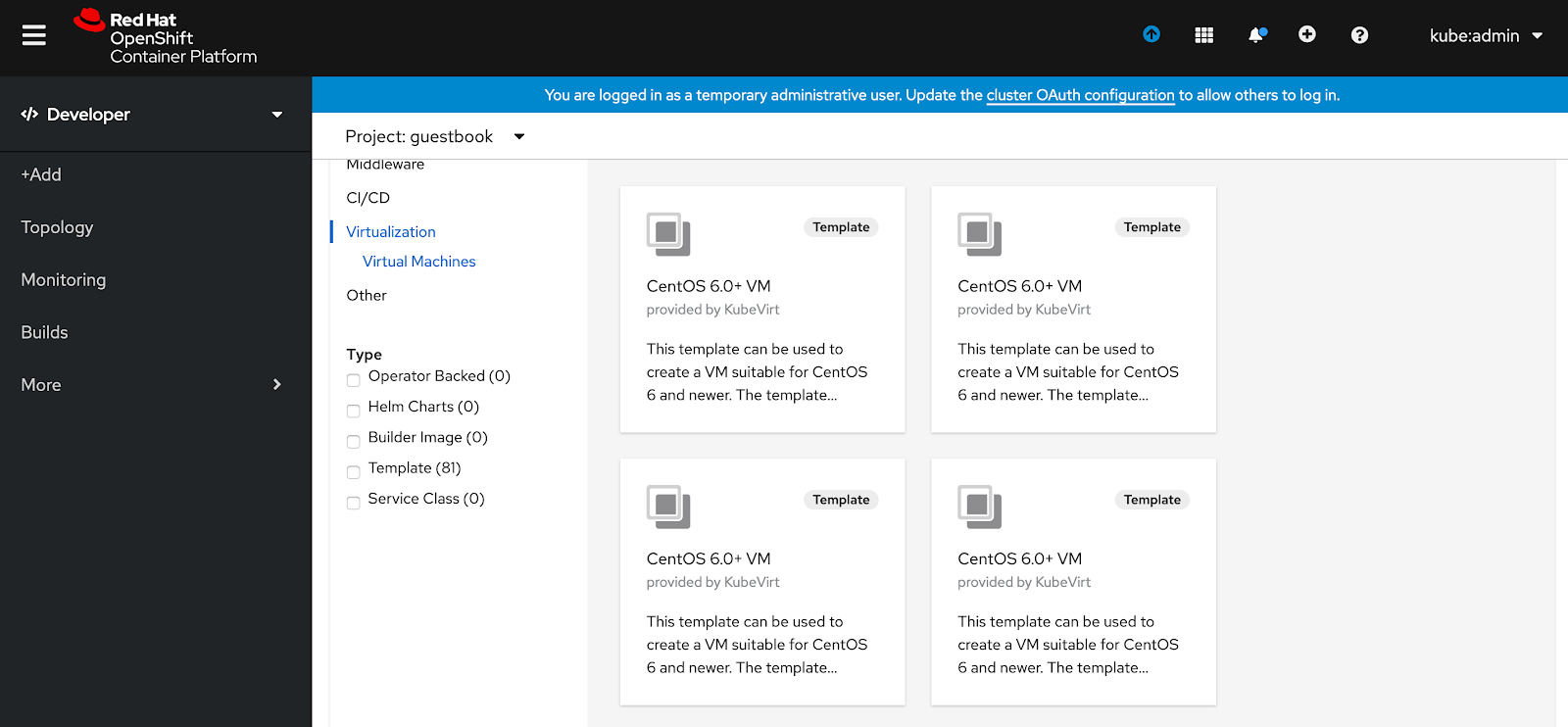
There are more example templates that you could explore in the developer catalog that you could use for tests or probably for hosting your application:
OpenShift Virtualization is GA and continuously improving, so stay tuned for features and experience it in your environment. Check out the release notes, and find more information on what's next and new here.
저자 소개
Mohammed Salih is an IT professional with over 24 years of experience. He joined Red Hat in 2016, specializes in infrastructure, automation, and open-source tools. Mohammed helps businesses adopt modern technology in a collaborative way, ensuring reliable and secure systems. He values community-driven approaches and aims to deliver solutions that support business goals and encourage long-term growth.
유사한 검색 결과
Red Hat 파트너가 최고의 통신 비즈니스 자산인 이유
에이전틱 패러독스와 하이브리드 AI의 필요성
Virtualization Is (Still) King | Compiler
Crack the Cloud_Open | Command Line Heroes
채널별 검색

오토메이션
기술, 팀, 인프라를 위한 IT 자동화 최신 동향

인공지능
고객이 어디서나 AI 워크로드를 실행할 수 있도록 지원하는 플랫폼 업데이트

오픈 하이브리드 클라우드
하이브리드 클라우드로 더욱 유연한 미래를 구축하는 방법을 알아보세요

보안
환경과 기술 전반에 걸쳐 리스크를 감소하는 방법에 대한 최신 정보

엣지 컴퓨팅
엣지에서의 운영을 단순화하는 플랫폼 업데이트

인프라
세계적으로 인정받은 기업용 Linux 플랫폼에 대한 최신 정보

애플리케이션
복잡한 애플리케이션에 대한 솔루션 더 보기

가상화
온프레미스와 클라우드 환경에서 워크로드를 유연하게 운영하기 위한 엔터프라이즈 가상화의 미래
