
When you think of the tools a sysadmin relies on every day, an IDE isn't necessarily the first thing that comes to mind. IDEs are for developers. It's literally in the name: Integrated Development Environment (IDE). Setting aside the reality that most sysadmins by necessity do a lot more than their official job description lets on, an IDE is still a useful tool for any resourceful sysadmin with a personal collection of utilitarian scripts, a Git repo full of important Ansible plays, and half a dozen custom web portals to help their users navigate to all the important sites on the intranet.
Here are some to consider:
- Eclipse
- VSCode
- Geany
- PyCharm
- Atom
- Emacs
- Vim
Let's take a closer look at these.
Eclipse
The Eclipse editor gained fame as a premiere code workbench for Java, but it quickly diversified thanks to its plugin system and integrated marketplace. I've used Eclipse for Java, XML, Bash, PHP, and Markdown, but there are many other plugins available to help you turn Eclipse into an IDE appropriate for the tools you use. Thanks to its friendly marketplace module, installing plugins is as easy as searching and clicking an Install button. This feature might seem unsurprising today, now that nearly every IDE offers the same convenience, but when it first appeared in Eclipse, it was a progressive stance and encouraged users to customize and contribute to the open source ecosystem.
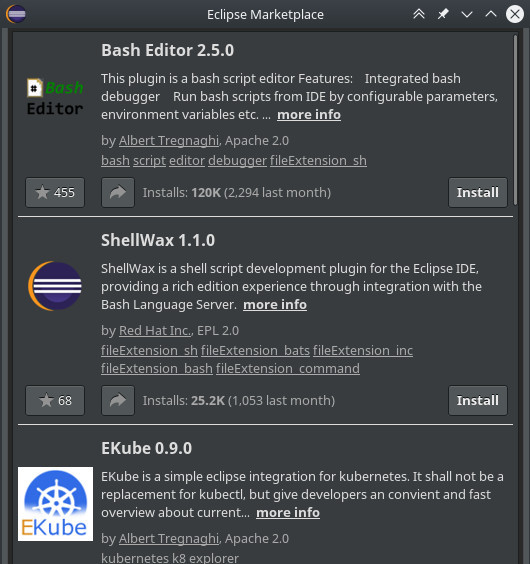
Thanks to the variety of plugins available for Eclipse, you can easily make it a centralized hub for all the information you process. You can create your Bash scripts, write and verify YAML, monitor your Kubernetes cluster, help developers coordinate standard workspaces, write documentation in Markdown, and much more.
[ You might also enjoy reading: 5 Linux text editor guides ]
Geany
Sometimes less is more. If all you want from an IDE is the awareness of a project directory, some syntax highlighting, and basic linting, you should look at Geany. Geany is a lightweight code editor with features for Bash, Python, Perl, and TCL.

It has plugins, so if you don't see what you want at first, look around and see what others have added to it.
PyCharm
A good number of sysadmins are keen to use Python for tasks that traditionally would have been an obvious choice for Bash or Perl. There are lots of good reasons for wanting to program in an object-oriented language, Ansible being a significant one), even if it does apparently go against the obvious choices. If you're going to do that, though, you probably want a good Python editor, and PyCharm (Community Edition) is one of the best. It has keyword highlighting to help detect typos, quotation, and parenthesis completion to avoid syntax errors, line numbers (helpful when debugging), indentation markers, and a Run button to test code quickly and easily. You can get it from the project website or install it as a Flatpak.
VSCode
VSCode walks the fine line between editing text and managing your entire codebase, and it's flexible enough that you treat it either as just another text editor or as an IDE. Like Eclipse, it's extensible through plugins and has proven to be a reliable code editor that's easily beaten out formidable non-open rival editors.
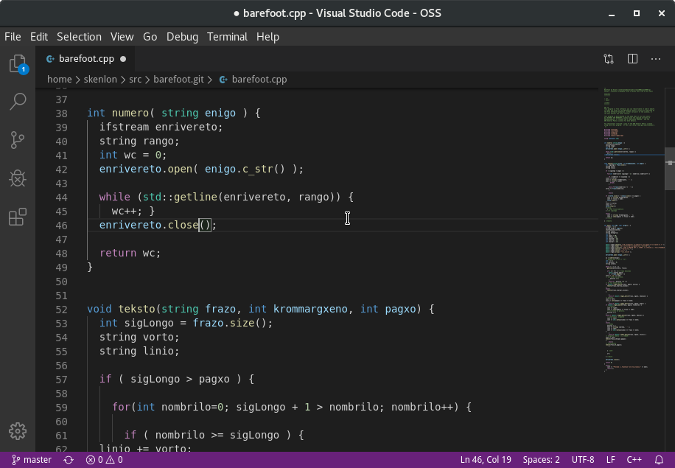
Whether you're scripting in Bash or Perl, writing YAML files, or programming in Python or Go, VSCode can help.
Atom
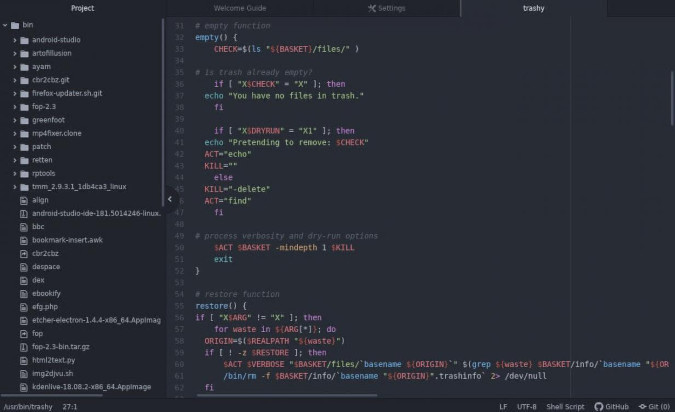
Atom is an open source IDE-like text editor that Microsoft acquired when it purchased GitHub. Like VSCode, it can be extended through plugins and customized with themes and whatever combination of tools you use. With no extra plugin required, it features built-in GitHub integration, so if your DevOps workflow requires you to commit your scripts and plays frequently, Atom has a low bar to entry. Atom is potentially whatever you need it to be, and it's got the extensions to help.
Emacs
GNU Emacs is the editor that more or less started the craze of an all-in-one text editing environment all but disguised as an operating system. Of course, Emacs isn't actually an IDE, but it does have several default modes that make it look an awful lot like one, and there are hundreds of plugins available to transform it into a legitimate development environment. After just a basic install, you have access to a filesystem browser called dired, a shell (appropriately named shell), several syntax highlighters, and a pretty good text editor that uses many of the same key bindings you already know from Bash. Thanks to the package mode, it's trivial to list available plugins, install them, and keep them updated.
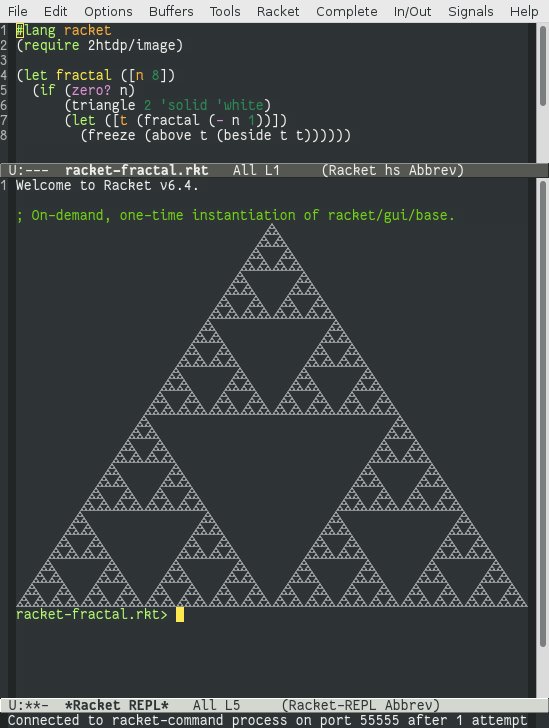
Add a linter, whatever syntax highlighter you need, Git integration, auto-completion, and a few other packages, and you've essentially got an IDE. And the great thing about Emacs is that you never have to run more of an IDE than you want for any given task. Should you need an IDE for a particularly complex automation project, you can activate the components you need. For simple one-off scripts, you can use it as just a simple text editor. It's all things to all admins.
Vim
Vim is the default text editor on Unix and Linux. As of Vim 8, it has tools to make it easier than ever to manage plugins. There's nothing it can't handle, no other editor matches its speed and efficiency (once you learn it, anyway), and you'll never be without it. It's the obvious choice for many.
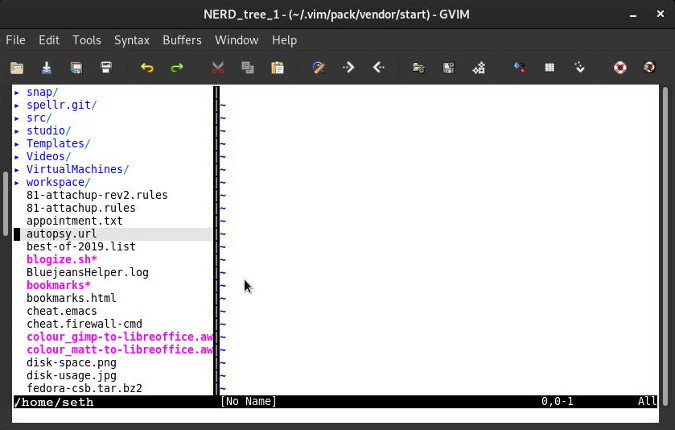
However, it's not exactly an IDE, at least not by default. Many great plugins out there can help transform it into something resembling an IDE, at least as much as Emacs does, and probably near what Geany provides. It does take some setup, though, and either way, it may not matter to a sysadmin who, in the end, doesn't really need an IDE after all.
[ Improve your skills managing and using SELinux with this helpful guide. ]
What's your favorite IDE?
Do you use an IDE for your work? What's your favorite? Tell us what we missed in the poll!
저자 소개
Seth Kenlon is a Linux geek, open source enthusiast, free culture advocate, and tabletop gamer. Between gigs in the film industry and the tech industry (not necessarily exclusive of one another), he likes to design games and hack on code (also not necessarily exclusive of one another).
유사한 검색 결과
Red Hat Enterprise Linux Long-Life Add-On: 지원 종료 걱정 없는 RHEL 소개
인프라를 Red Hat Lightspeed에 어떻게 연결해야 할까요?
Infrastructure At The Edge | Compiler
Operating System Management | Compiler
채널별 검색

오토메이션
기술, 팀, 인프라를 위한 IT 자동화 최신 동향

인공지능
고객이 어디서나 AI 워크로드를 실행할 수 있도록 지원하는 플랫폼 업데이트

오픈 하이브리드 클라우드
하이브리드 클라우드로 더욱 유연한 미래를 구축하는 방법을 알아보세요

보안
환경과 기술 전반에 걸쳐 리스크를 감소하는 방법에 대한 최신 정보

엣지 컴퓨팅
엣지에서의 운영을 단순화하는 플랫폼 업데이트

인프라
세계적으로 인정받은 기업용 Linux 플랫폼에 대한 최신 정보

애플리케이션
복잡한 애플리케이션에 대한 솔루션 더 보기

가상화
온프레미스와 클라우드 환경에서 워크로드를 유연하게 운영하기 위한 엔터프라이즈 가상화의 미래
