
A few months ago, my colleague Rich Lucente wrote a nice post about how to use Apache Guacamole on OpenShift to access Red Hat JBoss Developer Studio.
I really liked the approach, but, coming from a "sysadmin" background, I was interested to see how the basic functionality of Guacamole could provide a way to access remote machines only using a browser, quite handy during "night's watch".
Prepare OpenShift Container Platform
I won't cover OpenShift deployment, and will assume you use something like the following to quickly set up a testing cluster:
export IP=`ip a l  eth0 | grep 'inet ' | cut -d' ' -f6 | awk -F'/' '{ print $1}'`

oc cluster up --public-hostname $IP.xip.io --routing-suffix $IP.xip.io
Deploying Guacamole
The following commands are used to:
- Create a project holding Guacamole components.
- Allow access as root for the Guacamole containers. Note:This is bad, but at least limited to this specific project and allows you to use images provided by Guacamole folks.
- Provisions a MySQL instance to hold Guacamole data.
- Initialize MySQL.
- Launch a Guacamole pod and connect to the MySQL instance. Note:This pod actually "contains" two containers.
- Expose the Guacamole UI with a route.
oc new-project guacamole

oadm policy add-scc-to-user anyuid -z default -n guacamole

oc new-app mysql MYSQL_USER=guacamole MYSQL_PASSWORD=guacamole MYSQL_DATABASE=guacamole

oc volume dc/mysql --add --name=mysql-volume-1 -t pvc --claim-name=mysql-claim --claim-size=1G --overwrite

oc run guacamole --image=guacamole/guacamole --restart=Never --command -- /opt/guacamole/bin/initdb.sh --mysql

oc logs guacamole > initdb.sql

oc delete pod guacamole

export MYSQLPOD=`oc get pod -o jsonpath='{.items[*].metadata.name}' | grep mysql`

oc rsh $MYSQLPOD /opt/rh/rh-mysql57/root/bin/mysql -h 127.0.0.1 -P 3306 -u guacamole -pguacamole guacamole < initdb.sql

oc new-app guacamole/guacamole+guacamole/guacd --name=guacamole -e GUACAMOLE_HOME=/tmp -e GUACD_HOSTNAME=127.0.0.1 -e GUACD_PORT=4822 -e  MYSQL_HOSTNAME=mysql.guacamole.svc.cluster.local -e MYSQL_PORT=3306 -e MYSQL_DATABASE=guacamole -e MYSQL_USER=guacamole -e MYSQL_PASSWORD=guacamole

oc expose service guacamole --port=8080 --path=/guacamole
Check Guacamole Is Up
You can use the following to see if pods are properly running:
oc get pod

NAME                READY     STATUS    RESTARTS   AGE

guacamole-1-5wvw4   2/2       Running   4          5d

mysql-2-cld6t       1/1       Running   2          5d
To grab the route of the Guacamole UI:
oc get route guacamole -o jsonpath='{.spec.host}'
Use the App
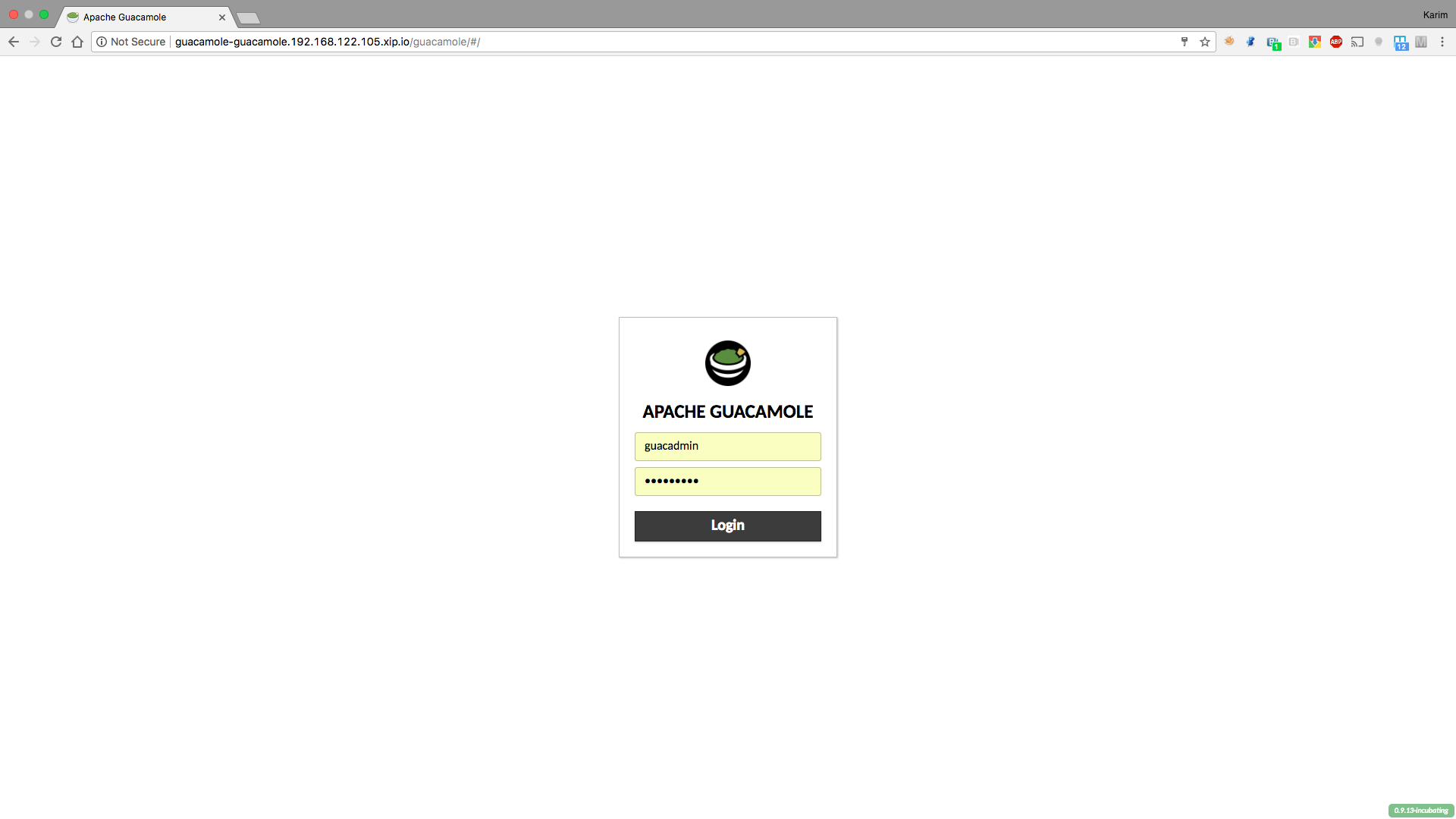
Now we can access Guacamole application using the existing route. The login page for Guacamole will appear. Use the default username and password of guacadmin/guacadmin.
The application is pretty straightforward to use, so feel free to add extra users (and optionally allow them to change their own password).
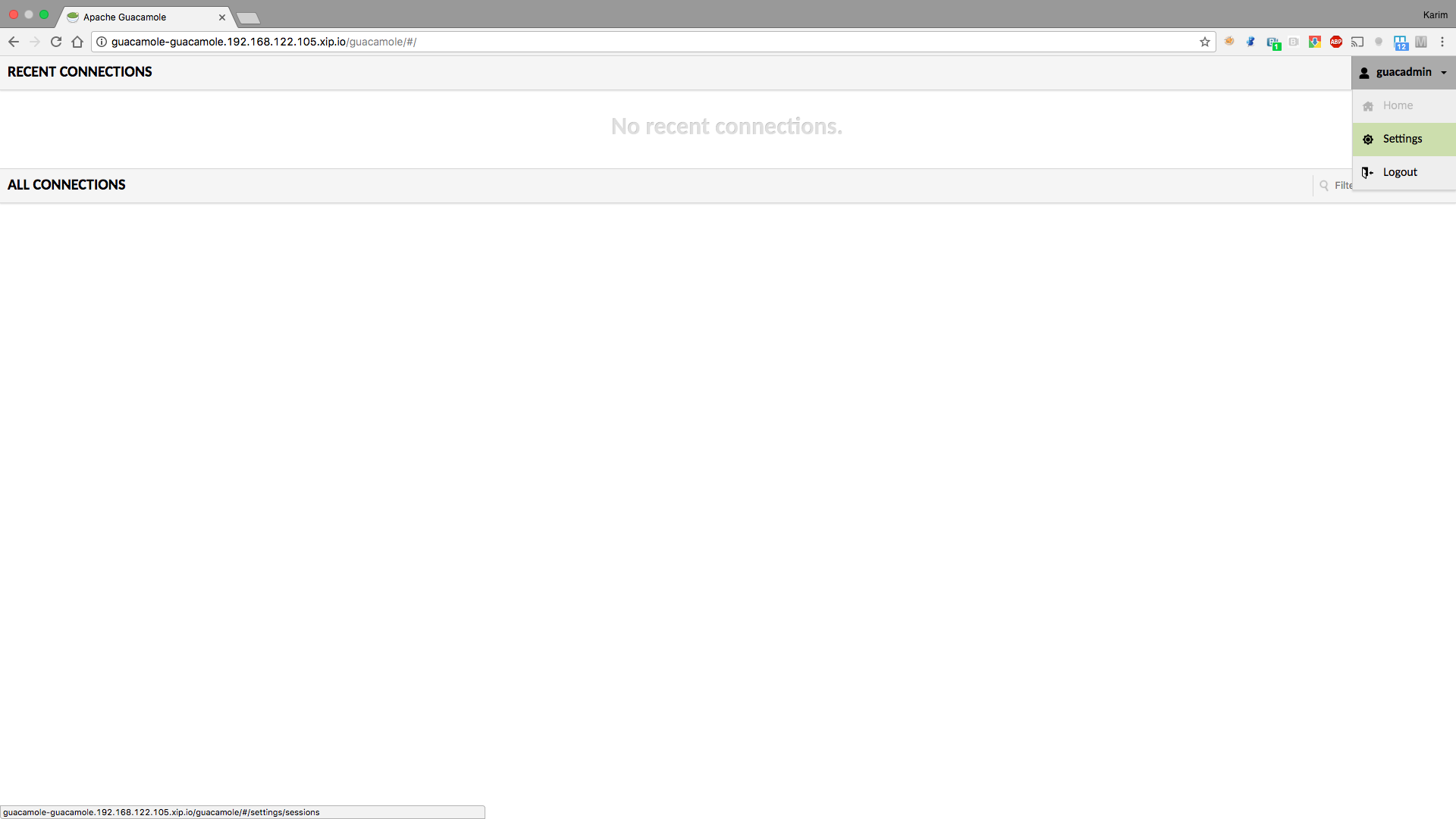
To add new connections, go to the settings screen using the upper right button:
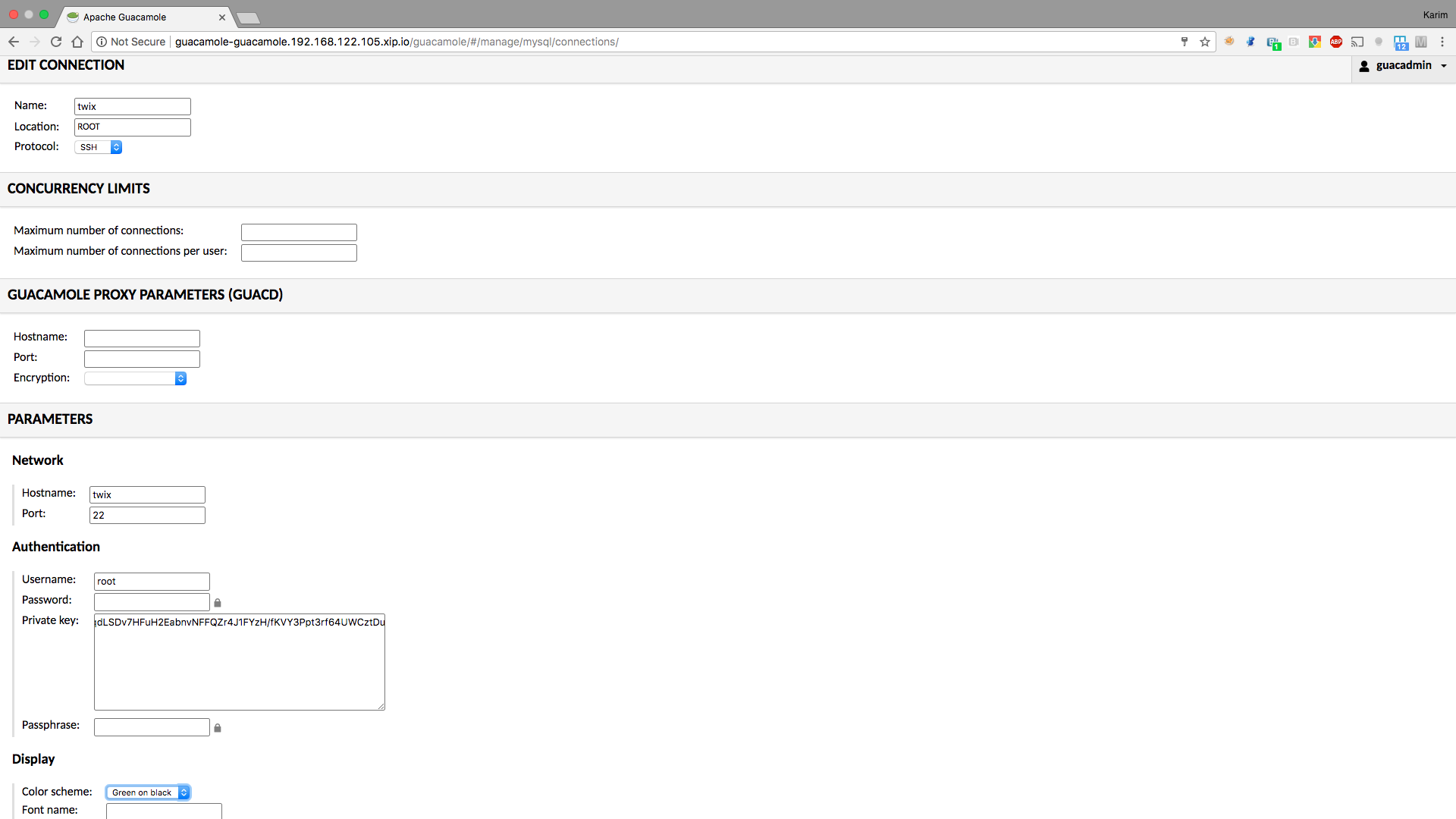
From there, set a ssh or a vnc connection (you will need a vncserver running on the end machine):
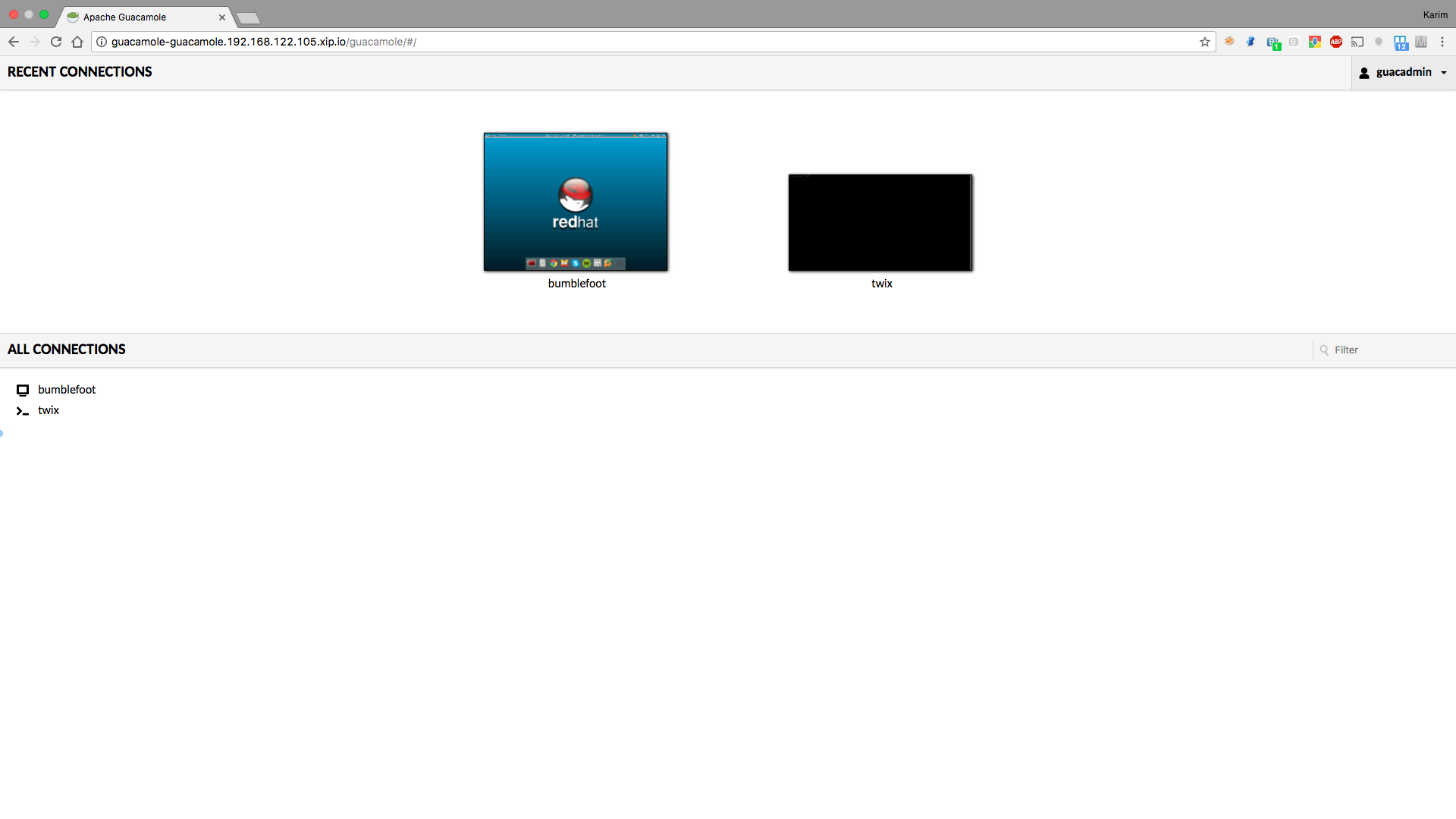
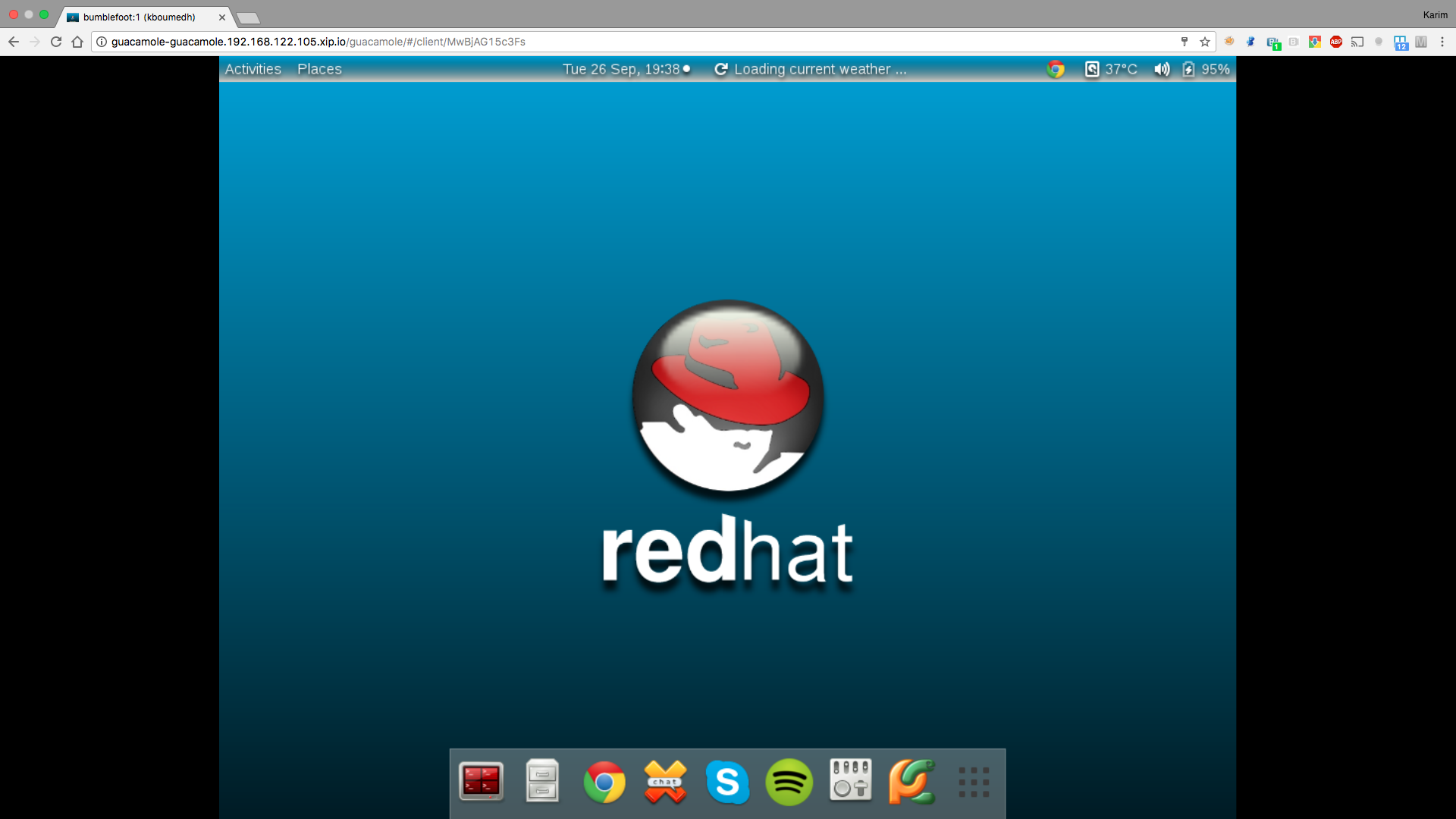
Once your connections are set, you are ready!
Conclusion
By using this procedure, we quickly obtain a platform enabling us to connect to our end machines with a browser, in a secured way and by only exposing the Guacamole URL in OpenShift. OpenShift and container technology gives us an easy way to make use of such applications, without having to go into details of the installation process. There is much more that can be done using Guacamole, like access from a mobile device or scp, so check documentation for more information.
Sobre o autor
Mais como este
Ansible Automation Platform 2.7 Visual Execution Environment Builder e Content Discovery Guide
Pare de reescrever código estável: como o Lightwell protege seus resultados financeiros e a velocidade do desenvolvedor
Can agentic AI patch the internet?
Random Acts Of Automation | Compiler
Navegue por canal

Automação
Últimas novidades em automação de TI para empresas de tecnologia, equipes e ambientes

Inteligência artificial
Descubra as atualizações nas plataformas que proporcionam aos clientes executar suas cargas de trabalho de IA em qualquer ambiente

Nuvem híbrida aberta
Veja como construímos um futuro mais flexível com a nuvem híbrida

Segurança
Veja as últimas novidades sobre como reduzimos riscos em ambientes e tecnologias

Edge computing
Saiba quais são as atualizações nas plataformas que simplificam as operações na borda

Infraestrutura
Saiba o que há de mais recente na plataforma Linux empresarial líder mundial

Aplicações
Conheça nossas soluções desenvolvidas para ajudar você a superar os desafios mais complexos de aplicações

Virtualização
O futuro da virtualização empresarial para suas cargas de trabalho on-premise ou na nuvem
