
My journey with Linux started in my first year of college when I encountered tools like Git, GitHub, Maven, Jenkins, and others. I first worked with Windows. With Linux, I had a completely different kind of environment to work with. I began my Linux journey with virtual machines.
After spending two years with Linux in virtual machines, I decided to use Linux on my primary computer. I learned about Linux system architecture, filesystems, and created a script that adds users to Linux-based operating systems. You may find links to that article and all of my published articles on my Enable Sysadmin profile (Kshitiz Saini).
[ You might also enjoy: Introduction to Red Hat Enterprise Linux 8 ]
Continuing my journey further
During the pandemic, I tried to self-educate, so I started learning Ansible, which is a configuration management software provided by Red Hat. I also
Unfortunately, I configured and
I continued looking and found the Red Hat Developer subscription, which is available free of cost for developers, and I thought I'd give it a try. I downloaded Red Hat Enterprise Linux as a self-supported version. Since then, I have been working and learning with RHEL.
Accessing the subscription
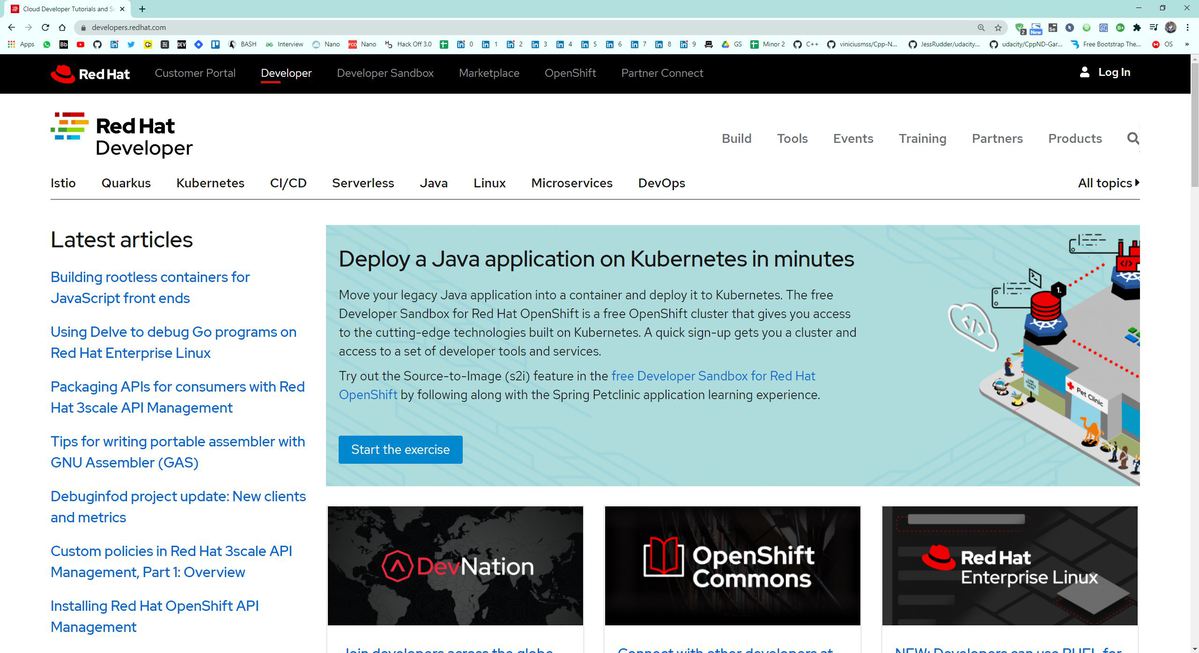
1. I went to the Red Hat Developer portal to get started. The various tools I wanted to learn are available here.
2. Create a Red Hat account if you don't have one and log in.
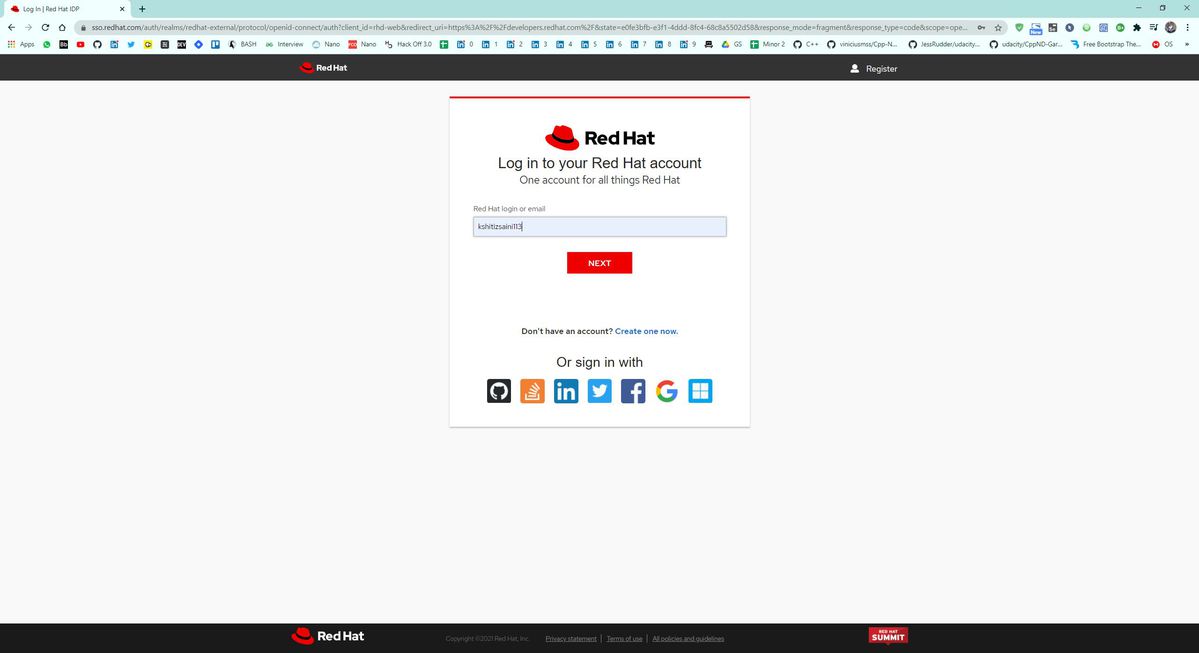
All of the Red Hat services work on this site with the same login name and password.
3. After logging in, I downloaded Red Hat Enteprise Linux 8 from the Linux section of the site.
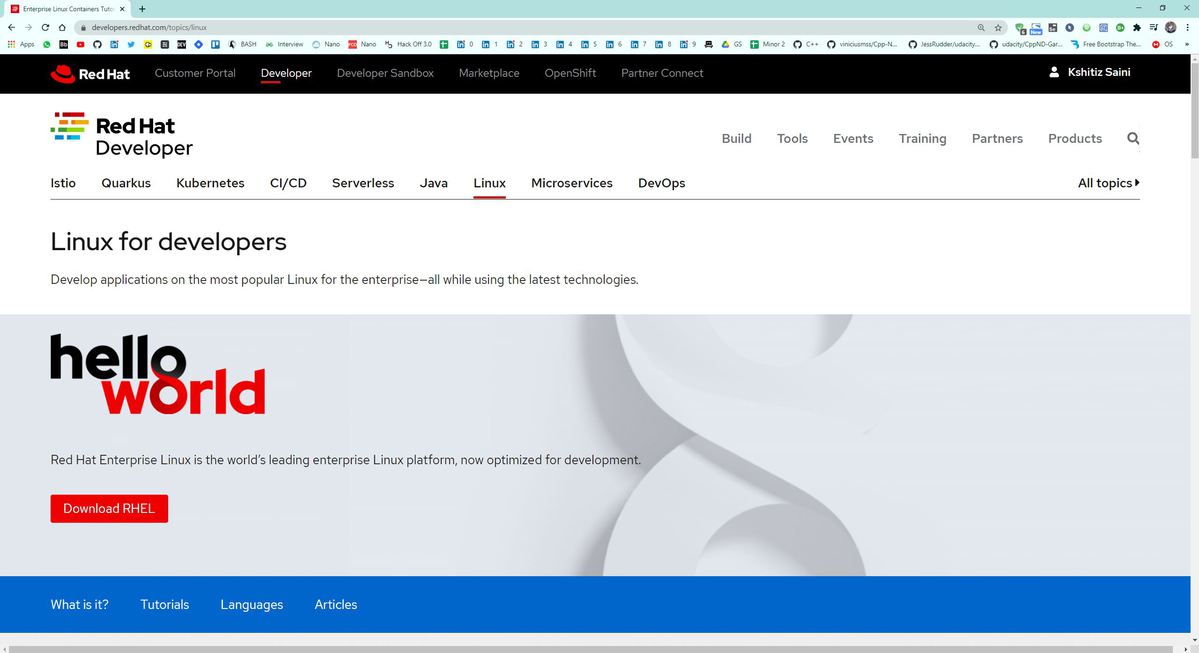
The self-supported version of RHEL8 is available free of cost to use with the Red Hat Developer Subscription.
Why did I decide to use RHEL?
It has widespread use among businesses and enterprises of every size and description. Red Hat offers technical support and bridges the gap between the developers by offering them help from the Red Hat support team. Red Hat maintains an online portal, which contains documentation for Red Hat's complement of software, its whiteboards, references, and includes video tutorials.
Most importantly, it provided me with immediate access to the latest features and the latest updates as soon as they are released. Also, it is compatible with many hardware devices as Red Hat works closely with hardware vendors to support enterprise-level applications.
Wrap up
Thank you for following along in my Linux journey. If there is anything that I want you to take away from this, it's that the Red Hat Developer Subscription combined with a desire to continue learning can be very powerful for a junior sysadmin trying to grow their skillset. Whether you are a beginner or an expert, I am confident that you will find something to help boost your career as a Linux sysadmin.
[ Download now: A sysadmin's guide to Bash scripting. ]
À propos de l'auteur
Kshitiz Saini is a pre-final year as a Computer Science undergraduate at the University of Petroleum and Energy Studies, Dehradun, and a tech enthusiast who seeks experience by learning to increase his knowledge along with having some fun. Kshitiz is a C++ developer who loves to explore new technologies, develop software solutions, and use quick hacks. He is skilled in DevOps and Cloud Computing and is actively looking for summer internship opportunities.
Kshitiz is the founder of a tech-community dotQuestionmark which aims to provide tech geeks with the latest tech information and an instructor at dotQuestionmark where he has mentored more than 1500 students in Git, Python, Linux, and C++. Previously, he was an intern at Clay Engage and OpenGenus Foundations where he worked as a Web and App Developer intern and a Software Developer intern, respectively.
Plus de résultats similaires
Cinq raisons pour lesquelles votre stratégie Lightwell nécessite plus que de simples correctifs
Red Hat Enterprise Linux Long-Life Add-On : votre solution RHEL sans date de fin prédéterminée
Container Roundup | Compiler
Untangling Networks | Compiler
Parcourir par canal

Automatisation
Les dernières nouveautés en matière d'automatisation informatique pour les technologies, les équipes et les environnements

Intelligence artificielle
Actualité sur les plateformes qui permettent aux clients d'exécuter des charges de travail d'IA sur tout type d'environnement

Cloud hybride ouvert
Découvrez comment créer un avenir flexible grâce au cloud hybride

Sécurité
Les dernières actualités sur la façon dont nous réduisons les risques dans tous les environnements et technologies

Edge computing
Actualité sur les plateformes qui simplifient les opérations en périphérie

Infrastructure
Les dernières nouveautés sur la plateforme Linux d'entreprise leader au monde

Applications
À l’intérieur de nos solutions aux défis d’application les plus difficiles

Virtualisation
L'avenir de la virtualisation d'entreprise pour vos charges de travail sur site ou sur le cloud
