
I'm testing and developing in an OpenShift All-in-One cluster in a VM. I needed my local working branch of a git repository cloned in my VM. I compiled bits and pieces of my web search into this post, so hopefully when the next developer searches the title of this blog they'll find this!
Substitute in the commands below:
  REPO=repoToClone

  WORKING_BRANCH=workingBranchName

  BARE_REPO="$REPO-bare"

  PATH_TO_REPOS=/path/to/your/repo

  REPO_PATH=/path/to/your/repo/$REPO

  BARE_REPO_PATH=/path/to/your/repo/$BARE_REPO

  PUBLIC_DNS_OF_VM

  VM_USER=output of 'echo ${USER}' from VM
Run these commands while ssh'd into the VM. I recommend putting these in a script so you can easily sync your local repositories to your VM whenever necessary:
sudo mkdir -p $PATH_TO_REPOS

sudo chown -R $USER:$USER $PATH_TO_REPOS

cd $PATH_TO_REPOS

git init --bare $BARE_REPO

git clone $BARE_REPO_PATH $REPO_PATH

cd $REPO

touch file.txt && git add . && git commit -m 'added a file so I could create a working branch'

git push origin master
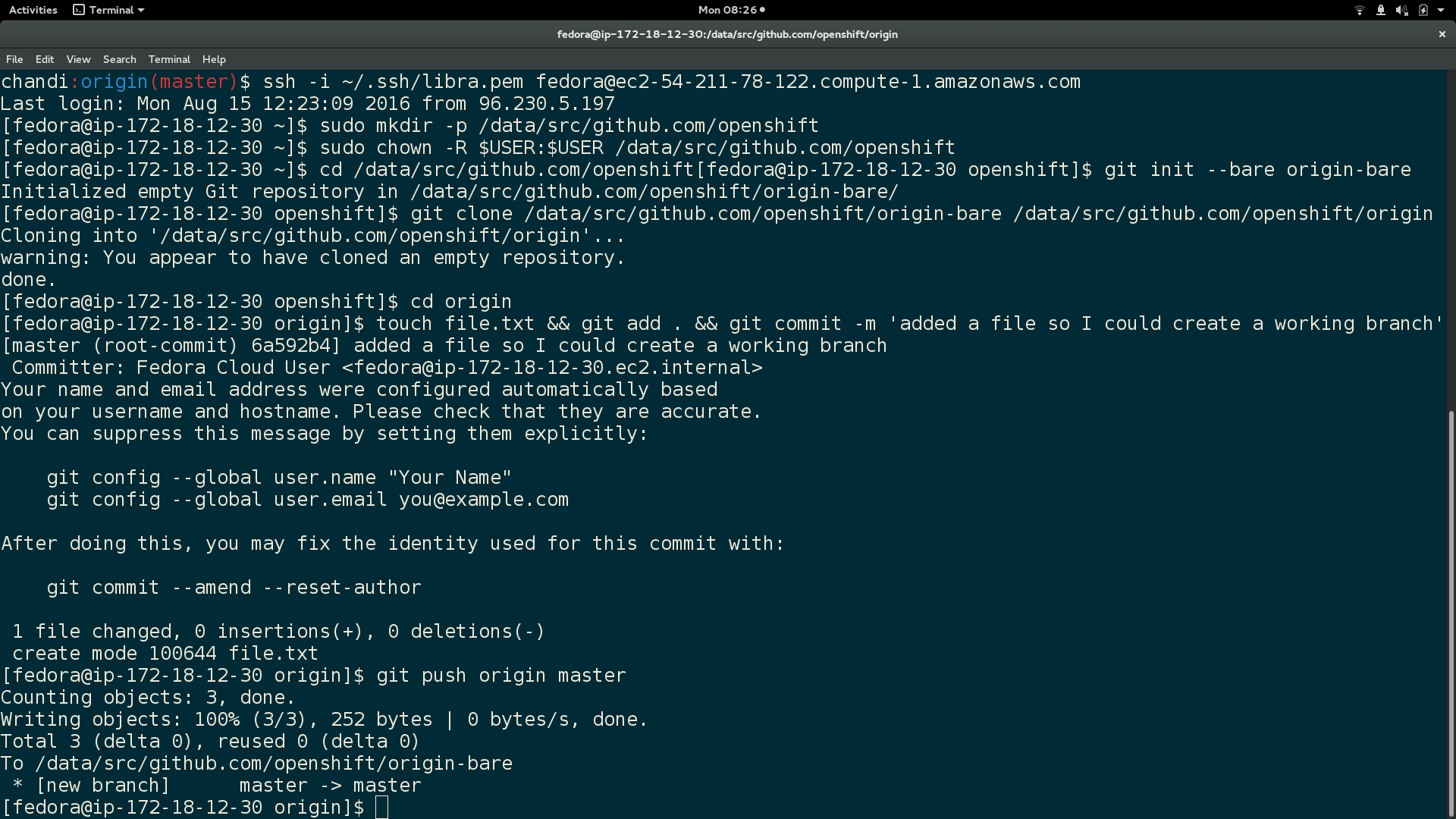
Here is output of the above commands:
In local machine, clone your git repository to the VM $BARE_REPO:
  cd $REPO_PATH

  git push -q ssh://$VM_USER@$PUBLIC_DNS_OF_VM$BARE_REPO_PATH --force --verbose
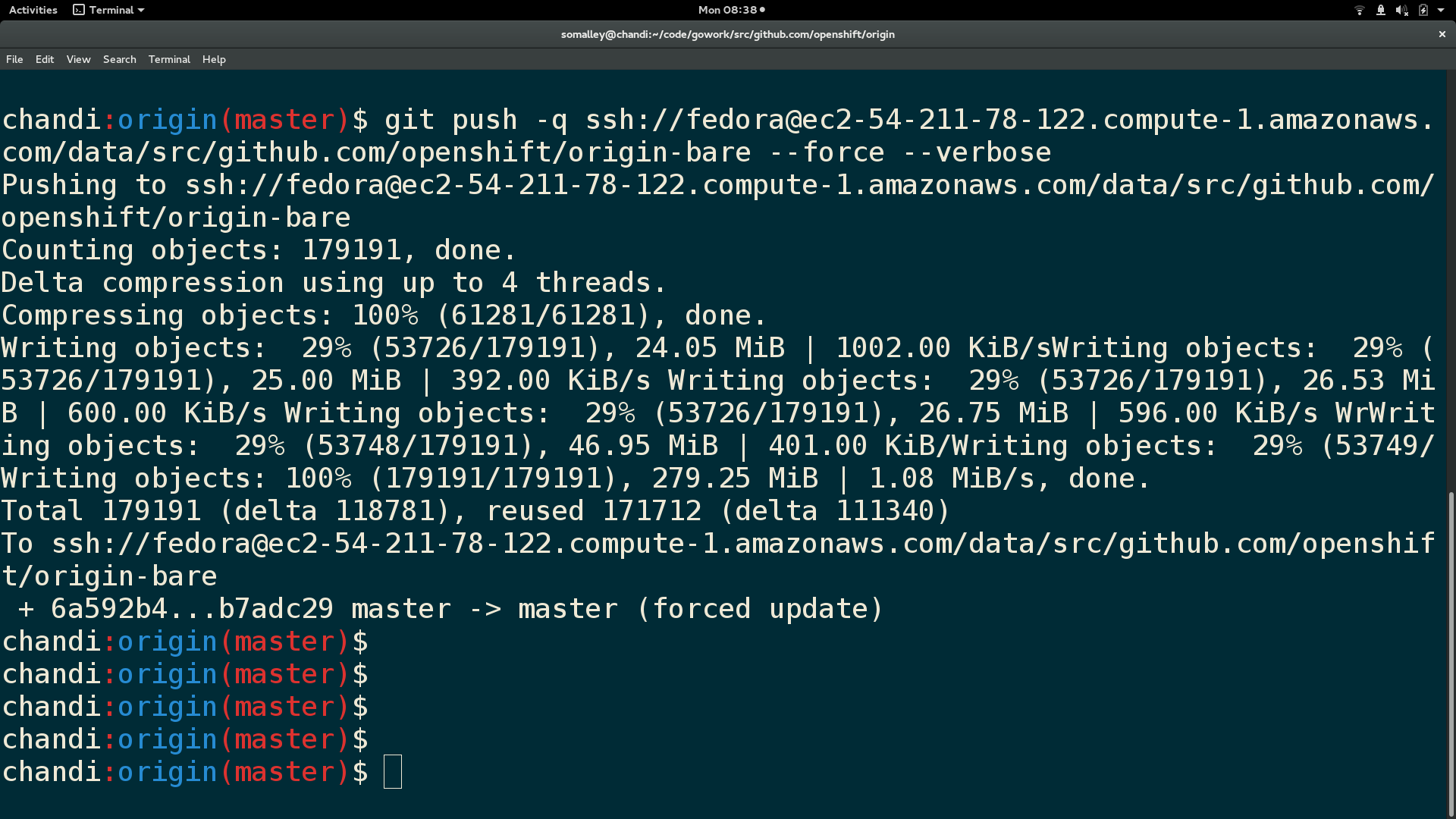
Here is output from the git push:
SSH back into VM and run these:
  cd $REPO_PATH

  git pull (this will open a git vim window, enter 'wq' to continue merge)

  git checkout $WORKING_BRANCH
Finally, here is a screenshot of the repository contents and branch name in the VM:

You now have your current local working branch of a git repository cloned to your VM :)
Sull'autore
Sally Ann O'Malley is a Principal Software Engineer, Emerging Technologies, Office of the CTO at Red Hat. She uses her talent for sparking excitement around new tools and ideas to integrate innovative solutions into Red Hat's portfolio. Sally is an organizer for DevConf.US, an annual open source conference, and an instructor within Boston University's Faculty of Computing and Data Sciences.
Altri risultati simili a questo
La tua piattaforma applicativa è pronta per il futuro?
Convalida delle competenze mirate: i principali aggiornamenti di Red Hat Certification
Talking to Machines: LISP and the Origins of AI | Command Line Heroes
Compiler: Re:Role | The Designer And The Blueprint
Ricerca per canale

Automazione
Novità sull'automazione IT di tecnologie, team e ambienti

Intelligenza artificiale
Aggiornamenti sulle piattaforme che consentono alle aziende di eseguire carichi di lavoro IA ovunque

Hybrid cloud open source
Scopri come affrontare il futuro in modo più agile grazie al cloud ibrido

Sicurezza
Le ultime novità sulle nostre soluzioni per ridurre i rischi nelle tecnologie e negli ambienti

Edge computing
Aggiornamenti sulle piattaforme che semplificano l'operatività edge

Infrastruttura
Le ultime novità sulla piattaforma Linux aziendale leader a livello mondiale

Applicazioni
Approfondimenti sulle nostre soluzioni alle sfide applicative più difficili

Virtualizzazione
Il futuro della virtualizzazione negli ambienti aziendali per i carichi di lavoro on premise o nel cloud
