Product branding handbook
A consistent customer journey that’s transparent about our offerings helps current and future customers understand our portfolio and what it can do for them. Product branding highlights Red Hat® offerings and differentiates them from each other, as well as from competitors, partner solutions, and community projects. The more consistent and clear we are about product branding, the more recognition and trust we build for our offerings and brand.
What is product branding?
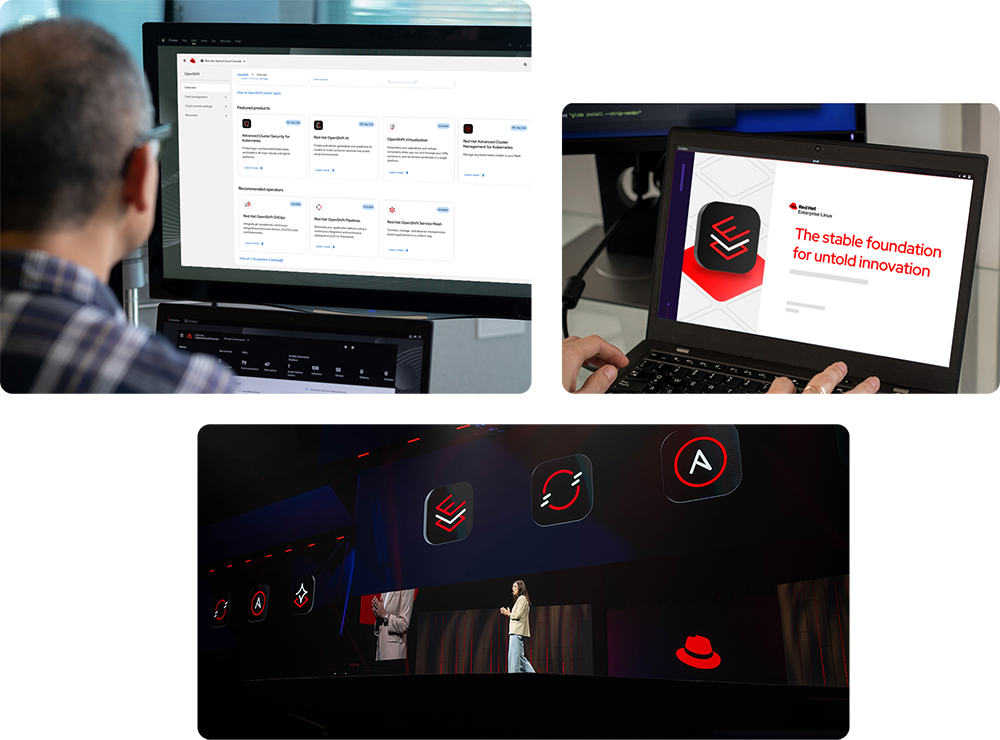
“Product branding” is our term for the elements we bring together to identify a specific Red Hat offering. These elements can be written or visual, and include things like product names, acronyms, messaging, logos, and icons. Depending on the offering, they might even include custom artwork, animations, and more. Product branding also includes times when we choose not to apply custom branding to things to avoid customer confusion.
Focusing on repeatable elements that are used consistently over time makes Red Hat offerings recognizable no matter where in the customer journey they appear. It also gives us the opportunity to celebrate our offerings and the teams who build them through swag, office graphics, and more.
Brand architecture in action
When we brand offerings, we follow our parent brand architecture by placing the most emphasis on Red Hat and our 4 platform sub-brands. Most products sit under one of the sub-brands, and are powered by components like features, plug-ins, and operators.
We prioritize the creation of brand elements for each of these offering types differently because they show up at different parts of the customer’s journey. Creating brand elements also takes significant investment in time, resources, and budget, so we want to be sure to invest wisely.
Branding platform sub-brands
Each of the 4 sub-brands has a unique collection of visuals that reflects what it can do for our customers. The visuals are built with elements from our design language to give each sub-brand a distinct identity while still looking unmistakably like Red Hat.

Our platform for developing and deploying artificial intelligence solutions across the hybrid cloud. The Red Hat AI technology icon combines a stable platform with a sparkle, representing the possibilities of rapid innovation.
The platform artwork brings together building blocks to visualize how smaller, modular models make AI ready for enterprise operations.


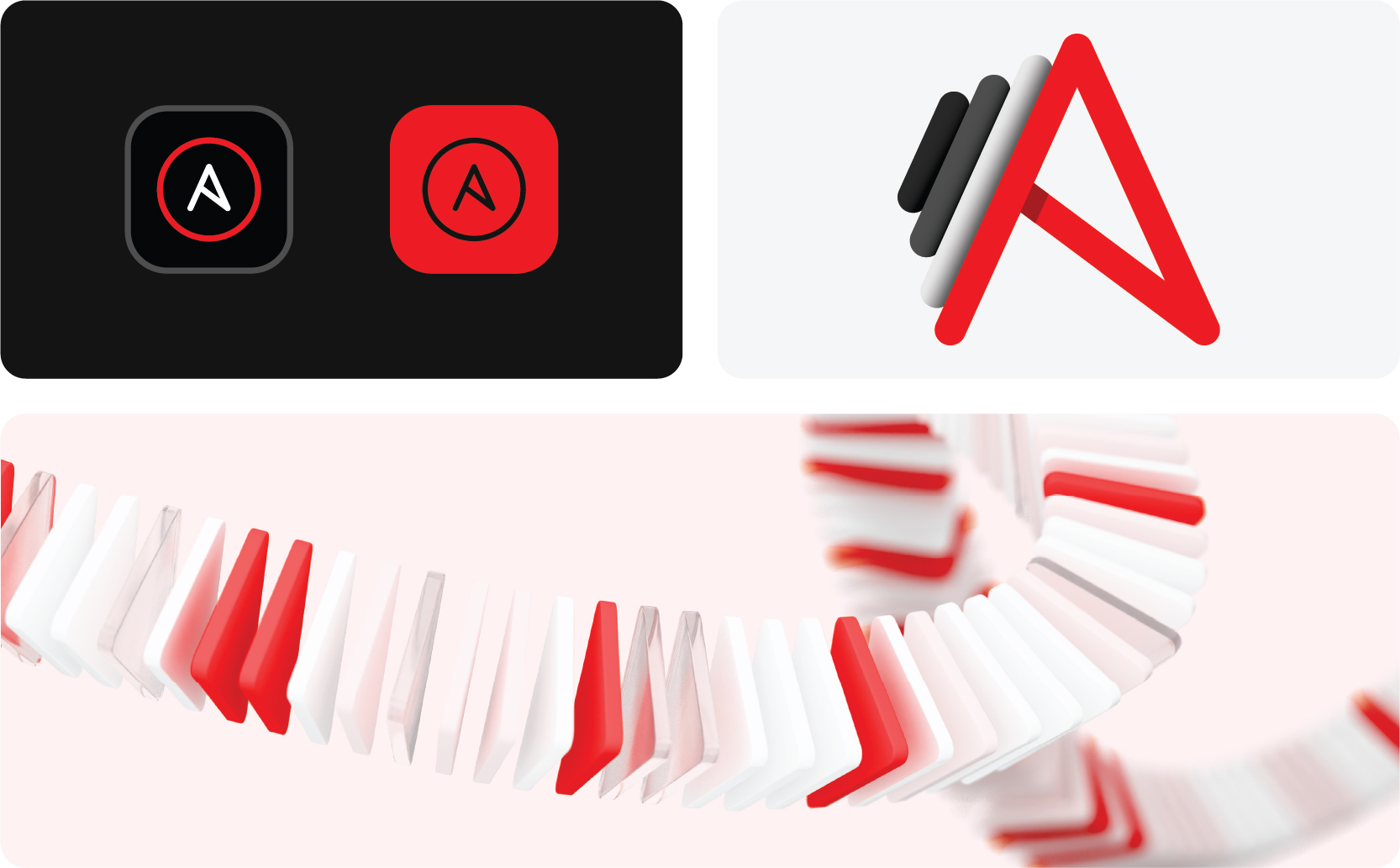
Our platform for implementing enterprise-wide automation. The twisted ‘A’ in the Red Hat Ansible® Automation Platform icon references agility provided by automating tasks quickly and efficiently.
The ‘A’ morphs into flying, replicating triangles in the platform artwork, symbolizing how automation unites tech, teams, and environments through repeatable automations.

Our enterprise-ready operating system. The Red Hat Enterprise Linux® technology icon combines the letters ‘E’ and ‘L’ in a stack of platforms, representing the stable foundation for hybrid cloud innovation RHEL provides.
Groups of platforms come together in RHEL platform artwork, visualizing consistency across operating environments.


Our platform for building, modernizing, and deploying applications at scale. The ‘O’ in the Red Hat OpenShift® technology icon is split by lines speeding up and to the right.
Those “speed lines” are expanded into platform artwork to represent how Red Hat OpenShift simplifies and accelerates app dev.

Branding products and components
Most products and components align with one (or more) of our sub-brands. To make this relationship clear, use the branding associated with the relevant sub-brand when referencing them rather than creating custom branding.

Products
As the software and services that we sell, products have their own logo and technology icon to distinguish them. They don’t have their own custom artwork, so we use the artwork of the related sub-brand (For example, references to Red Hat AI Inference Server use Red Hat AI artwork).
Components
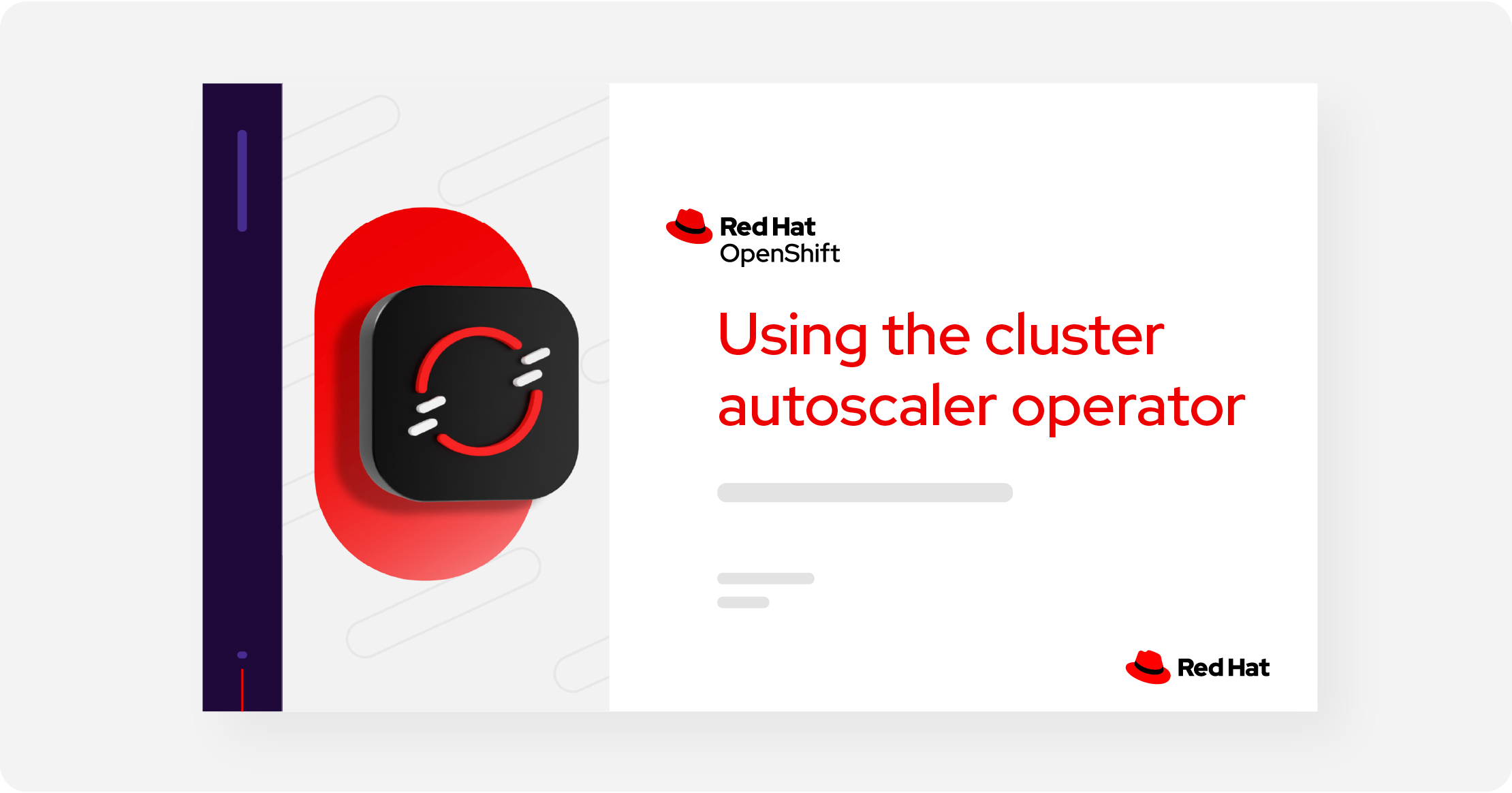
Components are typically referenced in the context of a product, so their visual branding is minimal. If branding is necessary—such as for a presentation about a component—use the branding of the product and/or sub-brand the component falls under (For example, references to the cluster autoscaler operator use Red Hat OpenShift branding and artwork).
Branding non-Red Hat offerings
It’s important to be clear about which offerings are unique to Red Hat versus which are community projects, partner products, or general software concepts. We don’t want to overstep our role in the community, and we don’t want to mislead our customers and erode their trust in Red Hat. Any time we’re referring to these offerings, it’s best to be as careful and transparent as possible.
Open source community projects
Ask the community for permission to use their name, logo, or icon first. Always use their assets as provided and follow their brand guidelines. Never use or create a “Red Hat version” of their logo or icon.
If the community does not give us permission to use their assets, explore alternatives to represent the community like typing out their name or using a standard icon.
Partners
Use the name, logo, or icon of the partner. Don’t imply that Red Hat owns or created someone else’s product or solution.
Make sure you have permission to use the partner’s assets and follow their brand guidelines. Refer to the partner handbook for more info on how we appear with partners.
Industry-standard concepts
If we’re referring to a more general, industry-standard technology concept that’s not unique to Red Hat, we use an icon from the Red Hat standard icon library. Refer to the concept using a commonly understood name that doesn’t imply a unique Red Hat offering.
Third-party plug-ins, operators, or models
If we’re referencing a technology (like a plugin, operator, or AI model) that is supplied by or works with a third party and we don’t have permission to use their logo or icon, we can use the generic technology icon for that kind of offering.
Industry-standard concepts
If we’re referring to a more general, industry-standard technology concept that’s not unique to Red Hat, we use an icon from the Red Hat standard icon library. Refer to the concept using a commonly understood name that doesn’t imply a unique Red Hat offering.
Product branding in marketplaces and catalogs
When our customers are searching for new software, they often turn to marketplaces and catalogs from Red Hat and our partners. With so many offerings available, it’s important for listings to be clearly and accurately identified so that customers can find them quickly and easily.
Listing Red Hat products and components
Whether we’re listing an offering in our own marketplace or catalog (including those inside Red Hat product interfaces) or listing it in a partner’s, it should always be clear who made it and what the customer is receiving.
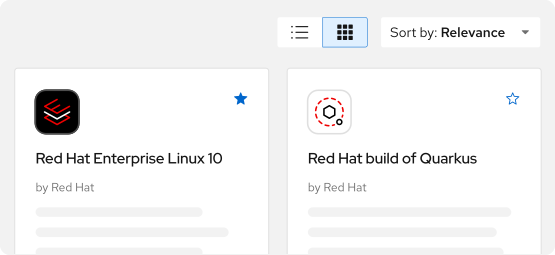
Use the offering’s full color technology icon for the thumbnail plus the full, approved offering name. Avoid acronyms, incorrect capitalization, and misspellings. Find approved names on the OPL (VPN connection required).
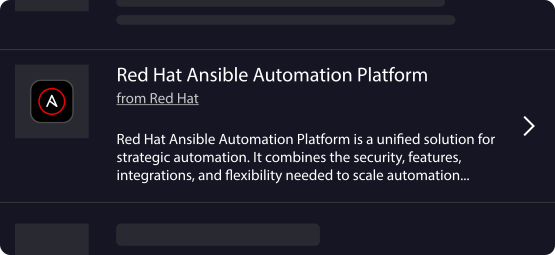
When the listing requires a description, put the information that’s most useful to the customer first. Refer to the product’s messaging guide and keep it clear and concise.

Not this: Don’t use a product logo or the Red Hat logo for the thumbnail. They’re too small and make it difficult to distinguish between different Red Hat offerings.

Not this: Don’t abbreviate offering names, even if the abbreviations are widely known.
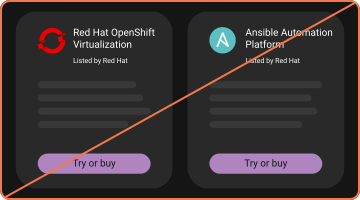
Not this: Don’t use the logo or icon of an open source community project or an outdated product icon or logo.
Listings by partners or resellers
When partners and resellers list Red Hat offerings, it should be clear to the customer what the offering is and who is listing it.

Listings by first parties
First-party listings should use Red Hat technology icons for the thumbnail, even when Red Hat is not listed as the provider or source of the software. They shouldn’t use the Red Hat logo or the Red Hat product logo.

Listings by resellers
Resellers should use their own logo for the thumbnail to indicate that the offering is not sold directly by Red Hat. They shouldn’t use the Red Hat logo, the Red Hat product logo, or the Red Hat technology icon.
Icon badging
Badges can be added to existing technology icons to show that the offering is a plug-in or operator, or to reinforce that it’s an official Red Hat offering. Badged icons should be used sparingly and only within marketplaces, never in marketing or on swag.
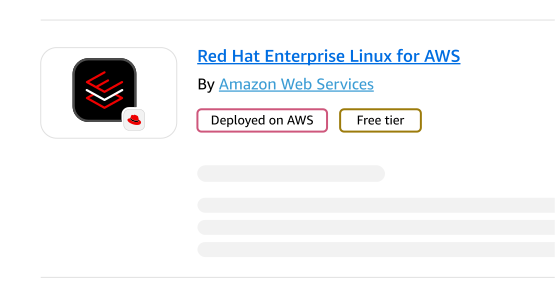
Hat badge
If there’s a concern that customers won’t recognize first- or third-party marketplace listings without the Red Hat logo, we can use a version of the technology icon with a hat badge (learn more about first- versus third-party listings on the partner handbook).

Plug-in or operator badges
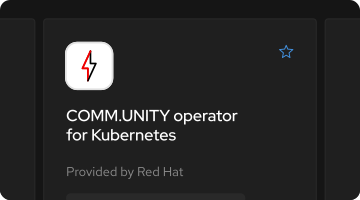
Plug-ins and operators are usually free offerings that work with one of our offerings. Don’t create a new icon to represent them; to make it clear what the user is getting, use the offering’s technology icon with a plug-in or operator badge.
Listing non-Red Hat offerings
Sometimes Red Hat lists community projects or partner offerings inside our own marketplaces and catalogs, like the Red Hat Ecosystem Catalog. We don’t want to overstep our role in a community, and we don’t want to be misleading or erode customers’ trust in Red Hat, so it’s best to be as careful and transparent as possible.
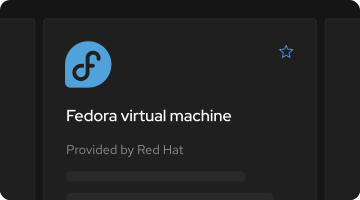
Open source community projects
Ask the community for permission to use their name, logo, or icon first. Always use their assets as provided and follow their brand guidelines. Never use or create a “Red Hat version” of their logo or icon.
If the community does not give us permission to use their assets, explore alternatives to represent the community like typing out their name or using a standard icon.

Partner offerings
Use the name, logo, or icon of the partner. Don’t imply that Red Hat owns or created someone else’s product or solution.
Make sure you have permission to use the partner’s assets and follow their brand guidelines. Refer to the partner handbook for more info on how we appear with partners.
Third-party technologies
If we’re listing a technology—like a plug-in, operator, or AI model—that’s supplied by or works with a third party and we don’t have permission to use their logo or icon, we can use the generic technology icon for that kind of offering.

Not this: Don’t recreate the logo or other branding of a community or partner in Red Hat’s style, or use a name that implies that it belongs to Red Hat.

Not this: Don’t use a co-brand logo.

Not this: Don’t create a custom image for a thumbnail, using Red Hat assets or not.
Product branding in product interfaces
The interface is where customers do their work. For many, this is the most common way they interact with the Red Hat brand. Product branding should clearly communicate which Red Hat offering they’re using and improve the user experience—not get in the way—by connecting it to the rest of the customer journey.
Identifying the offering
Regardless of the design system used to build an interface, the Red Hat logo should always appear near the top—either on its own or as part of a product logo. Use the appropriate logo file (which can be downloaded from the Red Hat Brand Portal) rather than recreating the logo or creating a new one.
Product interfaces

For products, use the one- or two-line, full color logo in the upper left of the masthead, with appropriate clear space. Always use the official logo file rather than recreating the logo.
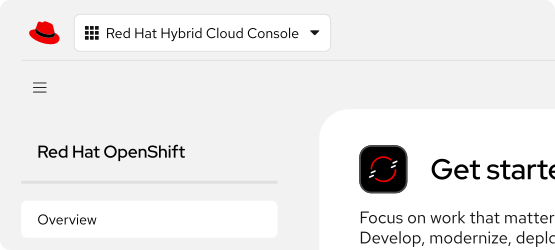
In interfaces with other content in the masthead, like on Hybrid Cloud Console, use the product name in text at the top of the sidebar.

Not this: Don’t recreate a logo or pair the hat with text. Use approved logo files.
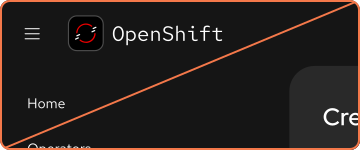
Not this: Don’t use a technology icon as a logo or create a new logo.
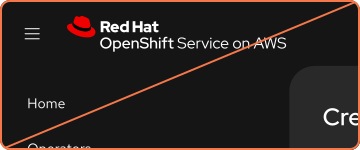
Not this: Don’t create logos for things that do not have logos.
Component interfaces
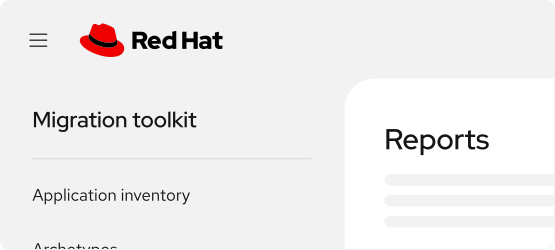
Use the logo of the product that the component is part of in the masthead followed by the name of the component in text at the top of the sidebar.
In the rare case that the component is not part of a singular product, use the Red Hat logo in the masthead.
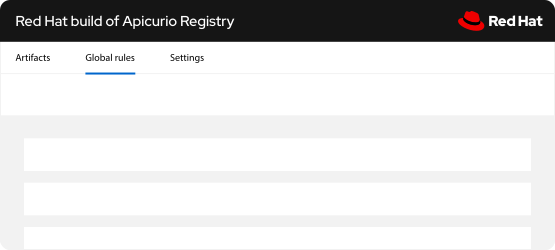
In interfaces without a sidebar, type the name of the component in Red Hat Display Medium in the masthead. Place the Red Hat logo in a separate but prominent spot, like the opposite side of the masthead.

Not this: Don’t create logos for components. We only use logos for our 4 platform sub-brands and products that we sell.

Not this: Don’t co-brand the Red Hat logo or a product logo with the name or technology icon of the component.

Not this: Don’t forget to include the Red Hat logo.
Adding visual interest
When appropriate, other elements of product branding can appear in the interface to add visual interest and reinforce the connection to the rest of the Red Hat brand. Make sure these elements are not distracting and don't get in the way of the work that the user needs to accomplish—this can be frustrating and reflect poorly on our brand.
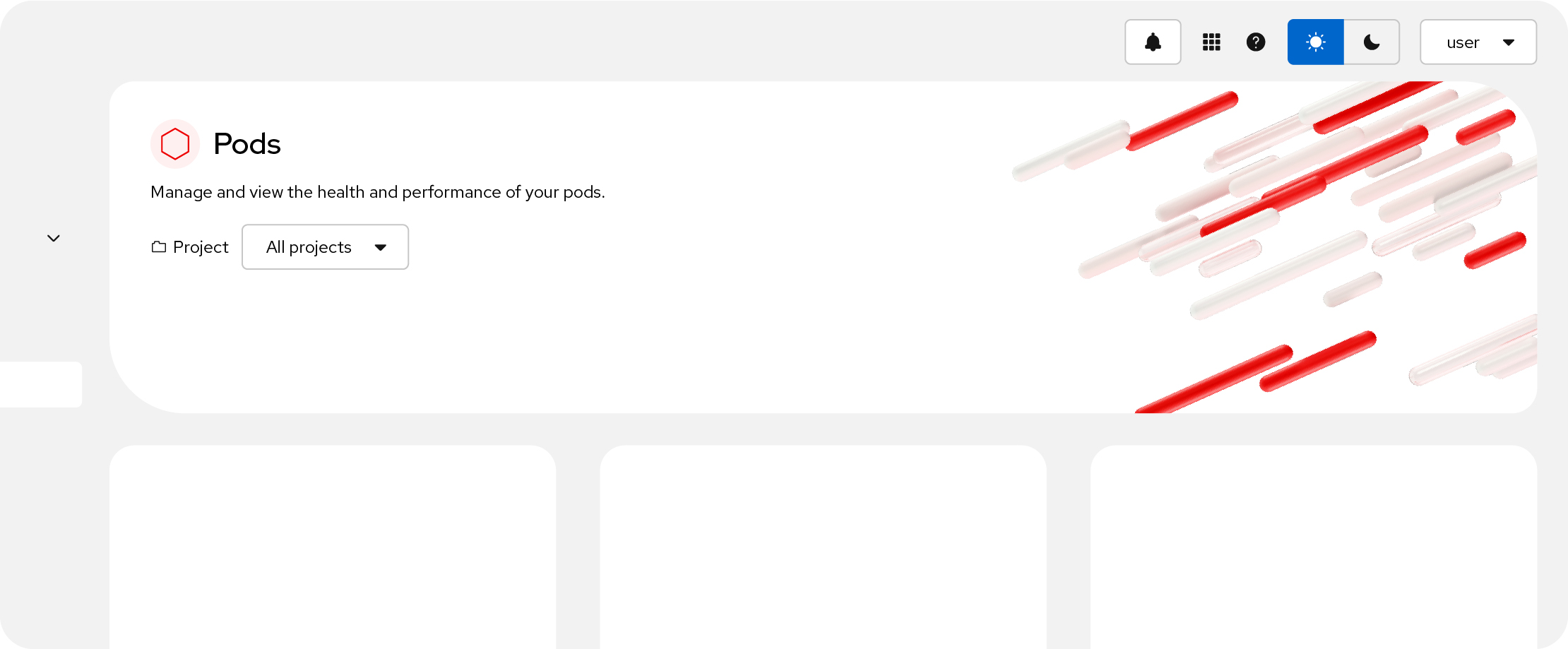
Sub-brand artwork and illustrations work well in large spaces, like hero graphics. Choose the artwork that
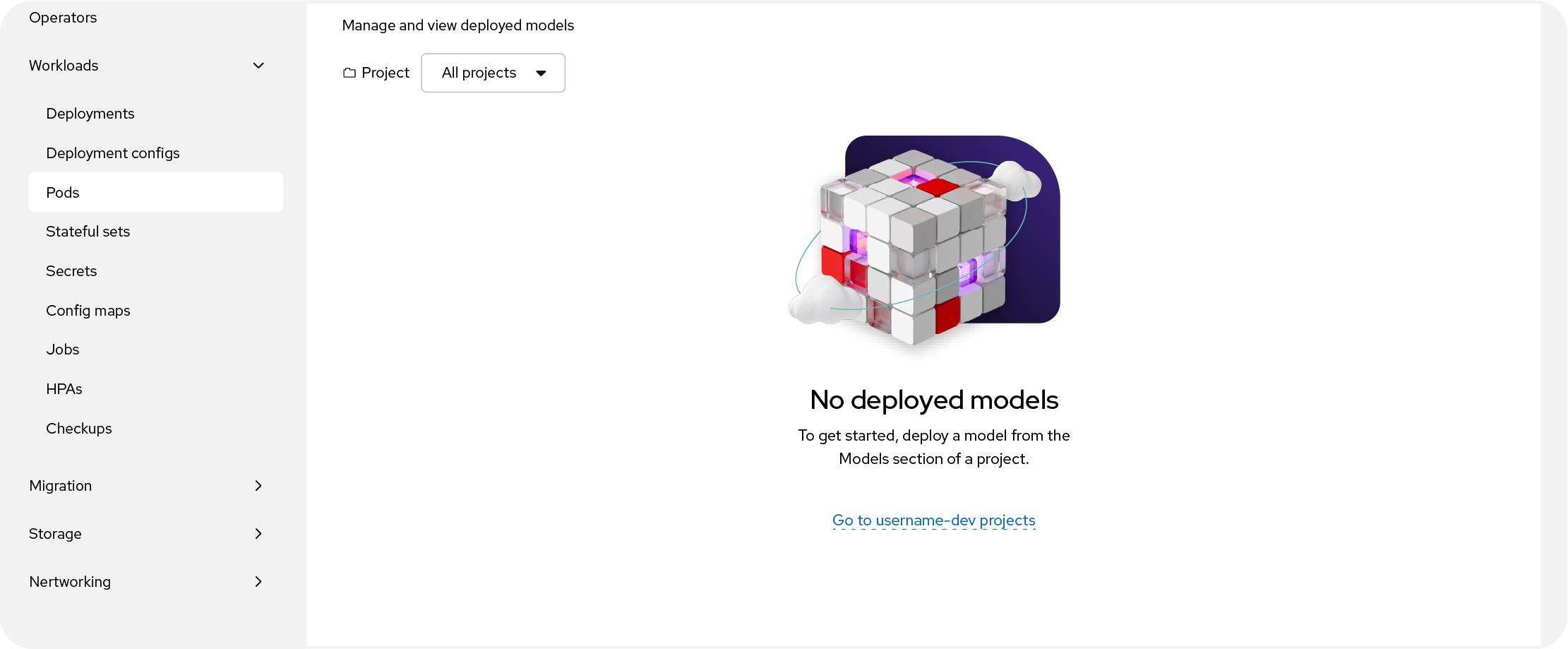
Hybrid style collages add visual interest and reinforce the content of empty states.
Incorporating technology icons
Like app icons on a phone, the primary intention of technology icons is to help users identify Red Hat offerings and access them quickly. Use them in the product interface to aid navigation, not as decoration.
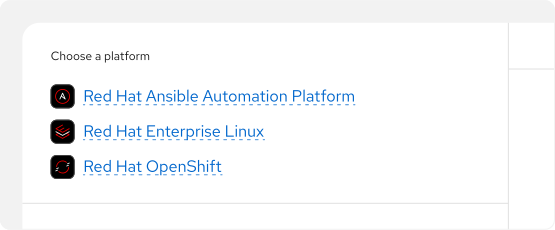
Technology icons are especially useful for identifying a Red Hat offering in a list of multiple offerings.
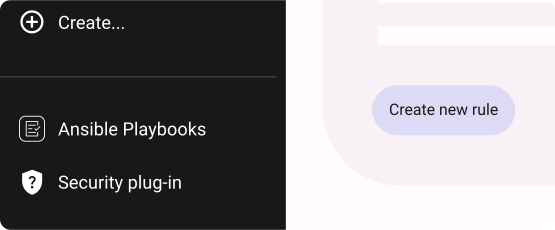
In interfaces that are built with other design systems (like Google Material Design or IBM Carbon), use technology icons as they exist. If needed, use the one-color version.
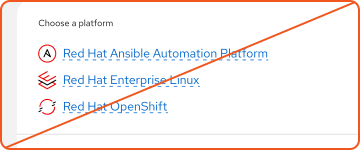
Not this: Don’t remove the icon from the rounded rectangle bounding shape.
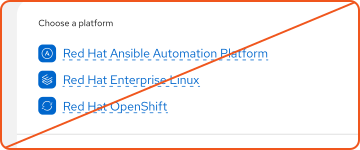
Not this: Don’t change the color or other details of technology icons. Use a one-color version if necessary.
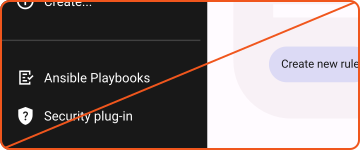
Not this: Don’t re-draw Red Hat icons in the style of another design system. Don’t represent a Red Hat offering with an icon from another design system, either.
Product branding in presentations
Presentations at events, webinars, and sales meetings can be the first place prospective customers and partners see Red Hat product branding. It’s important to make the most of those first impressions. Always start with the Red Hat presentation template from the Google Slides template library (Login required).
Remember, nothing is internal-only, and slides often get shared and copied between decks. Create slides with the understanding that they might be seen by customers and partners in the future.
Title slides

Use the full name of an offering on the first use. Approved acronyms and abbreviations come in handy, but they can be confusing without context. Find approved names on the OPL (VPN connection required).

When presenting about a component, reference the product it’s a part of up front by name or by using its product logo.

Incorporate platform sub-brand artwork for visual interest, when applicable.
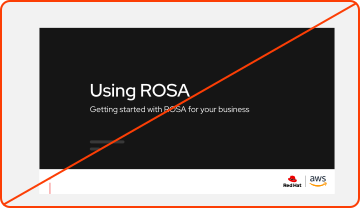
Not this: Don’t use abbreviations on the first reference to an offering. Use approved short names or acronyms only after introducing the full name.
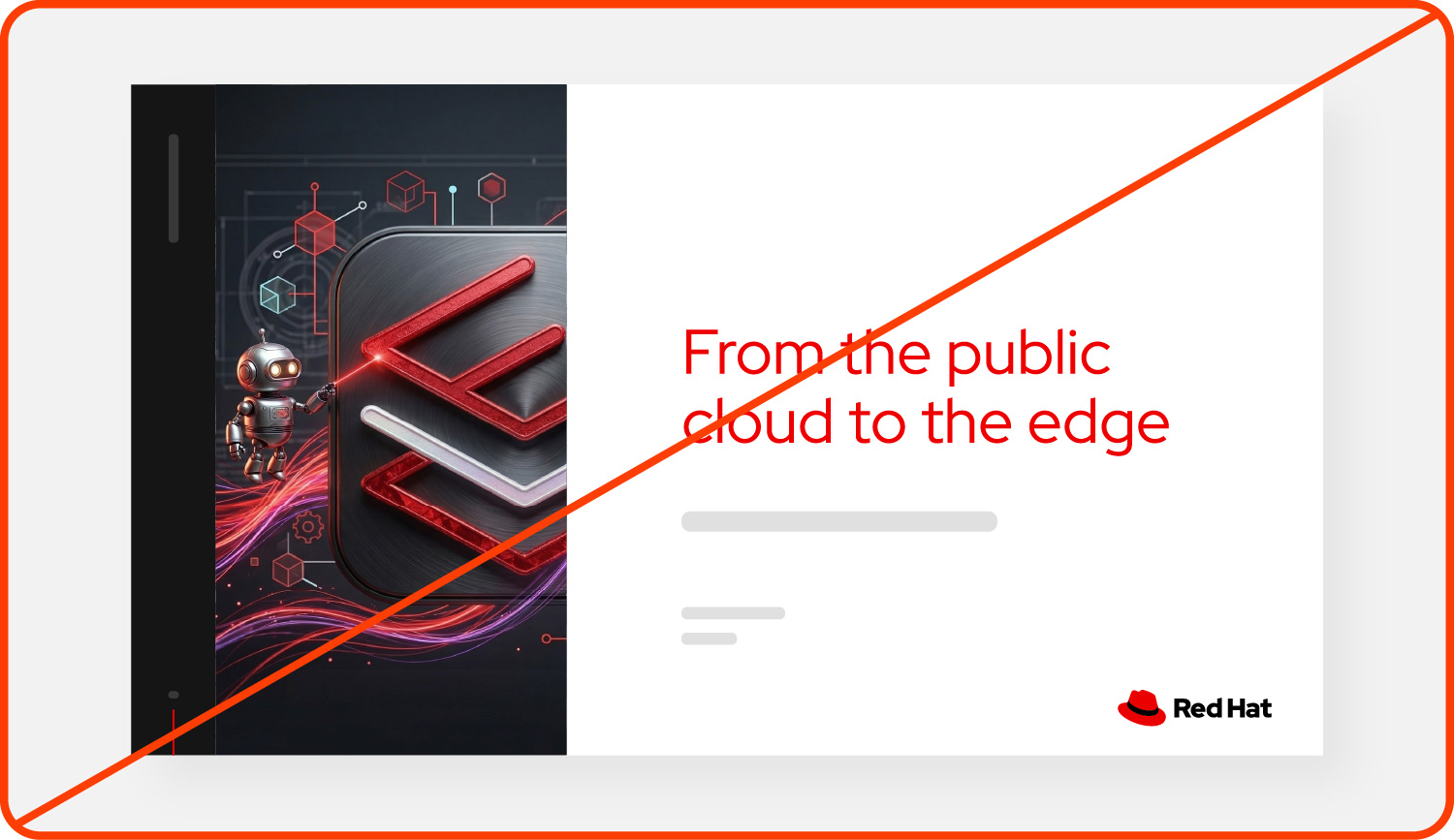
Not this: Don’t create or use custom artwork for products or components. Use the artwork of the sub-brand they fall under.
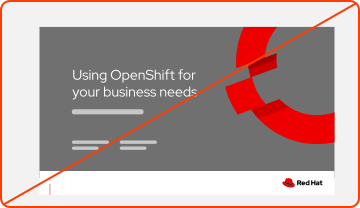
Not this: Don’t use outdated product logos or icons. Be sure to use the most recent version of our brand assets.
Using technology icons

Build recognition for our icons and simplify graphics by using technology icons. Type the name of the offering near the icon for added context.
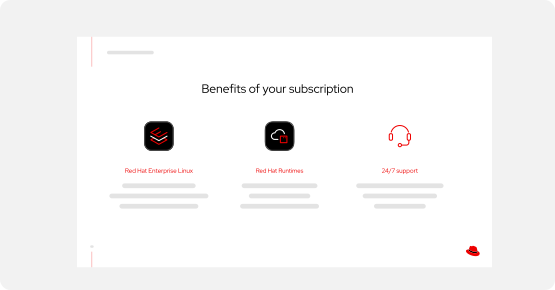
Set expectations by using the correct type of icons. Represent Red Hat offerings with technology icons. Represent general concepts with icons from the standard icon library. It’s okay to mix icon types on the same slide.
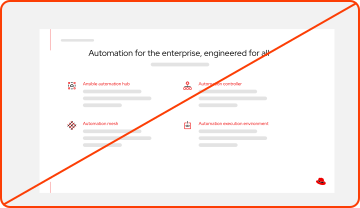
Not this: Don’t remove technology icons from their bounding shape, change their color, or otherwise modify them.
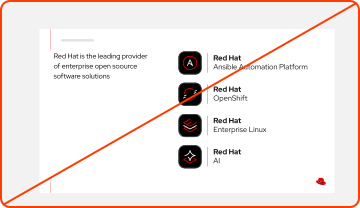
Not this: Don’t create or imply logos for components. Use their technology icons instead.
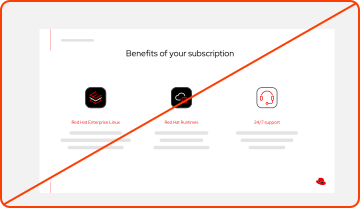
Not this: Don’t place a bounding shape around other icons to make them appear like technology icons. This can be misleading.
Diagrams
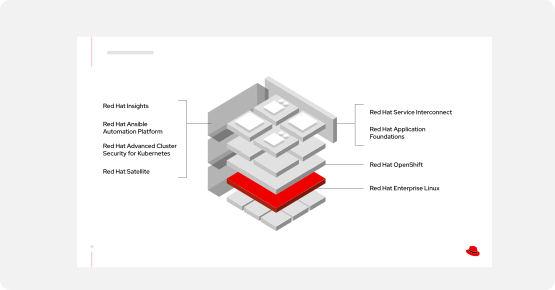
Do this: Use technology icons if available or simply type out the full, approved name of each offering.
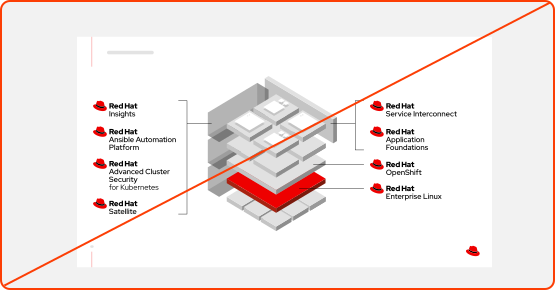
Not this: Avoid a “sea of hats.” Don’t use more than 3 product logos maximum—it's repetitive and distracting.
Product branding in marketing materials
Marketing spans a huge variety of mediums—from our website to advertising, from swag to giant event booths. Using product branding across these applications creates a consistent journey for our customers as they learn more about Red Hat and our offerings, which makes it easier for them to trust what they see when they’re buying and making purchasing decisions. We want to make every brand impression count.

Use product logos on collateral when it’s relevant to the content.
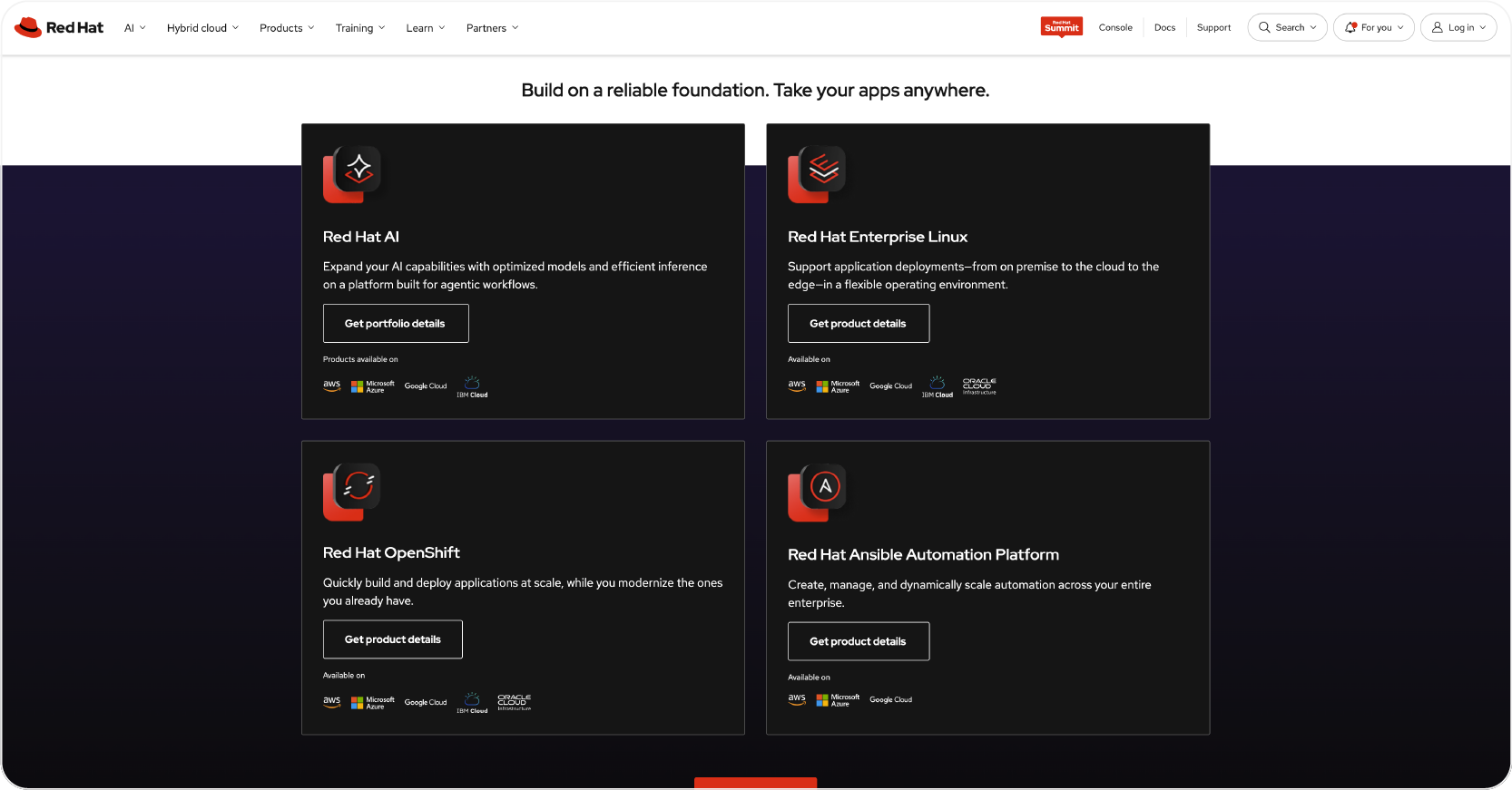
In web graphics, use technology icons and platform sub-brand artwork to visually tie the web experience back to other parts of the customer journey.

When marketing a component, use branding and artwork for the product that the component is a part of. This makes it clear which of our products the customer should purchase to use the component.
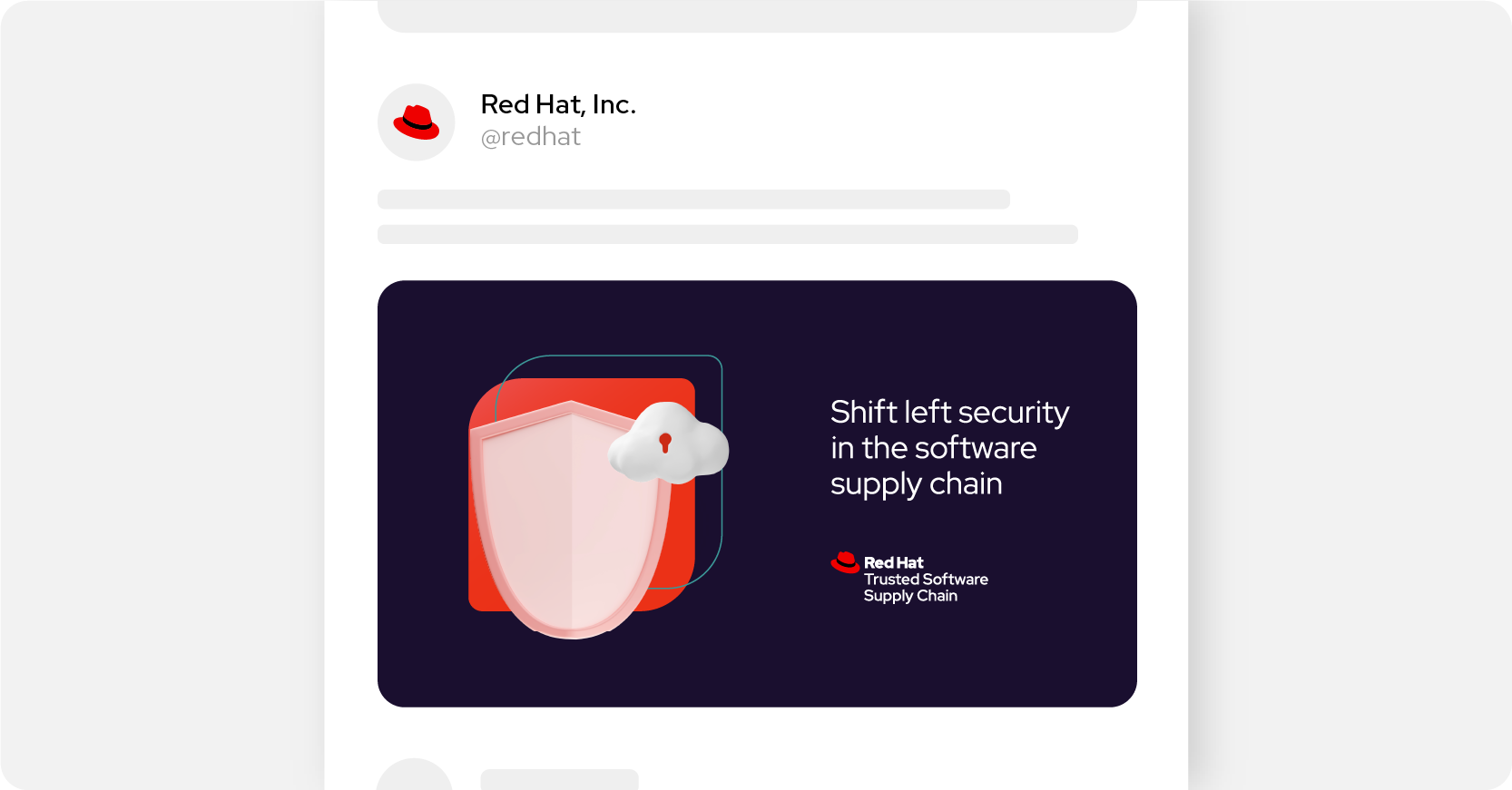
When you need additional visuals, choose general illustrations, icon patterns, or photography related to the concept.
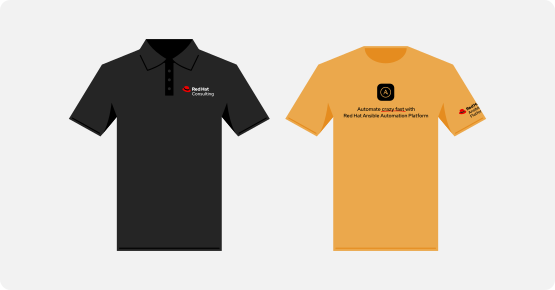
Always include either a product logo or the Red Hat logo on swag. Place the logo in a separate imprint area from the main artwork if needed.
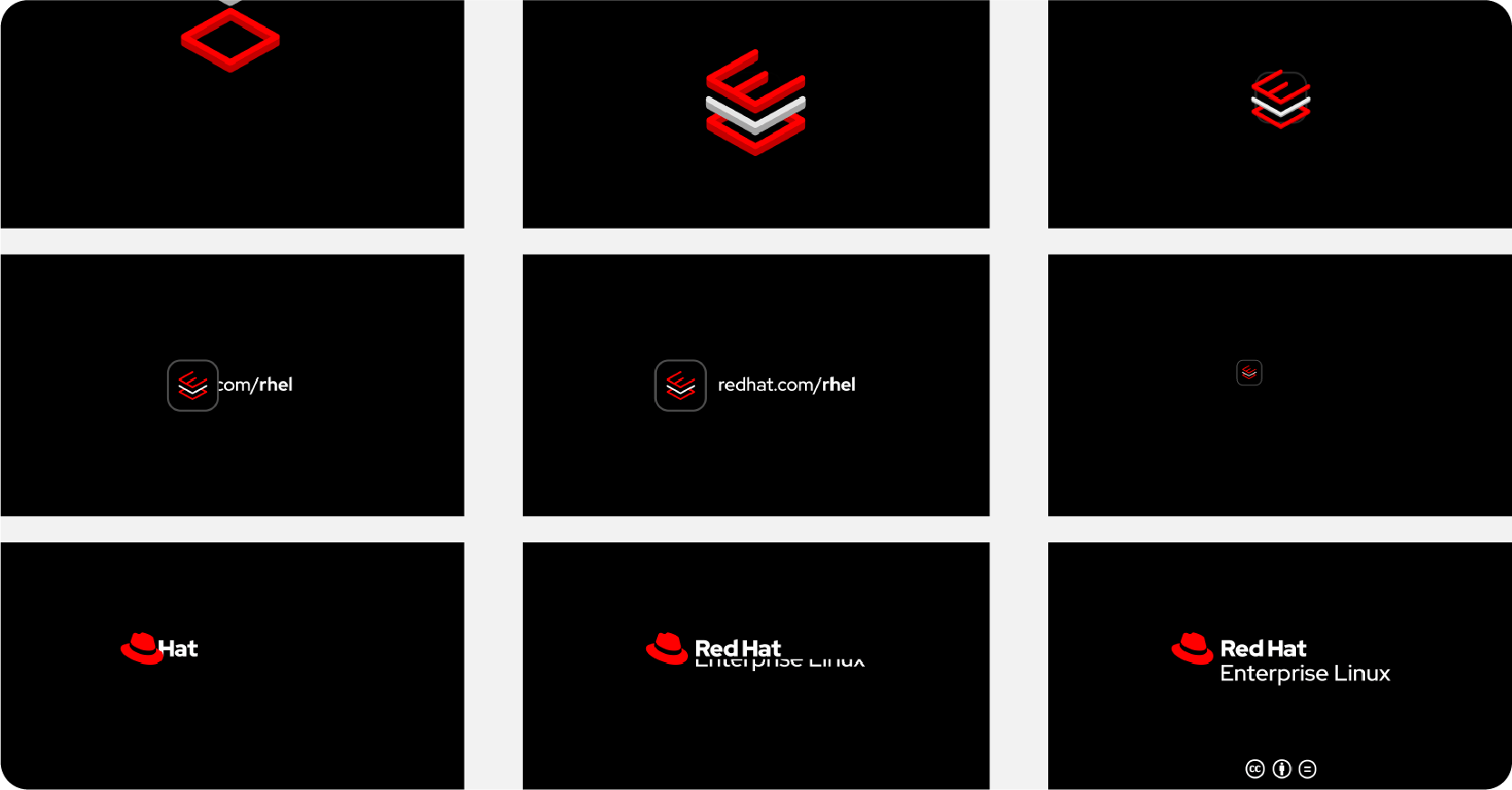
In videos, use approved intros and outros. For our 4 platform sub-brands, these include animated technology icons in combination with the platform sub-brand's logo.
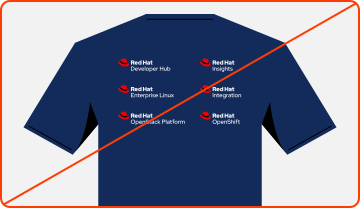
Not this: Avoid using multiple product logos on one piece of swag. Instead, use the Red Hat logo and then type out the names of the products.
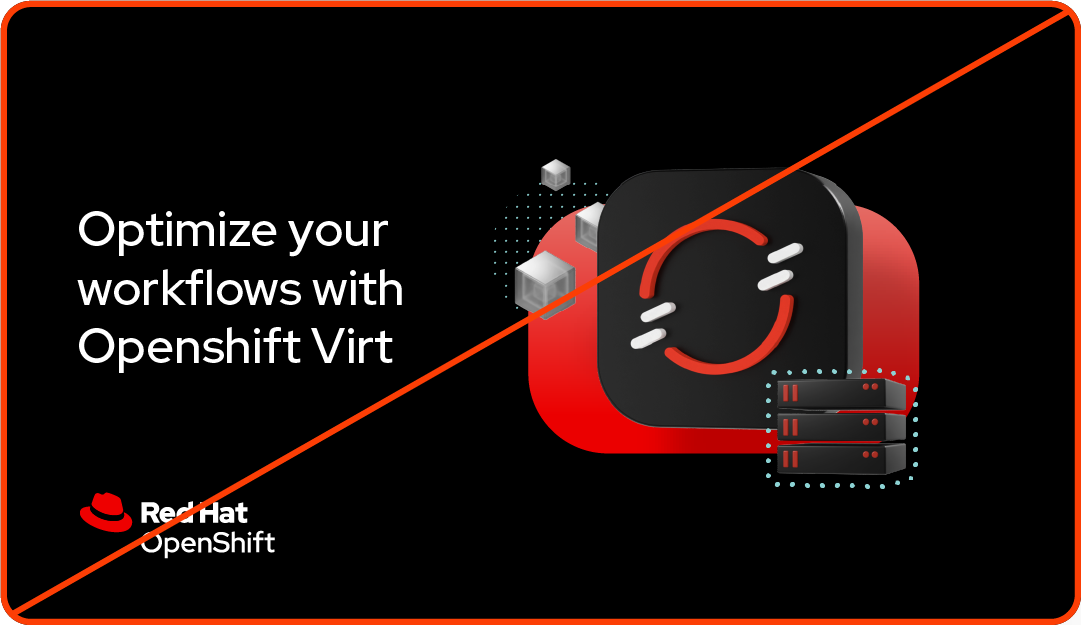
Not this: Don’t abbreviate or simplify names in marketing materials. It might be the first time the customer is hearing about the offering.
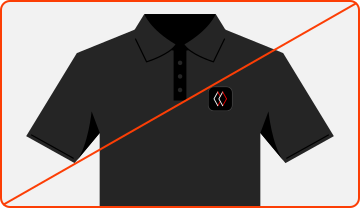
Not this: Don’t create marketing materials without a Red Hat logo or product logo. Icons and artwork might not be recognizable on their own.
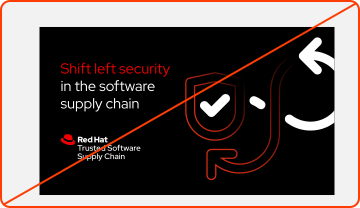
Not this: Don’t modify technology icons to create custom artwork for products or components. Use existing illustrations, icons, and photography.

Not this: Don’t co-brand a product logo with a partner logo. For co-branded product marketing, use a standard co-brand logo.
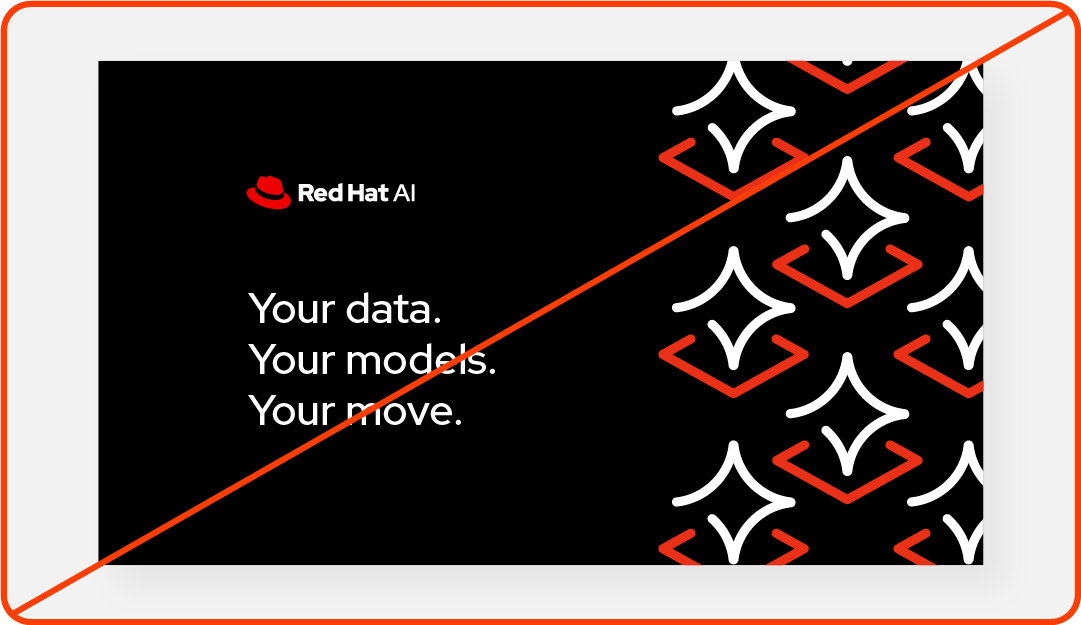
Not this: Don't remove the background or outline from product icons. Always use the entire icon together.