
A lot of people use Gmail daily to send and receive mail. The estimated number of global users in 2020 was 1.8 billion. Gmail works on the SMTP protocol over port number 587. In this article, I demonstrate how to configure your SMTP web server and send mail automatically from Ansible and using ansible-vault to secure passwords.
Encrypt your password file
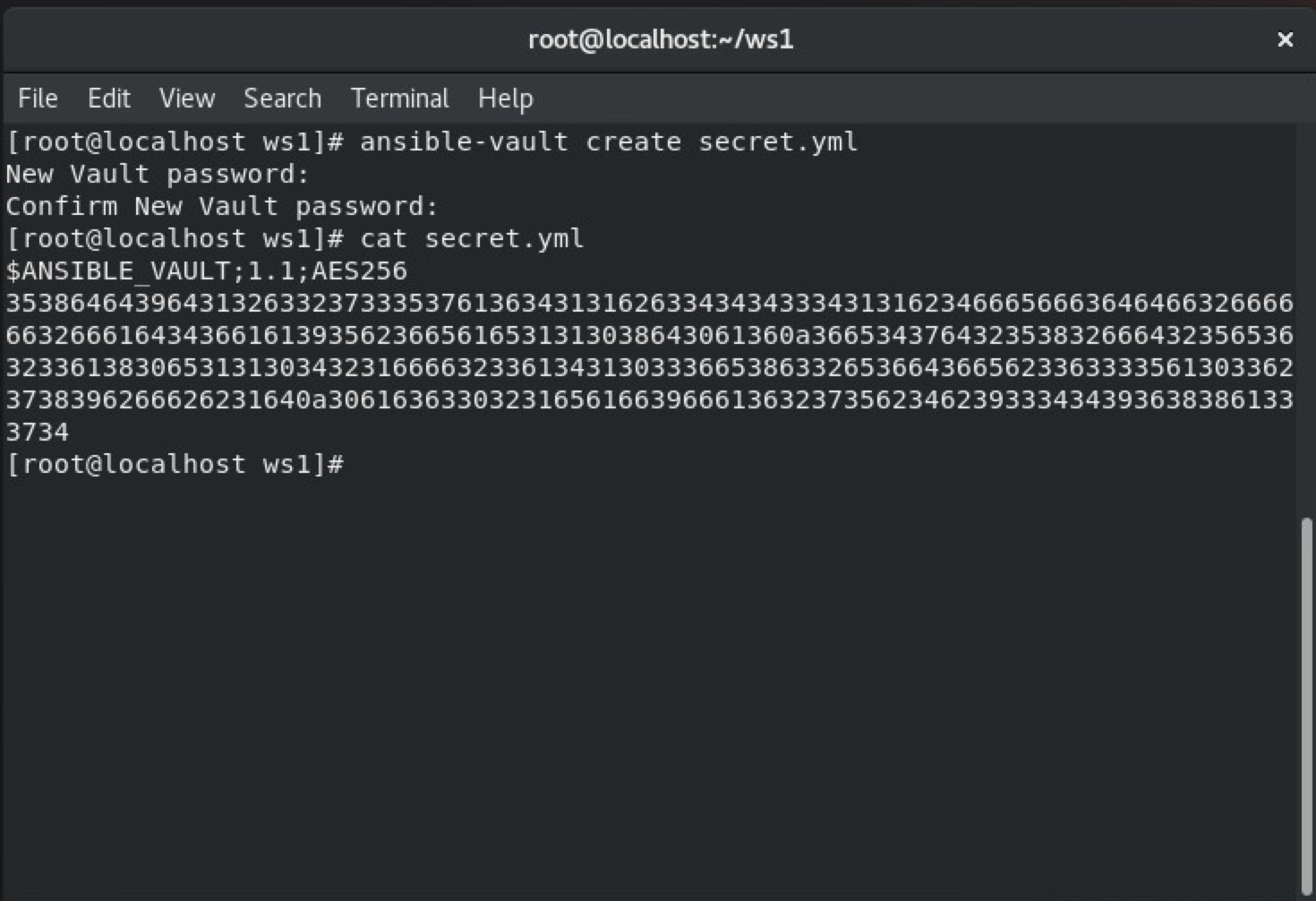
The ansible-vault command creates an encrypted file where you can store your confidential details.
ansible-vault create secret.yml
[ You might also like: A sysadmin's guide to configuring an email server ]
Gmail setup
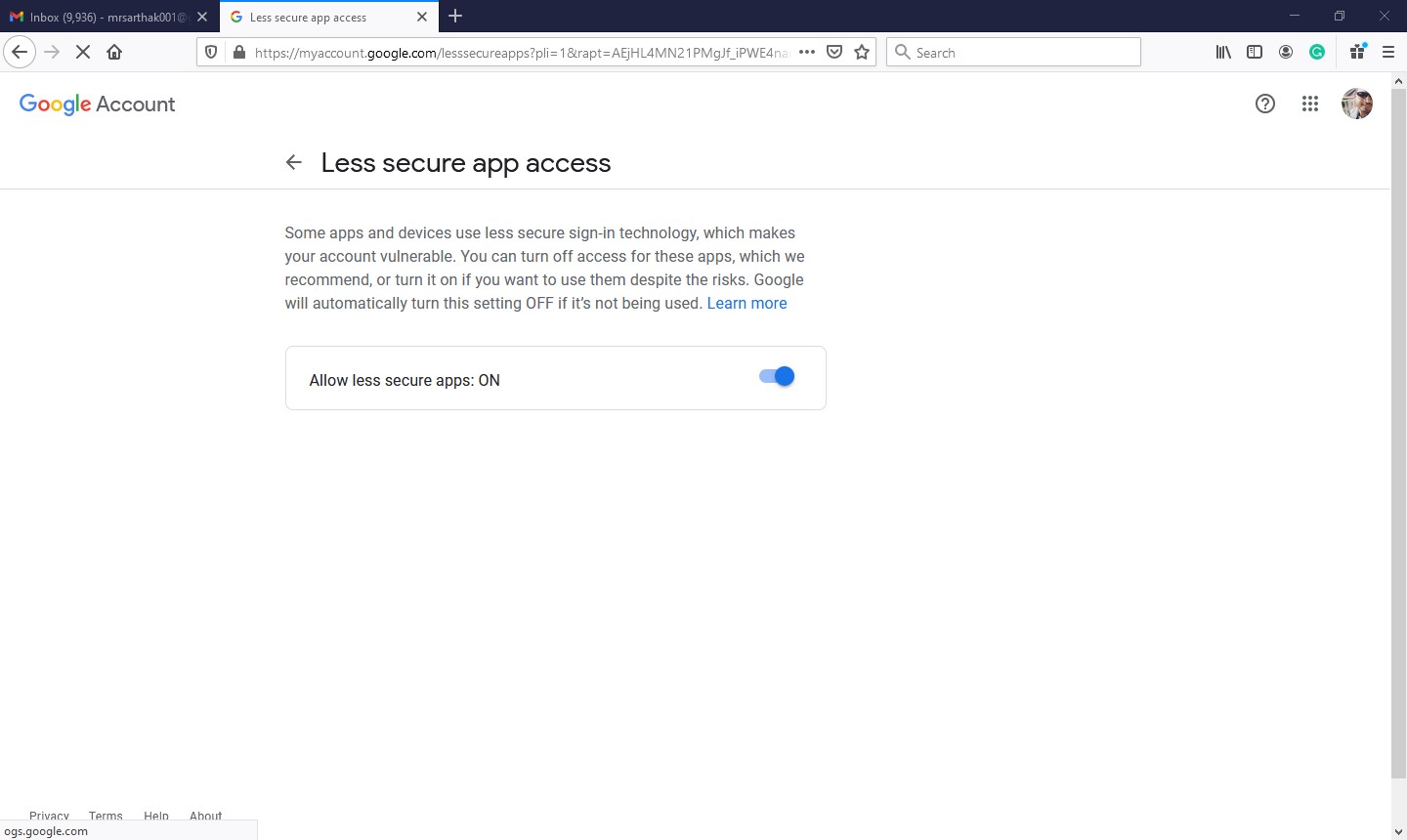
By default, Gmail doesn’t permit Less secure app access to their web server. For this, you have a solution: You can change the setting to enable Less secure app access.
Go to your Google account:
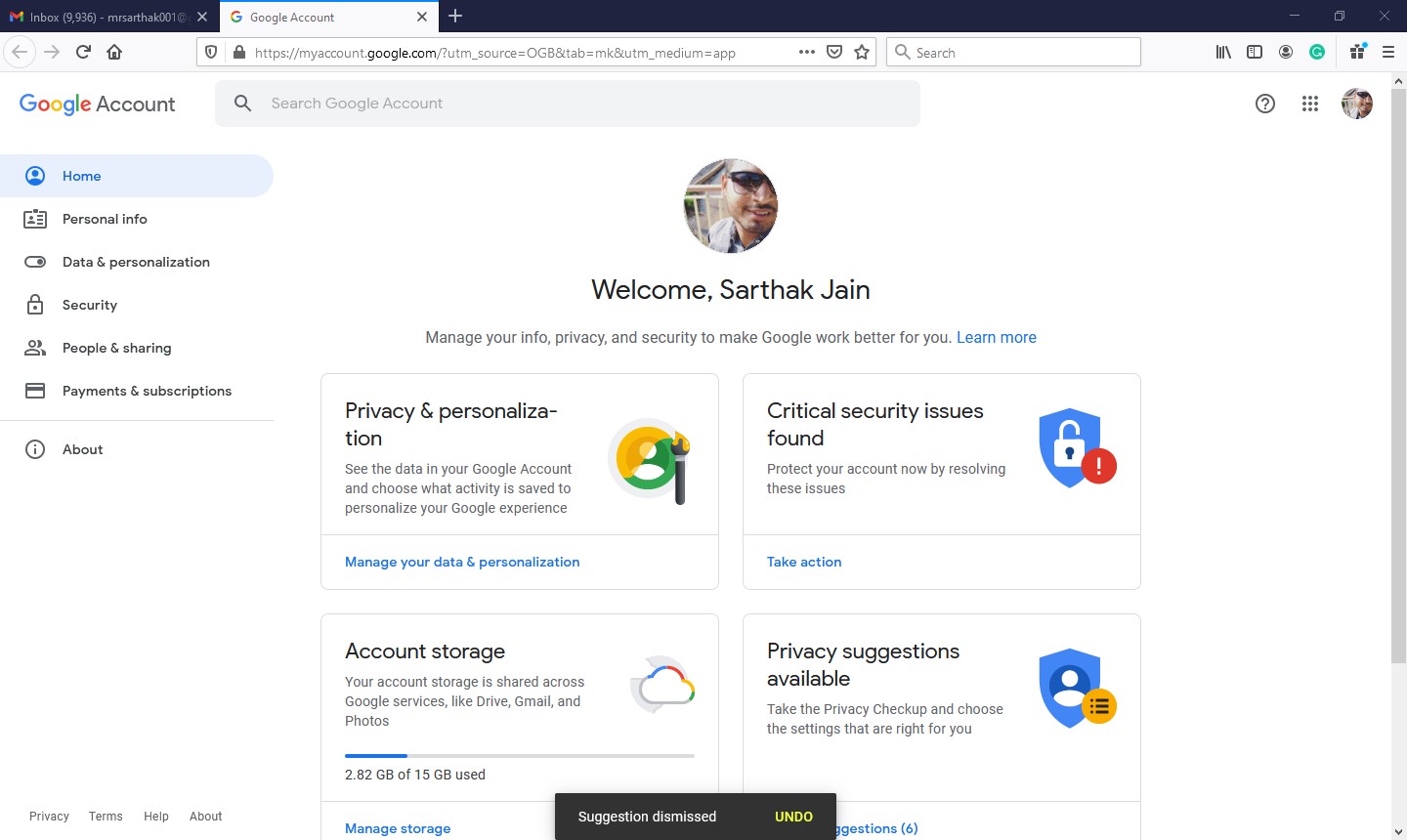
Click on Security and scroll down:
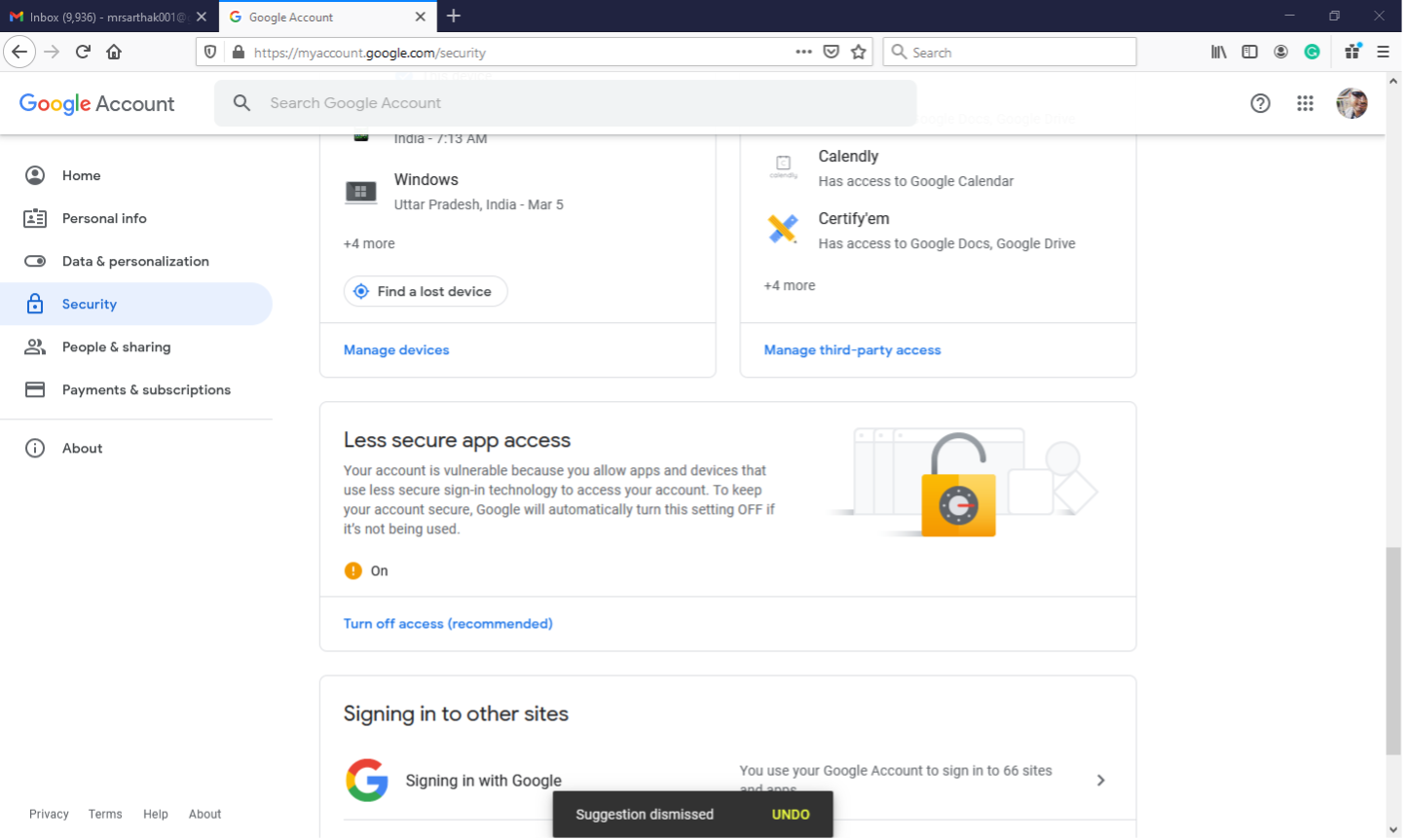
Click on Less secure app access and allow it:
Email Playbook
Configure the localhost as your web server, which is working on SMTP protocol over port 587. Username, password, and to fields are the Ansible modules. Subject and body are modules in which you can provide our subject and body content. The following is the email.yml file.
---
- hosts: localhost
  vars_files: secret.yml
  tasks:
  - name: Sending an email using Ansible
    mail:
      host: smtp.gmail.com
      port: 587
      username: 500069614@stu.upes.ac.in
      password: "{{ p }}"
      to: mrsarthak001@gmail.com
      subject: Email By Ansible
      body: Test successful
      delegate_to: localhost
Run the playbook
Run the playbook with the given command below. Use –ask-vault-pass flag while running the playbook with this keyword Ansible ask vault password and run your playbook.
ansible-playbook –ask-vault-pass email.yml
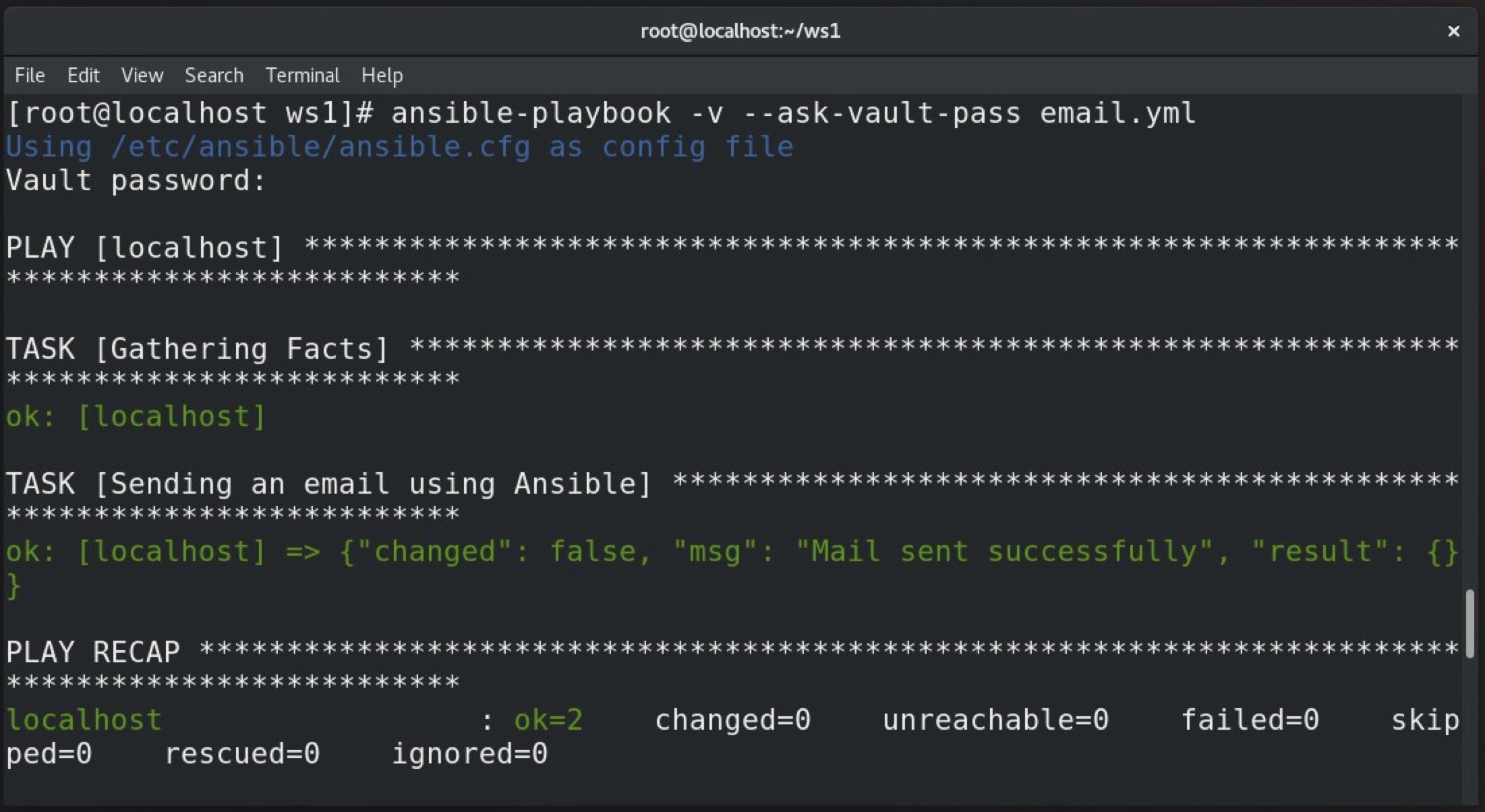
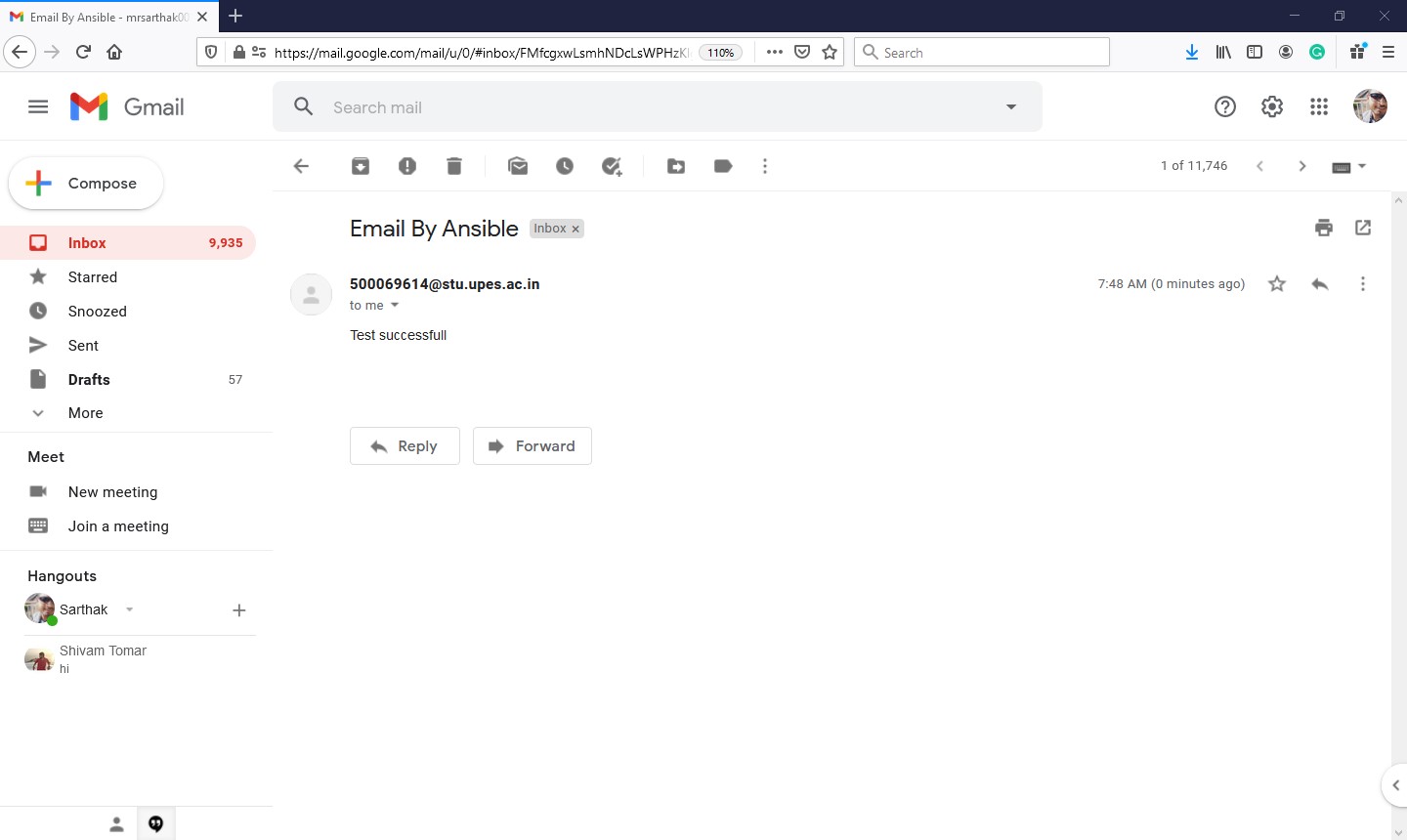
The email is sent successfully:
[ A free guide from Red Hat: 5 steps to automate your business. ]
Wrap up
These steps demonstrate how to configure Gmail to send email messages from Ansible. In addition, you can secure your passwords in Ansible Vault.
Über den Autor
Sarthak Jain is a Pre-Final Year Computer Science undergraduate from the University of Petroleum and Energy Studies (UPES). He is a cloud and DevOps enthusiast, knowing various tools and methodologies of DevOps. Sarthak also Mentored more than 2,000 students Regarding the Latest Tech trends through their community Dot Questionmark.
Ähnliche Einträge
Ansible Automation Platform 2.7: Execution Environment Builder
Red Hat Ansible All-Stars gestalten die Zukunft der Automatisierung
Random Acts Of Automation | Compiler
Untangling Networks | Compiler
Nach Thema durchsuchen

Automatisierung
Das Neueste zum Thema IT-Automatisierung für Technologien, Teams und Umgebungen

Künstliche Intelligenz
Erfahren Sie das Neueste von den Plattformen, die es Kunden ermöglichen, KI-Workloads beliebig auszuführen

Open Hybrid Cloud
Erfahren Sie, wie wir eine flexiblere Zukunft mit Hybrid Clouds schaffen.

Sicherheit
Erfahren Sie, wie wir Risiken in verschiedenen Umgebungen und Technologien reduzieren

Edge Computing
Erfahren Sie das Neueste von den Plattformen, die die Operations am Edge vereinfachen

Infrastruktur
Erfahren Sie das Neueste von der weltweit führenden Linux-Plattform für Unternehmen

Anwendungen
Entdecken Sie unsere Lösungen für komplexe Herausforderungen bei Anwendungen

Virtualisierung
Erfahren Sie das Neueste über die Virtualisierung von Workloads in Cloud- oder On-Premise-Umgebungen
