
You can customize the OpenShift Container Platform web console to set a custom logo and product name. This is especially helpful if you need to tailor the web console to meet specific corporate or government requirements.
Add a Custom Logo and Product Name
Prerequisites
Create a file of the logo that you want to use. The logo can be a file in any common image format (e.g. GIF, JPG, PNG, or SVG) and is constrained to a max-height of 60px.
Procedure
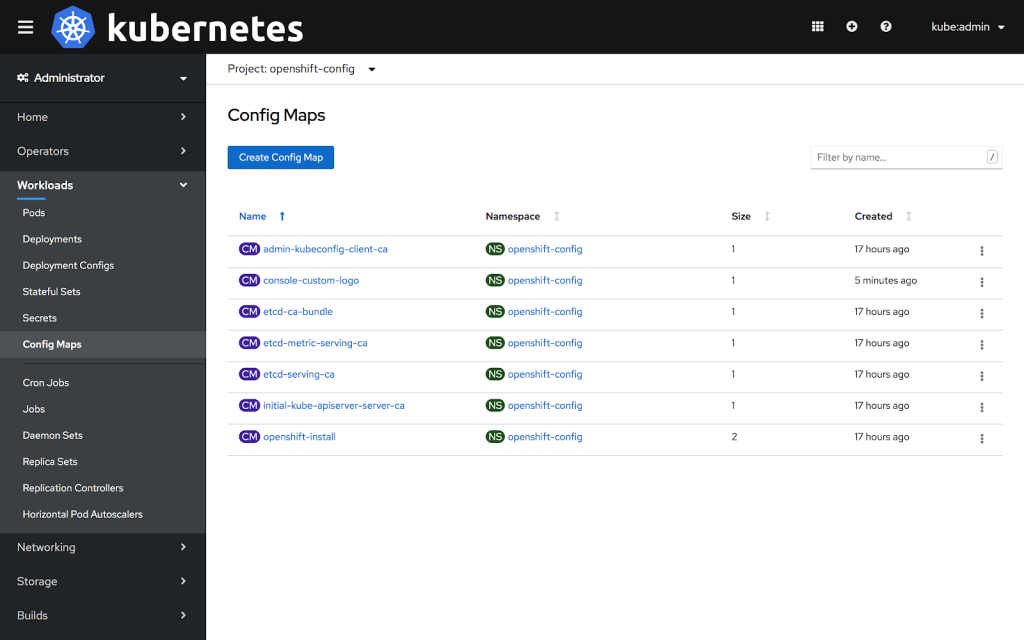
1: Import your logo file into a ConfigMap in the openshift-config namespace:
$ oc create configmap console-custom-logo --from-file=/path/to/console-custom-logo.png -n openshift-config
2: Edit the web console’s Operator configuration to include customLogoFile and customProductName:
$ oc apply -f <file>


apiVersion: operator.openshift.io/v1
kind: Console
metadata:
   name: cluster
spec:
   customization:
      customProductName: MyProduct
      customLogoFile:
         name: console-custom-logo
         key: console-custom-logo.png
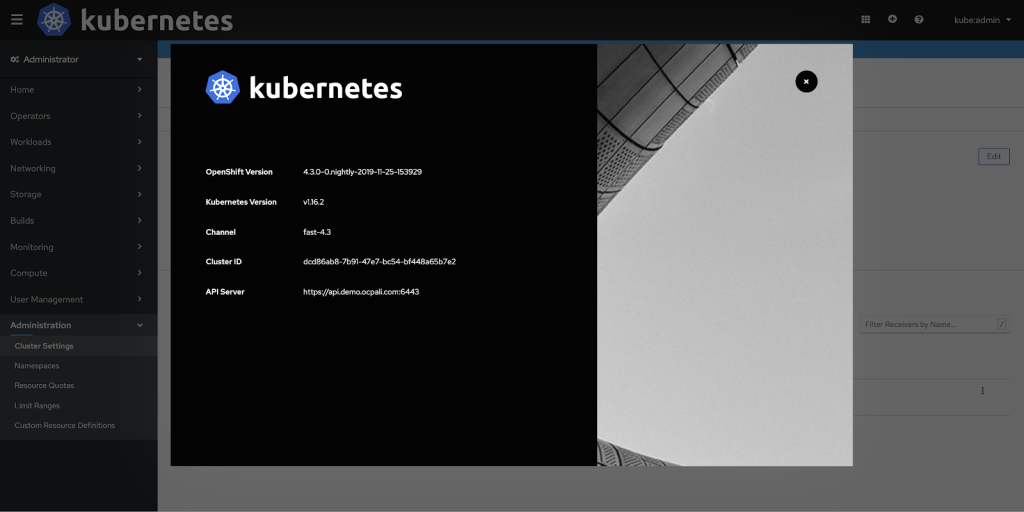
Once the Operator configuration is updated, it will sync the custom logo ConfigMap into the console namespace, mount it to the console pod, and redeploy.
3: Check for success. If there are any issues, the console cluster operator will report Degraded, and the console Operator configuration will also report CustomLogoDegraded, but with reasons like KeyOrFilenameInvalid or NoImageProvided.
To check the clusteroperator, run:
$ oc get clusteroperator console -o yaml
To check the console Operator configuration, run:
$ oc get console.operator.openshift.io -o yaml
Über den Autor
Ähnliche Einträge
Red Hat Partner sind eine wichtige Ressource für Telcos
Das agentische Paradoxon und die hybride KI-Strategie
Crack the Cloud_Open | Command Line Heroes
Edge computing covered and diced | Technically Speaking
Nach Thema durchsuchen

Automatisierung
Das Neueste zum Thema IT-Automatisierung für Technologien, Teams und Umgebungen

Künstliche Intelligenz
Erfahren Sie das Neueste von den Plattformen, die es Kunden ermöglichen, KI-Workloads beliebig auszuführen

Open Hybrid Cloud
Erfahren Sie, wie wir eine flexiblere Zukunft mit Hybrid Clouds schaffen.

Sicherheit
Erfahren Sie, wie wir Risiken in verschiedenen Umgebungen und Technologien reduzieren

Edge Computing
Erfahren Sie das Neueste von den Plattformen, die die Operations am Edge vereinfachen

Infrastruktur
Erfahren Sie das Neueste von der weltweit führenden Linux-Plattform für Unternehmen

Anwendungen
Entdecken Sie unsere Lösungen für komplexe Herausforderungen bei Anwendungen

Virtualisierung
Erfahren Sie das Neueste über die Virtualisierung von Workloads in Cloud- oder On-Premise-Umgebungen
