Hybrid style handbook
The ideas and innovations of software aren’t something we can capture in a single photo. Hybrid style brings visual concepts together to show the power of software and the people behind it—illustrating how in an open ecosystem, no one innovates alone.
Extending hybrid to design
IT professionals face evolving challenges as their businesses adapt to change. Red Hat’s approach to hybrid cloud builds on a consistent foundation so they can stay flexible as they choose solutions for their needs. To tell stories about how Red Hat® helps customers tackle these challenges, we need the flexibility to create engaging visuals that adapt to new messages and technologies while consistently looking and feeling like Red Hat.
Hybrid style is a system of visual elements—including people, shapes, and tech concepts—built on the foundation of our brand platform and personality. These elements and the ways we combine them represent inclusivity, flexibility, and a forward-thinking approach where open hybrid cloud drives rapid innovation.

Using hybrid style
Hybrid style allows us to add expressive storytelling to our brand, but the essentials of our brand stay the same. Knowing when to and how to balance the two is key.
Consider the goal of each project, the message we want to communicate, and where our customer is in their journey. Each piece of every project falls on a spectrum from the most essential to the most expressive, playful storytelling.

Essential
When the goal is to provide information and build brand awareness, it’s best to stick with the essentials. Focus on our logos, core colors, icons, and typography to create open, intentional designs that are unmistakably Red Hat.
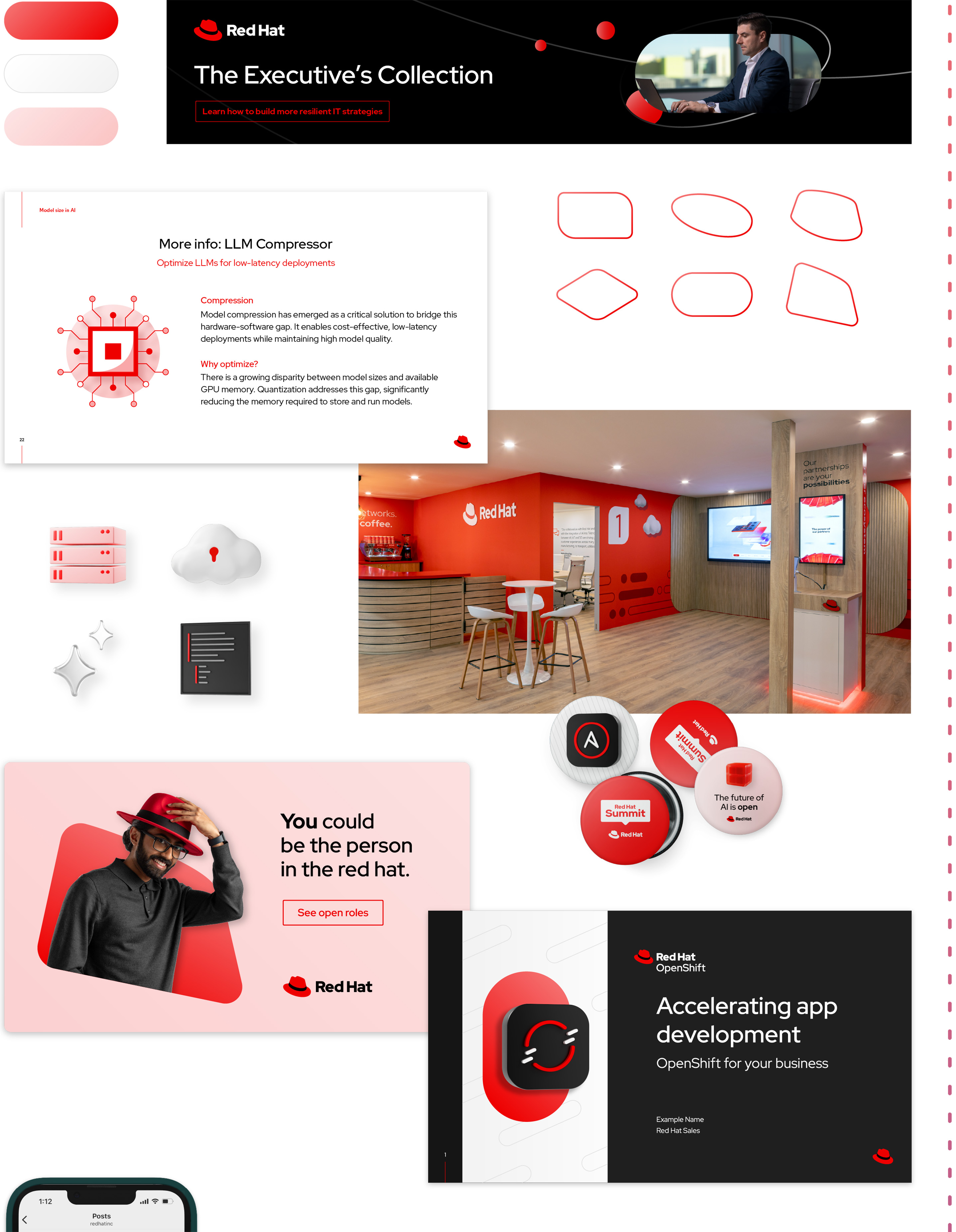
As the goal becomes a mix of building brand awareness and storytelling, introduce playful hybrid style elements while keeping a focus on the essentials of the Red Hat brand.

Expressive
When the goal is to tell stories that connect with the audience, use hybrid style elements like our secondary color palette, 3D objects and artwork, and portraits to highlight our technology and people in new, engaging ways.
Learn more

Our brand personality
The defining traits of our brand, from how we talk to how we look.

Our brand platform
Our platform statements and mantra—a rallying cry that guides our work.
Elements
Hybrid style tells stories by bringing different things together. The combination of the Red Hat design language and expressive visual elements creates a system that’s flexible enough to evolve our brand expression for new technologies, messages, and applications, but still look unmistakably Red Hat.
Important update (March 2026)
We're introducing new background color options and a new accent gradient. In light theme designs, use light red to create depth and warmth (not light purple).
Color
The Red Hat color palette is a defining part of our brand (there is a color in our company name, after all). Hybrid style focuses on a limited palette to create stylized, dynamic scenes; don’t use any colors or gradients that aren’t specified in this handbook.
Start with the essentials: red, black, and white. In more expressive applications, dark purple and light red add depth and inviting warmth while pops of accent colors direct attention.
Background colors
We use neutrals, dark purple, and light red, plus soft gradients that blend those colors, for backgrounds to create depth and support the story without getting in the way.
For gradients, orient the lightest color towards the light source of the scene. They can be distracting, so use them thoughtfully—avoid overusing them or adding them for the sake of adding a gradient. Find the exact gradient specs here (Login required).
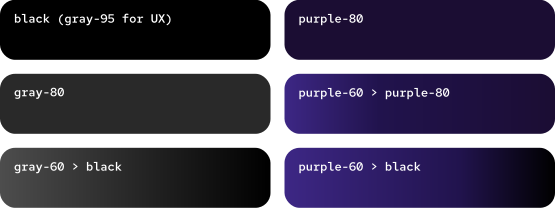
Dark theme background options
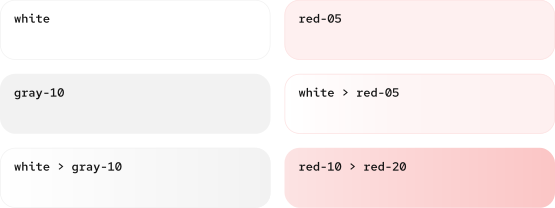
Light theme background options
Text colors
When choosing a color for text, prioritize maximum contrast against the background. Our text is simple and direct, without frills that distract from the message; one flat color is usually best. Remember that red grabs attention, so reserve it for short lines of text to highlight key words.
Accents

Accent colors and gradients contrast with the background and direct attention, driving the story. Use tints and shades of accent colors as necessary. Use accent gradients without modification.
Emphasize key elements by keeping it simple; a maximum of 2 accent colors per layout works best.
Gradient strokes

Thin gradient stroke lines that weave through the layout, passing in front of and behind different elements, create layering and imply motion. Orient the lightest color towards the light source of the scene.
Never use gradient strokes as a fill or background. Find the exact gradient specs here (Login required).
Things to avoid
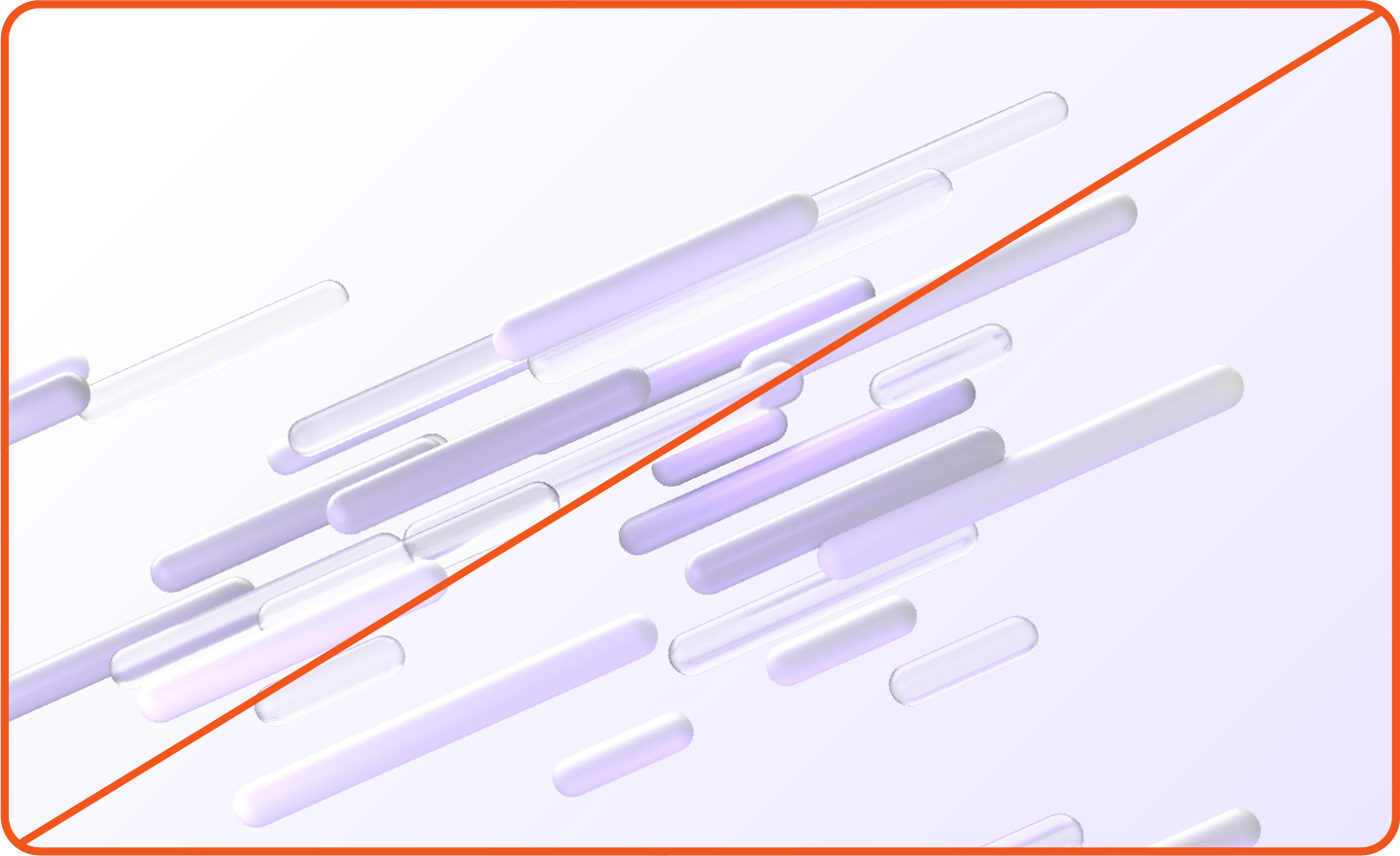
Not this: Don’t use colors or gradients outside of those defined in this handbook. Don’t create any new gradients, even using colors in this handbook.

Not this: Don’t use accent colors as the main color in a composition.
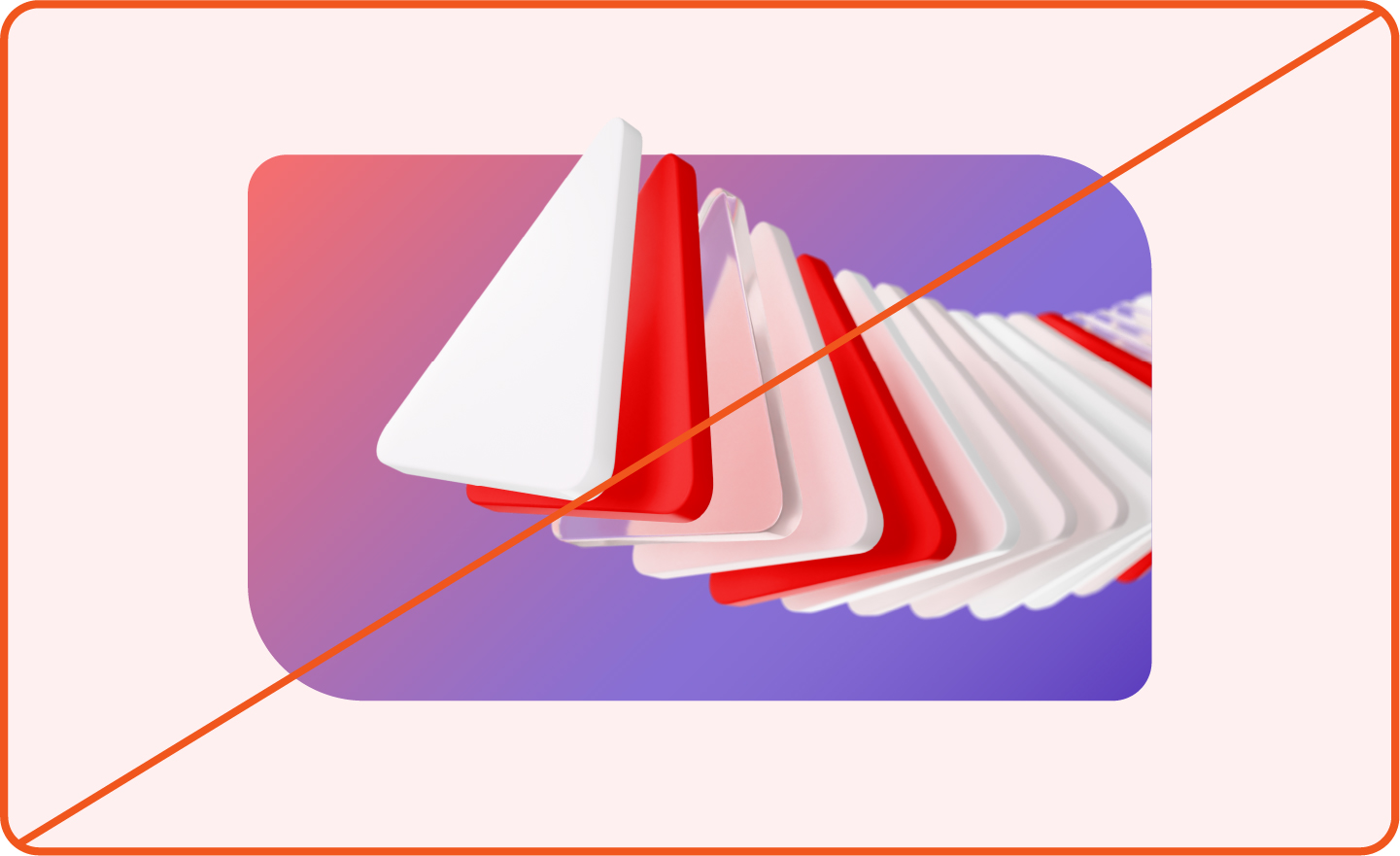
Not this: Don’t use gradient strokes as fills or backgrounds.
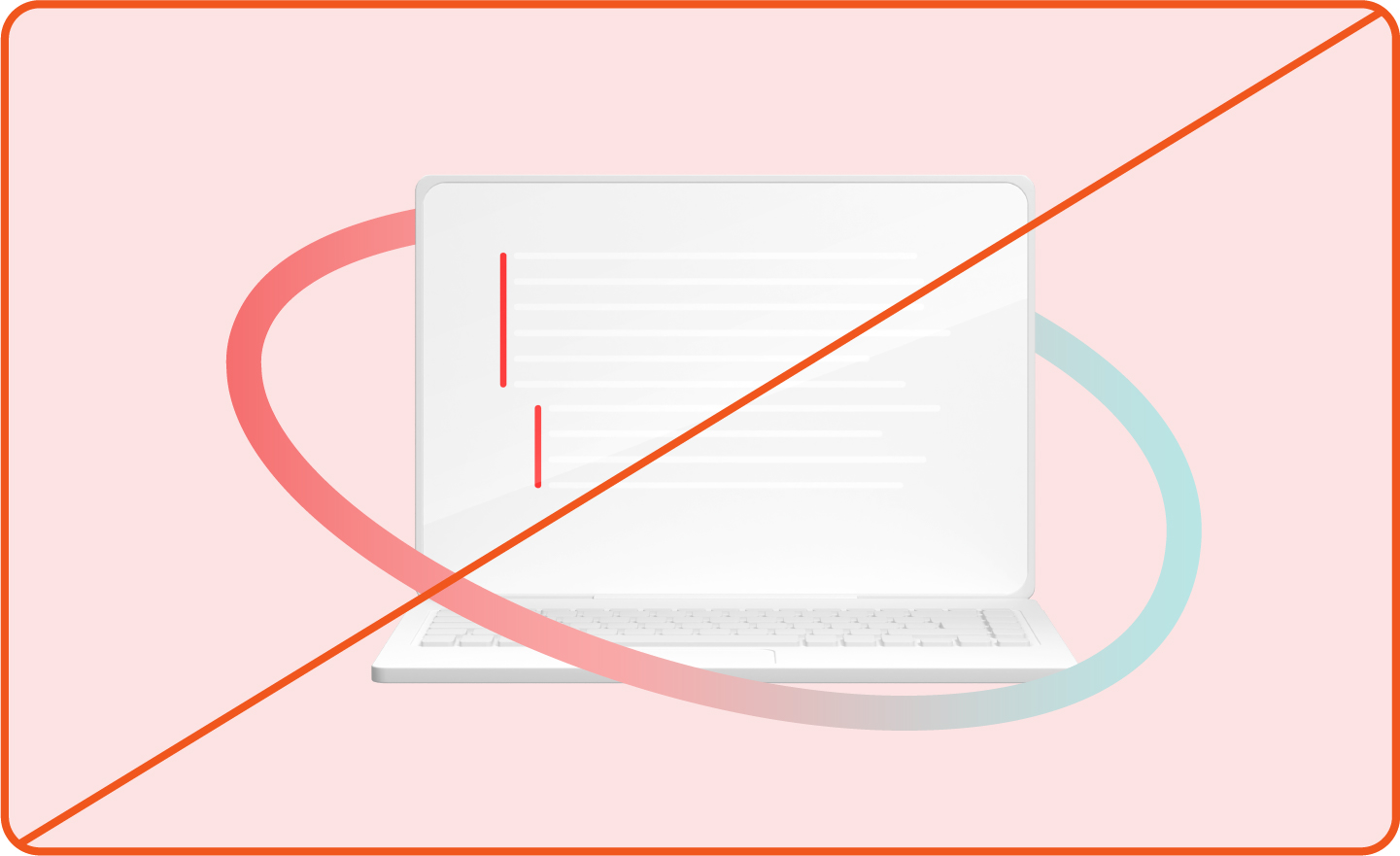
Not this: Don’t make gradient strokes too thick. Exact stroke weight depends on the size of the composition, but should appear thin.
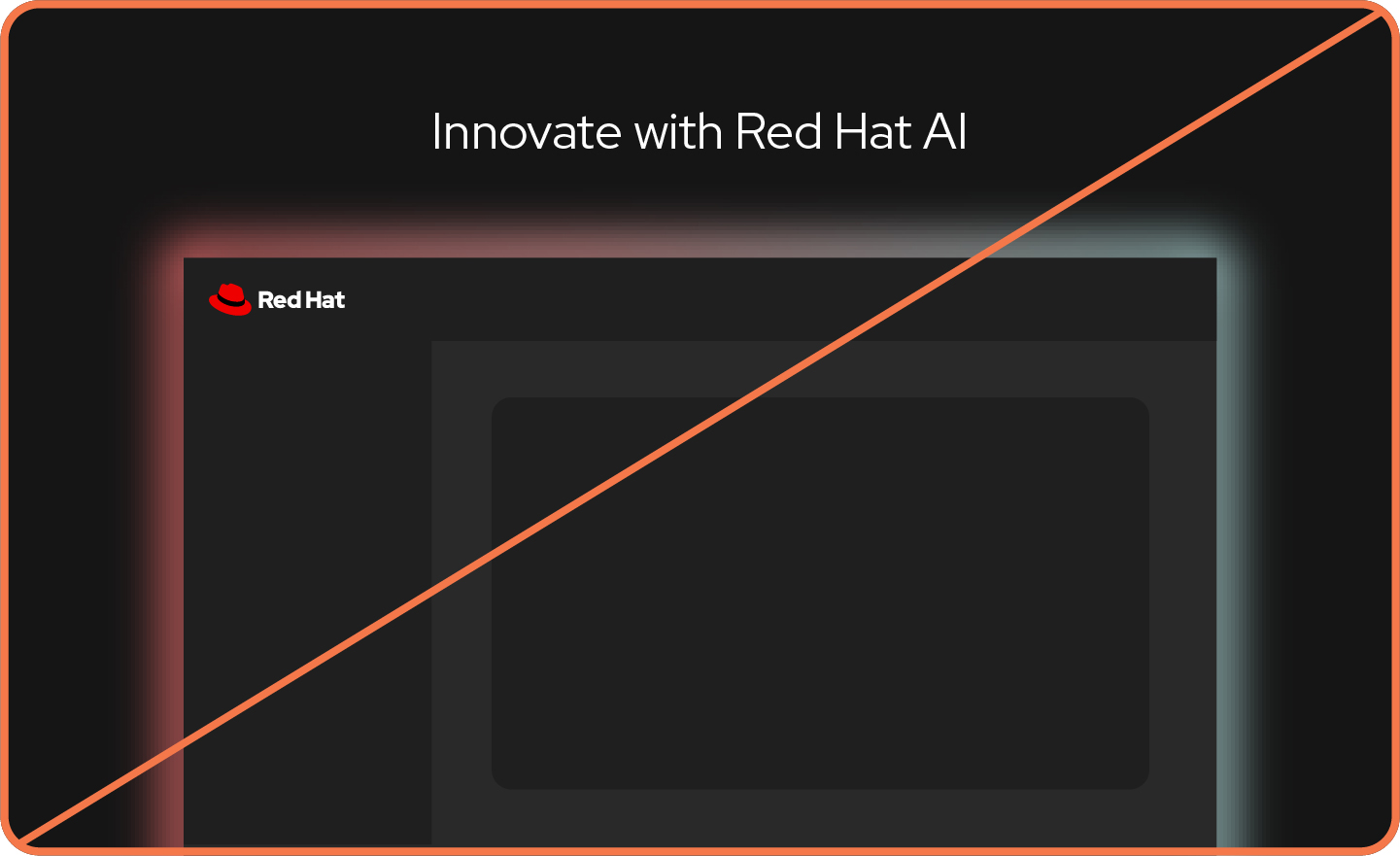
Not this: Don’t use gradients as effects, like glows.

Not this: Don’t forget to include Red Hat red-50.
Base shapes
With all the energy and elements of hybrid style compositions, sometimes we need to ground things. With curved details that are playful and open (inspired by the details of the hat in our logo), they create a base that anchors things.

Using base shapes
Base shapes can be scaled, flipped horizontally or vertically, and rotated at any increment. They can be filled with an accent color or gradient fill, or used as a thin stroke line.

Create balance and depth by duplicating the same base shape in a composition.

Create tension by combining 2 different base shapes.

Use base shapes as windows or masks. Add depth and openness by allowing elements to break the frame.
Things to avoid

Not this: Don’t distort base shapes.

Not this: Don’t modify corner radii. They were chosen to reference the hat.
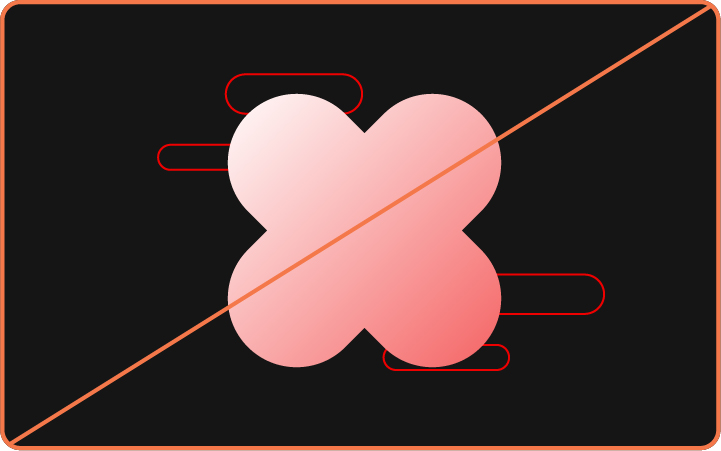
Not this: Don’t combine multiple base shapes to create a new shape.
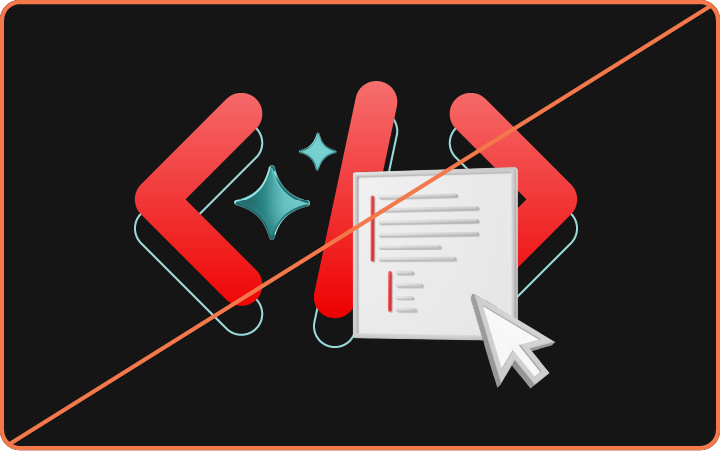
Not this: Don’t treat other things, like icons or illustrations, like a base shape.

Not this: Don’t use the hat itself like a base shape.

Not this: Don’t create new base shapes.
Important update (March 2026)
All platform artwork colorways have been updated with refined color and lighting. Download new files.
Platform artwork
Visualizing abstract technology concepts in 3D artwork allows us to better explain what our products and solutions can do. Each category of platform art aligns with a specific Red Hat tech concept and is available in multiple colorways: dark, light, and tone-on-tone.
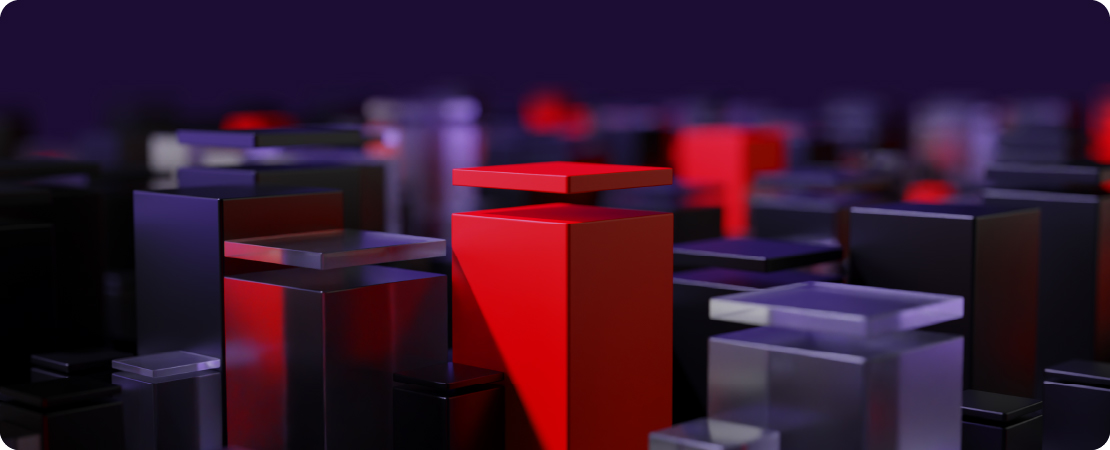
Linux standardization
Groups of platforms visualize how Linux provides a stable foundation for consistency across operating environments.
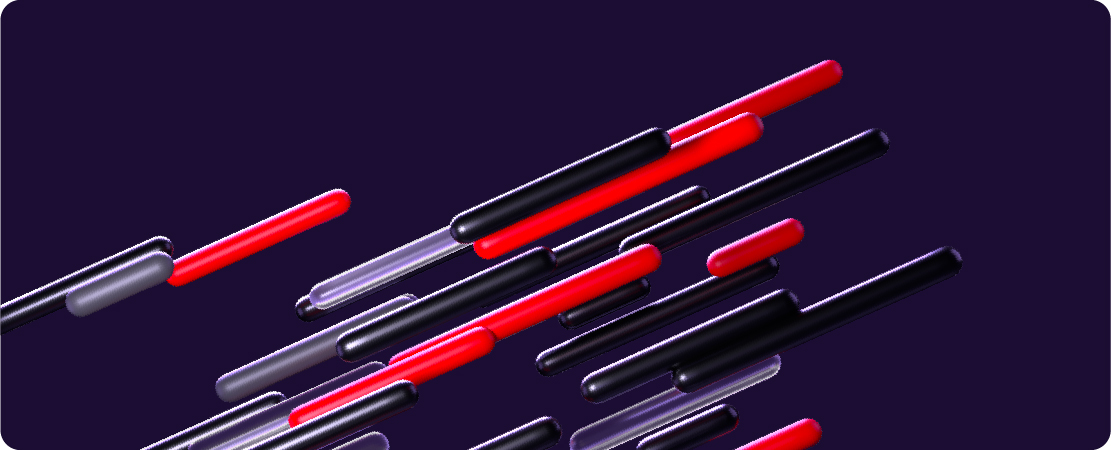
Application development
“Speed lines” visualize how we enable customers to simplify and speed up building, deploying, and managing secure apps across the hybrid cloud.

Automation
Repeating triangles visualize how automation unites tech, teams, and environments through repeatable automations that free up time.
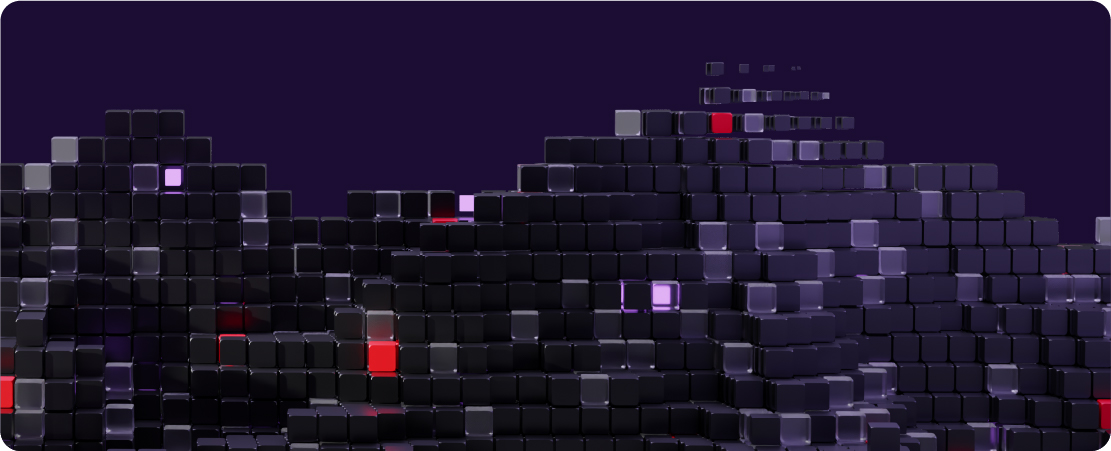
Artificial intelligence
Building blocks visualize how smaller, modular models make using AI ready for hybrid cloud operations.

Cross platform
Elements from every style of platform come together to represent innovation enhanced by multiple Red Hat platforms.
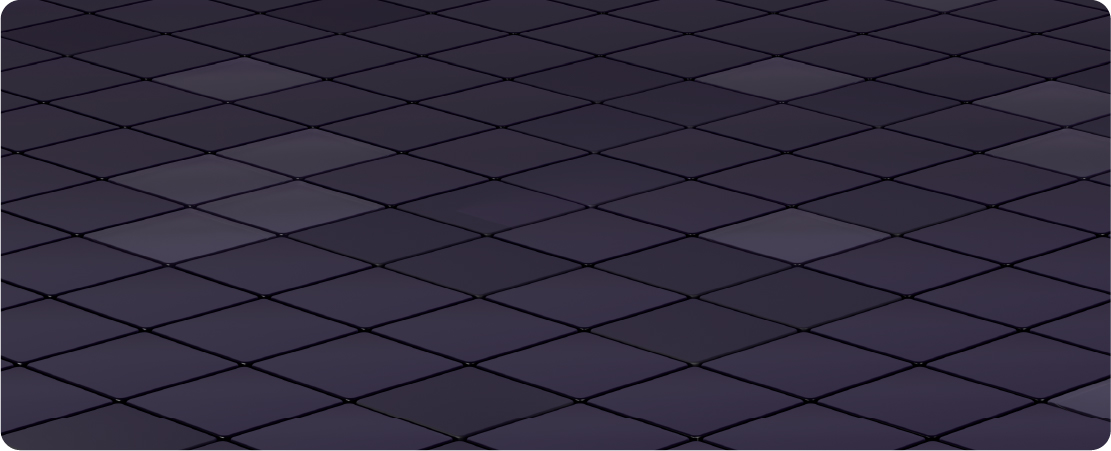
Cross platform grid
A blank grid emphasizes the possibility of innovation, where customers build the tools they need on the foundation of Red Hat platforms.
Using platform artwork
Platform art has a lot of detail and is designed to fill large spaces. The depth of field deepens the perspective of a scene, creating a sense of realistic space. They can be combined with other elements in various ways, but stick to using one style of platform art per composition.

Use platform art as the main background or key focal point.
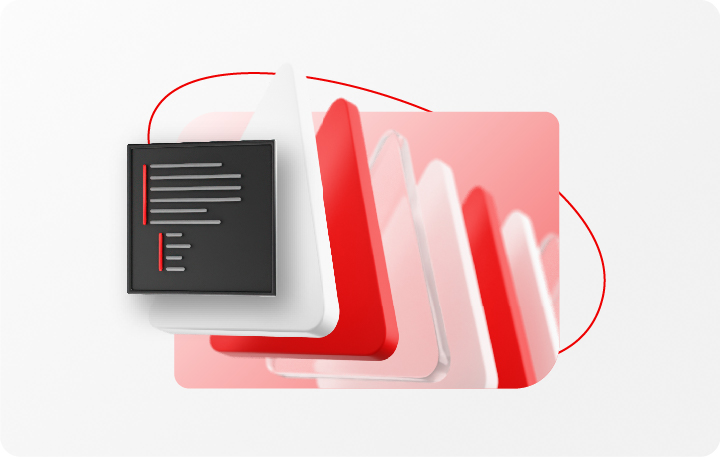
Mask platform art inside of a base shape. Experiment with allowing the texture to bleed out of the shape.
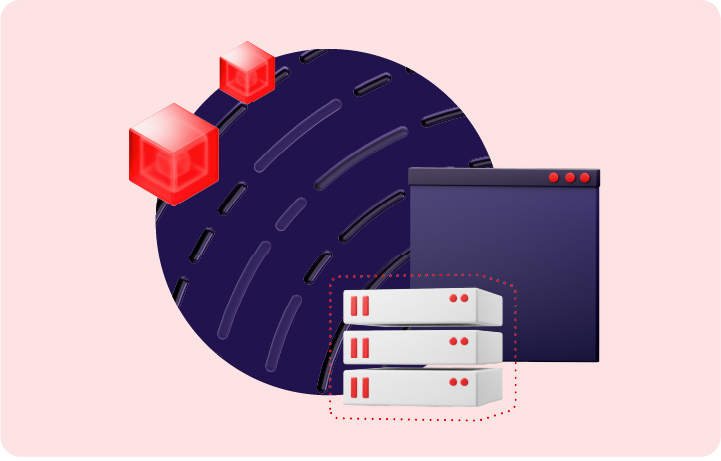
Use tone-on-tone platform art as a background texture.
Things to avoid

Not this: Don’t alter the colors of platform art.

Not this: Don’t create new platform art, use art from the internet, or generate new art with untrained AI models.

Not this: Don’t isolate individual pieces of platform art to use as a 3D object.

Not this: Don’t combine multiple categories of platform art. Use the cross platform art instead.

Not this: Don’t place text or other distracting graphics directly on top of platform art. It’s too difficult to read.

Not this: Don’t use outdated colorways. Download the most up-to-date artwork from Brand Portal (Login required).
Photos
Photos of real people, places, and objects bring authenticity to our work, allowing us to create worlds that illustrate how IT professionals solve challenges. They connect to our audience’s real-life experiences, allowing them to envision themselves in our stories.
We use custom photos commissioned by Red Hat and licensed stock photos carefully selected to match our brand by avoiding corporate and tech clichés. We also use headshots and candid photos that focus on a person, like an executive, a speaker, or a Red Hatter.
Using photos of people

Use photos of pairs or groups of people working together to tell a story about collaboration. Create depth by allowing parts of the photo to break the frame, but don't completely remove the background context.

Professional headshots or portraits are a great way to highlight an executive or speaker. Don’t overwhelm them with other elements.

Photos submitted by Red Hatters add authenticity but aren’t always the highest quality. Try cropping or adjusting the color for a better result.
Things to avoid

Not this: Don’t remove the background context. Mask the entire photo inside a base shape. Select parts can break the frame to create depth.

Not this: Never use AI-generated images of people. Showing real people is an important part of being authentic.

Not this: Don’t use stock photos of people that feel inauthentic or cheesy.
Using photos of places and things

Use a photo inside of a base shape to serve as a base for other elements to build on.

Allow key elements to break the frame of the base shape to create a dynamic, eye-catching composition.

Not this: Don’t use a stock photo as a full-bleed background.
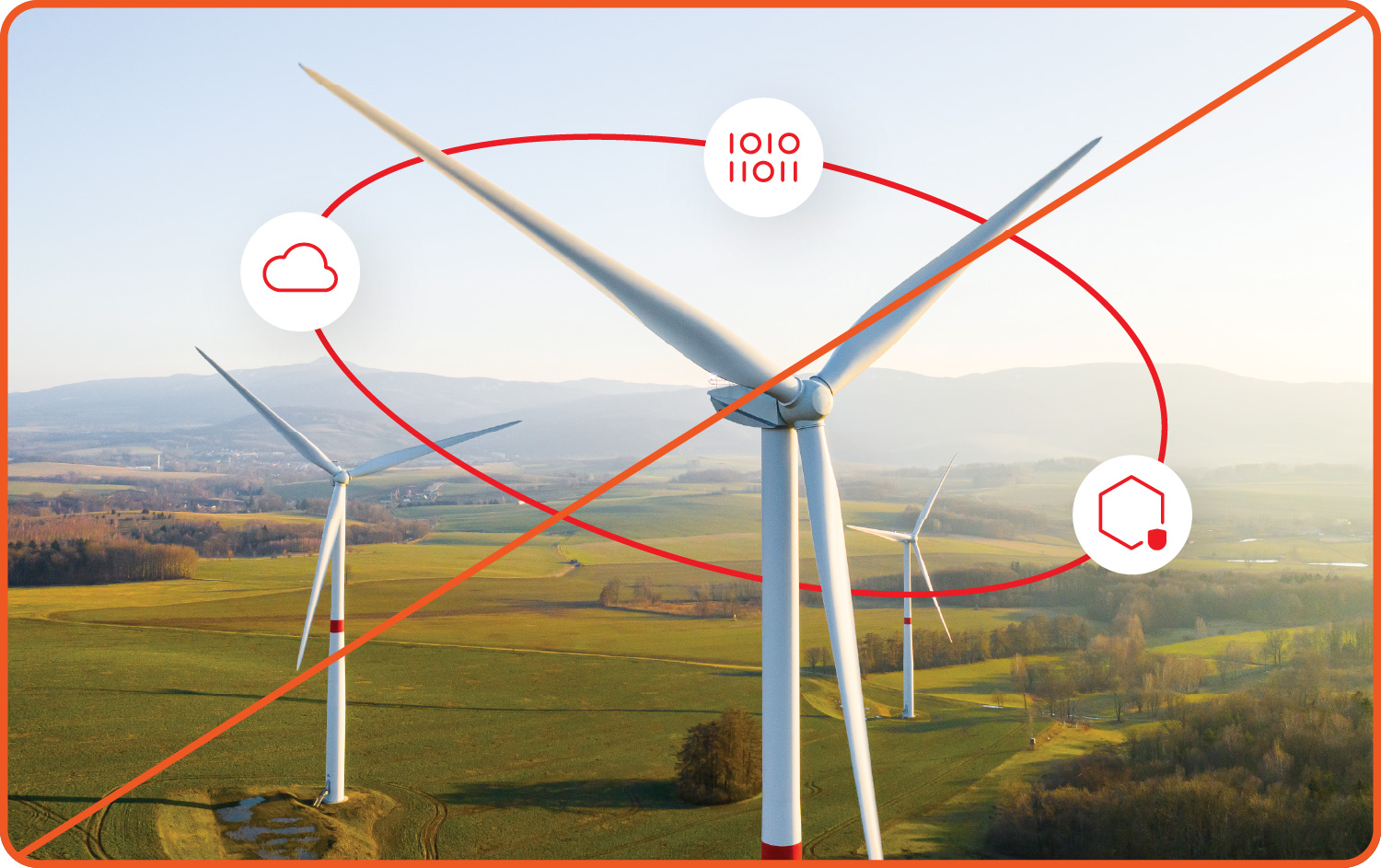
Not this: Don’t build collages on top of an uncropped photo. Integrate photos into collages using base shapes.

Not this: Don’t use stock photos that are clichéd, cheesy, or overly manipulated.
Studio portraits
Our studio portrait photos feature models—many of whom are Red Hatters—we selected to represent our customers, partners, and employees, allowing us to add a human touch to compositions (literally). We chose the poses, props, lighting, and wardrobe for each portrait to match hybrid style.

Using studio portraits
The background has been removed so they can be placed on various colors and textures. Wardrobe colors match hybrid style accent colors so that studio portraits feel intentional and match other elements in the composition. Integrate them into compositions by adding realistic drop shadows and masking them inside of base shapes.

Shift wardrobe colors to match the composition if necessary, but stick to hybrid style accent colors.

Create additional depth by adding a soft drop shadow that matches the direction of the light in the portrait.

Use each studio portrait independently. If there are multiple studio portraits in a composition, place them in separate areas or within separate base shapes.
Things to avoid

Not this: Don’t adjust wardrobe colors to colors outside of the hybrid style accent color palette.

Not this: Don’t add drop shadows that conflict with the lighting in a portrait.

Not this: Don’t edit the photos to change the lighting or temperature of the overall portrait.

Not this: Don’t place multiple studio portraits inside the same base shape or make them appear to be overlapping or interacting.

Not this: Don’t treat other photos like studio portraits by completely removing the background.

Not this: Don’t generate images that look like studio portraits with AI. We never generate images of people.
3D objects
Our 3D objects are simplified, stylized representations of a specific topic. Each object has been rendered out with a transparent background and in multiple colorways that are aligned to hybrid style accent colors. There are multiple perspectives to choose from, each with inherent lighting.
Simple objects
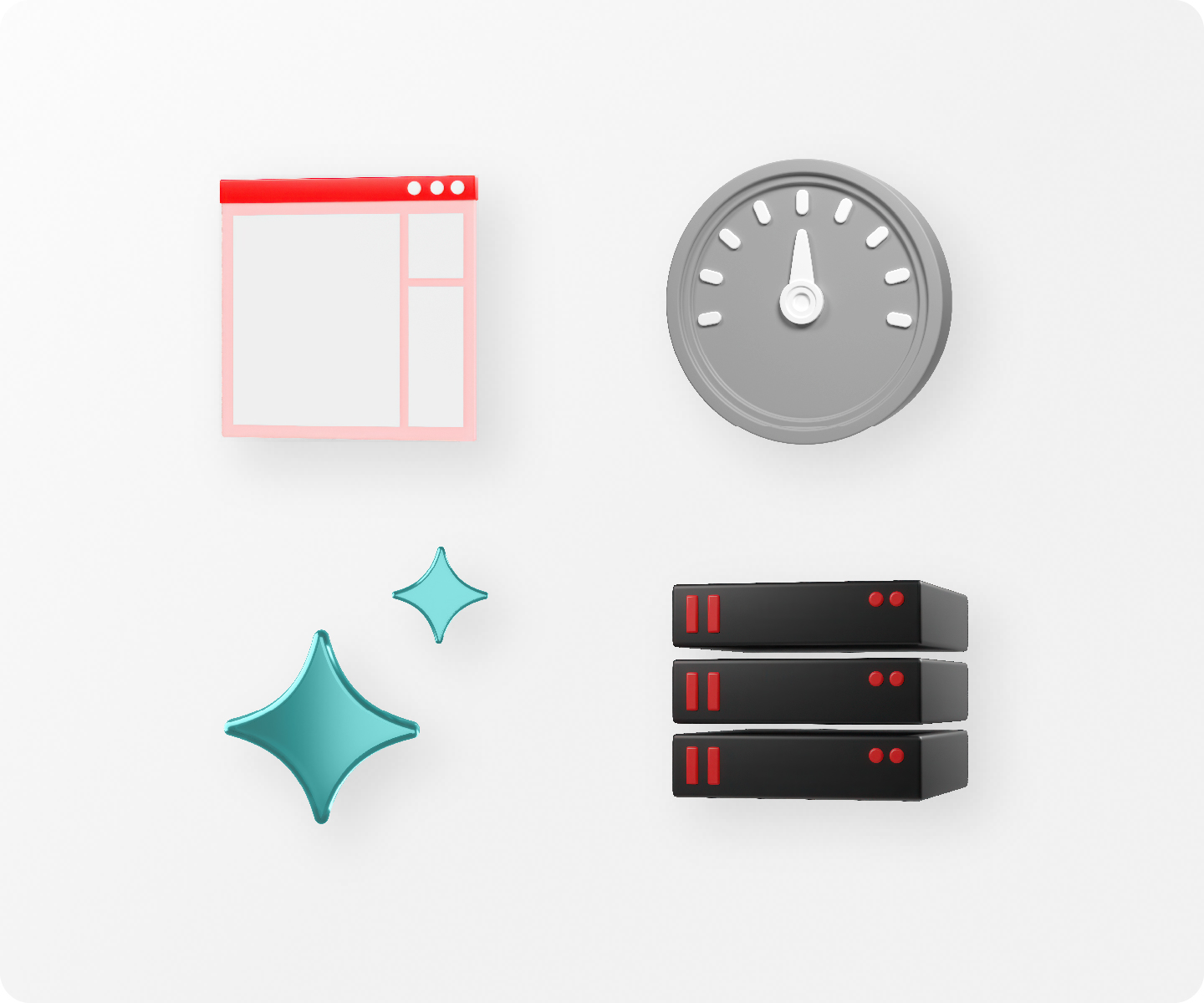
Simple objects function similarly to (and are often based on) icons. Their lack of detail means they work best as small elements in a larger composition.
Detailed models
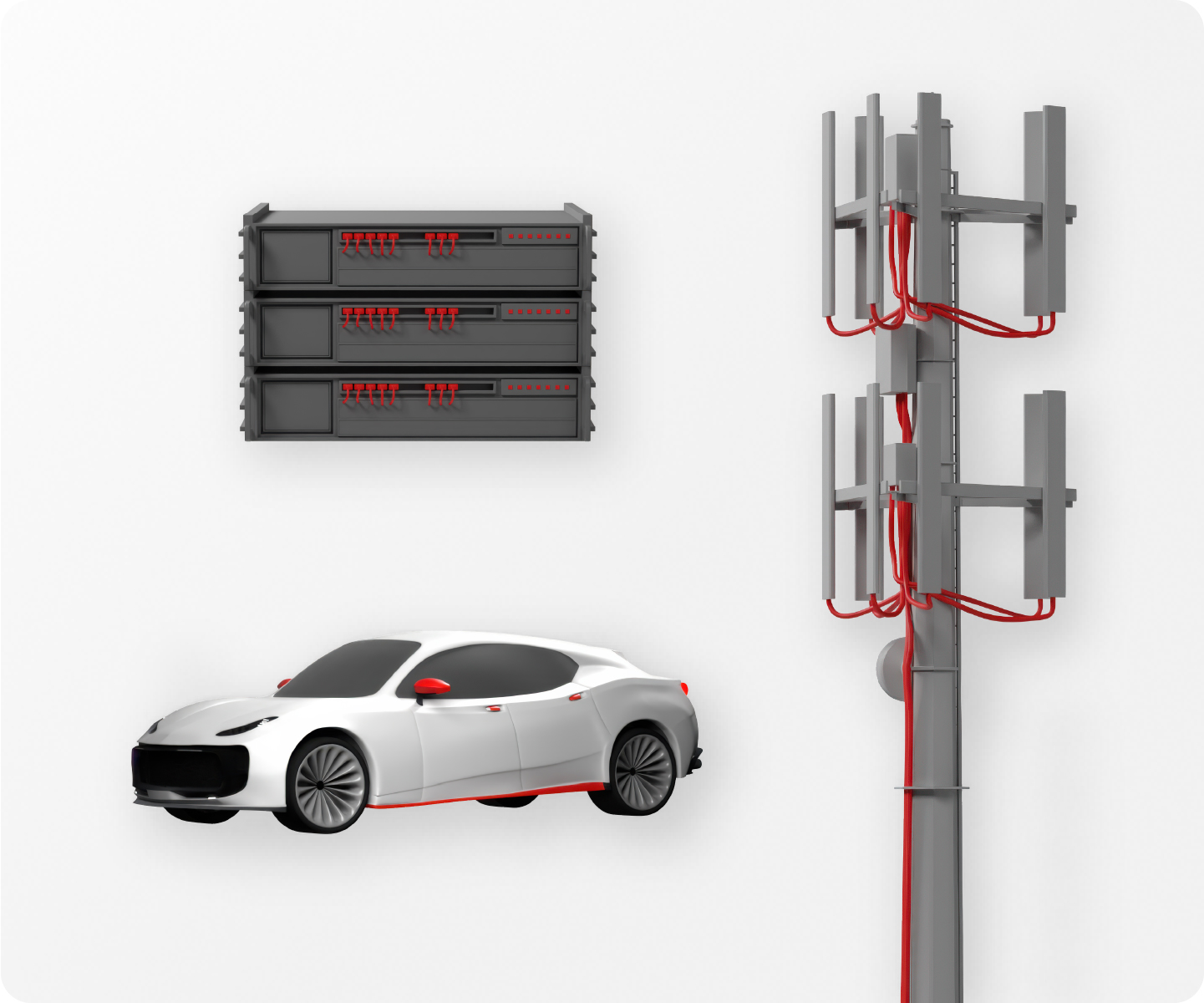
Detailed 3D models represent realistic objects more literally. These work best as the focal point of the composition and are most often used when referencing verticals or technical topics.
Technology icons

The technology icons representing our 4 platform sub-brands are available in 3D. These are the only icons approved for use as 3D objects—don’t create 3D versions of other icons (use the existing 2D version instead).
Using 3D objects
Choose the colorway and perspective that best matches the rest of the composition. To create a plausible environment, distance 3D objects from other elements by adding a soft drop shadow that matches the light cast on the object. The exact specs will differ depending on the size and color of the composition, so adjust the settings until the shadow feels right.

Use one object alone in a mini collage to represent a single concept.

Combine 2 objects to represent a more complex topic.
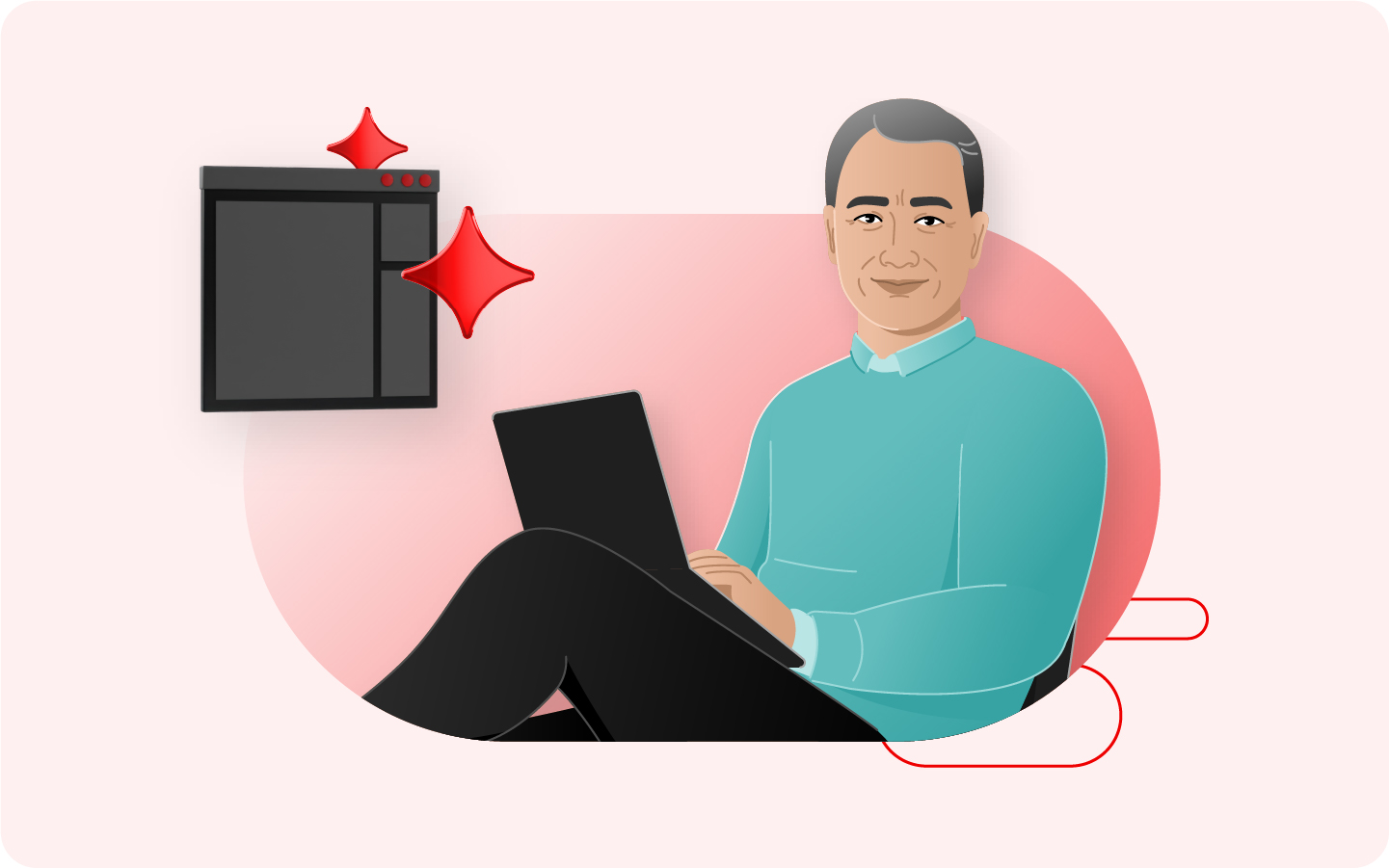
Balance several objects with other elements to build a story.
While building a composition, it might be necessary to flip or rotate objects so that the lighting and shadows are consistent. Make sure that the details are still oriented correctly—avoid flipping or rotating objects that need to stay in a specific orientation to be understood (like technology icons).
Things to avoid

Not this: Don’t use 3D objects that aren’t in Red Hat’s style, like objects downloaded from the internet or generated with untrained AI models.

Not this: Don’t recolor 3D objects. Use them in the colorways provided.
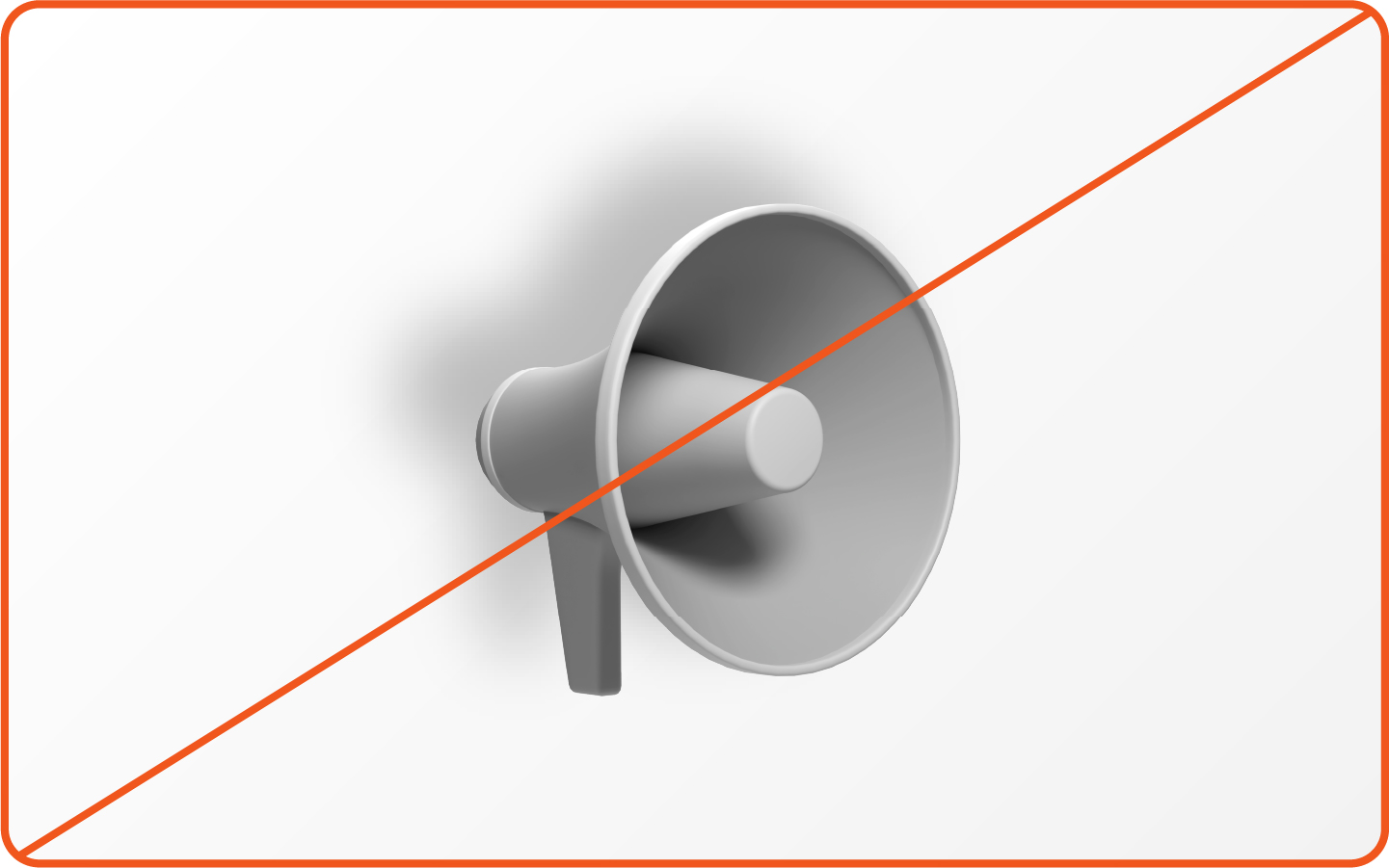
Not this: Don’t add a drop shadow that conflicts with the lighting on the object itself.
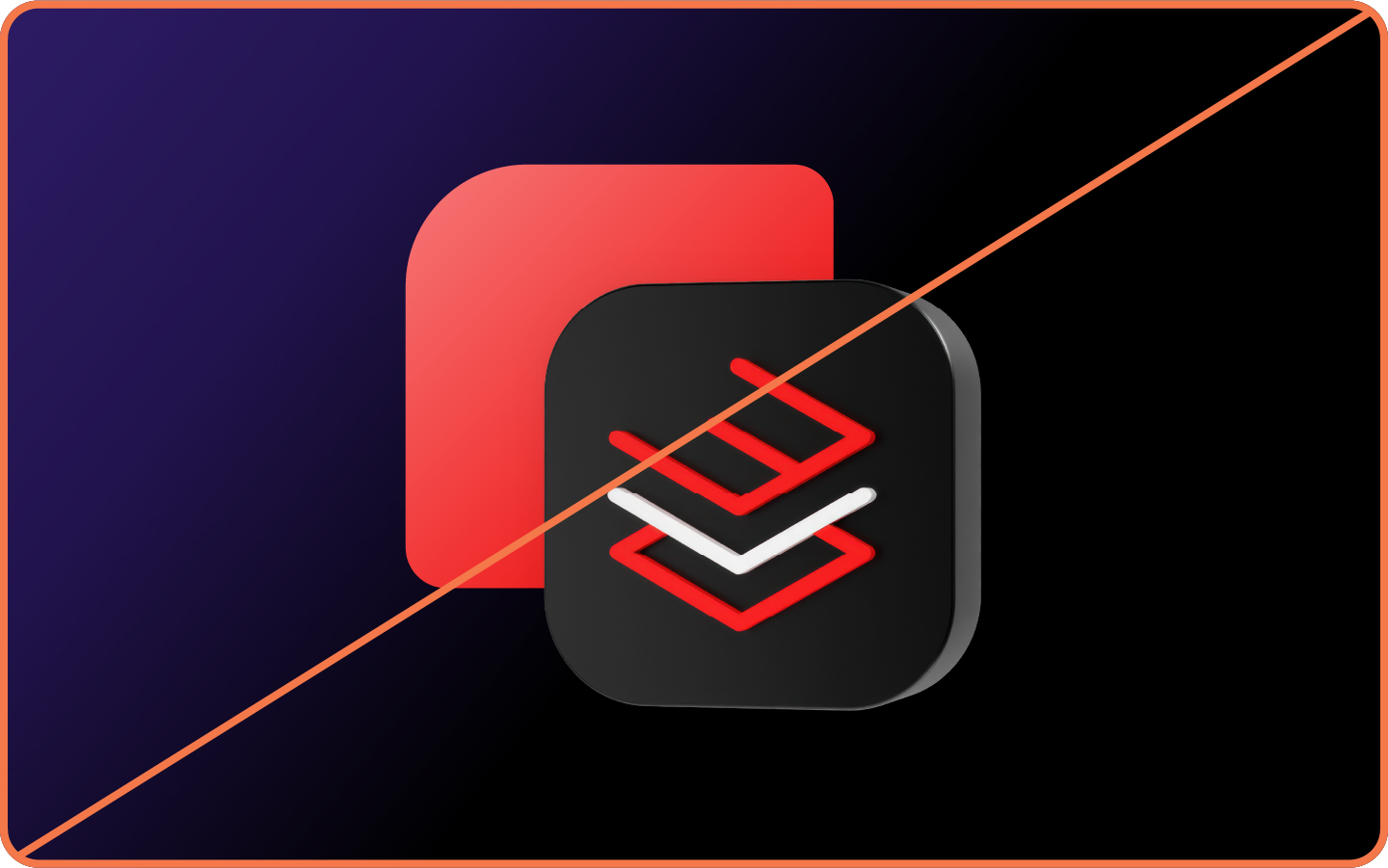
Not this: Don’t flip or rotate objects that need to stay in a specific orientation to be understood.
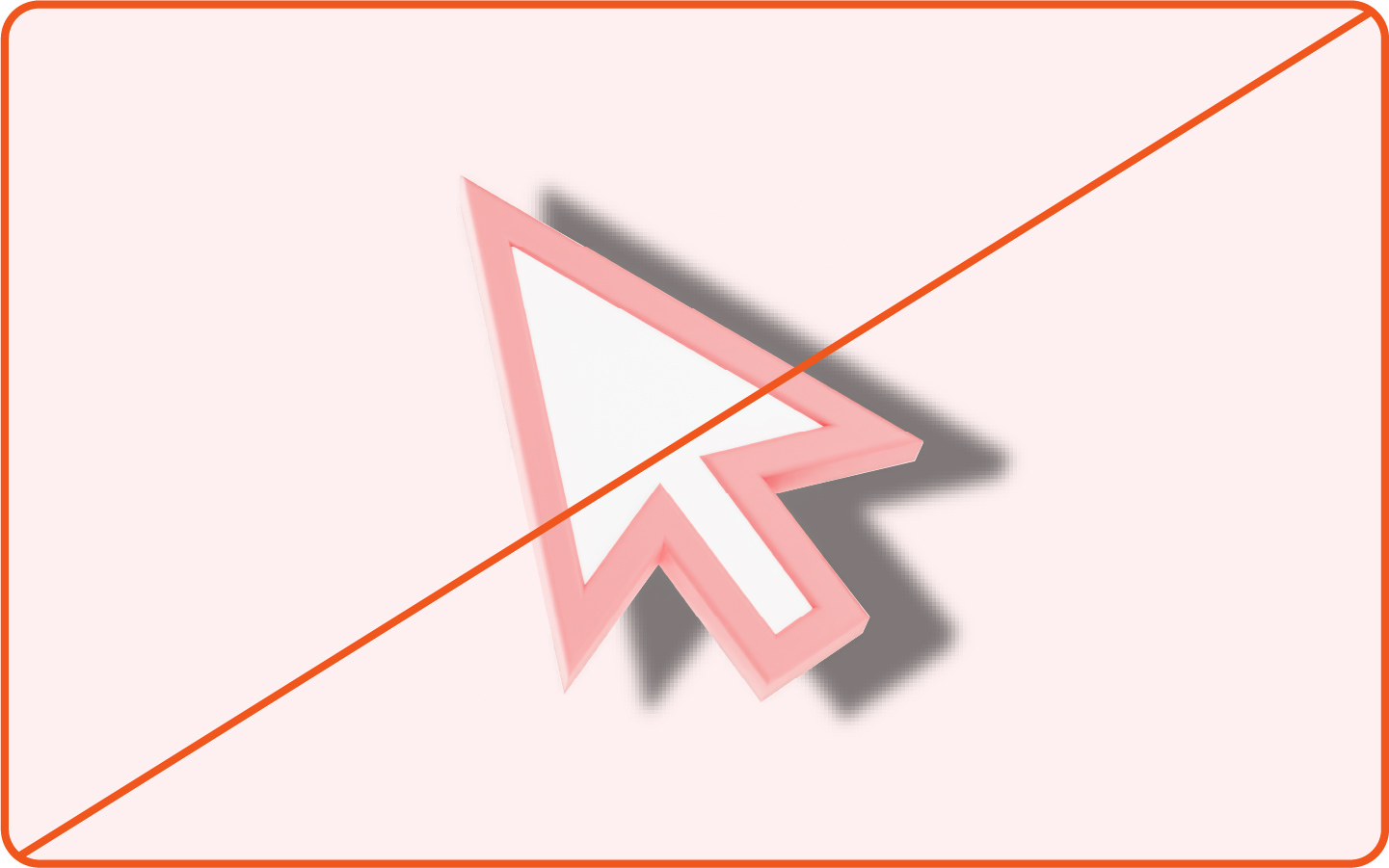
Not this: Don’t add a drop shadow that’s too harsh. Shadows should be soft and subtle.

Not this: Don’t mix 3D and 2D technology icons in the same space. If one of the icons is only available in 2D, use all 2D icons in the composition.
Icons and logos
Both icons and logos have small details that can get lost against a busy background. It’s also to maintain their integrity, so we use them in 2D with modifications or effects to make them appear dimensional. Incorporate them into collages by placing them in an otherwise clear area or by placing them on top of a backing shape that separates them from the background.
Icons
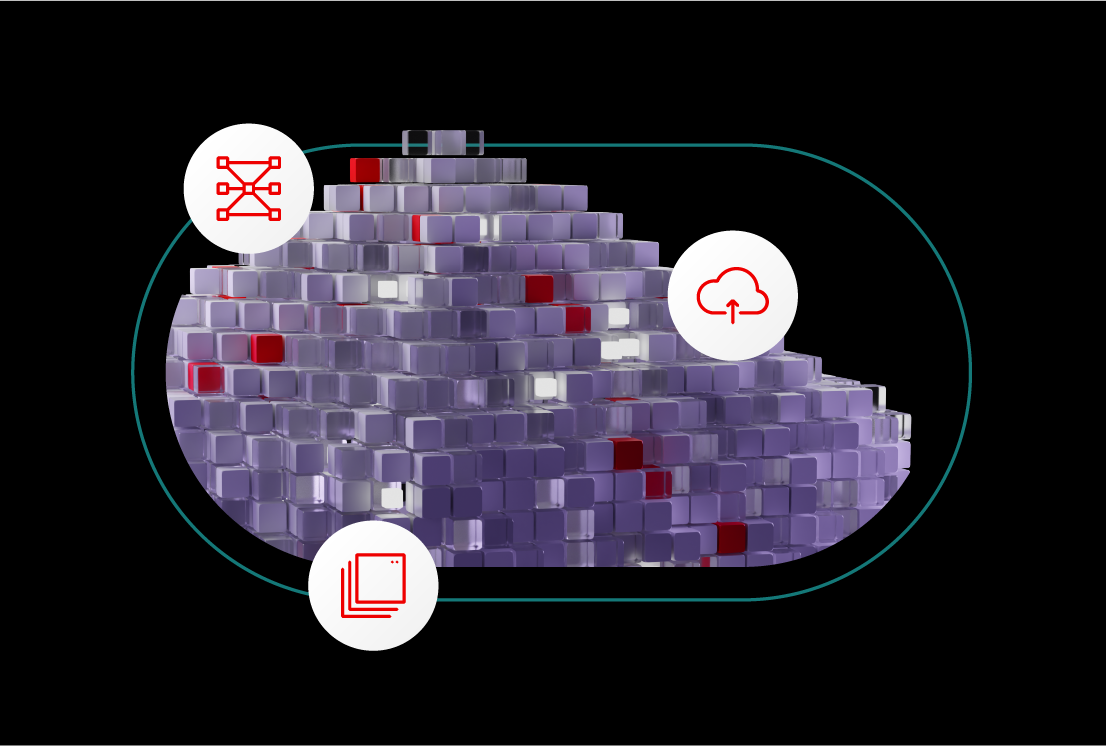
Place icons onto a backing shape like a circle, square, or oval. Make sure there’s enough space between the icon and the edge of the shape and that the icon is centered.
Logos

Maintaining the integrity of our logos and the logos of customers and partners is especially important. Use only approved color versions and make sure they have required clear space, whether used on a backing shape or not.
Things to avoid

Not this: Don’t place icons or logos on a backing shape if they don’t need one. This becomes repetitive and adds unnecessary clutter.

Not this: Don’t use an icon or logo on a busy background that makes them difficult to read. Add a backing shape behind them if necessary.

Not this: Don’t apply drop shadows or effects to icons or logos themselves.
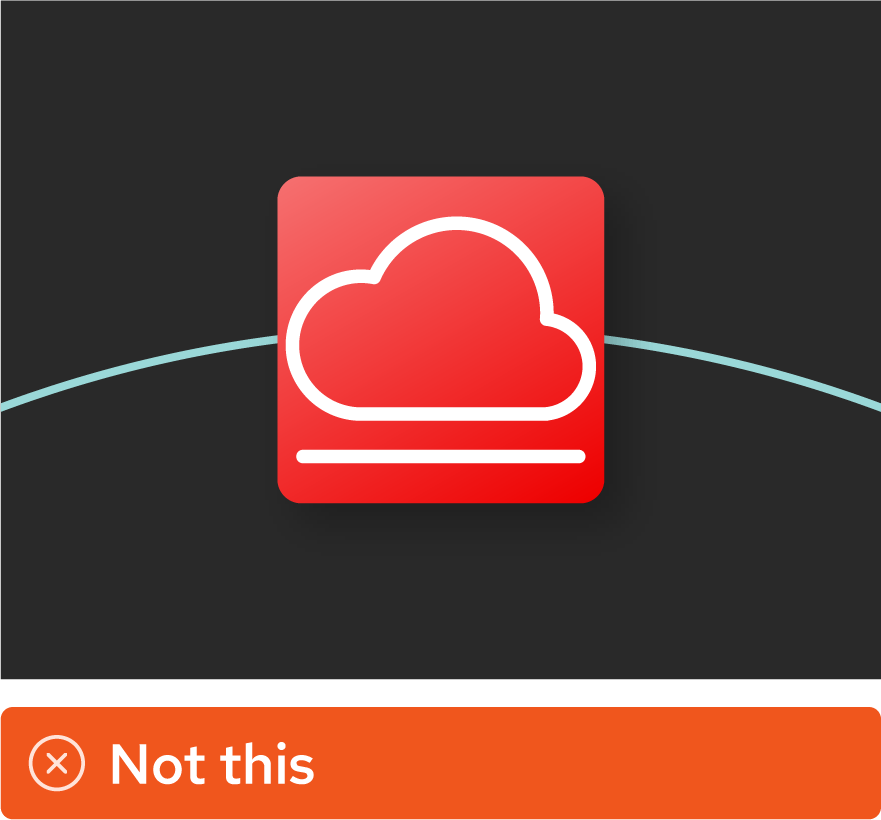
Not this: Don’t make an icon or logo feel too crowded inside a backing shape. Let them breathe and follow clear space requirements.

Not this: Don’t create 3D versions of icons or logos.

Not this: Don’t recolor logos to match hybrid style. Use them as provided.
Important update (March 2026)
We're introducing a new style of people illustration. Learn more.
Illustrations
Our illustration style brings precision, warmth, and the ability to show concepts that are hard to capture in a photo. People illustrations give us more flexibility for representing people without the commitment to a studio photoshoot, while illustrations of our product interfaces can be used to make our technology more concrete for our customers.
People illustrations

Illustrations give us more flexibility for representing people without the commitment to a studio photoshoot. They can be incorporated into compositions just like studio portraits: mask them inside of shapes, add drop shadows, and adjust their wardrobe to other hybrid style accent colors.
Product interface visualizations

Product interfaces can be visualized with varying levels of details. Use a high fidelity interface visualization as the main focus of a composition or use individual interface elements as pieces in a collage.
Things to avoid

Not this: Don’t change the skin tone of illustrated people to match hybrid style (no purple people, please).
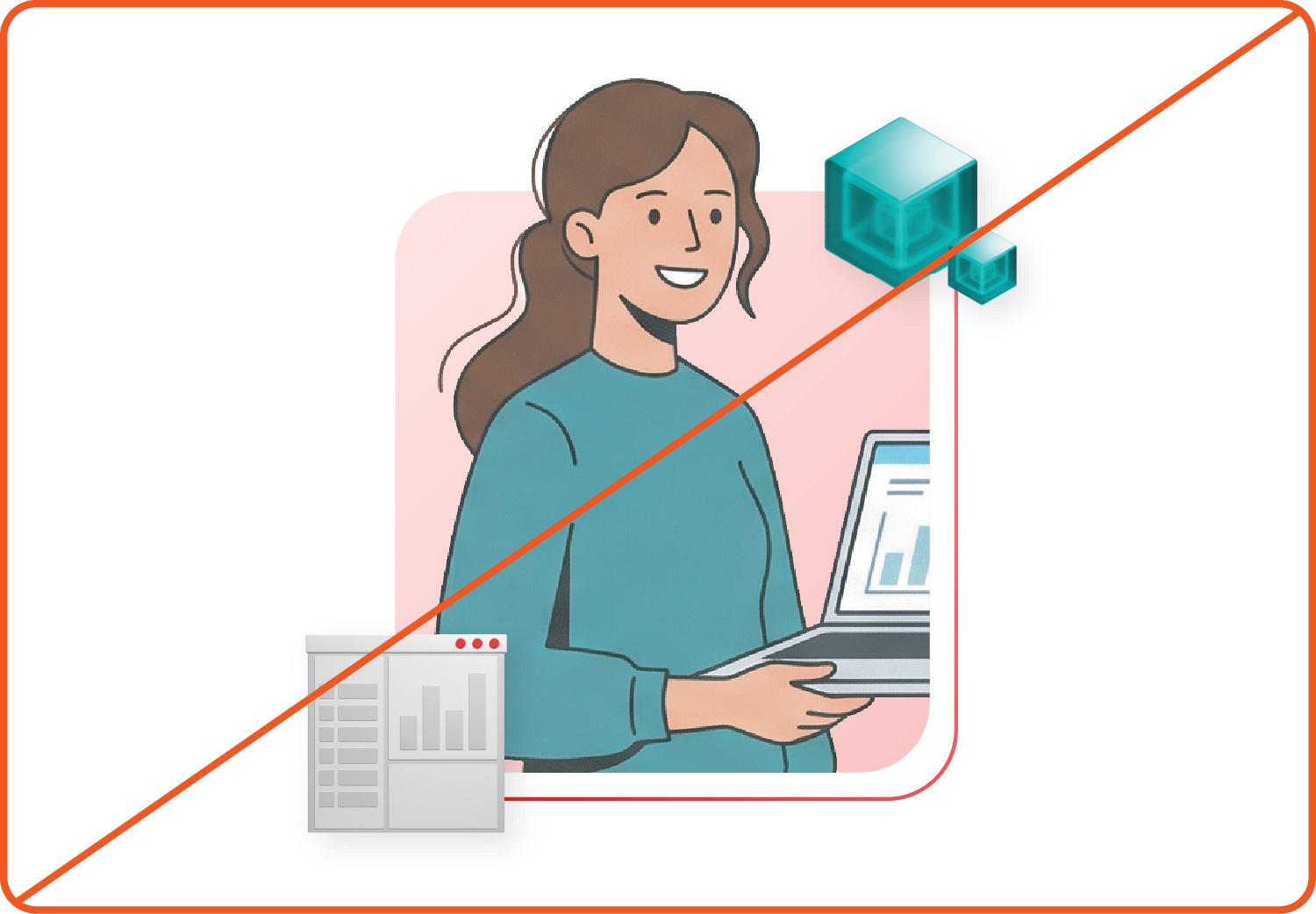
Not this: Don’t use illustrations of people that aren’t in the Red Hat style or that were generated with AI.

Not this: Don’t use product visualizations as a background element; they should be the key focal point of the collage.
Using mini illustrations
Mini illustrations and collages created with them are perfect for representing an idea quickly in places like slides, empty states, web cards, and more. We’ve created a library of “mini collages” with mini illustrations carefully placed onto base shapes with a subtle drop shadow.
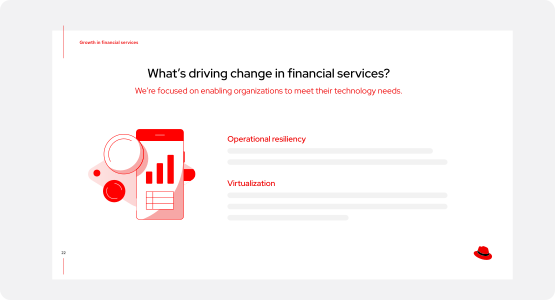
Do this: Download pre-existing “mini collages,” which are available in light and dark themes.

Not this: Don’t combine mini illustrations into complex compositions or artwork. Use other elements like 3D objects instead.
More

Download elements
Download elements from the Red Hat brand portal.

Access design files
Find how to access design files and hybrid style elements inside the tools we use every day.
Creating collages
Bringing multiple elements together into collages is key to telling stories in the hybrid style. The possibilities for creating collages are endless, but to create a consistent feel across the Red Hat brand we need to keep a few principles—rooted in our brand platform and personality—in mind for every collage we create.
Make it open
Keep it focused
Mix it up
Give it depth
Anatomy of a collage
Each collage should start with a single, clear concept. Include the elements necessary to tell the story and only those elements.
Required elements
A. Single light source
B. Grounding elements
C. Focal point
Context-dependent elements
D. Additional story-building elements
E. Accent shapes

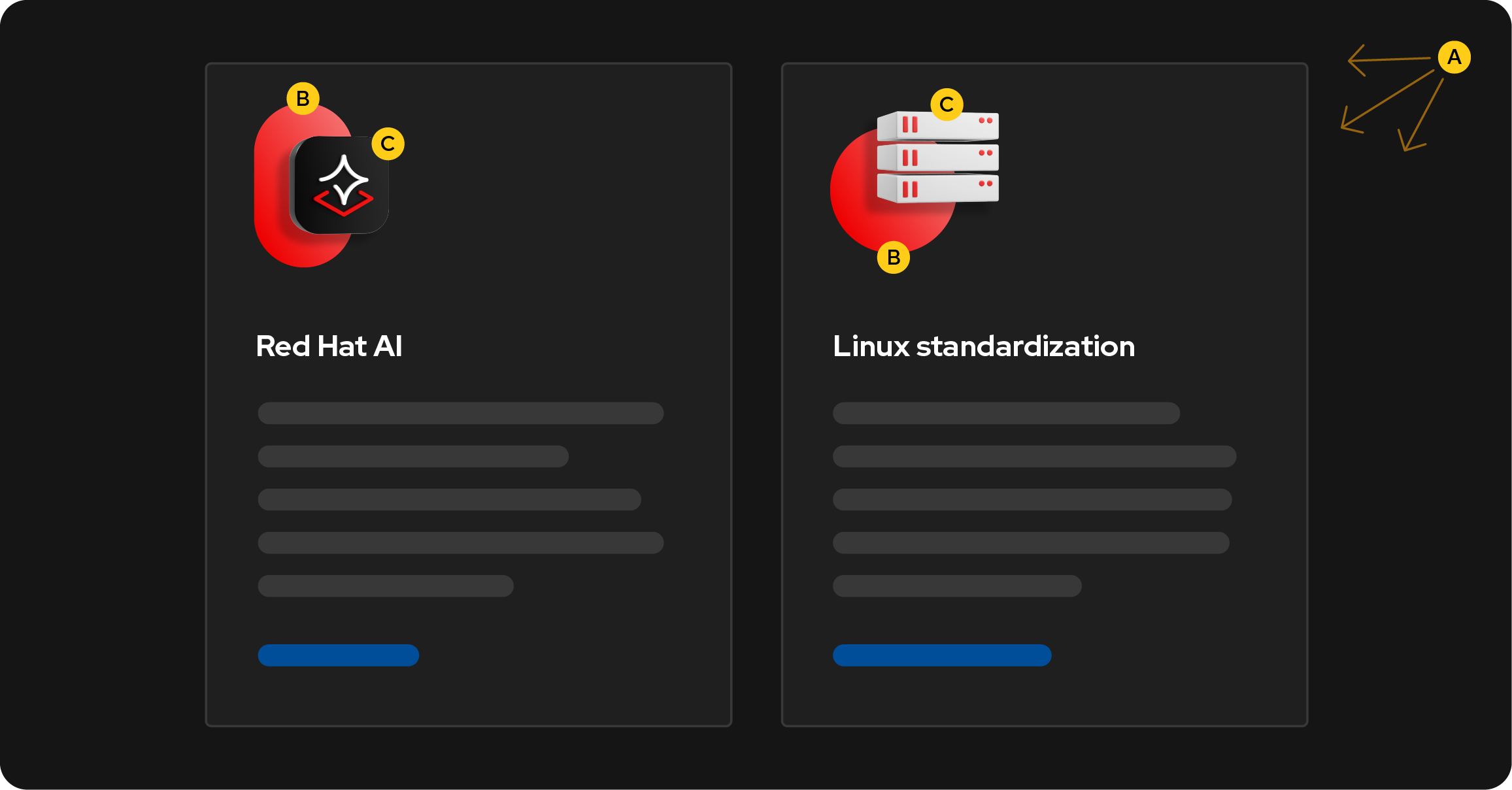
Web cards are narrow and appear near other web components. These mini collages use only the required elements—a single focal point contrasted against a base shape, all in our core colors—to add dimension and visual interest without unnecessary clutter.
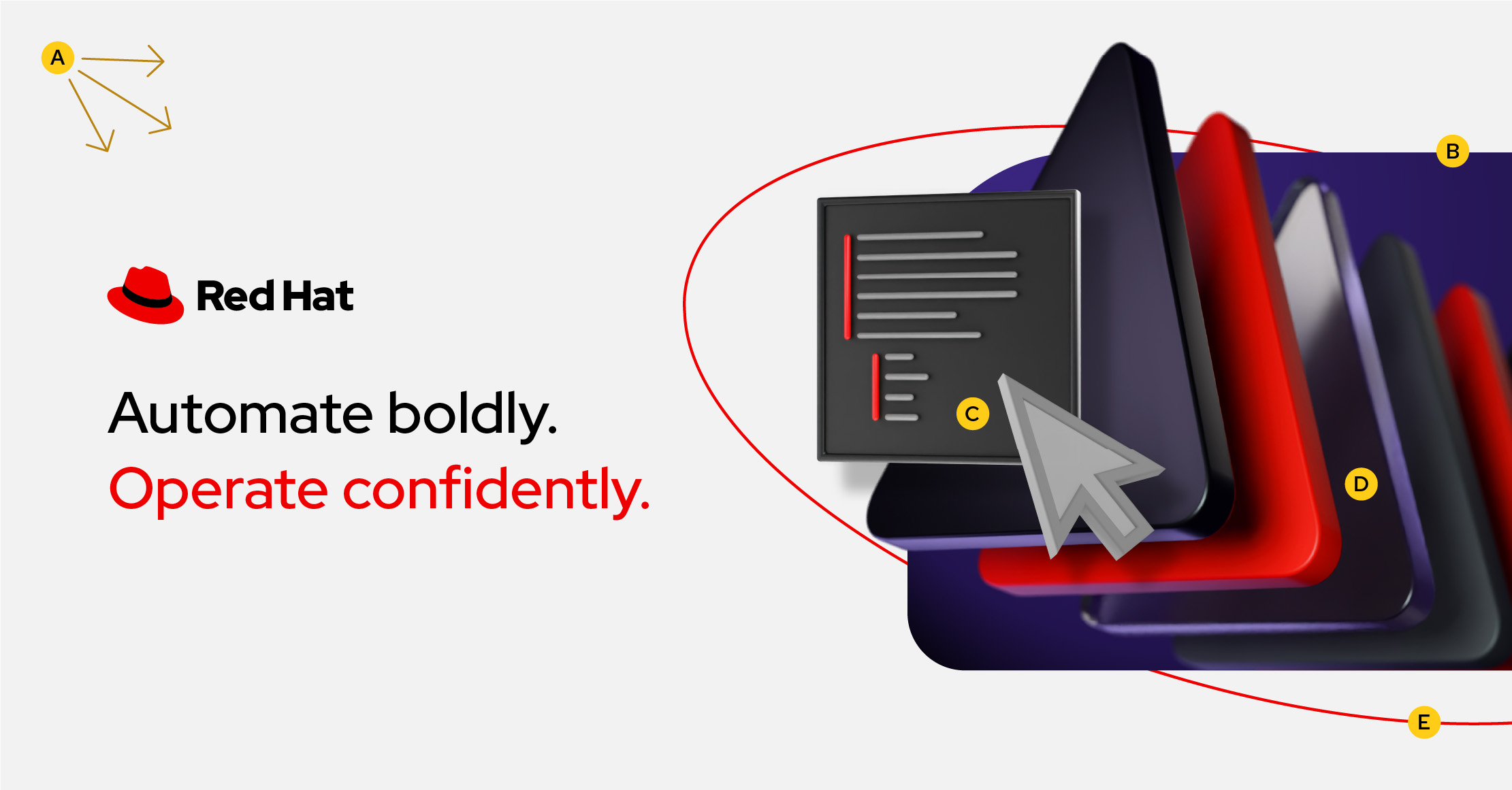
Ads capture attention and invite the viewer to learn more. This collage uses expressive elements like accent colors, platform art, and an accent shape to create a dynamic image showing that Red Hat has powerful, modern automation software.
Applying the principles
Make it open
Create compositions that have ample white space and a clear hierarchy that balances the minimum elements needed to tell the story.

Do this: Use white space to put a focus on the collage. Keep the number of elements to the minimum amount needed to tell the story.

Watch out for this: Pay attention to the number of elements in a composition. This collage is beginning to feel too busy.

Not this: Don’t add extraneous elements that aren’t adding to the story.
Keep it focused
Create balanced, interesting compositions that have a clear focal point.

Do this: Create visual balance to draw the eye towards the focal point. Emphasize the focal point by creating contrast between the foreground and background. Use Red Hat red in every collage.

Watch out for this: Be careful of not establishing a clear focal point. While the placement of elements on a composition may suggest a focal point, the scale or color of elements may suggest another.

Not this: Don’t use elements that do not contrast enough with one another, or detract from having a focused concept overall. Don’t forget to include Red Hat red.
Mix it up
Create compositions that are hybrid—combining photography, 2D assets, and 3D objects—while staying cohesive and balanced.

Do this: The purpose of hybrid style is to mix mediums. Create collages that combine photography, 2D assets, and 3D objects.
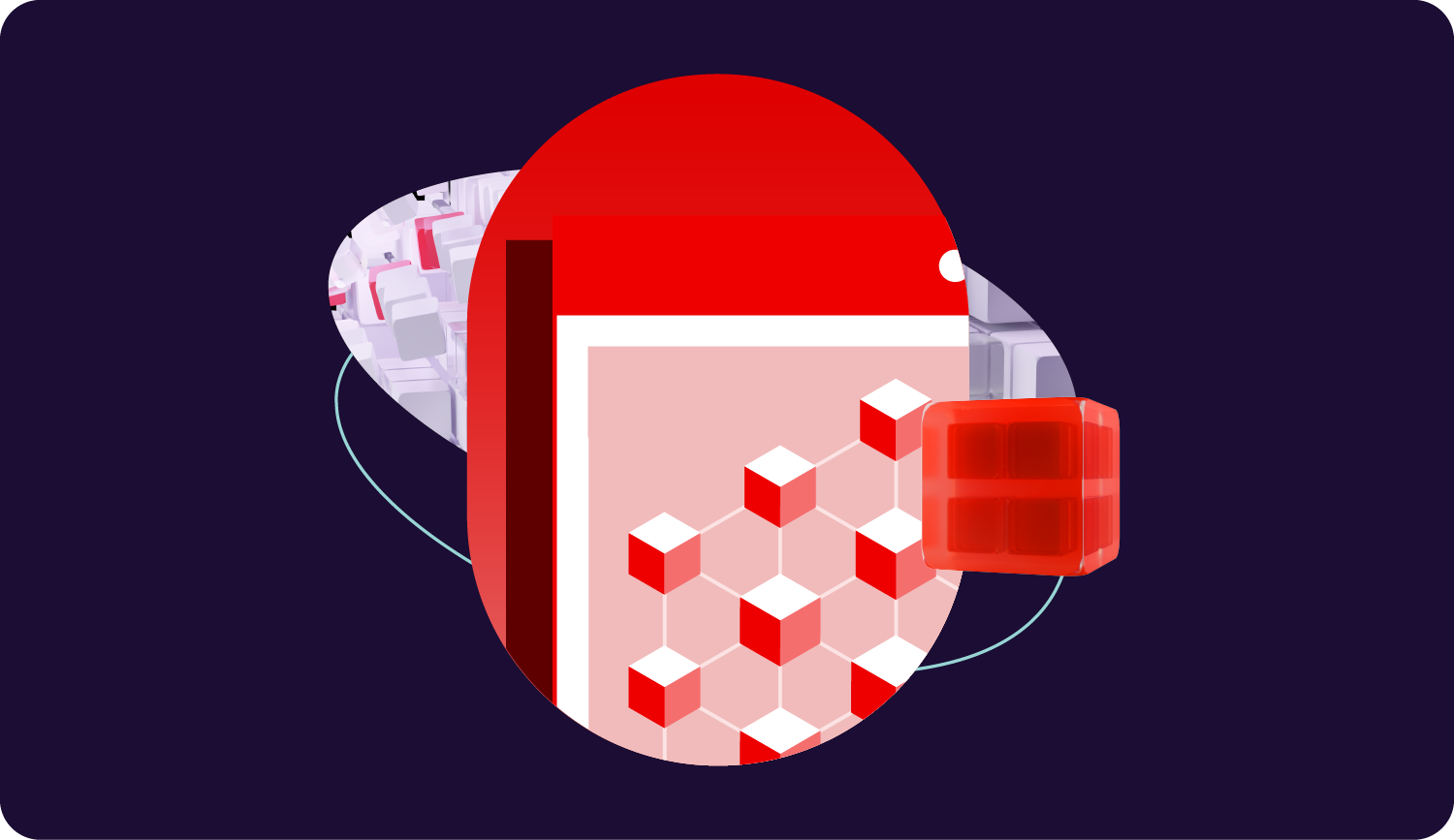
Watch out for this: Be careful of mixing elements in a way that is distracting. This collage has a mix of elements, but it's difficult to know where to look first.

Not this: Don’t create a collage that relies heavily on one medium when other elements could aid in storytelling. A base shape could help ground the collage, or a vector line could create movement.
Give it depth
Choose a single source of light and use highlights, shadows, and layered elements to create visual depth and dimension.

Do this: Choose a single source of light. If the collage has a photo, use the light source from the photo.
Use masks and drop shadows to create dimension and show that elements are interwoven with each other.

Watch out for this: Be careful of making collages that feel too flat. While the light source is consistent, there are no drop shadows or vector lines to aid in showing how the elements interact with one another.

Not this: Don’t create collages that fall flat. Avoid mixing conflicting light sources or mask elements in a way that feels awkward.
Animation
Collages come to life in motion. Base shapes act as vehicles to transition between scenes, changing in scale and morphing into each other as key elements come into focus. Hybrid style animations follow the same principles and use the same elements as static graphics.
In explainer videos that feature a product demo, we can leverage base shapes to transition from one scene to the next. The shapes grow and shrink to create depth and transition between different collages.
Video footage shot against 3D platform art bridges the gap between real life and full-screen animations. Base shapes act as a framing device to put a focus on the information. As the story unfolds, more elements dynamically pop out of the frame to add depth and detail.
Keynote presentations walk the audience through topics concept-by-concept. Animations that complement the topic add visual interest while aiding transitions between talking points.
Social ads often start with photography (to capture attention on a busy feed) combined with other elements. As the scenes change, some of these elements are carried over while changing scale and position to drive the narrative.
More

Download elements
Download elements from the Red Hat brand portal.
Download full collages
Download existing collages from the Red Hat brand portal.