
We’re pleased to announce the general availability of Dynamic Plugins in OpenShift 4.12. It was first introduced as a tech preview in OpenShift 4.10 with a limited set of customization. Now it delivers greater flexibility to build the high-quality integrations and unique experiences for your console.
What are Dynamic Plugins?
Dynamic Plugins allow you to add custom pages and other extensions to your interface at runtime. If you’d like to develop a single pane of glass that everybody goes for, Dynamic Plugins are a great resource to be able to tailor your console natively in a supported manner. Set up your environment to write a new OpenShift console Dynamic Plugin.
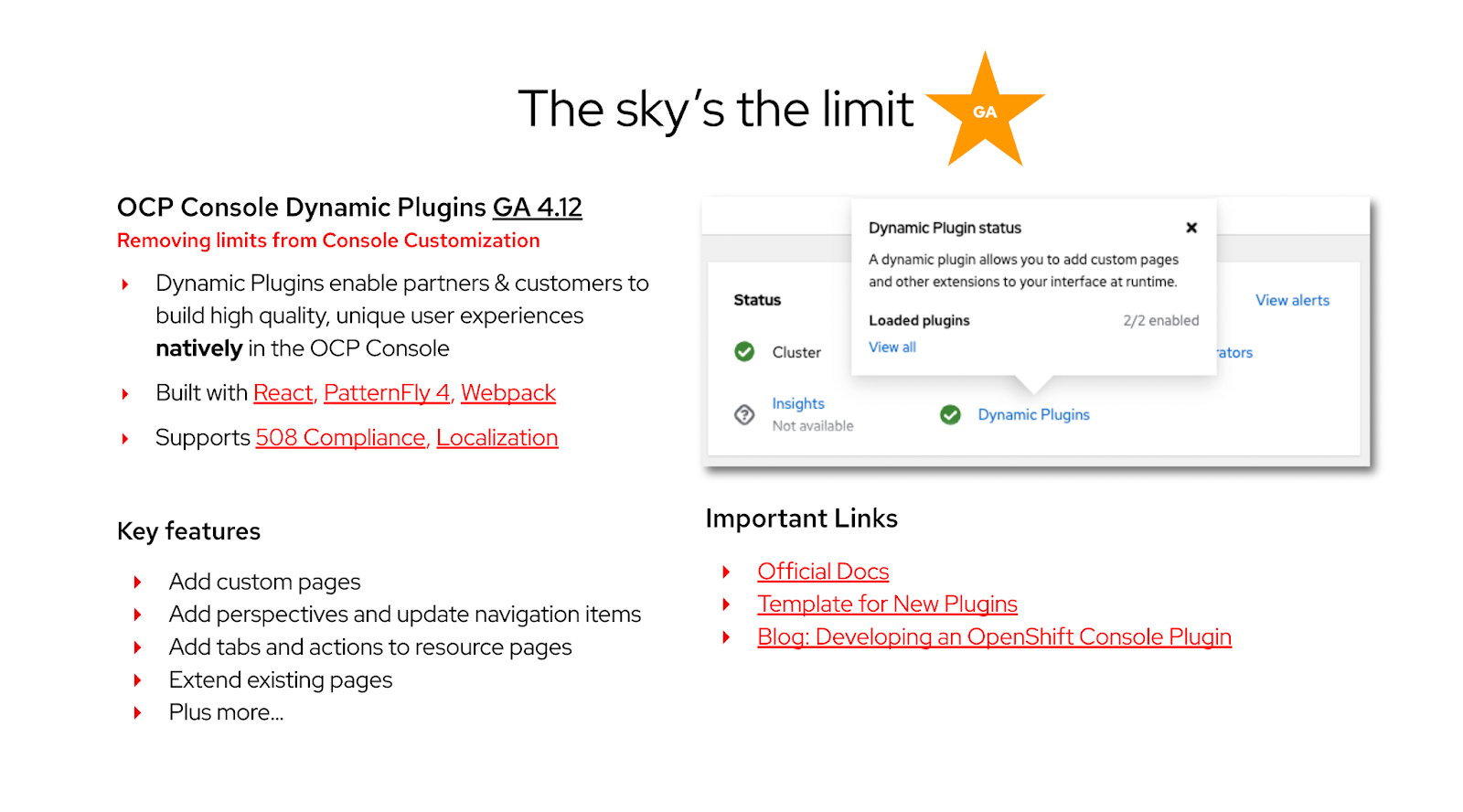
Dynamic Plugins use cases
Because of the static plugin that lived inside the console, we couldn't always take advantage of the new features and external customers could not add their own. Now, with Dynamic Plugins, we are able to meet the demand for customization of the OpenShift console. Let’s walk through some of the ways you can use the Dynamic Plugins.
Use case 1: Existing perspective update
In the past we had prescriptive ways of updating the OpenShift console using either console CRDs or OLM descriptors. With the Dynamic Plugins, you’ll have a lot more flexibility to tailor the existing perspectives. You can add new navigation items, flows, pages, and actions to either the “admin” or “developer” perspectives.
Use case 2: New perspective creation
You can also create new task-based perspectives, such as DevOps or SecOps by combining either from OpenShift or from external tools. This will make the process much quicker and easier for developers. When this mechanism is combined with PatternFly components, Dynamic Plugins will be a game changer for you.
Use case 3: Independent code delivery
Previously with the static plugins we could not have the same release cadence. One of the questions we constantly ask ourselves is how can we iterate new features and user experience more quickly on the OpenShift console. With the Dynamic Plugins, code delivery is independent of the OpenShift release cycle, enabling you to update at your own cadence and as often as you’d like.
Use case 4: Easy operator plugin integration
In order to manage multiple clusters, you can install the multi-cluster engine (MCE) operator or Advanced Cluster Management (ACM) operator on the top of the OpenShift console. During installation of these operators, the “multi-cluster switcher” plugin will be delivered. With the Dynamic Plugins, you don’t have to wait for a new release or update of the OpenShift console. It will be loaded to the console at run-time.
Additional resources
Connect with us
We’re always growing and evolving our improvements to OpenShift with a customer-first mindset. Be on the lookout for more enhancements in future releases. And don’t forget to sign up to participate in future research opportunities to share your OpenShift experiences.
Let us know your thoughts. We’d love to connect with users like you. Be sure to catch us on the OpenShift Twitch channel.
Über den Autor
Ähnliche Einträge
Red Hat Partner sind eine wichtige Ressource für Telcos
Das agentische Paradoxon und die hybride KI-Strategie
Crack the Cloud_Open | Command Line Heroes
Edge computing covered and diced | Technically Speaking
Nach Thema durchsuchen

Automatisierung
Das Neueste zum Thema IT-Automatisierung für Technologien, Teams und Umgebungen

Künstliche Intelligenz
Erfahren Sie das Neueste von den Plattformen, die es Kunden ermöglichen, KI-Workloads beliebig auszuführen

Open Hybrid Cloud
Erfahren Sie, wie wir eine flexiblere Zukunft mit Hybrid Clouds schaffen.

Sicherheit
Erfahren Sie, wie wir Risiken in verschiedenen Umgebungen und Technologien reduzieren

Edge Computing
Erfahren Sie das Neueste von den Plattformen, die die Operations am Edge vereinfachen

Infrastruktur
Erfahren Sie das Neueste von der weltweit führenden Linux-Plattform für Unternehmen

Anwendungen
Entdecken Sie unsere Lösungen für komplexe Herausforderungen bei Anwendungen

Virtualisierung
Erfahren Sie das Neueste über die Virtualisierung von Workloads in Cloud- oder On-Premise-Umgebungen
