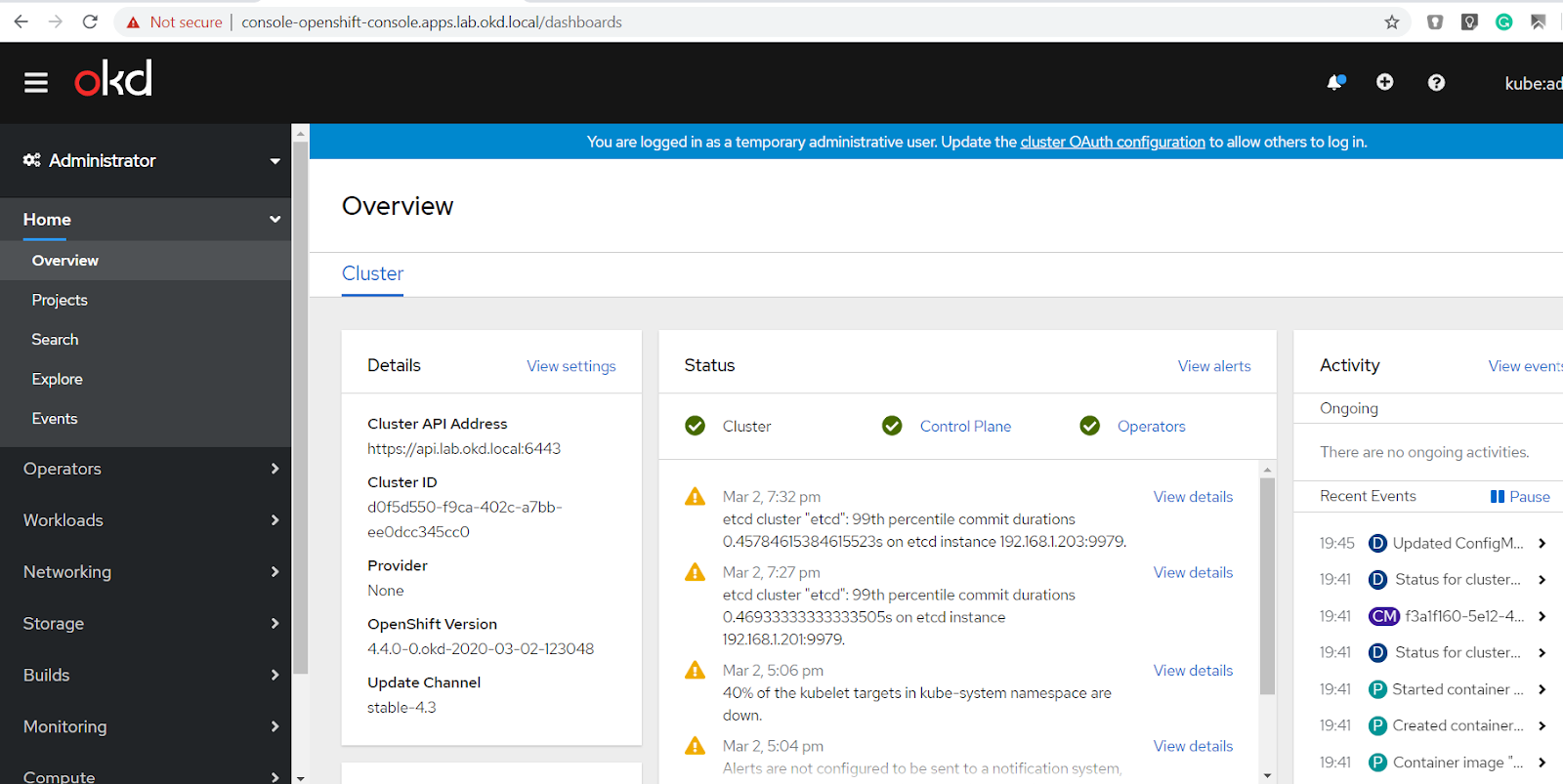
Take OKD 4, the Community Distribution of Kubernetes that powers Red Hat OpenShift, for a test drive on your Home Lab.
Craig Robinson at East Carolina University has created an excellent blog explaining how to install OKD 4.5 in your home lab!
What is OKD?
OKD is the upstream community-supported version of the Red Hat OpenShift Container Platform (OCP). OpenShift expands vanilla Kubernetes into an application platform designed for enterprise use at scale. Starting with the release of OpenShift 4, the default operating system is Red Hat CoreOS, which provides an immutable infrastructure and automated updates. OKD’s default operating system is Fedora CoreOS which, like OKD, is the upstream version of Red Hat CoreOS.
Instructions for Deploying OKD 4 Beta on your Home Lab
For those of you who have a Home Lab, check out the step-by-step guide here helps you successfully build an OKD 4.4 cluster at home using VMWare as the example hypervisor, but you can use Hyper-V, libvirt, VirtualBox, bare metal, or other platforms just as easily.
Experience is an excellent way to learn new technologies. Used hardware for a home lab that could run an OKD cluster is relatively inexpensive these days ($250–$350), especially when compared to a cloud-hosted solution costing over $250 per month.
The purpose of this step-by-step guide is to help you successfully build an OKD 4.5 cluster at home that you can take for a test drive. VMWare is the example hypervisor used in this guide, but you could use Hyper-V, libvirt, VirtualBox, bare metal, or other platforms.
This guide assumes you have a virtualization platform, basic knowledge of Linux, and the ability to Google.
Check out the step-by-step guide here on Medium.com
Once you’ve gain some experience with OpenShift by using the open source upstream combination of OKD and FCOS (Fedora CoreOS) to build your own cluster on your home lab, be sure to share your feedback and any issues with the OKD-WG on this Beta release of OKD in the OKD Github Repo here: https://github.com/openshift/okd
Additional Resources:
- To report issues, use the OKD Github Repo: https://github.com/openshift/okd
- For support check out the #openshift-users channel on k8s Slack
- The OKD Working Group meets bi-weekly to discuss development and next steps. Meeting schedule and location are tracked in the openshift/community repo.
- Google group for okd-wg: https://groups.google.com/forum/#!forum/okd-wg
This should get you up and going. Good luck on your journey with OpenShift!
{{cta('1ba92822-e866-48f0-8a92-ade9f0c3b6ca','justifycenter')}}



