
Ansible is a configuration management tool. While working with Ansible, you can create various playbooks, inventory files, variable files, etc. Some of the files contain sensitive and important data like usernames and passwords. Ansible provides a feature named Ansible Vault that prevents this data from being exposed. It keeps passwords and other sensitive data in an encrypted file rather than in plain text files. It provides password-based authentication.
[ Editor Note: Ansible Vault is one tool that one might use, but not necessarily what most sysadmins run in production. Red Hat Ansible Automation Platform is enterprise-grade and it can also work with existing tools that most enterprises have. ]
[ You might also enjoy: Handling secrets in your Ansible playbooks ]
Ansible Vault performs various operations. Specifically, it can
- Encrypt a file
- Decrypt a file
- View an encrypted file without breaking the encryption
- Edit an encrypted file
- Create an encrypted file
- Generate or reset the encrypted key
Create an encrypted file
The ansible-vault create command is used to create the encrypted file.
# ansible-vault create vault.yml
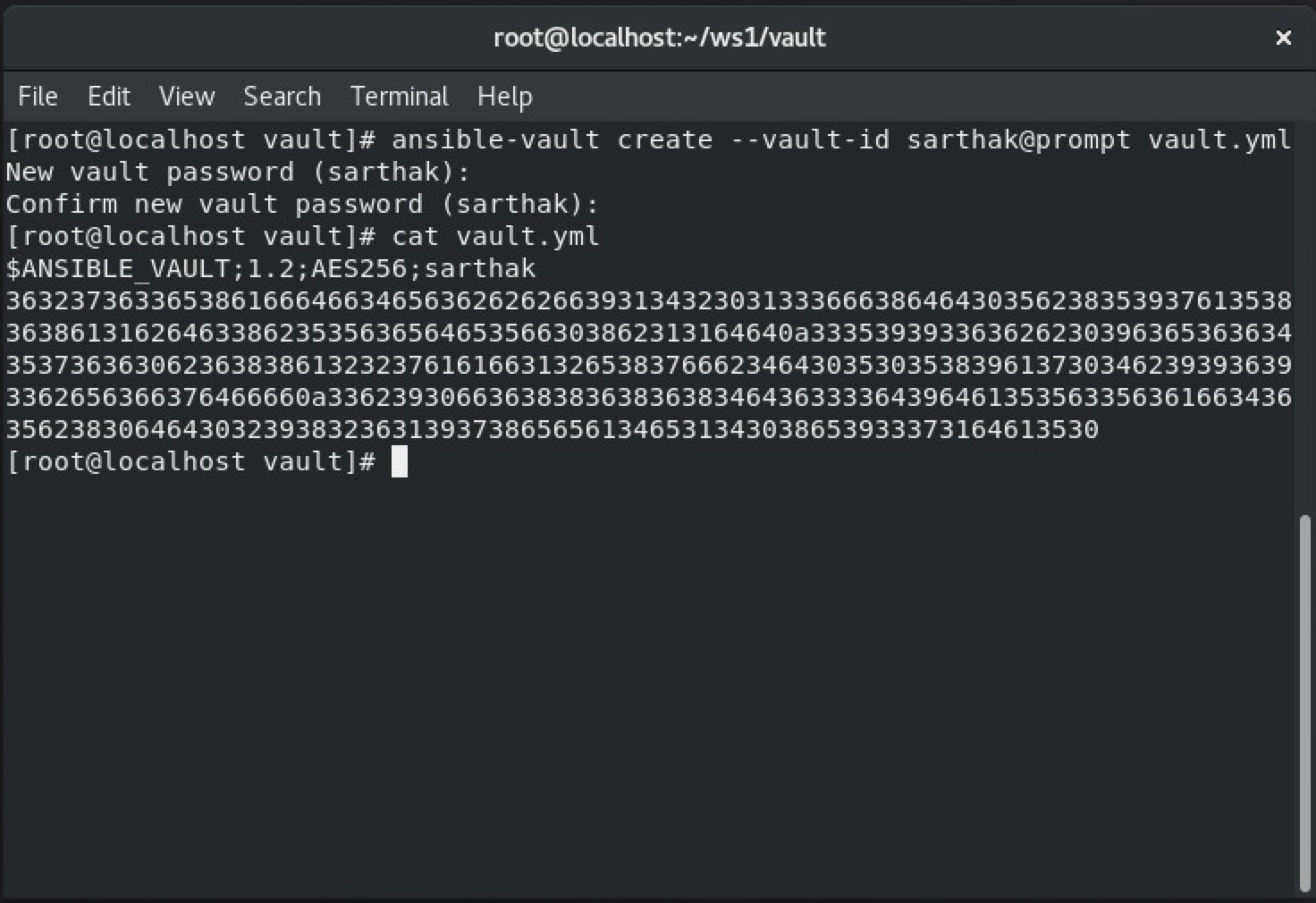
After typing this command, it will ask for a password and then ask where to put your content. To check that the file has been encrypted, use the cat command.

The following command is used to create encrypted files with --vault id.
# ansible-vault create --vault-id password@prompt vault.yml
Editing the encrypted file
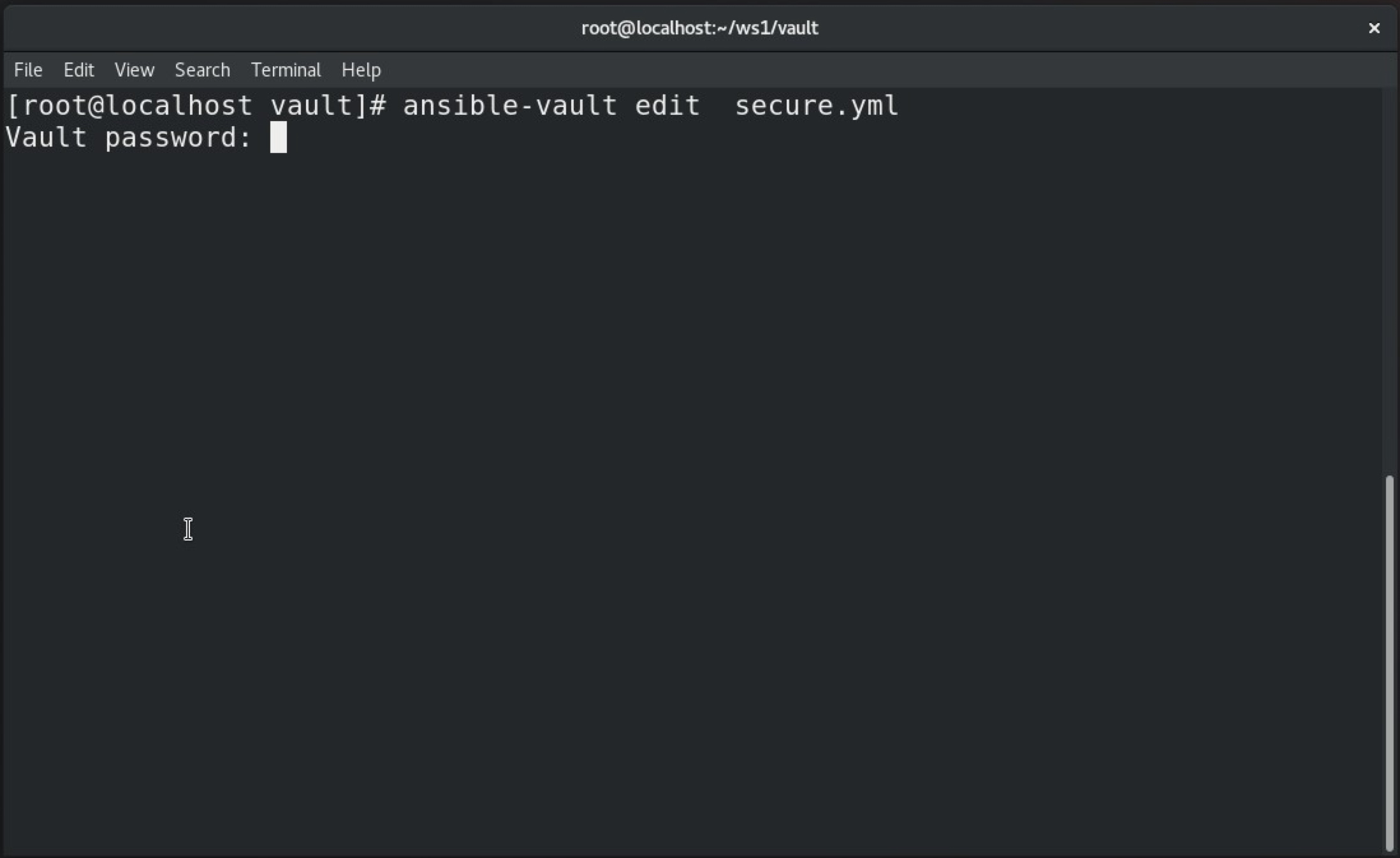
If the file is encrypted and changes are required, use the edit command.
# ansible-vault edit secure.yml

Decrypting a file
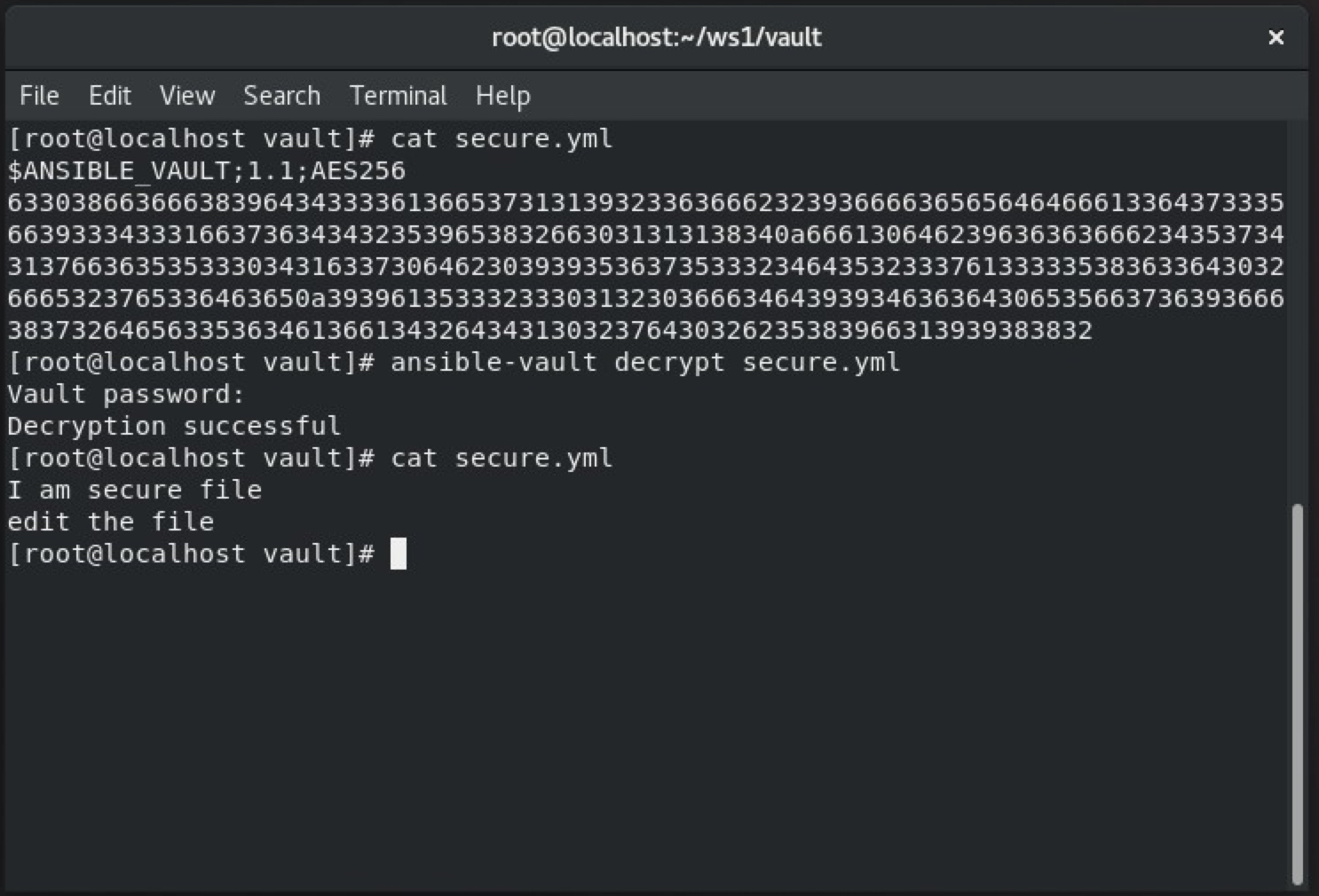
The ansible-vault decrypt command is used to decrypt the encrypted file.
# ansible-vault decrypt secure.yml
Decrypt a running playbook
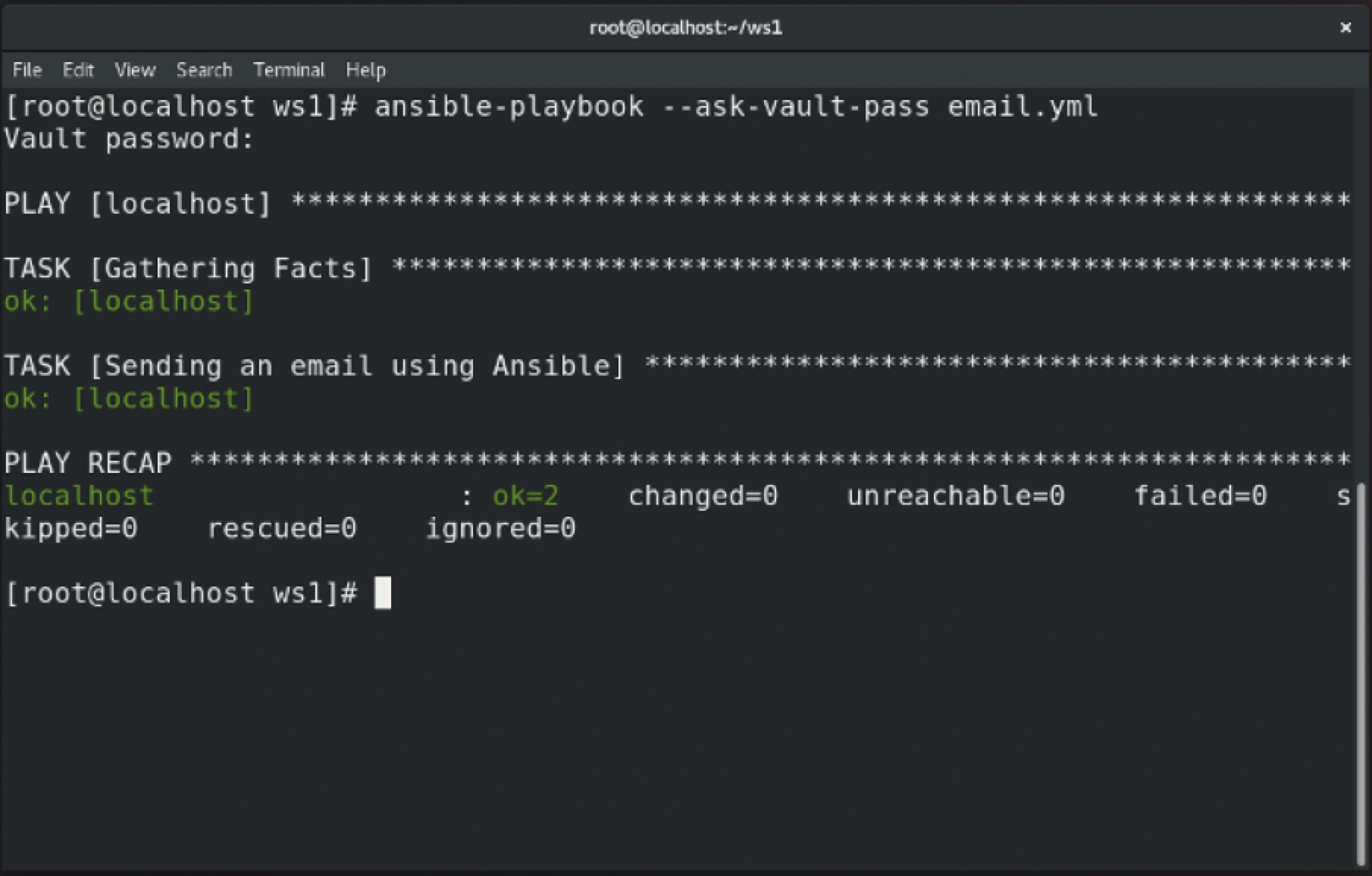
To decrypt the playbook while it is running, you usually ask for its password.
# ansible-playbook --ask-vault-pass email.yml
Reset the file password
Use the ansible-vault rekey command to reset the encrypted file password.
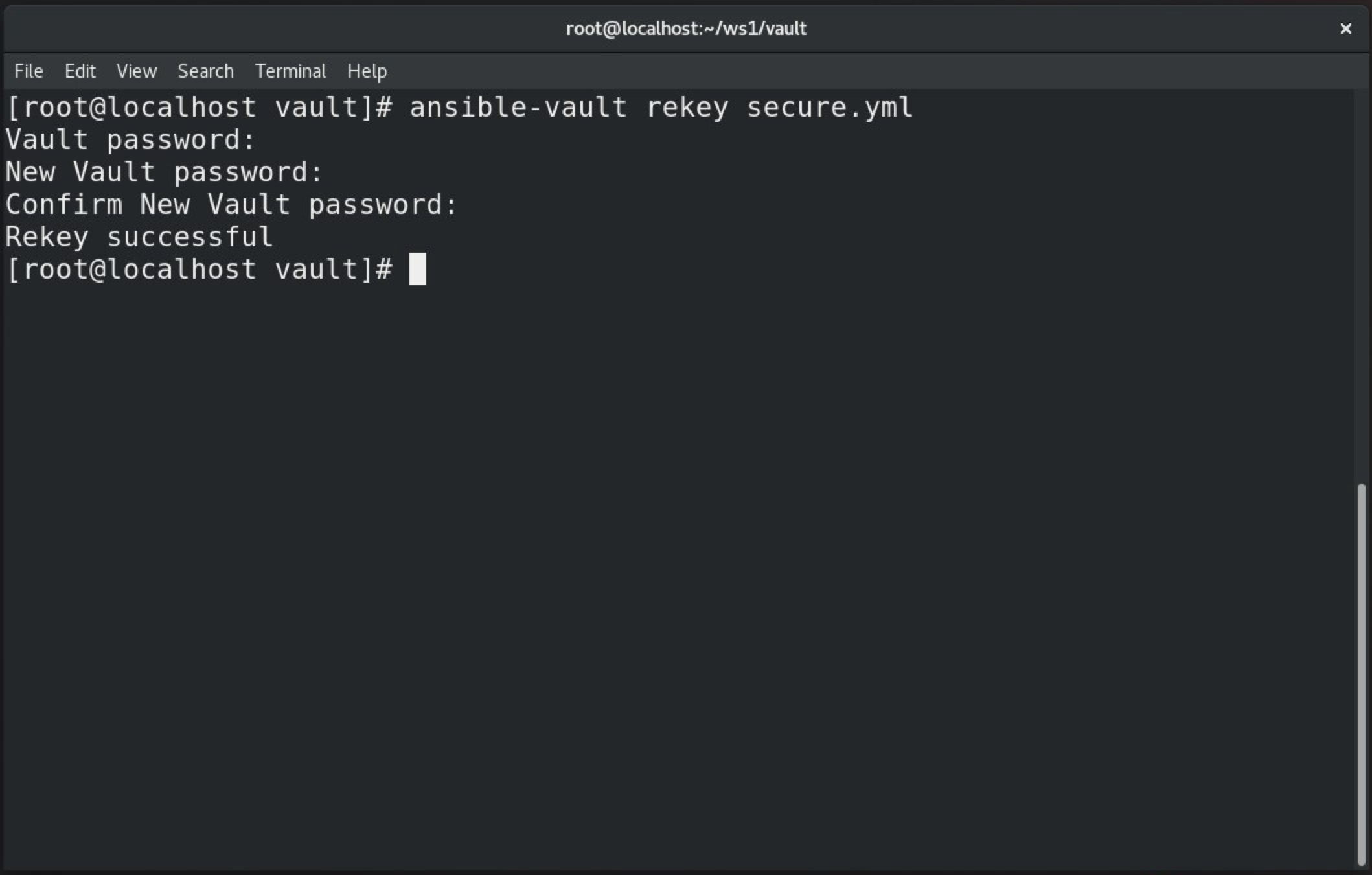
Here is the email.yml file contents:
---
- hosts: localhost
  vars_files: secret.yml
  tasks:
  - name: Sending an email using Ansible
    mail:
      host: smtp.gmail.com
      port: 587
      username: 500069614@stu.upes.ac.in
      password: "{{ p }}"
      to: mrsarthak001@gmail.com
      subject: Email By Ansible
      body: Test successful
      delegate_to: localhost
[ Need more on Ansible? Take a free technical overview course from Red Hat. Ansible Essentials: Simplicity in Automation Technical Overview. ]
Wrap up
In this article, you learned about Ansible Vault, which is an Ansible feature that helps you encrypt confidential information in a file without compromising security. You also learned about decrypting files, editing encrypted files, and resetting Ansible Vault passwords. This feature is especially useful if you have some confidential data that you want to secure and prevent from being publicly exposed.
Remember that Ansible Vault is generally viewed as a tool for junior-level sysadmins and is not considered to be enterprise-grade. For an enterprise solution, refer to Red Hat Ansible Automation Platform.
Über den Autor
Sarthak Jain is a Pre-Final Year Computer Science undergraduate from the University of Petroleum and Energy Studies (UPES). He is a cloud and DevOps enthusiast, knowing various tools and methodologies of DevOps. Sarthak also Mentored more than 2,000 students Regarding the Latest Tech trends through their community Dot Questionmark.
Ähnliche Einträge
Red Hat Ansible All-Stars gestalten die Zukunft der Automatisierung
Vereinheitlichen Sie IT-Workflows mit Automation Orchestrator
Random Acts Of Automation | Compiler
Untangling Networks | Compiler
Nach Thema durchsuchen

Automatisierung
Das Neueste zum Thema IT-Automatisierung für Technologien, Teams und Umgebungen

Künstliche Intelligenz
Erfahren Sie das Neueste von den Plattformen, die es Kunden ermöglichen, KI-Workloads beliebig auszuführen

Open Hybrid Cloud
Erfahren Sie, wie wir eine flexiblere Zukunft mit Hybrid Clouds schaffen.

Sicherheit
Erfahren Sie, wie wir Risiken in verschiedenen Umgebungen und Technologien reduzieren

Edge Computing
Erfahren Sie das Neueste von den Plattformen, die die Operations am Edge vereinfachen

Infrastruktur
Erfahren Sie das Neueste von der weltweit führenden Linux-Plattform für Unternehmen

Anwendungen
Entdecken Sie unsere Lösungen für komplexe Herausforderungen bei Anwendungen

Virtualisierung
Erfahren Sie das Neueste über die Virtualisierung von Workloads in Cloud- oder On-Premise-Umgebungen
