
A few months ago, my colleague Rich Lucente wrote a nice post about how to use Apache Guacamole on OpenShift to access Red Hat JBoss Developer Studio.
I really liked the approach, but, coming from a "sysadmin" background, I was interested to see how the basic functionality of Guacamole could provide a way to access remote machines only using a browser, quite handy during "night's watch".
Prepare OpenShift Container Platform
I won't cover OpenShift deployment, and will assume you use something like the following to quickly set up a testing cluster:
export IP=`ip a l  eth0 | grep 'inet ' | cut -d' ' -f6 | awk -F'/' '{ print $1}'`

oc cluster up --public-hostname $IP.xip.io --routing-suffix $IP.xip.io
Deploying Guacamole
The following commands are used to:
- Create a project holding Guacamole components.
- Allow access as root for the Guacamole containers. Note:This is bad, but at least limited to this specific project and allows you to use images provided by Guacamole folks.
- Provisions a MySQL instance to hold Guacamole data.
- Initialize MySQL.
- Launch a Guacamole pod and connect to the MySQL instance. Note:This pod actually "contains" two containers.
- Expose the Guacamole UI with a route.
oc new-project guacamole

oadm policy add-scc-to-user anyuid -z default -n guacamole

oc new-app mysql MYSQL_USER=guacamole MYSQL_PASSWORD=guacamole MYSQL_DATABASE=guacamole

oc volume dc/mysql --add --name=mysql-volume-1 -t pvc --claim-name=mysql-claim --claim-size=1G --overwrite

oc run guacamole --image=guacamole/guacamole --restart=Never --command -- /opt/guacamole/bin/initdb.sh --mysql

oc logs guacamole > initdb.sql

oc delete pod guacamole

export MYSQLPOD=`oc get pod -o jsonpath='{.items[*].metadata.name}' | grep mysql`

oc rsh $MYSQLPOD /opt/rh/rh-mysql57/root/bin/mysql -h 127.0.0.1 -P 3306 -u guacamole -pguacamole guacamole < initdb.sql

oc new-app guacamole/guacamole+guacamole/guacd --name=guacamole -e GUACAMOLE_HOME=/tmp -e GUACD_HOSTNAME=127.0.0.1 -e GUACD_PORT=4822 -e  MYSQL_HOSTNAME=mysql.guacamole.svc.cluster.local -e MYSQL_PORT=3306 -e MYSQL_DATABASE=guacamole -e MYSQL_USER=guacamole -e MYSQL_PASSWORD=guacamole

oc expose service guacamole --port=8080 --path=/guacamole
Check Guacamole Is Up
You can use the following to see if pods are properly running:
oc get pod

NAME                READY     STATUS    RESTARTS   AGE

guacamole-1-5wvw4   2/2       Running   4          5d

mysql-2-cld6t       1/1       Running   2          5d
To grab the route of the Guacamole UI:
oc get route guacamole -o jsonpath='{.spec.host}'
Use the App
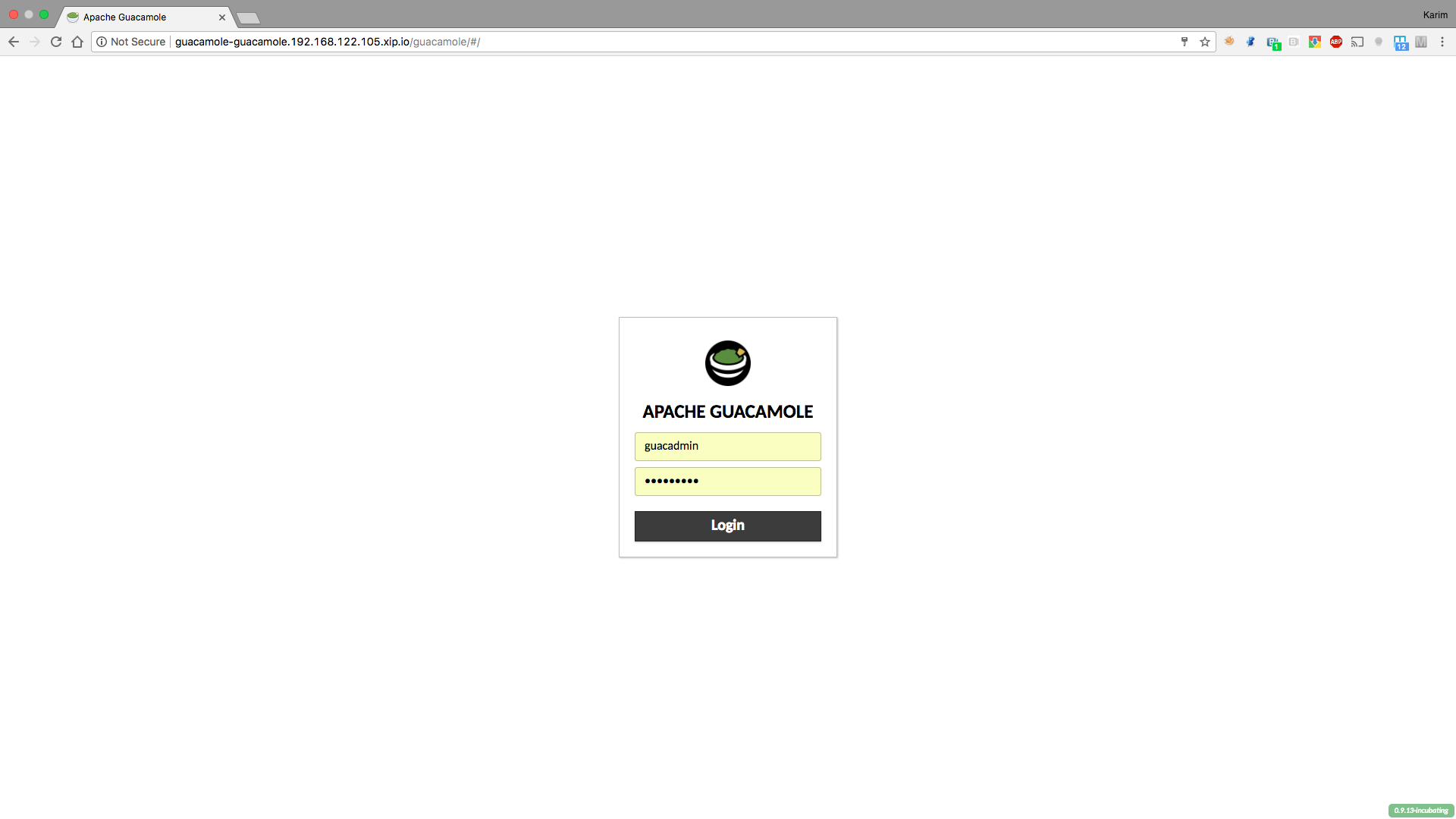
Now we can access Guacamole application using the existing route. The login page for Guacamole will appear. Use the default username and password of guacadmin/guacadmin.
The application is pretty straightforward to use, so feel free to add extra users (and optionally allow them to change their own password).
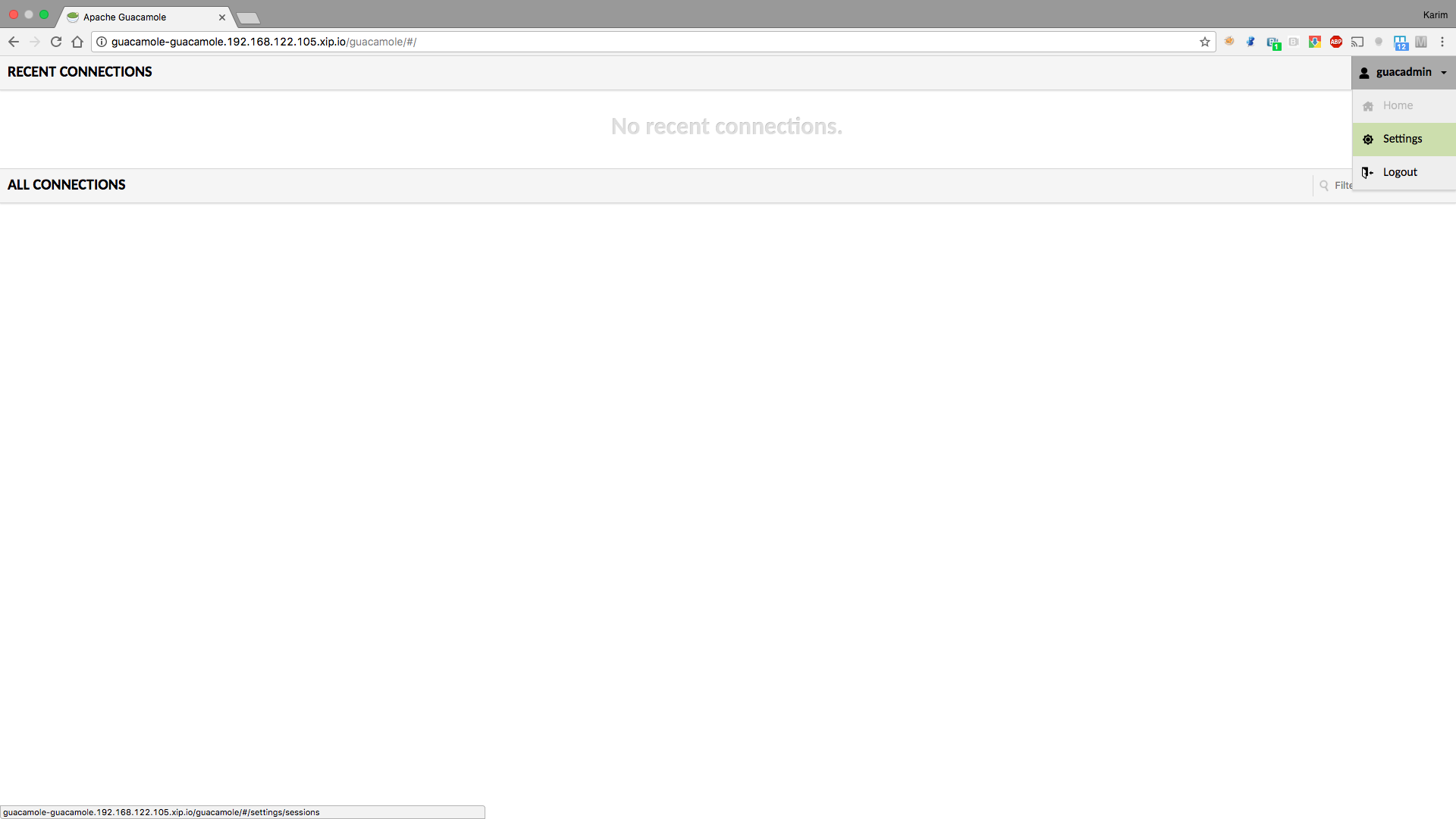
To add new connections, go to the settings screen using the upper right button:
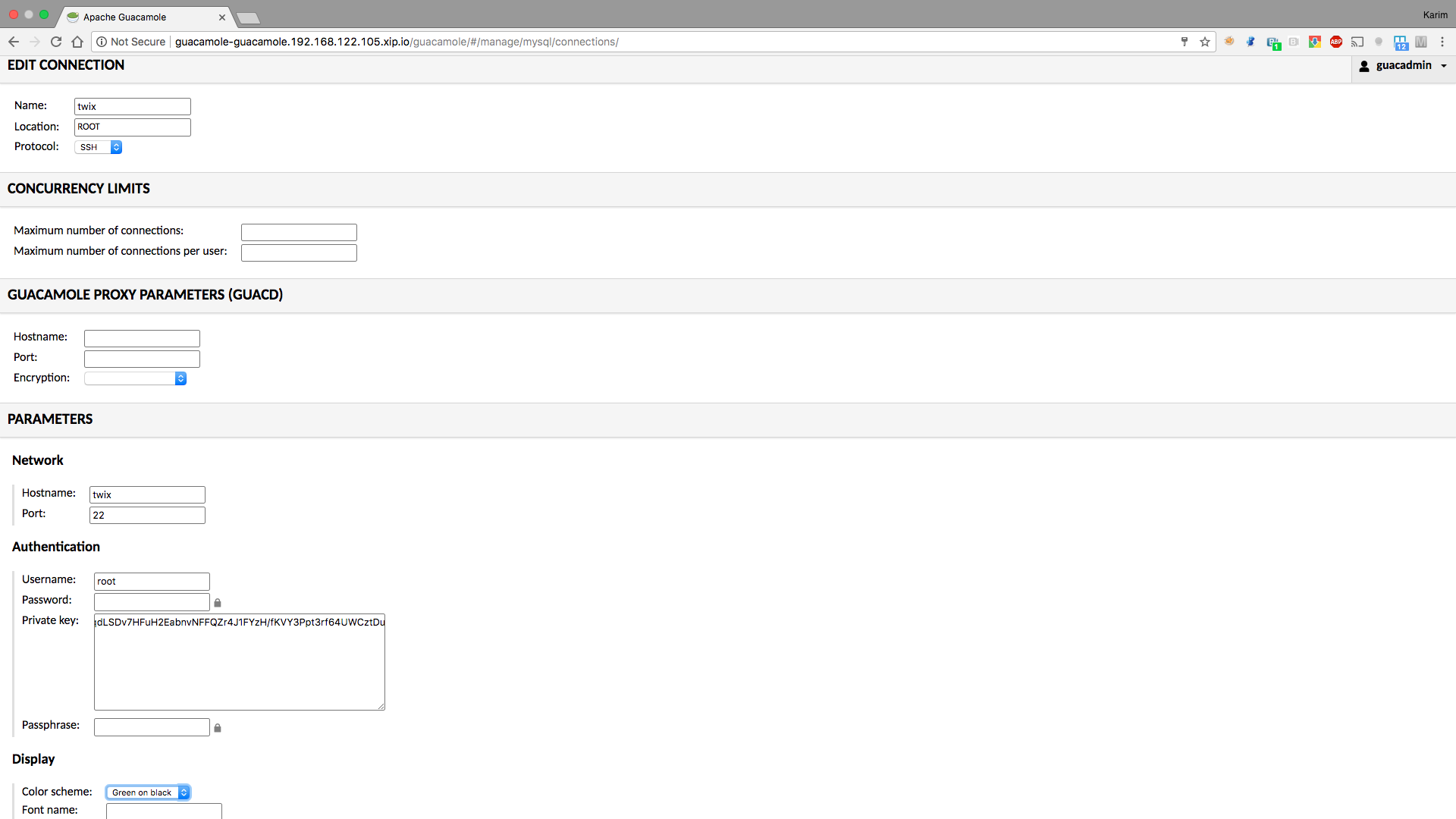
From there, set a ssh or a vnc connection (you will need a vncserver running on the end machine):
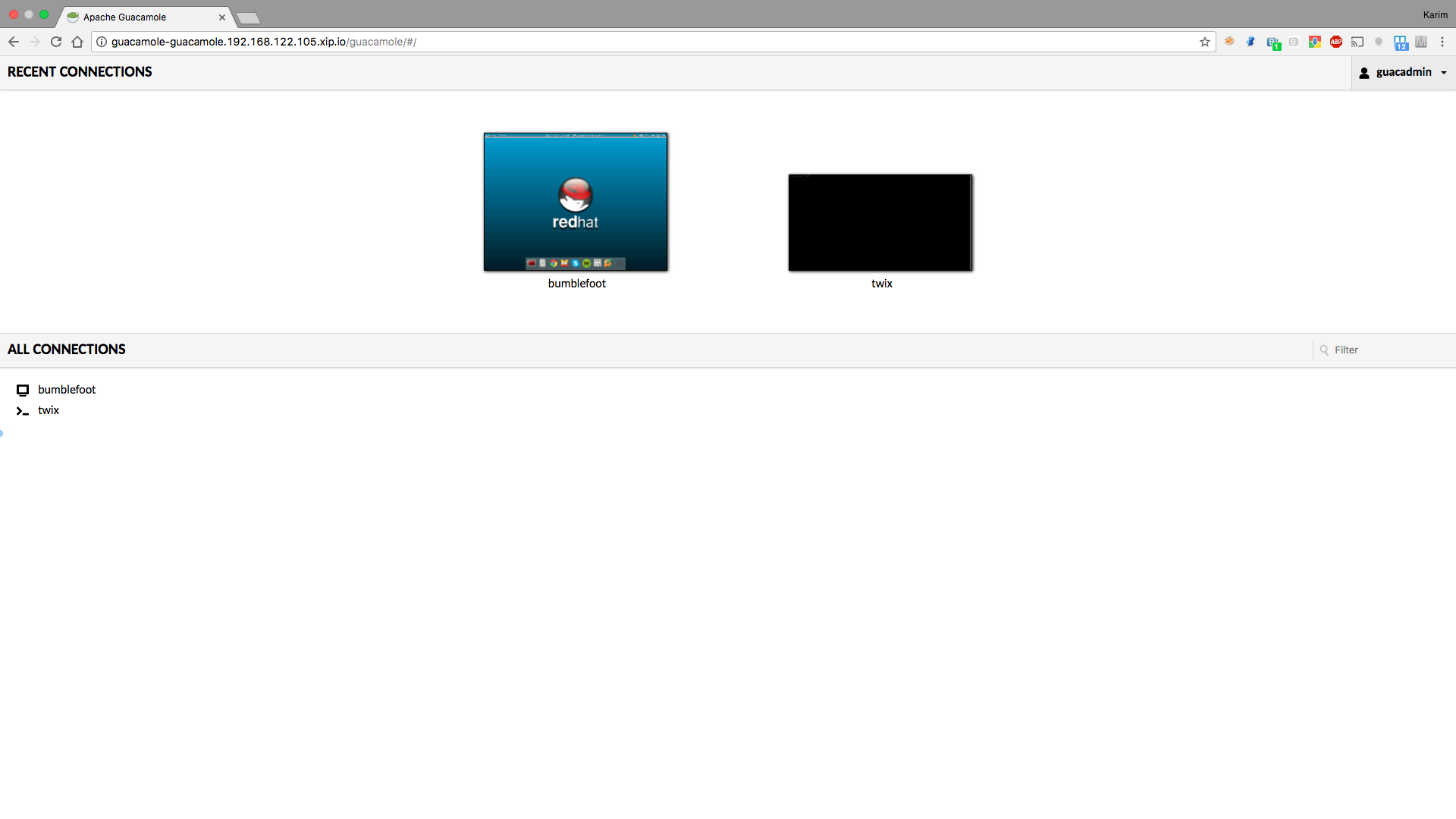
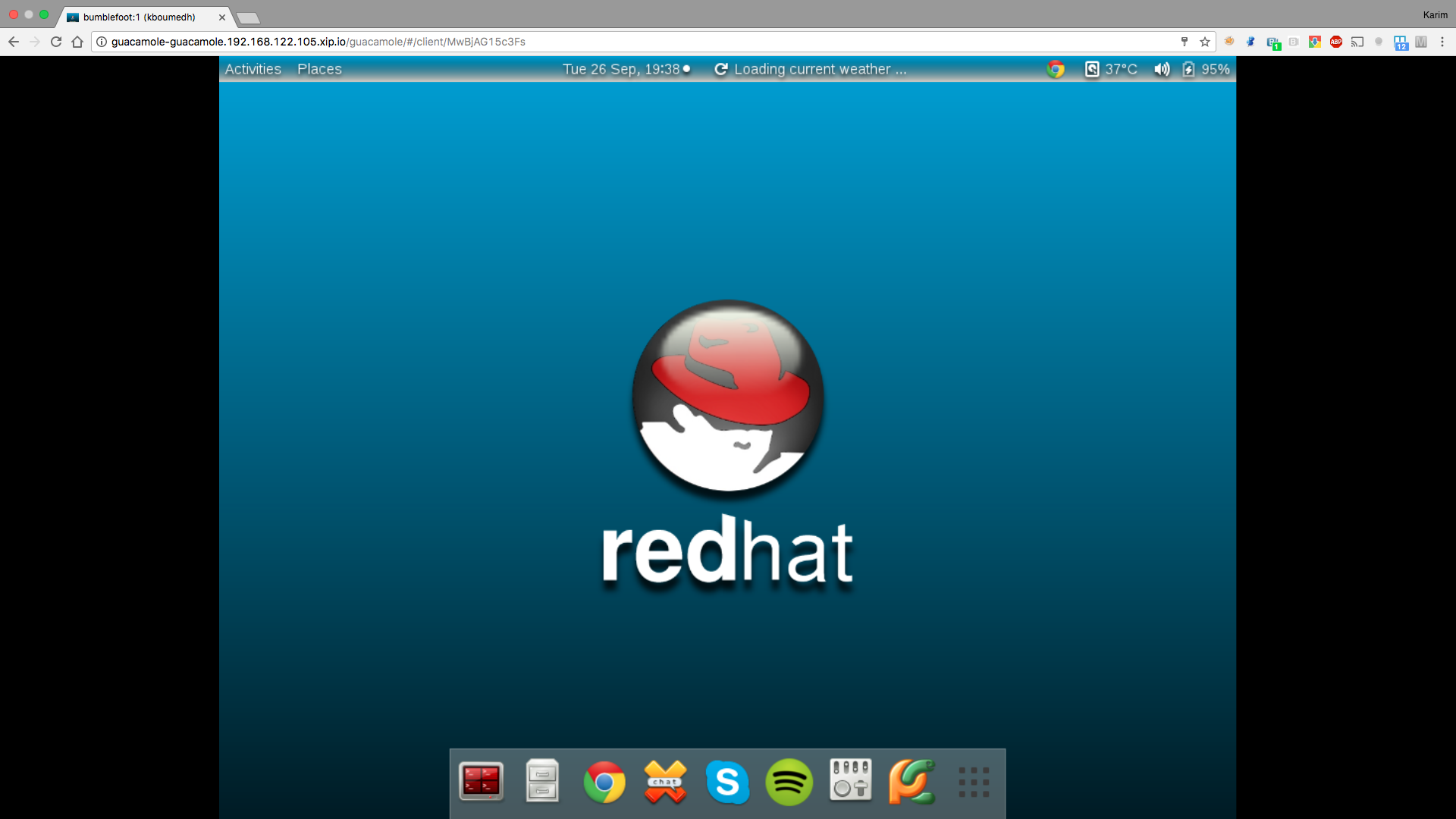
Once your connections are set, you are ready!
Conclusion
By using this procedure, we quickly obtain a platform enabling us to connect to our end machines with a browser, in a secured way and by only exposing the Guacamole URL in OpenShift. OpenShift and container technology gives us an easy way to make use of such applications, without having to go into details of the installation process. There is much more that can be done using Guacamole, like access from a mobile device or scp, so check documentation for more information.
執筆者紹介
チャンネル別に見る

自動化
テクノロジー、チームおよび環境に関する IT 自動化の最新情報

AI (人工知能)
お客様が AI ワークロードをどこでも自由に実行することを可能にするプラットフォームについてのアップデート

オープン・ハイブリッドクラウド
ハイブリッドクラウドで柔軟に未来を築く方法をご確認ください。

セキュリティ
環境やテクノロジー全体に及ぶリスクを軽減する方法に関する最新情報

エッジコンピューティング
エッジでの運用を単純化するプラットフォームのアップデート

インフラストラクチャ
世界有数のエンタープライズ向け Linux プラットフォームの最新情報

アプリケーション
アプリケーションの最も困難な課題に対する Red Hat ソリューションの詳細

仮想化
オンプレミスまたは複数クラウドでのワークロードに対応するエンタープライズ仮想化の将来についてご覧ください
