
I'm testing and developing in an OpenShift All-in-One cluster in a VM. I needed my local working branch of a git repository cloned in my VM. I compiled bits and pieces of my web search into this post, so hopefully when the next developer searches the title of this blog they'll find this!
Substitute in the commands below:
  REPO=repoToClone

  WORKING_BRANCH=workingBranchName

  BARE_REPO="$REPO-bare"

  PATH_TO_REPOS=/path/to/your/repo

  REPO_PATH=/path/to/your/repo/$REPO

  BARE_REPO_PATH=/path/to/your/repo/$BARE_REPO

  PUBLIC_DNS_OF_VM

  VM_USER=output of 'echo ${USER}' from VM
Run these commands while ssh'd into the VM. I recommend putting these in a script so you can easily sync your local repositories to your VM whenever necessary:
sudo mkdir -p $PATH_TO_REPOS

sudo chown -R $USER:$USER $PATH_TO_REPOS

cd $PATH_TO_REPOS

git init --bare $BARE_REPO

git clone $BARE_REPO_PATH $REPO_PATH

cd $REPO

touch file.txt && git add . && git commit -m 'added a file so I could create a working branch'

git push origin master
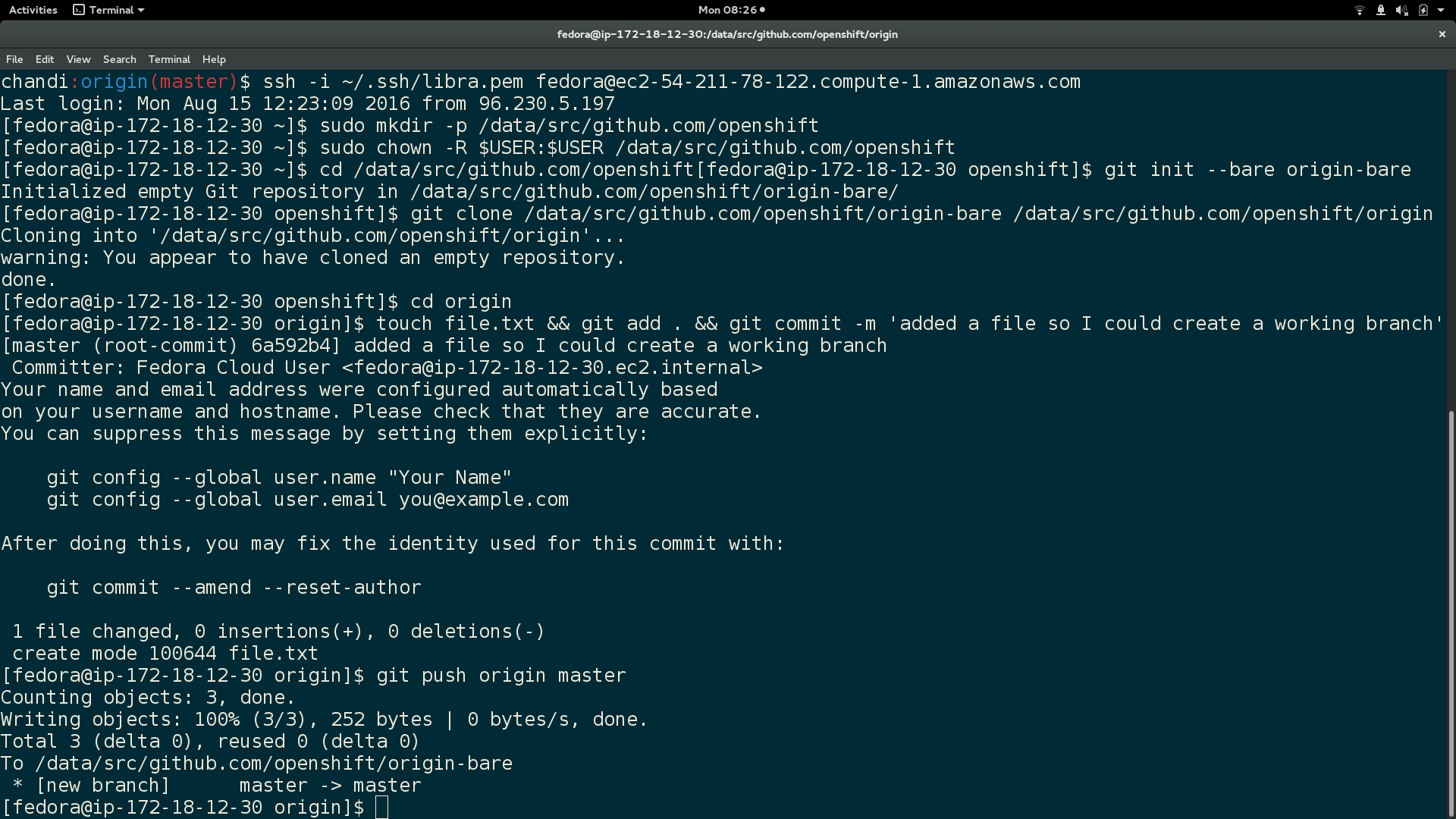
Here is output of the above commands:
In local machine, clone your git repository to the VM $BARE_REPO:
  cd $REPO_PATH

  git push -q ssh://$VM_USER@$PUBLIC_DNS_OF_VM$BARE_REPO_PATH --force --verbose
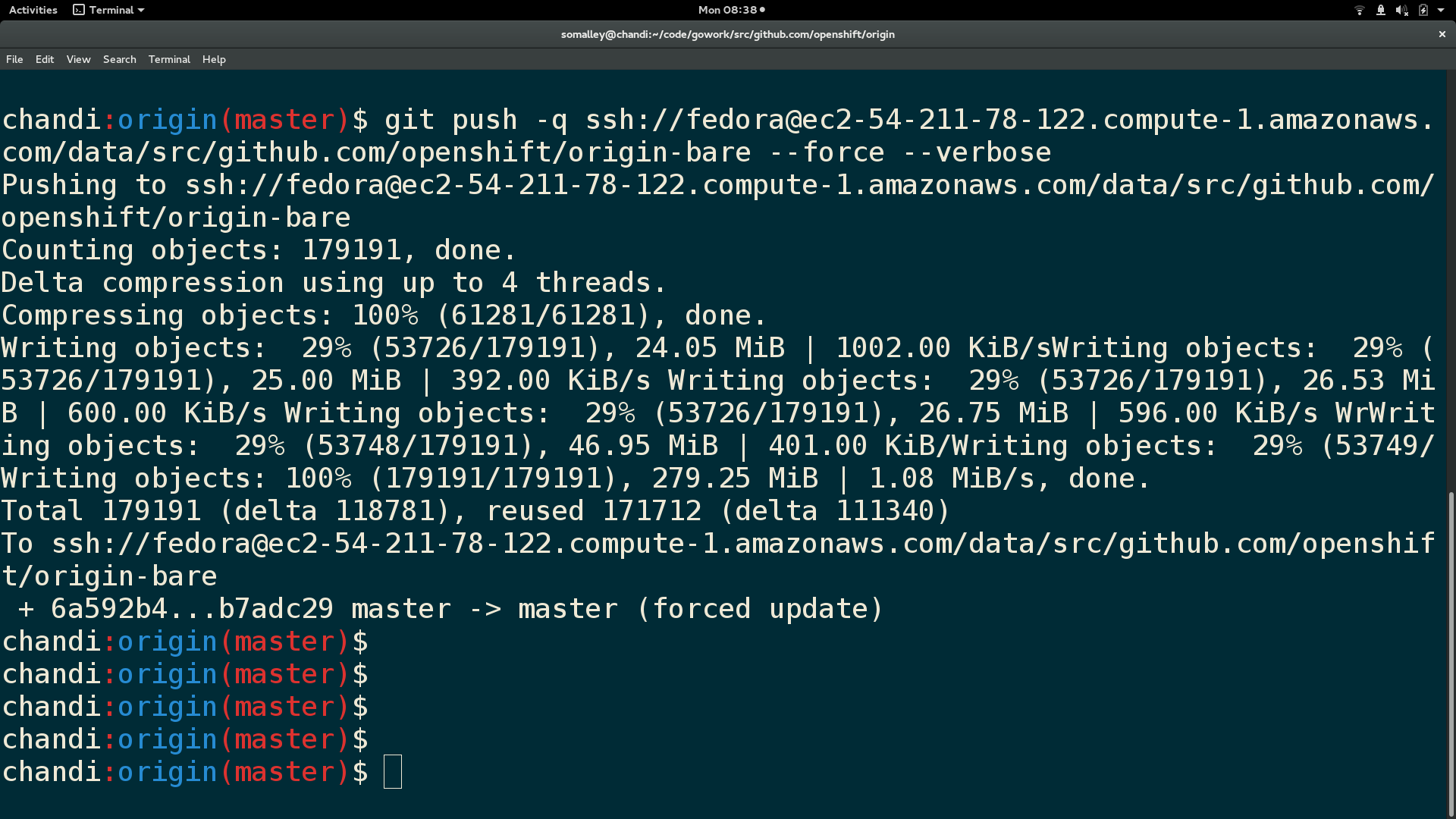
Here is output from the git push:
SSH back into VM and run these:
  cd $REPO_PATH

  git pull (this will open a git vim window, enter 'wq' to continue merge)

  git checkout $WORKING_BRANCH
Finally, here is a screenshot of the repository contents and branch name in the VM:

You now have your current local working branch of a git repository cloned to your VM :)
執筆者紹介
Sally Ann O'Malley is a Principal Software Engineer, Emerging Technologies, Office of the CTO at Red Hat. She uses her talent for sparking excitement around new tools and ideas to integrate innovative solutions into Red Hat's portfolio. Sally is an organizer for DevConf.US, an annual open source conference, and an instructor within Boston University's Faculty of Computing and Data Sciences.
類似検索
お使いのアプリケーション・プラットフォームは、今後の展開に対応できる準備ができていますか?
対象となる専門知識の検証:Red Hat 認定資格における主要アップデート
Python's Tale | Command Line Heroes
The CTO And The Vision | Compiler: Re:Role
チャンネル別に見る

自動化
テクノロジー、チームおよび環境に関する IT 自動化の最新情報

AI (人工知能)
お客様が AI ワークロードをどこでも自由に実行することを可能にするプラットフォームについてのアップデート

オープン・ハイブリッドクラウド
ハイブリッドクラウドで柔軟に未来を築く方法をご確認ください。

セキュリティ
環境やテクノロジー全体に及ぶリスクを軽減する方法に関する最新情報

エッジコンピューティング
エッジでの運用を単純化するプラットフォームのアップデート

インフラストラクチャ
世界有数のエンタープライズ向け Linux プラットフォームの最新情報

アプリケーション
アプリケーションの最も困難な課題に対する Red Hat ソリューションの詳細

仮想化
オンプレミスまたは複数クラウドでのワークロードに対応するエンタープライズ仮想化の将来についてご覧ください
