In OpenShift 3.1 we introduced the concept of jobs. A job will create one or more pods and run them to completion. This is different from a replicationController, which keeps the pods up and running. A job will run the pod until the pod finishes the task it was assigned. You can think of a job as a pod with a restartPolicy of Never.
A job will track the progress of the assigned task and then will update with the status: active, succeeded, or failed.
A few use cases for using a job:
- Batch Process That need to run at regular intervals
- Distributed processing of very large data sets
- Long running process for system maintanace
Job Object
The configuration of a job is done by using the "Job" object type. An example would look like this:
apiVersion: extensions/v1beta1

kind: Job

metadata:

  name: pi

spec:

  selector:

    matchLabels:

      app: pi

  parallelism: 1

  completions: 1

  template:

    metadata:

      name: pi

      labels:

        app: pi

    spec:

      containers:

      - name: pi

        image: perl

        command: ["perl",  "-Mbignum=bpi", "-wle", "print bpi(2000)"]

      restartPolicy: Never
A few key points here...
- The
selectorreferences the label selector and it sets up where thejobwill run parallelismis an optional parameter for how many pods to run at the same time for the task (defaults tocompletions)completionsstates how many times the pod needs to run successfully in order to be markedsucceeded(defaults to one if not specified)- The created
templatefor the pod the controller.
Creating a Job
We can use this example (which just counts Pi to 2,000 digits) to see how to create a job. I have saved the example as pijob.yaml and use oc create to create the job:
$ oc create -f pijob.yaml

job "pi" created
List job status with the oc command...
$ oc get jobs

JOB       CONTAINER(S)   IMAGE(S)   SELECTOR      SUCCESSFUL

pi        pi             perl       app in (pi)   0
If list your pods you should see it in the "pending" state
$ oc get pods

NAME                  READY     STATUS      RESTARTS   AGE

pi-169h2              0/1       Pending     0          31s

welcome-php-1-be674   1/1       Running     1          7d

welcome-php-2-build   0/1       Completed   0          7d
After the image gets pulled into the node; the status will change to "running"
$ oc get pods

NAME                  READY     STATUS      RESTARTS   AGE

pi-169h2              1/1       Running     0          7m

welcome-php-1-be674   1/1       Running     1          7d

welcome-php-2-build   0/1       Completed   0          7d
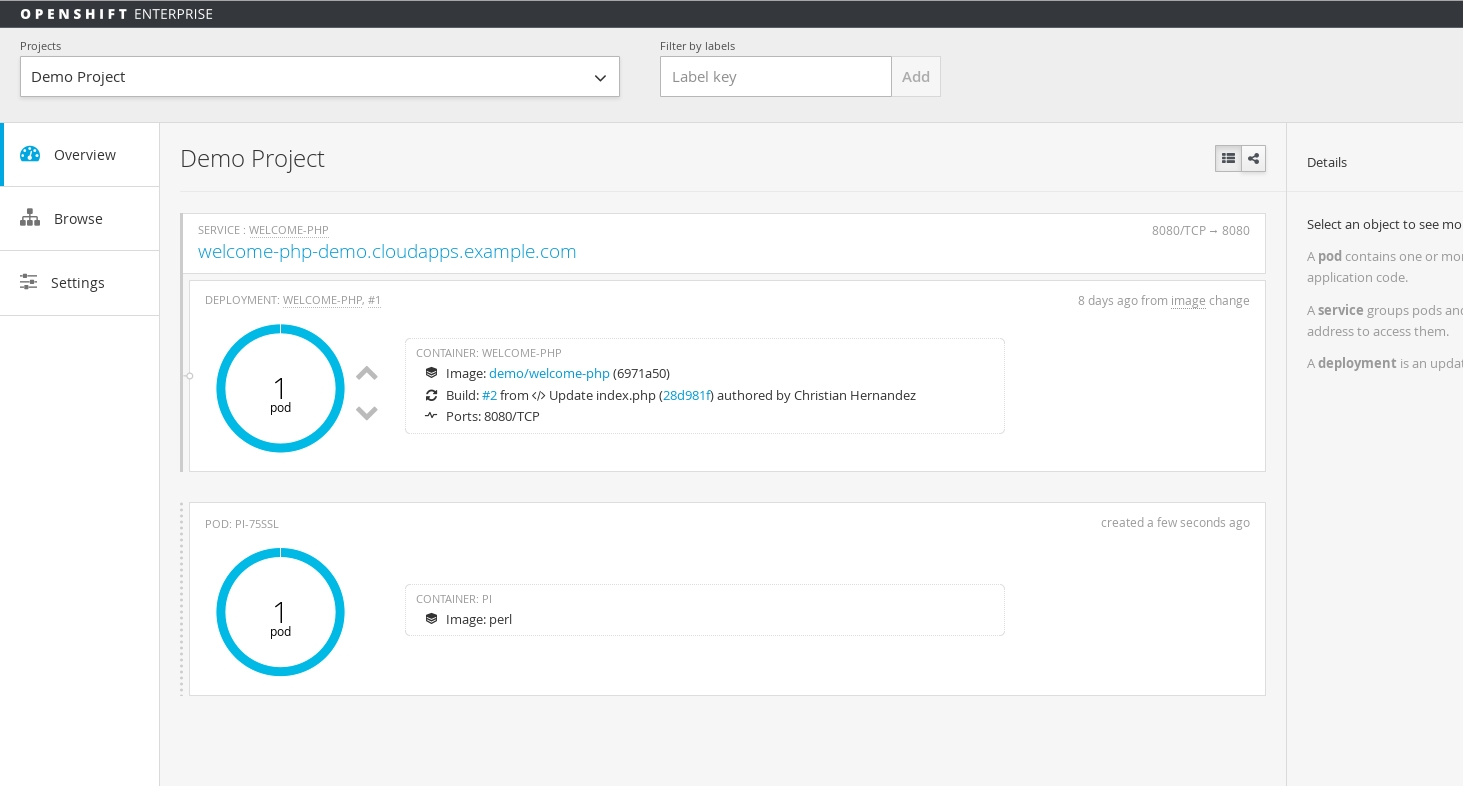
If you are logged into the Web UI; you should see the job appear in the overview page
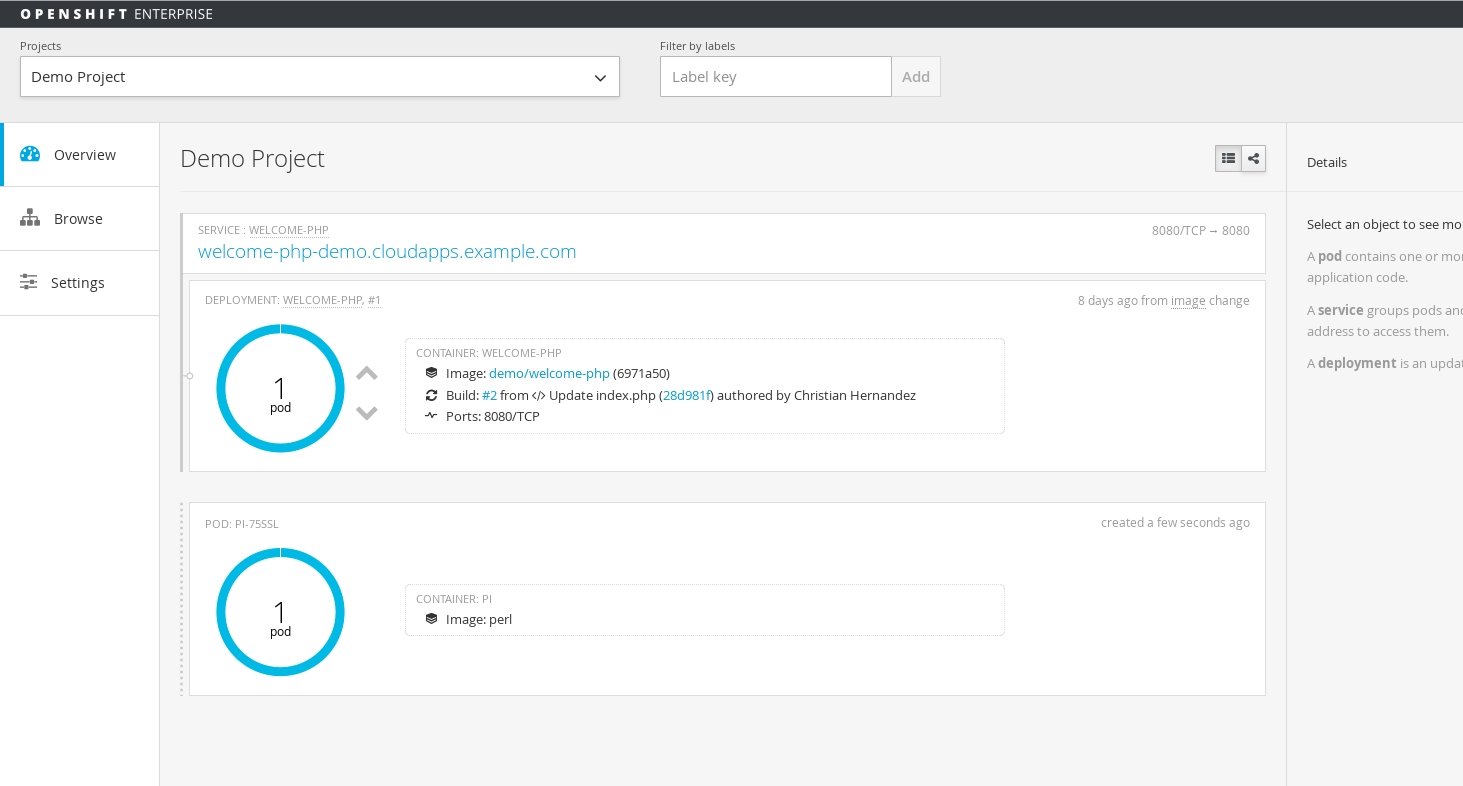
Once the pod is completed; you can see the status of the job
$ oc get jobs

JOB       CONTAINER(S)   IMAGE(S)   SELECTOR      SUCCESSFUL

pi        pi             perl       app in (pi)   1
View the logs to see the output of the job
$ oc logs pi-75ssl

3.1415926535897932384626433832795028841971693993751058209749445923078164062862089986280348253421170679821480865132823066470938446095505822317253594081284811174502841027019385211055596446229489549303819644288109756659334461284756482337867831652712019091456485669234603486104543266482133936072602491412737245870066063155881748815209209628292540917153643678925903600113305305488204665213841469519415116094330572703657595919530921861173819326117931051185480744623799627495673518857527248912279381830119491298336733624406566430860213949463952247371907021798609437027705392171762931767523846748184676694051320005681271452635608277857713427577896091736371787214684409012249534301465495853710507922796892589235420199561121290219608640344181598136297747713099605187072113499999983729780499510597317328160963185950244594553469083026425223082533446850352619311881710100031378387528865875332083814206171776691473035982534904287554687311595628638823537875937519577818577805321712268066130019278766111959092164201989380952572010654858632788659361533818279682303019520353018529689957736225994138912497217752834791315155748572424541506959508295331168617278558890750983817546374649393192550604009277016711390098488240128583616035637076601047101819429555961989467678374494482553797747268471040475346462080466842590694912933136770289891521047521620569660240580381501935112533824300355876402474964732639141992726042699227967823547816360093417216412199245863150302861829745557067498385054945885869269956909272107975093029553211653449872027559602364806654991198818347977535663698074265425278625518184175746728909777727938000816470600161452491921732172147723501414419735685481613611573525521334757418494684385233239073941433345477624168625189835694855620992192221842725502542568876717904946016534668049886272327917860857843838279679766814541009538837863609506800642251252051173929848960841284886269456042419652850222106611863067442786220391949450471237137869609563643719172874677646575739624138908658326459958133904780275901
Scaling
You can scale the job after it's creation by using the oc scale command. This modifies the parallelism dymanicaly while your job is running according to what you pass to the --replicas option.
$ oc scale job pi --replicas=3

job "pi" scaled
Summary
In this article we explored the job object, talked about some use cases, and ran through an example in which we also scaled the job.
Author
Christian Hernandez
Solution Architect
US CSO Solution Architect- OpenShift Tiger Team
@christianh814
執筆者紹介
Christian is a well-rounded technologist with experience in infrastructure engineering, system administration, enterprise architecture, tech support, advocacy, and product management. He is passionate about open source and containerizing the world one application at a time. He is currently a maintainer of the OpenGitOps project, a maintainer of the Argo project, and works as a Technical Marketing Engineer and Tech Lead at Cisco. He focuses on GitOps practices, DevOps, Kubernetes, network security, and containers.
類似検索
Red Hat パートナーが通信ビジネスにおける究極の資産である理由
エージェント型のパラドックスとハイブリッド AI の事例
Crack the Cloud_Open | Command Line Heroes
Edge computing covered and diced | Technically Speaking
チャンネル別に見る

自動化
テクノロジー、チームおよび環境に関する IT 自動化の最新情報

AI (人工知能)
お客様が AI ワークロードをどこでも自由に実行することを可能にするプラットフォームについてのアップデート

オープン・ハイブリッドクラウド
ハイブリッドクラウドで柔軟に未来を築く方法をご確認ください。

セキュリティ
環境やテクノロジー全体に及ぶリスクを軽減する方法に関する最新情報

エッジコンピューティング
エッジでの運用を単純化するプラットフォームのアップデート

インフラストラクチャ
世界有数のエンタープライズ向け Linux プラットフォームの最新情報

アプリケーション
アプリケーションの最も困難な課題に対する Red Hat ソリューションの詳細

仮想化
オンプレミスまたは複数クラウドでのワークロードに対応するエンタープライズ仮想化の将来についてご覧ください