
The adoption of Ray for scalable AI and ML workloads has skyrocketed. The Ray framework is powerful, but as the official documentation emphasizes, developers or platform providers are responsible for their own security.
With Red Hat OpenShift AI, we are committed to providing a production-ready environment for complex AI workloads, and we recognize that robust security is important. That's why we're enhancing the existing controlled network environment (CNE) for Ray Clusters in OpenShift AI 3.0 and delivering that natively with KubeRay. CNE is an opinionated, platform-enforced policy that streamlines Ray's recommended security best practices to protect your clusters by default.
The 3 pillars of the controlled network environment
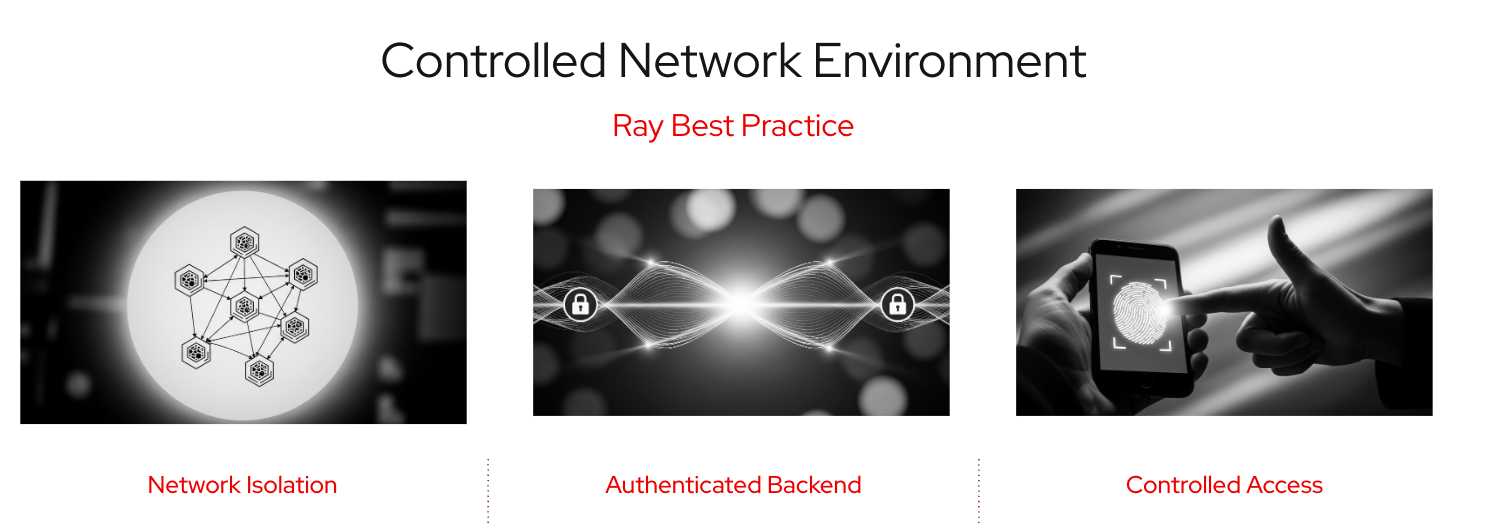
Figure 1: Different aspects of secure system design, focusing on network isolation, authenticated data flow, and controlled user access.
The controlled network environment is built on 3 essential, platform-enforced, security features automatically applied to every Ray Cluster you create in OpenShift AI 3.0.
1. Network isolation
We have streamlined the mechanism for network isolation by automatically applying Kubernetes-native network policies via the KubeRay Operator. This configuration strictly limits network traffic to within the Ray Cluster itself, effectively blocking access from other pods in the network and creating a secure perimeter around your workload.
2. Authenticated backend (mTLS)
Security in OpenShift AI now includes an enforced authenticated backend using mTLS (mutual transport layer security). This critical feature authenticates and encrypts all internal communication within the Ray Cluster. The re-architecture of this feature uses cert-manager to automatically manage the necessary certificates and secrets, simplifying deployment. For users of the codeflare-sdk client, your existing workflows remain unchanged.
3. Controlled access
OpenShift AI 3.0 also improves the user experience and security for accessing the Ray dashboard. The controlled access feature now integrates with the platform's broader authentication redesign using the Gateway API.
The platform now uses the existing OpenShift AI session for authentication, delivering a consistent and uniform user experience (UX) without requiring repeated login actions.
Simplifying and strengthening the platform
In addition to the security benefits, these changes have also led to platform improvements.
- Simplified design: The main driver of these changes was to simplify the overall architecture. Moving core security logic—like network isolation and mTLS configuration—directly into the KubeRay Reconciler helped reduce complexity, paving the way for faster updates and feature delivery in the future.
- Improved UX: The new controlled access uses a broader platform authentication redesign, providing smoother, more secure UX.
- Platform enforcement policy: The entire CNE configuration automatically applies the necessary configuration to any Ray Cluster created within an OpenShift AI environment. This approach strengthens cluster security by default.
Contributing upstream
The re-architecture wasn't just about simplification, it also helped lay the groundwork for future collaboration. We are already beginning the process of contributing these changes to the upstream KubeRay community.
Next steps
Red Hat OpenShift AI 3.0 delivers a production-ready Ray experience by making robust security the default. Get started with your Ray workloads today.
Want to learn more about Ray and Kueue integration (currently in Technical Preview) on OpenShift AI 3? See technical deep dive: Tame Ray workloads on OpenShift AI with KubeRay and Kueue.
Resource
The adaptable enterprise: Why AI readiness is disruption readiness
About the authors
More like this
RHEL for NVIDIA delivers trusted foundation for next-gen AI workloads
Red Hat and HP: Empowering physical AI from bench to fleet
Can agentic AI patch the internet?
How Red Hat cleared IT debt for scalable AI
Browse by channel

Automation
The latest on IT automation for tech, teams, and environments

Artificial intelligence
Updates on the platforms that free customers to run AI workloads anywhere

Open hybrid cloud
Explore how we build a more flexible future with hybrid cloud

Security
The latest on how we reduce risks across environments and technologies

Edge computing
Updates on the platforms that simplify operations at the edge

Infrastructure
The latest on the world’s leading enterprise Linux platform

Applications
Inside our solutions to the toughest application challenges

Virtualization
The future of enterprise virtualization for your workloads on-premise or across clouds
