
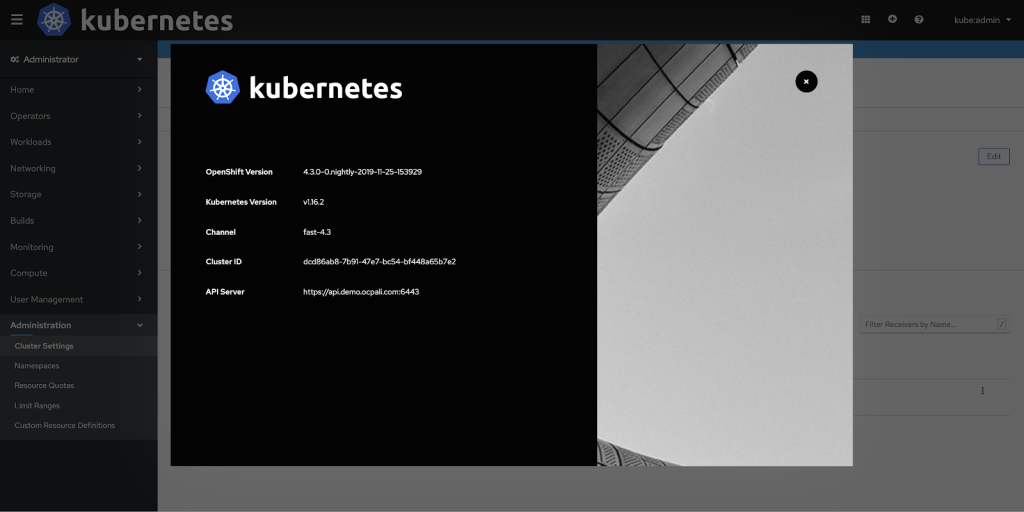
You can customize the OpenShift Container Platform web console to set a custom logo and product name. This is especially helpful if you need to tailor the web console to meet specific corporate or government requirements.
Add a Custom Logo and Product Name
Prerequisites
Create a file of the logo that you want to use. The logo can be a file in any common image format (e.g. GIF, JPG, PNG, or SVG) and is constrained to a max-height of 60px.
Procedure
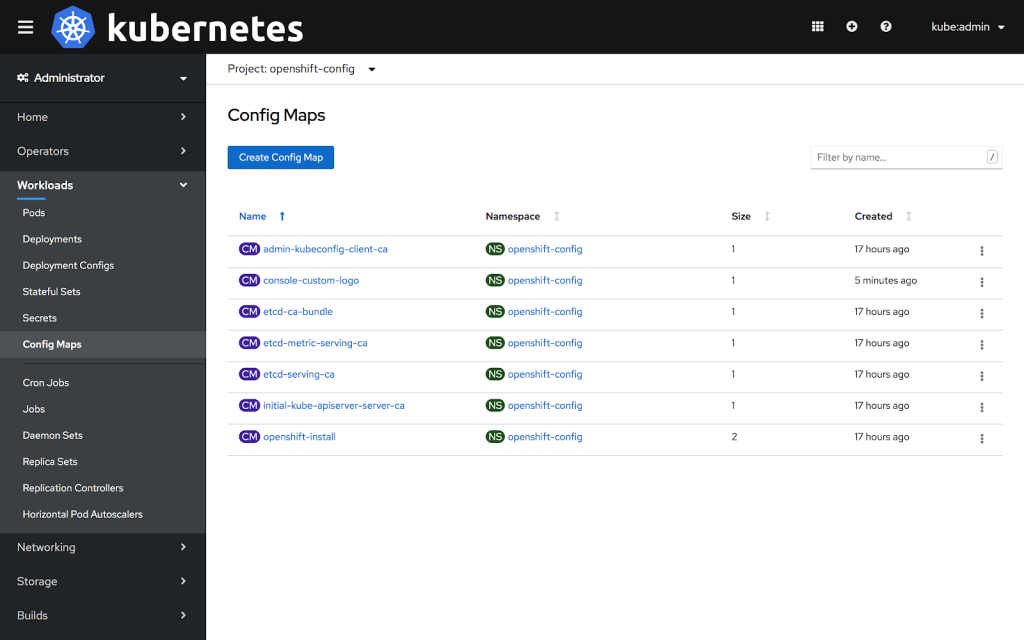
1: Import your logo file into a ConfigMap in the openshift-config namespace:
$ oc create configmap console-custom-logo --from-file=/path/to/console-custom-logo.png -n openshift-config
2: Edit the web console’s Operator configuration to include customLogoFile and customProductName:
$ oc apply -f <file>


apiVersion: operator.openshift.io/v1
kind: Console
metadata:
   name: cluster
spec:
   customization:
      customProductName: MyProduct
      customLogoFile:
         name: console-custom-logo
         key: console-custom-logo.png
Once the Operator configuration is updated, it will sync the custom logo ConfigMap into the console namespace, mount it to the console pod, and redeploy.
3: Check for success. If there are any issues, the console cluster operator will report Degraded, and the console Operator configuration will also report CustomLogoDegraded, but with reasons like KeyOrFilenameInvalid or NoImageProvided.
To check the clusteroperator, run:
$ oc get clusteroperator console -o yaml
To check the console Operator configuration, run:
$ oc get console.operator.openshift.io -o yaml
About the author
More like this
Chaos engineering in practice: Lessons from enterprise customers
Red Hat extends RHEL special offering to participants of Google for Startups Cloud Program
Crack the Cloud_Open | Command Line Heroes
Edge computing covered and diced | Technically Speaking
Browse by channel

Automation
The latest on IT automation for tech, teams, and environments

Artificial intelligence
Updates on the platforms that free customers to run AI workloads anywhere

Open hybrid cloud
Explore how we build a more flexible future with hybrid cloud

Security
The latest on how we reduce risks across environments and technologies

Edge computing
Updates on the platforms that simplify operations at the edge

Infrastructure
The latest on the world’s leading enterprise Linux platform

Applications
Inside our solutions to the toughest application challenges

Virtualization
The future of enterprise virtualization for your workloads on-premise or across clouds
