
In OpenShift 4.9, we introduced User Preferences. This enhancement allows individual users to set preferences across the console, providing a customizable experience.
User Preferences consists of two tabs in 4.9:
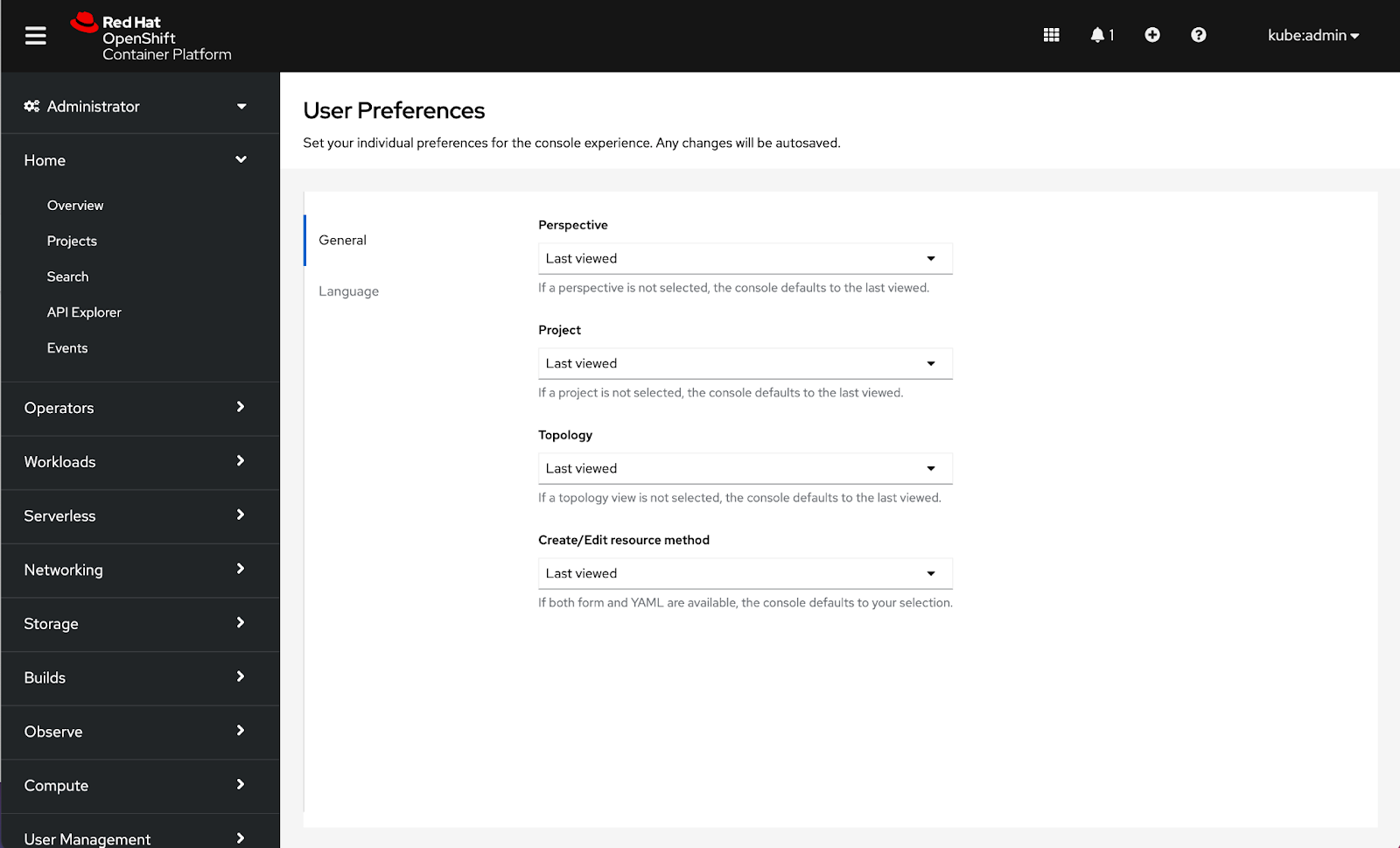
- General - Users can set their preferences for perspective, project, topology, and create/edit resource methods for the console
- Language - Users can set their language preference for the console
Let’s take a closer look at how to access preferences as well as the type of customizations provided in 4.9.
How to access user preferences in the console
To access user preferences, navigate to the user drop-down in the masthead and click on User Preferences. Any changes will be autosaved.

 How to configure general console preferences
General preferences will enable users to customize defaults for Perspective, Project, Topology, and Create/Edit resource method.
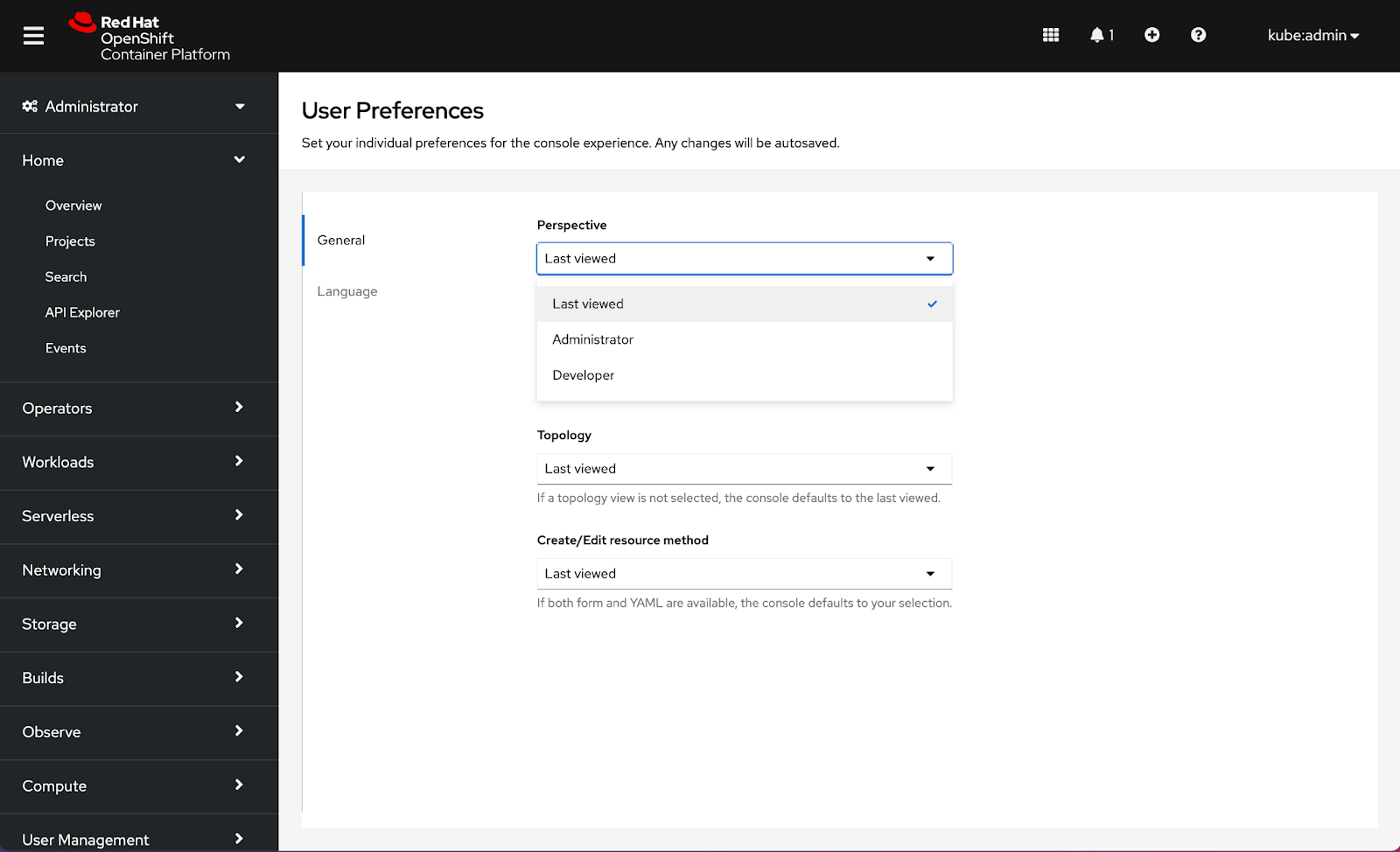
Configuring a Perspective will allow users to select a default perspective for when they log in to the console. RBAC may detect a perspective for the first login, but the console will default to Last viewed until an alternative selection is made. Choices for Perspective include Last viewed, Administrator, and Developer.
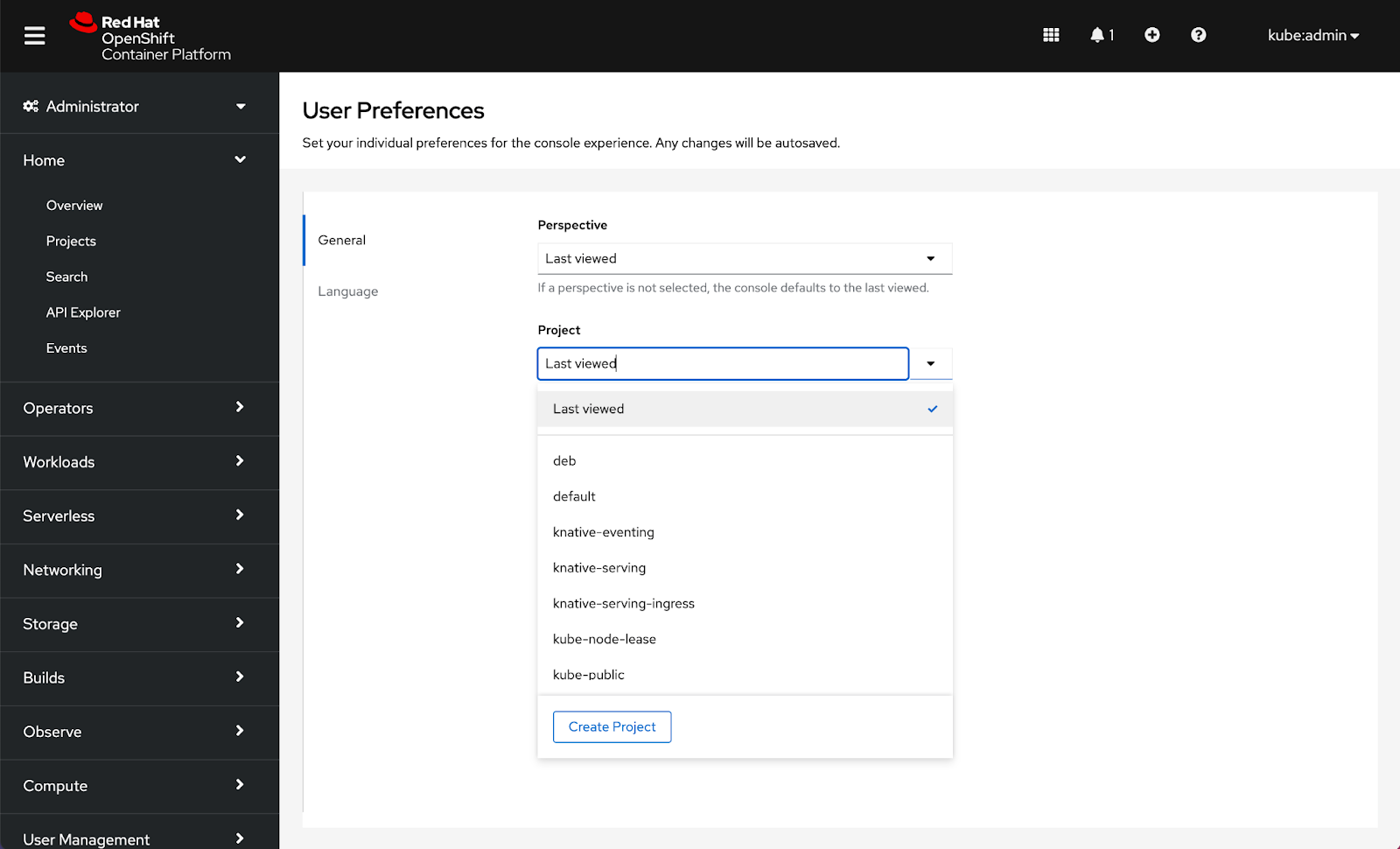
Setting a Project will allow users to select a default project for when they log in to the console. The console will default to Last viewed until an alternative selection is made. Choices that appear in the Project drop-down are controlled by RBAC:
Setting a Topology preference allows users to select a default view to be applied across the console. RBAC may detect a default view for first login, but the console will default to Last viewed until an alternative selection is made. Choices for Topology are Last viewed, Graph, and List:

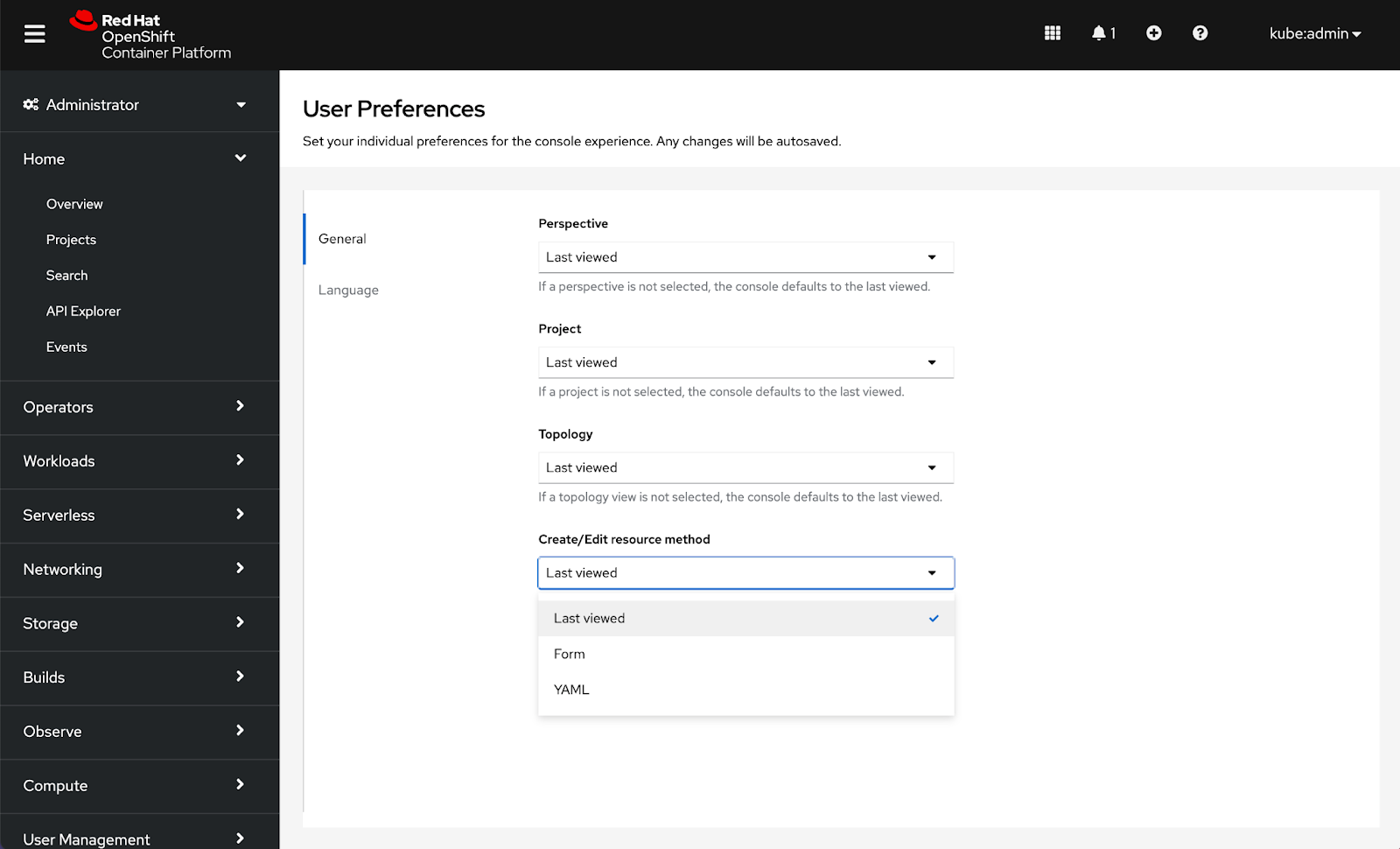
Setting a preferred method to Create/Edit resources will allow users to select a default to be applied across the console whenever both choices are available. The console will default to Last viewed until an alternative selection is made. Choices for Create/Edit resource methods are Last viewed, Form, and YAML:
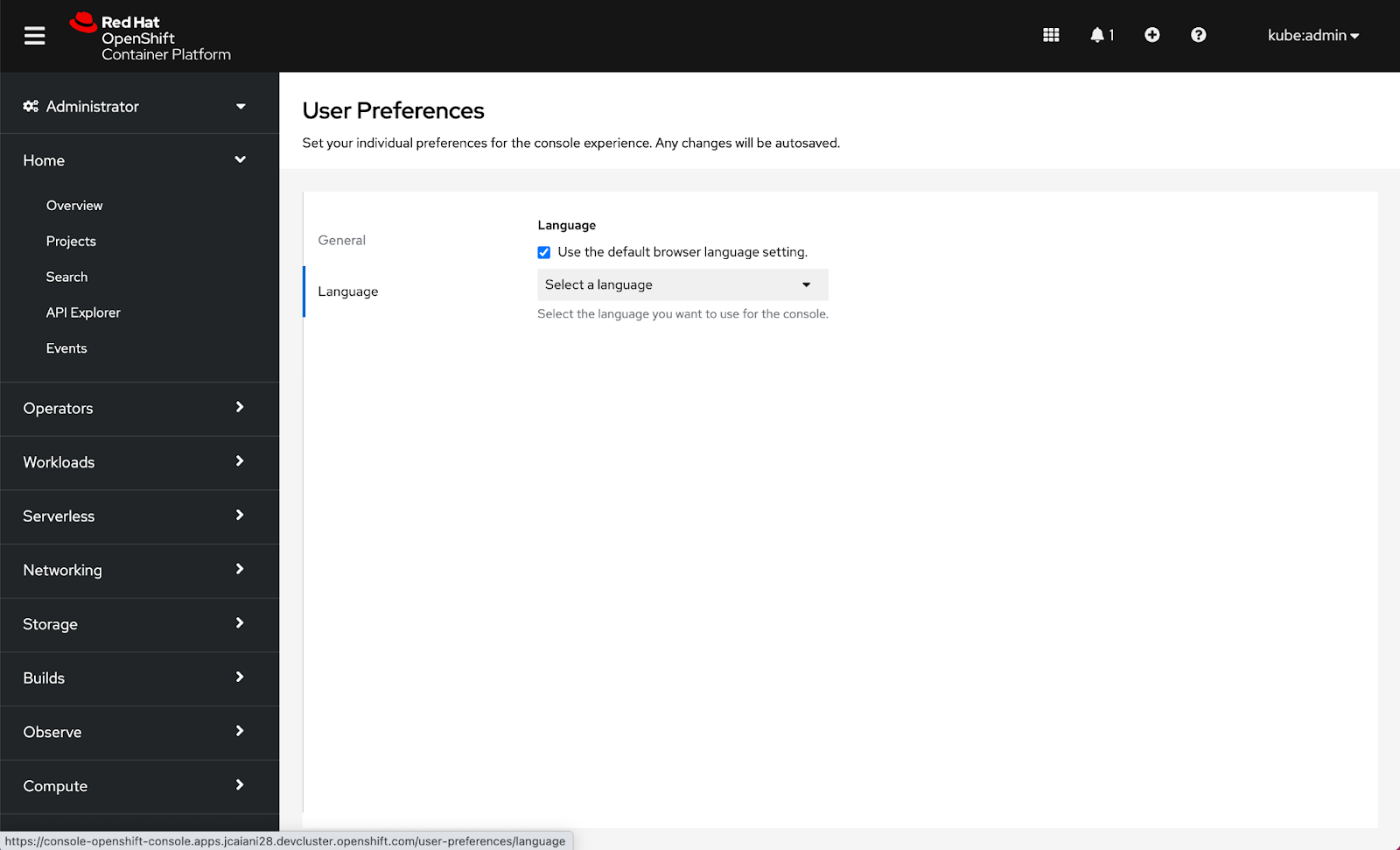
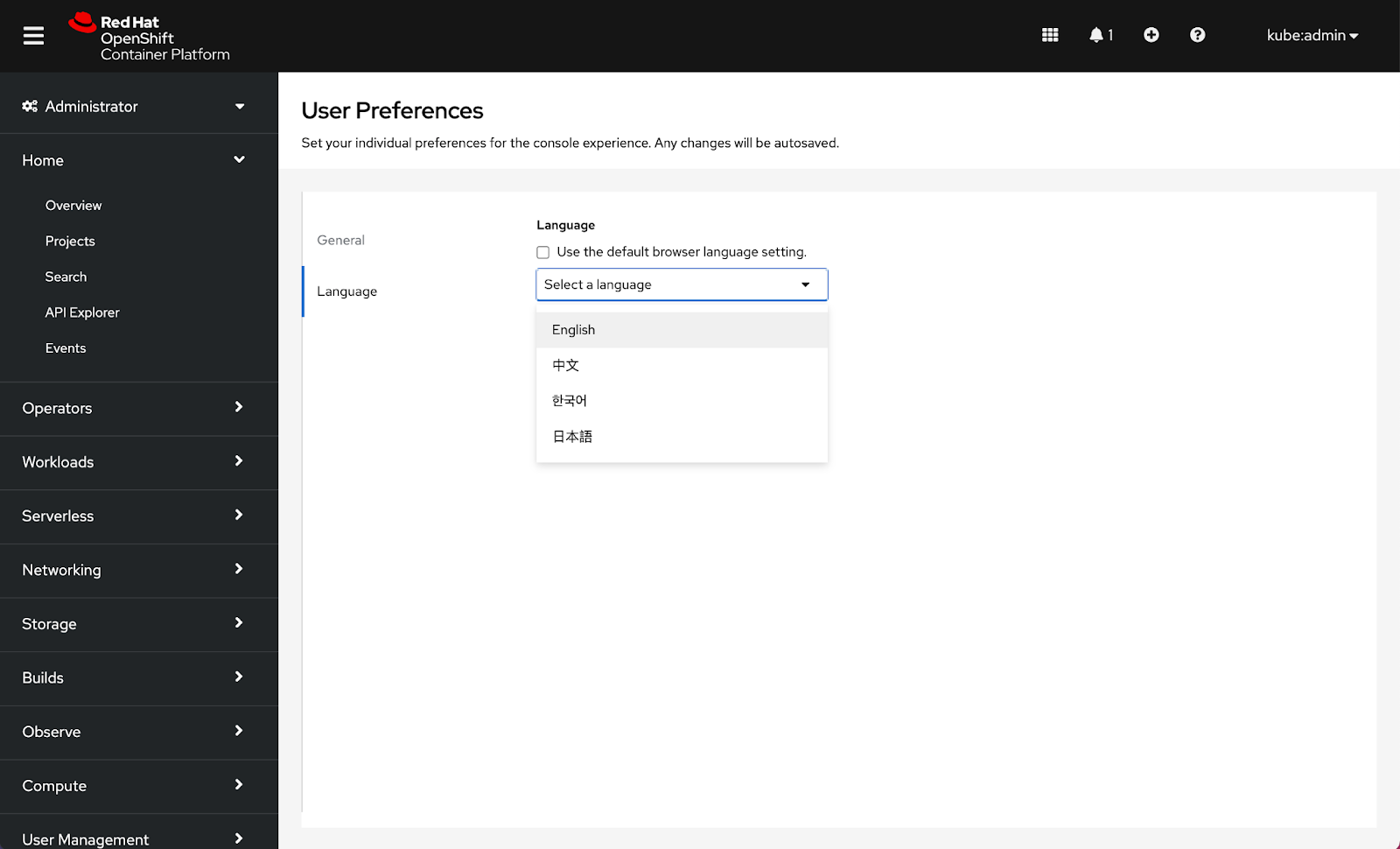
How to configure language preferences
Language preferences were added in 4.7 and are now located under the Language tab inside User Preferences.
Note: Date format, Time format, Time zone, and Relative timestamps are considerations for additional preferences in the future.
Connect with us
Look for more user preference enhancements in upcoming releases.
We are always growing and evolving our improvements to OpenShift with a customer-first mindset. Be on the lookout for more enhancements in future releases. And do not forget to sign up to participate in future research opportunities to share your OpenShift experiences.
Let us know your thoughts. We would love to connect with users like you. Stay up to speed with the OpenShift design team on our OpenShift Design site, and be sure to catch us on the OpenShift Twitch channel.
About the author
More like this
Red Hat extends RHEL special offering to participants of Google for Startups Cloud Program
Use EVPN in Red Hat OpenShift 4.22 to integrate production networks across Kubernetes cluster boundaries
Crack the Cloud_Open | Command Line Heroes
Edge computing covered and diced | Technically Speaking
Browse by channel

Automation
The latest on IT automation for tech, teams, and environments

Artificial intelligence
Updates on the platforms that free customers to run AI workloads anywhere

Open hybrid cloud
Explore how we build a more flexible future with hybrid cloud

Security
The latest on how we reduce risks across environments and technologies

Edge computing
Updates on the platforms that simplify operations at the edge

Infrastructure
The latest on the world’s leading enterprise Linux platform

Applications
Inside our solutions to the toughest application challenges

Virtualization
The future of enterprise virtualization for your workloads on-premise or across clouds
