3D
個々のオブジェクトからシーン全体に至るまで、3 次元 (3D) でビジュアル化することにより、複雑な概念をより具体的な方法で表現することができます。3D を使うことで、イラストのように様式化しながら、写真のようによりリアルに概念を表現して、形のない概念と現実の間のギャップを埋めることができます。
また 3D は、当社のハイブリッドスタイルを使用して視覚的な概念を統合するのにも役立ちます。つまり、Red Hat らしい見た目と雰囲気を保ちながら、スタイリッシュかつカスタマイズ性の高い方法でシーンに奥行きと遠近感をもたらすことができるのです。
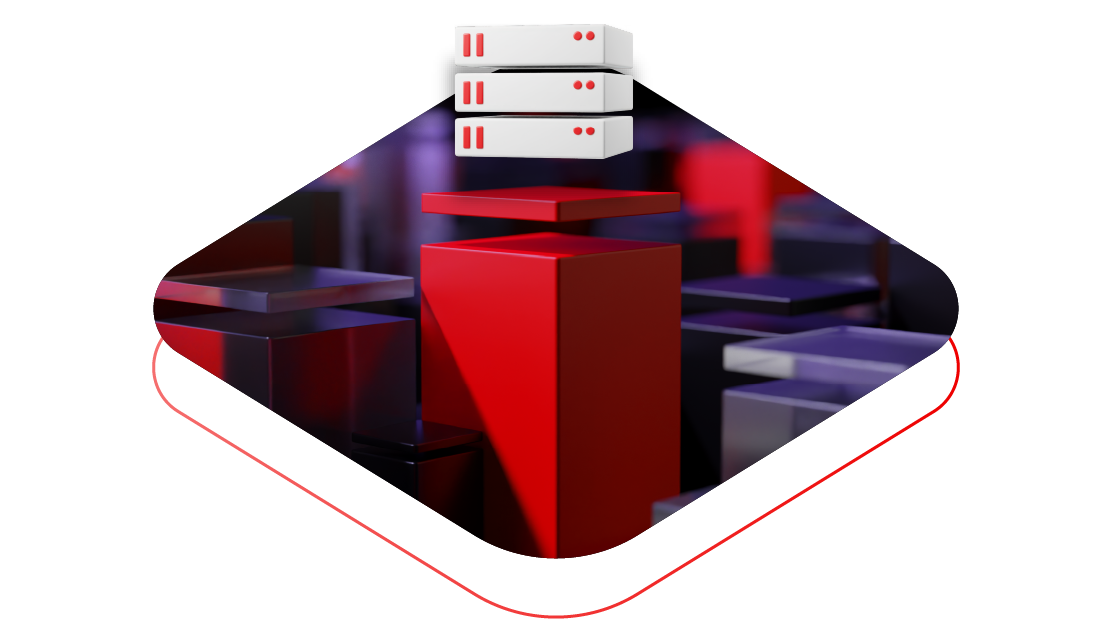
Red Hat における 3D の属性
当社の 3D ビジュアライゼーションは、その制作方法や、構成における使用方法が当社のブランドの個性を強調するものとなっています。アイコンやイラストと同様、3D は、Red Hat らしいデザインを意味のある形で使用して概念を具現化するのに役立ちます。
当社の 3D ビジュアライゼーションは説明に役立つものであり、図式的なものではありません
3D ビジュアライゼーションは、テクノロジーの複雑な性質や、ユーザーが作業で直面する実際の課題について、概念的なストーリーを伝えるのに役立ちます。
それらには意味があり、アイコンなどデザイン言語の他の要素と同様に、テクノロジーの概念を表す視覚的なメタファー (比喩) を使用しています。
当社の 3D ビジュアライゼーションは現実に近いものですが、完璧ではありません
3D ビジュアライゼーションは、実際のオブジェクトの正確な詳細を再現するのではなく、親しみやすく、魅力的な形式となるように設計されています。
アニメやおもちゃのようなフォルムと超現実的な CGI の間の、絶妙なバランスのデザインです。Red Hat 3D モデルはその両極のどちらにも寄っていません。
当社の 3D ビジュアライゼーションは当社独自のものですが、柔軟性がないわけではありません
当社の 3D ビジュアライゼーションでは、限定的なカラーパレットと一貫性のある素材感とライティングを使用します。
そうすることで、3D のビジュアルに命を吹き込み、オーディエンスに向けて適切な印象を与えると同時に、常に Red Hat らしさを感じてもらうことができます。
素材感、色、ライティング
一貫性を保ち、Red Hat らしい見た目と雰囲気を実現するために、Red Hat の 3D ビジュアライゼーションはすべて同じ素材感およびライティングスキームに沿っている必要があります。
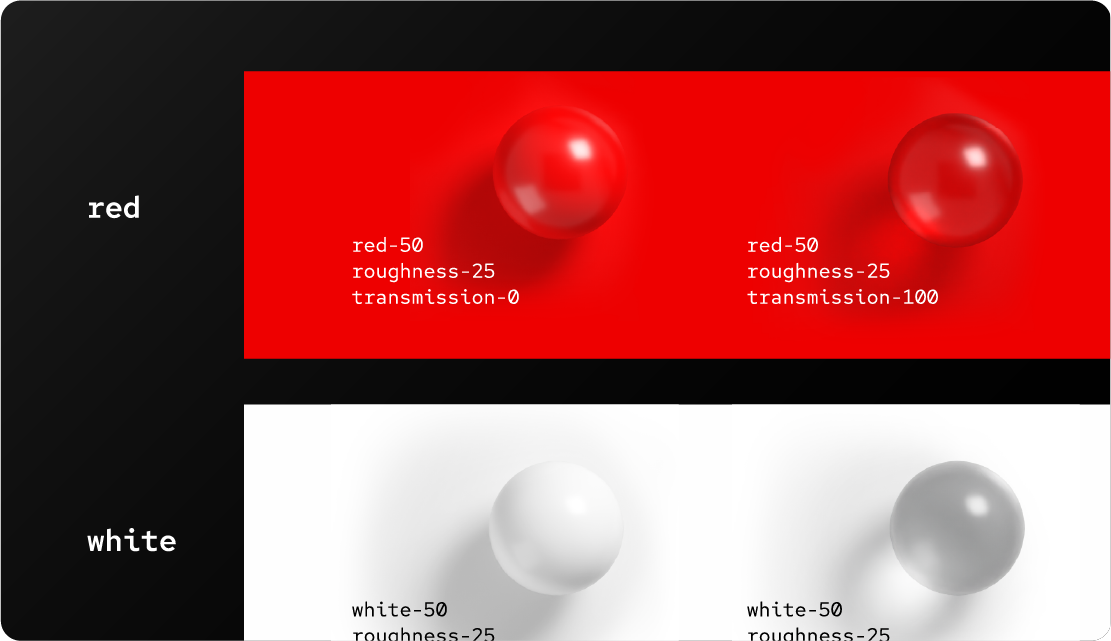
素材感と色
Red Hat のカラーパレットを使用して、曇りガラスおよびガラスシェーダーを作成します。
最終レンダリング出力における色精度を、当社の正確な値と比較して確認してください。ライティングとレンダリングは、素材の 16 進数値が一致している場合でも、レンダリングに影響します。

透明素材
透明ガラスや曇りガラスなどの透明素材を使用すると、3D ビジュアライゼーションに軽やかさと透明感が加わります。
透明性は Red Hat のオープンソースの理念にもつながっているため、透明素材については意図的に選ぶ必要があります。オブジェクトは壊れやすく見えてはならず、軽やかに感じられるものでなくてはなりません。
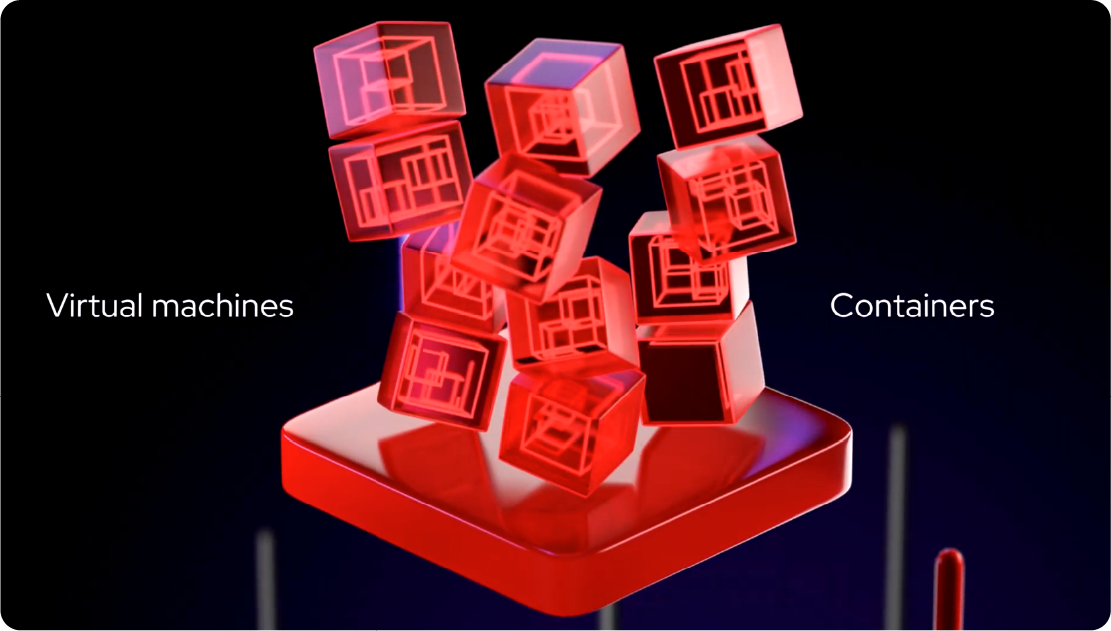
反射
ライティングや透明素材を使用する際には、時間をかけて考慮することが重要です。
透明素材を使用する場合は、反射を控えめ (またはなし) にします。強い反射や全面に光沢のある素材は使用しないでください。
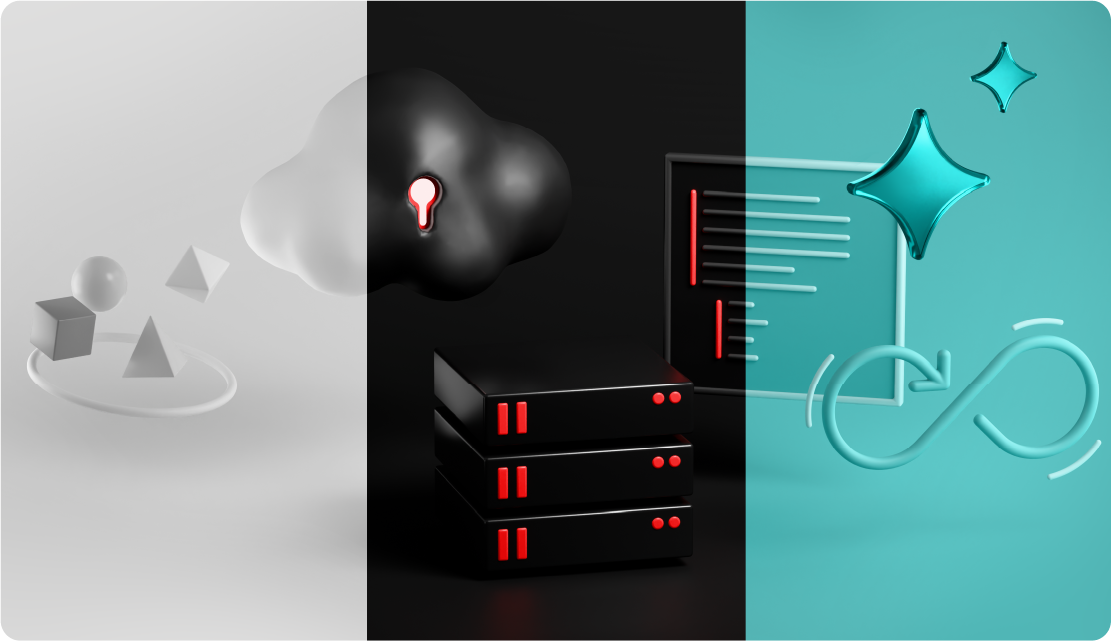
ライティング
まず 3 点のライティングシステムから始め、他のバウンス光や反射を重ねてイメージを作成します。グローバルライトを 1 つだけ使用することはしません。
当社のハイブリッドスタイルのアプローチでは、3 点のライティングを使用することで、写真と 3D レンダリングなど、さまざまなメディアをコラージュのように組み合わせることができます。
Red Hat での 3D の種類
プロジェクトによっては、複数の異なるタイプの 3D ビジュアライゼーションの中から 1 つを選ぶのが適切な場合があります。オブジェクトライブラリやプラットフォームアートのように、特定の 3D 表現を一貫して使用すべきトピックもあれば、奥行きや遠近感、シーン設定を表現するために、より柔軟な表現が有効となるトピックもあります。
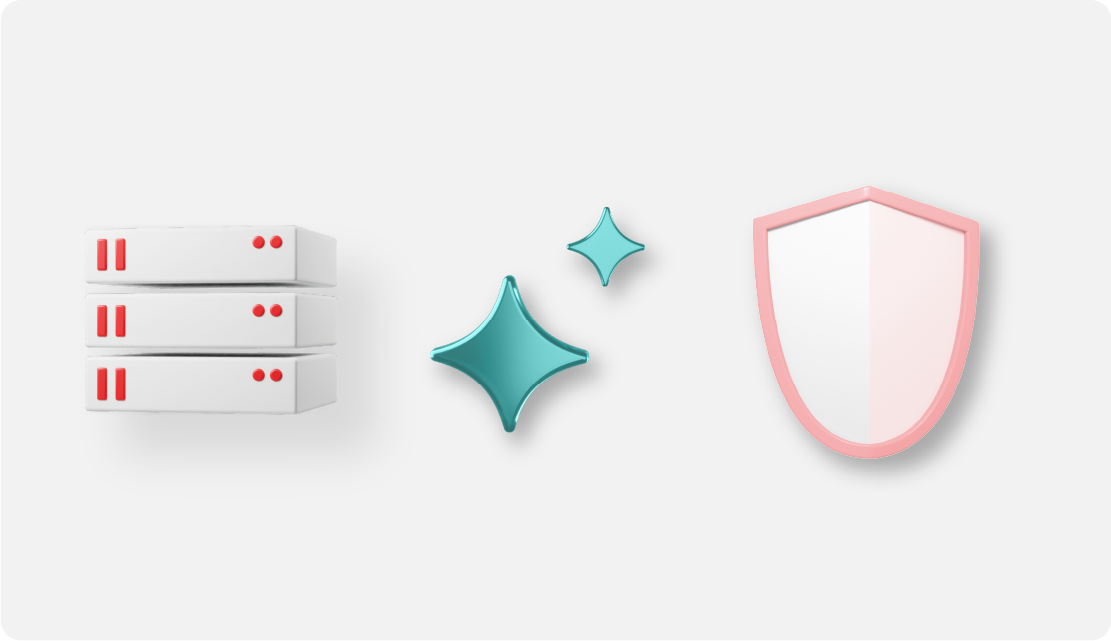
シンプルなオブジェクト
Red Hat の 3D オブジェクトの多くは、特定のトピックを単純化および様式化して表現したものです。それらの多くは、その技術や業界に関連する実際の物体を表しています。
また、中には比喩的なものもあり、概念や技術の仕組みを表しています (たとえば、セキュリティを表す盾や、AI 体験を表すきらめきなど)。

詳細なモデル
これらのモデルは、特定の技術機能や対象分野のエキスパート (自動車業界や通信、またはモノのインターネットなどの特定のトピックなど) を対象として設計されています。
当社の他のブランドアセットと同様、詳細なモデルは当社のデザイン言語全体に見られる視覚的なメタファー (比喩) に沿っています。これらのモデルは視覚的に表現したものであり、すべてのニーズを考慮しているわけではありません。より正確な表現が必要な場合は、代わりに写真を使用してください。

テクノロジーアイコン
当社のサブブランドである 4 つのプラットフォームを表すテクノロジーアイコン は 3D で表されます。3D で作成されているアイコンはこれらのみです。

3D プラットフォームのアートワーク
抽象的なテクノロジーの概念を 3D アートワークで視覚化すると、当社の製品やソリューションでできることをより適切に説明できます。プラットフォーム・アートワークの各カテゴリは、特定の Red Hat テクノロジーの概念に沿っています。

3D の完全にアニメーション化されたシーン
フルフレームの 3D 環境では、カメラの動きとアニメーションを最大限にコントロールできます。この抽象的なスペースは、当社のテクノロジーのメリットを視覚化し、説明するために最適です。
これはアニメーションのみのアプローチであり、静的なデザインとして使用しないでください。
3D の使用例

3D オブジェクトを使用して、特定のトピックやテクノロジーを単純化して表示します。
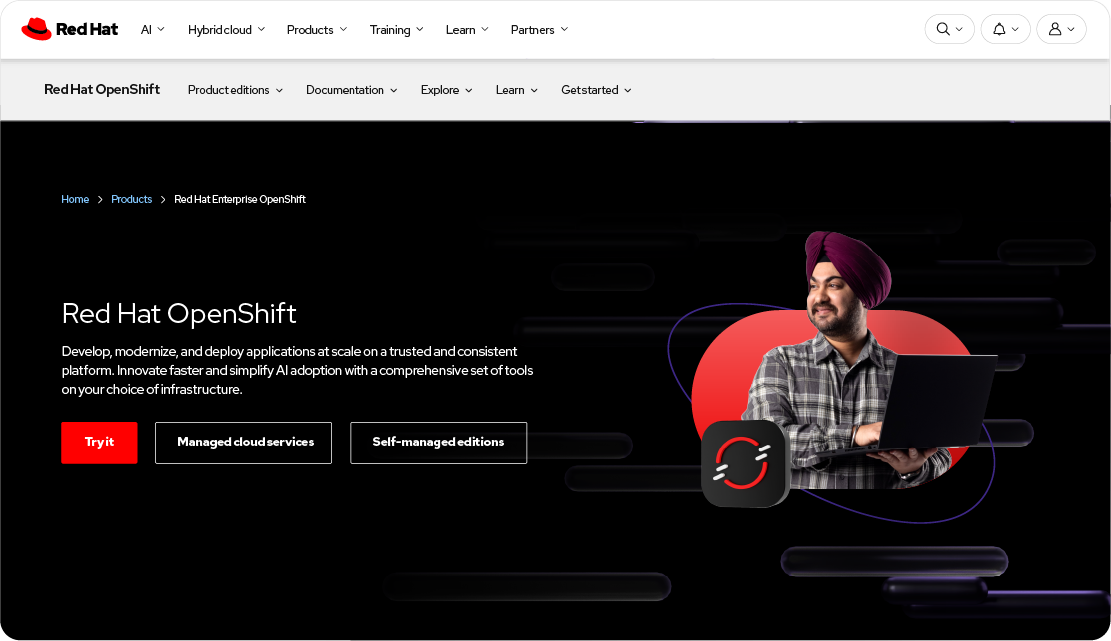
3D オブジェクトと実際の人物の写真を使用して、それらの人々が日常的に携わっている製品、ソリューション、アイデアを強調します。
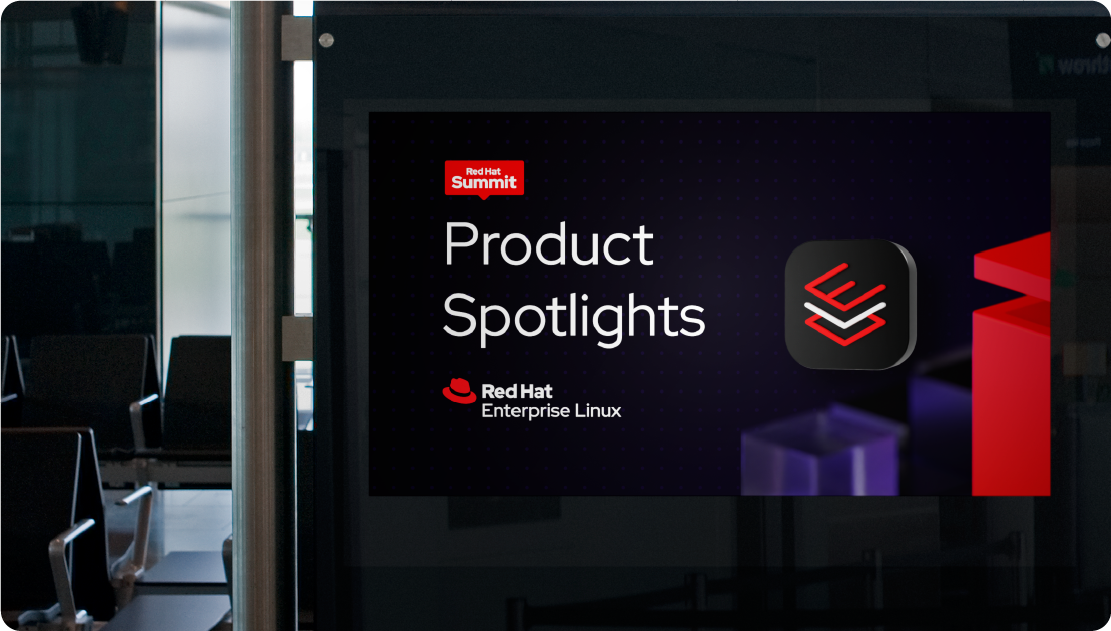
3D プラットフォームのアートワークを使用して抽象的なテクノロジーを表現し、当社の製品とテクノロジーに焦点を当てます。
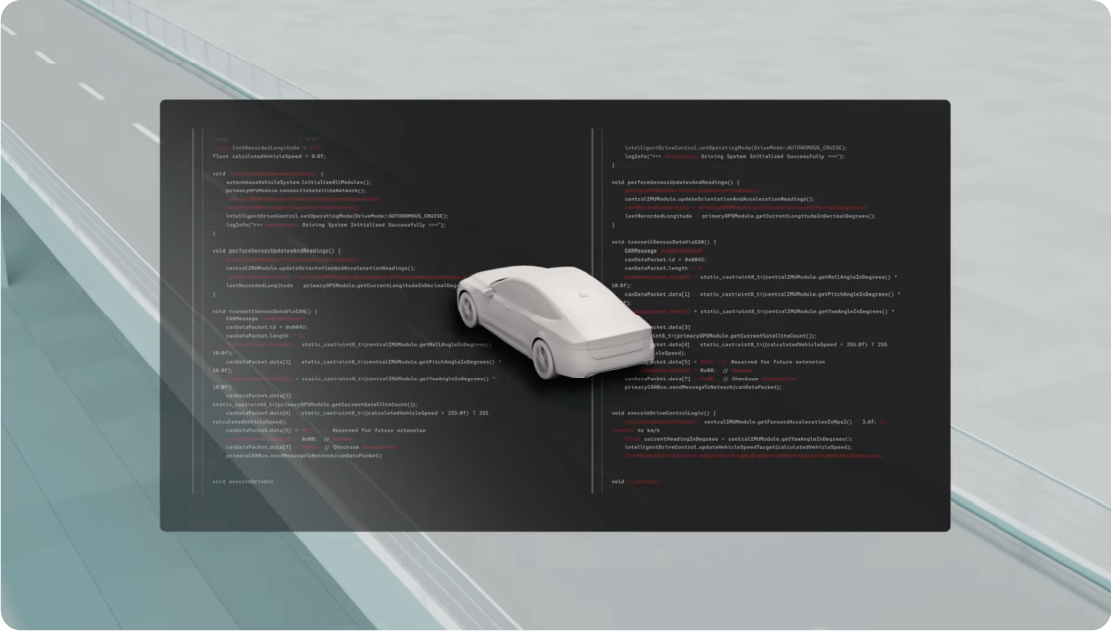
カメラの動きやアニメーションをコントロールして、より表現豊かなストーリーテリングやテクノロジーの概念説明を行う必要がある場合は、完全にアニメーション化された 3D シーンを使用します。

悪い例:3D オブジェクトの色を勝手に変えたり、変えたものを使用したりしないでください。3D オブジェクトは所定の色使いでのみ提供されます。
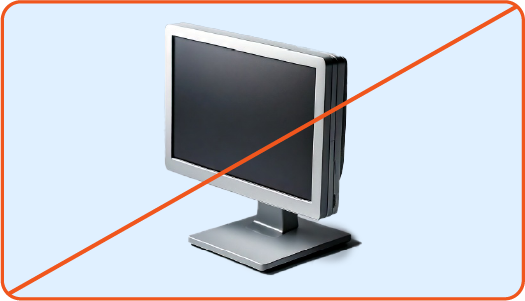
悪い例:3D オブジェクトの作成に、トレーニングされていない AI モデルや画像生成ツールを使用しないでください。当社のカスタム Firefly モデルを使用して、新しい 3D オブジェクトをすばやく作成しましょう。
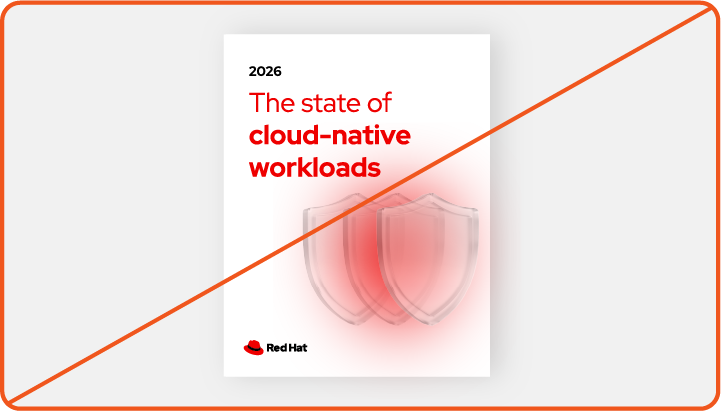
悪い例:頑丈さや壊れにくさが求められるものには、ガラスを使用しないでください。
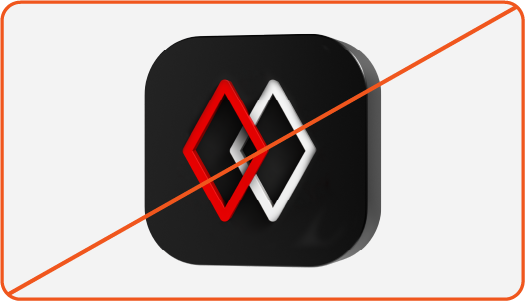
悪い例:他のアイコンの 3D バージョンを作成しないでください (その代わりに 2D バージョンを使用します)。

悪い例:他のスタイルの 3D プラットフォーム・アートワークを使用したり作成したりしないでください。

悪い例:ハイブリッドスタイルのコラージュに、当社のスタイルではない 3D のオブジェクトや人物を使用したり作成したりしないでください。
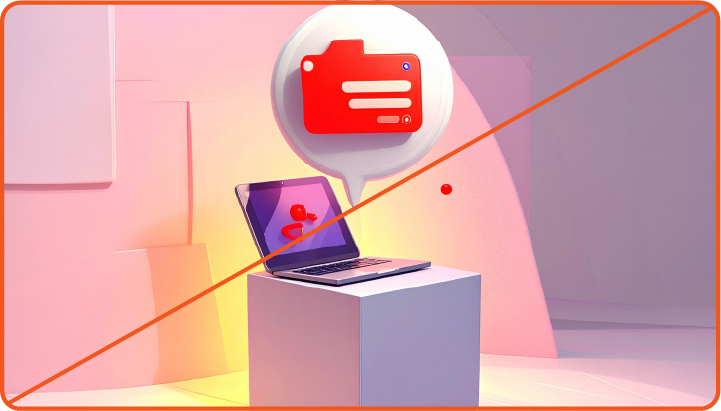
悪い例:3D シーンを作成するために、トレーニングされていない AI モデルや画像生成ツールを使用しないでください。

悪い例:複数の個別の 3D 要素を組み合わせて 1 つのシーンを作成しないでください。ライティング、視点、その他の詳細を固定し、互いに一貫性がないものは許可されません。
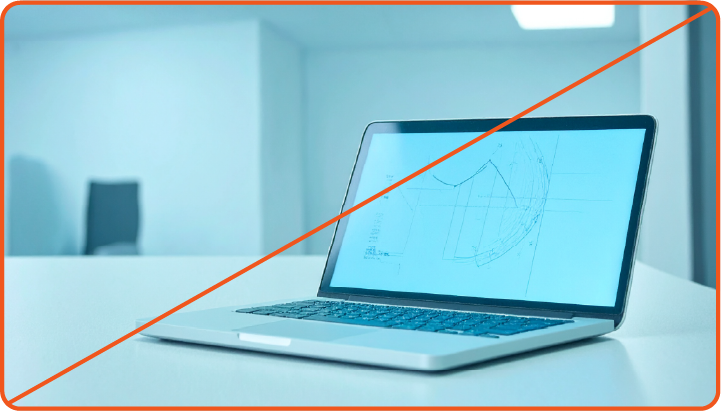
悪い例:リアルすぎる 3D オブジェクトやシーンを使用したり作成したりしないでください。その代わりに写真を使用します。
ブランド標準に関するフィードバックがございましたら、こちらからお送りください。
ご不明な点がある場合は、Red Hat の社員は Slack の #help-brand チャンネルまでお問い合わせください。